mirror of
https://github.com/huggingface/diffusers.git
synced 2026-03-31 12:57:55 +08:00
Compare commits
32 Commits
single-fil
...
fix/lora-l
| Author | SHA1 | Date | |
|---|---|---|---|

|
f9c7b327cb | ||
|
|
255adf0466 | ||
|
|
5d04eebd1f | ||
|
|
f145d48ed7 | ||
|
|
765fef7134 | ||
|
|
8c98a187c7 | ||
|
|
ece6d89cf2 | ||
|
|
16ac1b2f4f | ||
|
|
ec9df6fc48 | ||
|
|
09618d09a6 | ||
|
|
d24e7d3ea9 | ||
|
|
57a16f35ee | ||
|
|
f4adaae5cb | ||
|
|
49a0f3ab02 | ||
|
|
24cb282d36 | ||
|
|
bcf0f4a789 | ||
|
|
fdb114618d | ||
|
|
ed333f06ae | ||
|
|
32212b6df6 | ||
|
|
9ecb271ac8 | ||
|
|
a2792cd942 | ||
|
|
c341111d69 | ||
|
|
b868e8a2fc | ||
|
|
41b9cd8787 | ||
|
|
0d08249c9f | ||
|
|
3b27b23082 | ||
|
|
e4c00bc5c2 | ||
|
|
cf132fb6b0 | ||
|
|
981ea82591 | ||
|
|
20fac7bc9d | ||
|
|
79b16373b7 | ||
|
|
ff3d380824 |
4
.github/ISSUE_TEMPLATE/config.yml
vendored
4
.github/ISSUE_TEMPLATE/config.yml
vendored
@@ -1,4 +1,4 @@
|
||||
contact_links:
|
||||
- name: Questions / Discussions
|
||||
url: https://github.com/huggingface/diffusers/discussions
|
||||
- name: Forum
|
||||
url: https://discuss.huggingface.co/c/discussion-related-to-httpsgithubcomhuggingfacediffusers/63
|
||||
about: General usage questions and community discussions
|
||||
|
||||
2
.github/PULL_REQUEST_TEMPLATE.md
vendored
2
.github/PULL_REQUEST_TEMPLATE.md
vendored
@@ -38,7 +38,7 @@ members/contributors who may be interested in your PR.
|
||||
|
||||
Core library:
|
||||
|
||||
- Schedulers: @yiyixuxu and @patrickvonplaten
|
||||
- Schedulers: @williamberman and @patrickvonplaten
|
||||
- Pipelines: @patrickvonplaten and @sayakpaul
|
||||
- Training examples: @sayakpaul and @patrickvonplaten
|
||||
- Docs: @stevhliu and @yiyixuxu
|
||||
|
||||
14
.github/workflows/delete_doc_comment.yml
vendored
Normal file
14
.github/workflows/delete_doc_comment.yml
vendored
Normal file
@@ -0,0 +1,14 @@
|
||||
name: Delete doc comment
|
||||
|
||||
on:
|
||||
workflow_run:
|
||||
workflows: ["Delete doc comment trigger"]
|
||||
types:
|
||||
- completed
|
||||
|
||||
|
||||
jobs:
|
||||
delete:
|
||||
uses: huggingface/doc-builder/.github/workflows/delete_doc_comment.yml@main
|
||||
secrets:
|
||||
comment_bot_token: ${{ secrets.COMMENT_BOT_TOKEN }}
|
||||
12
.github/workflows/delete_doc_comment_trigger.yml
vendored
Normal file
12
.github/workflows/delete_doc_comment_trigger.yml
vendored
Normal file
@@ -0,0 +1,12 @@
|
||||
name: Delete doc comment trigger
|
||||
|
||||
on:
|
||||
pull_request:
|
||||
types: [ closed ]
|
||||
|
||||
|
||||
jobs:
|
||||
delete:
|
||||
uses: huggingface/doc-builder/.github/workflows/delete_doc_comment_trigger.yml@main
|
||||
with:
|
||||
pr_number: ${{ github.event.number }}
|
||||
2
.github/workflows/pr_test_peft_backend.yml
vendored
2
.github/workflows/pr_test_peft_backend.yml
vendored
@@ -59,7 +59,7 @@ jobs:
|
||||
|
||||
- name: Run fast PyTorch LoRA CPU tests with PEFT backend
|
||||
run: |
|
||||
python -m pytest -n 1 --max-worker-restart=0 --dist=loadfile \
|
||||
python -m pytest -n 2 --max-worker-restart=0 --dist=loadfile \
|
||||
-s -v \
|
||||
--make-reports=tests_${{ matrix.config.report }} \
|
||||
tests/lora/test_lora_layers_peft.py
|
||||
|
||||
2
.github/workflows/push_tests.yml
vendored
2
.github/workflows/push_tests.yml
vendored
@@ -189,7 +189,7 @@ jobs:
|
||||
CUBLAS_WORKSPACE_CONFIG: :16:8
|
||||
run: |
|
||||
python -m pytest -n 1 --max-worker-restart=0 --dist=loadfile \
|
||||
-s -v -k "not Flax and not Onnx and not PEFTLoRALoading" \
|
||||
-s -v -k "not Flax and not Onnx" \
|
||||
--make-reports=tests_peft_cuda \
|
||||
tests/lora/
|
||||
|
||||
|
||||
1
.github/workflows/push_tests_fast.yml
vendored
1
.github/workflows/push_tests_fast.yml
vendored
@@ -98,7 +98,6 @@ jobs:
|
||||
- name: Run example PyTorch CPU tests
|
||||
if: ${{ matrix.config.framework == 'pytorch_examples' }}
|
||||
run: |
|
||||
python -m pip install peft
|
||||
python -m pytest -n 2 --max-worker-restart=0 --dist=loadfile \
|
||||
--make-reports=tests_${{ matrix.config.report }} \
|
||||
examples
|
||||
|
||||
@@ -77,7 +77,7 @@ Please refer to the [How to use Stable Diffusion in Apple Silicon](https://huggi
|
||||
|
||||
## Quickstart
|
||||
|
||||
Generating outputs is super easy with 🤗 Diffusers. To generate an image from text, use the `from_pretrained` method to load any pretrained diffusion model (browse the [Hub](https://huggingface.co/models?library=diffusers&sort=downloads) for 19000+ checkpoints):
|
||||
Generating outputs is super easy with 🤗 Diffusers. To generate an image from text, use the `from_pretrained` method to load any pretrained diffusion model (browse the [Hub](https://huggingface.co/models?library=diffusers&sort=downloads) for 16000+ checkpoints):
|
||||
|
||||
```python
|
||||
from diffusers import DiffusionPipeline
|
||||
@@ -219,7 +219,7 @@ Also, say 👋 in our public Discord channel <a href="https://discord.gg/G7tWnz9
|
||||
- https://github.com/deep-floyd/IF
|
||||
- https://github.com/bentoml/BentoML
|
||||
- https://github.com/bmaltais/kohya_ss
|
||||
- +8000 other amazing GitHub repositories 💪
|
||||
- +7000 other amazing GitHub repositories 💪
|
||||
|
||||
Thank you for using us ❤️.
|
||||
|
||||
|
||||
@@ -162,25 +162,6 @@ class LCMLoRATextToImageBenchmark(TextToImageBenchmark):
|
||||
guidance_scale=1.0,
|
||||
)
|
||||
|
||||
def benchmark(self, args):
|
||||
flush()
|
||||
|
||||
print(f"[INFO] {self.pipe.__class__.__name__}: Running benchmark with: {vars(args)}\n")
|
||||
|
||||
time = benchmark_fn(self.run_inference, self.pipe, args) # in seconds.
|
||||
memory = bytes_to_giga_bytes(torch.cuda.max_memory_allocated()) # in GBs.
|
||||
benchmark_info = BenchmarkInfo(time=time, memory=memory)
|
||||
|
||||
pipeline_class_name = str(self.pipe.__class__.__name__)
|
||||
flush()
|
||||
csv_dict = generate_csv_dict(
|
||||
pipeline_cls=pipeline_class_name, ckpt=self.lora_id, args=args, benchmark_info=benchmark_info
|
||||
)
|
||||
filepath = self.get_result_filepath(args)
|
||||
write_to_csv(filepath, csv_dict)
|
||||
print(f"Logs written to: {filepath}")
|
||||
flush()
|
||||
|
||||
|
||||
class ImageToImageBenchmark(TextToImageBenchmark):
|
||||
pipeline_class = AutoPipelineForImage2Image
|
||||
|
||||
@@ -24,9 +24,9 @@ ENV PATH="/opt/venv/bin:$PATH"
|
||||
# pre-install the heavy dependencies (these can later be overridden by the deps from setup.py)
|
||||
RUN python3 -m pip install --no-cache-dir --upgrade pip && \
|
||||
python3 -m pip install --no-cache-dir \
|
||||
torch==2.1.2 \
|
||||
torchvision==0.16.2 \
|
||||
torchaudio==2.1.2 \
|
||||
torch \
|
||||
torchvision \
|
||||
torchaudio \
|
||||
onnxruntime \
|
||||
--extra-index-url https://download.pytorch.org/whl/cpu && \
|
||||
python3 -m pip install --no-cache-dir \
|
||||
|
||||
@@ -24,9 +24,9 @@ ENV PATH="/opt/venv/bin:$PATH"
|
||||
# pre-install the heavy dependencies (these can later be overridden by the deps from setup.py)
|
||||
RUN python3 -m pip install --no-cache-dir --upgrade pip && \
|
||||
python3 -m pip install --no-cache-dir \
|
||||
torch==2.1.2 \
|
||||
torchvision==0.16.2 \
|
||||
torchaudio==2.1.2 \
|
||||
torch \
|
||||
torchvision \
|
||||
torchaudio \
|
||||
"onnxruntime-gpu>=1.13.1" \
|
||||
--extra-index-url https://download.pytorch.org/whl/cu117 && \
|
||||
python3 -m pip install --no-cache-dir \
|
||||
|
||||
@@ -26,9 +26,9 @@ ENV PATH="/opt/venv/bin:$PATH"
|
||||
# pre-install the heavy dependencies (these can later be overridden by the deps from setup.py)
|
||||
RUN python3.9 -m pip install --no-cache-dir --upgrade pip && \
|
||||
python3.9 -m pip install --no-cache-dir \
|
||||
torch==2.1.2 \
|
||||
torchvision==0.16.2 \
|
||||
torchaudio==2.1.2 \
|
||||
torch \
|
||||
torchvision \
|
||||
torchaudio \
|
||||
invisible_watermark && \
|
||||
python3.9 -m pip install --no-cache-dir \
|
||||
accelerate \
|
||||
@@ -40,6 +40,7 @@ RUN python3.9 -m pip install --no-cache-dir --upgrade pip && \
|
||||
numpy \
|
||||
scipy \
|
||||
tensorboard \
|
||||
transformers
|
||||
transformers \
|
||||
omegaconf
|
||||
|
||||
CMD ["/bin/bash"]
|
||||
|
||||
@@ -25,9 +25,9 @@ ENV PATH="/opt/venv/bin:$PATH"
|
||||
# pre-install the heavy dependencies (these can later be overridden by the deps from setup.py)
|
||||
RUN python3 -m pip install --no-cache-dir --upgrade pip && \
|
||||
python3 -m pip install --no-cache-dir \
|
||||
torch==2.1.2 \
|
||||
torchvision==0.16.2 \
|
||||
torchaudio==2.1.2 \
|
||||
torch \
|
||||
torchvision \
|
||||
torchaudio \
|
||||
invisible_watermark \
|
||||
--extra-index-url https://download.pytorch.org/whl/cpu && \
|
||||
python3 -m pip install --no-cache-dir \
|
||||
|
||||
@@ -25,9 +25,9 @@ ENV PATH="/opt/venv/bin:$PATH"
|
||||
# pre-install the heavy dependencies (these can later be overridden by the deps from setup.py)
|
||||
RUN python3 -m pip install --no-cache-dir --upgrade pip && \
|
||||
python3 -m pip install --no-cache-dir \
|
||||
torch==2.1.2 \
|
||||
torchvision==0.16.2 \
|
||||
torchaudio==2.1.2 \
|
||||
torch \
|
||||
torchvision \
|
||||
torchaudio \
|
||||
invisible_watermark && \
|
||||
python3 -m pip install --no-cache-dir \
|
||||
accelerate \
|
||||
@@ -40,6 +40,7 @@ RUN python3 -m pip install --no-cache-dir --upgrade pip && \
|
||||
scipy \
|
||||
tensorboard \
|
||||
transformers \
|
||||
omegaconf \
|
||||
pytorch-lightning
|
||||
|
||||
CMD ["/bin/bash"]
|
||||
|
||||
@@ -25,9 +25,9 @@ ENV PATH="/opt/venv/bin:$PATH"
|
||||
# pre-install the heavy dependencies (these can later be overridden by the deps from setup.py)
|
||||
RUN python3 -m pip install --no-cache-dir --upgrade pip && \
|
||||
python3 -m pip install --no-cache-dir \
|
||||
torch==2.1.2 \
|
||||
torchvision==0.16.2 \
|
||||
torchaudio==2.1.2 \
|
||||
torch \
|
||||
torchvision \
|
||||
torchaudio \
|
||||
invisible_watermark && \
|
||||
python3 -m pip install --no-cache-dir \
|
||||
accelerate \
|
||||
@@ -40,6 +40,7 @@ RUN python3 -m pip install --no-cache-dir --upgrade pip && \
|
||||
scipy \
|
||||
tensorboard \
|
||||
transformers \
|
||||
omegaconf \
|
||||
xformers
|
||||
|
||||
CMD ["/bin/bash"]
|
||||
|
||||
@@ -19,8 +19,6 @@
|
||||
title: Train a diffusion model
|
||||
- local: tutorials/using_peft_for_inference
|
||||
title: Inference with PEFT
|
||||
- local: tutorials/fast_diffusion
|
||||
title: Accelerate inference of text-to-image diffusion models
|
||||
title: Tutorials
|
||||
- sections:
|
||||
- sections:
|
||||
@@ -160,8 +158,6 @@
|
||||
title: xFormers
|
||||
- local: optimization/tome
|
||||
title: Token merging
|
||||
- local: optimization/deepcache
|
||||
title: DeepCache
|
||||
title: General optimizations
|
||||
- sections:
|
||||
- local: using-diffusers/stable_diffusion_jax_how_to
|
||||
@@ -212,8 +208,6 @@
|
||||
title: Textual Inversion
|
||||
- local: api/loaders/unet
|
||||
title: UNet
|
||||
- local: api/loaders/peft
|
||||
title: PEFT
|
||||
title: Loaders
|
||||
- sections:
|
||||
- local: api/models/overview
|
||||
@@ -228,8 +222,6 @@
|
||||
title: UNet3DConditionModel
|
||||
- local: api/models/unet-motion
|
||||
title: UNetMotionModel
|
||||
- local: api/models/uvit2d
|
||||
title: UViT2DModel
|
||||
- local: api/models/vq
|
||||
title: VQModel
|
||||
- local: api/models/autoencoderkl
|
||||
@@ -252,12 +244,14 @@
|
||||
- sections:
|
||||
- local: api/pipelines/overview
|
||||
title: Overview
|
||||
- local: api/pipelines/amused
|
||||
title: aMUSEd
|
||||
- local: api/pipelines/alt_diffusion
|
||||
title: AltDiffusion
|
||||
- local: api/pipelines/animatediff
|
||||
title: AnimateDiff
|
||||
- local: api/pipelines/attend_and_excite
|
||||
title: Attend-and-Excite
|
||||
- local: api/pipelines/audio_diffusion
|
||||
title: Audio Diffusion
|
||||
- local: api/pipelines/audioldm
|
||||
title: AudioLDM
|
||||
- local: api/pipelines/audioldm2
|
||||
@@ -272,6 +266,12 @@
|
||||
title: ControlNet
|
||||
- local: api/pipelines/controlnet_sdxl
|
||||
title: ControlNet with Stable Diffusion XL
|
||||
- local: api/pipelines/controlnetxs
|
||||
title: ControlNet-XS
|
||||
- local: api/pipelines/controlnetxs_sdxl
|
||||
title: ControlNet-XS with Stable Diffusion XL
|
||||
- local: api/pipelines/cycle_diffusion
|
||||
title: Cycle Diffusion
|
||||
- local: api/pipelines/dance_diffusion
|
||||
title: Dance Diffusion
|
||||
- local: api/pipelines/ddim
|
||||
@@ -302,14 +302,26 @@
|
||||
title: MusicLDM
|
||||
- local: api/pipelines/paint_by_example
|
||||
title: Paint by Example
|
||||
- local: api/pipelines/paradigms
|
||||
title: Parallel Sampling of Diffusion Models
|
||||
- local: api/pipelines/pix2pix_zero
|
||||
title: Pix2Pix Zero
|
||||
- local: api/pipelines/pixart
|
||||
title: PixArt-α
|
||||
- local: api/pipelines/pndm
|
||||
title: PNDM
|
||||
- local: api/pipelines/repaint
|
||||
title: RePaint
|
||||
- local: api/pipelines/score_sde_ve
|
||||
title: Score SDE VE
|
||||
- local: api/pipelines/self_attention_guidance
|
||||
title: Self-Attention Guidance
|
||||
- local: api/pipelines/semantic_stable_diffusion
|
||||
title: Semantic Guidance
|
||||
- local: api/pipelines/shap_e
|
||||
title: Shap-E
|
||||
- local: api/pipelines/spectrogram_diffusion
|
||||
title: Spectrogram Diffusion
|
||||
- sections:
|
||||
- local: api/pipelines/stable_diffusion/overview
|
||||
title: Overview
|
||||
@@ -335,8 +347,6 @@
|
||||
title: Latent upscaler
|
||||
- local: api/pipelines/stable_diffusion/upscale
|
||||
title: Super-resolution
|
||||
- local: api/pipelines/stable_diffusion/k_diffusion
|
||||
title: K-Diffusion
|
||||
- local: api/pipelines/stable_diffusion/ldm3d_diffusion
|
||||
title: LDM3D Text-to-(RGB, Depth), Text-to-(RGB-pano, Depth-pano), LDM3D Upscaler
|
||||
- local: api/pipelines/stable_diffusion/adapter
|
||||
@@ -346,16 +356,26 @@
|
||||
title: Stable Diffusion
|
||||
- local: api/pipelines/stable_unclip
|
||||
title: Stable unCLIP
|
||||
- local: api/pipelines/stochastic_karras_ve
|
||||
title: Stochastic Karras VE
|
||||
- local: api/pipelines/model_editing
|
||||
title: Text-to-image model editing
|
||||
- local: api/pipelines/text_to_video
|
||||
title: Text-to-video
|
||||
- local: api/pipelines/text_to_video_zero
|
||||
title: Text2Video-Zero
|
||||
- local: api/pipelines/unclip
|
||||
title: unCLIP
|
||||
- local: api/pipelines/latent_diffusion_uncond
|
||||
title: Unconditional Latent Diffusion
|
||||
- local: api/pipelines/unidiffuser
|
||||
title: UniDiffuser
|
||||
- local: api/pipelines/value_guided_sampling
|
||||
title: Value-guided sampling
|
||||
- local: api/pipelines/versatile_diffusion
|
||||
title: Versatile Diffusion
|
||||
- local: api/pipelines/vq_diffusion
|
||||
title: VQ Diffusion
|
||||
- local: api/pipelines/wuerstchen
|
||||
title: Wuerstchen
|
||||
title: Pipelines
|
||||
|
||||
@@ -1,25 +0,0 @@
|
||||
<!--Copyright 2023 The HuggingFace Team. All rights reserved.
|
||||
|
||||
Licensed under the Apache License, Version 2.0 (the "License"); you may not use this file except in compliance with
|
||||
the License. You may obtain a copy of the License at
|
||||
|
||||
http://www.apache.org/licenses/LICENSE-2.0
|
||||
|
||||
Unless required by applicable law or agreed to in writing, software distributed under the License is distributed on
|
||||
an "AS IS" BASIS, WITHOUT WARRANTIES OR CONDITIONS OF ANY KIND, either express or implied. See the License for the
|
||||
specific language governing permissions and limitations under the License.
|
||||
-->
|
||||
|
||||
# PEFT
|
||||
|
||||
Diffusers supports loading adapters such as [LoRA](../../using-diffusers/loading_adapters) with the [PEFT](https://huggingface.co/docs/peft/index) library with the [`~loaders.peft.PeftAdapterMixin`] class. This allows modeling classes in Diffusers like [`UNet2DConditionModel`] to load an adapter.
|
||||
|
||||
<Tip>
|
||||
|
||||
Refer to the [Inference with PEFT](../../tutorials/using_peft_for_inference.md) tutorial for an overview of how to use PEFT in Diffusers for inference.
|
||||
|
||||
</Tip>
|
||||
|
||||
## PeftAdapterMixin
|
||||
|
||||
[[autodoc]] loaders.peft.PeftAdapterMixin
|
||||
@@ -30,8 +30,8 @@ To learn more about how to load single file weights, see the [Load different Sta
|
||||
|
||||
## FromOriginalVAEMixin
|
||||
|
||||
[[autodoc]] loaders.autoencoder.FromOriginalVAEMixin
|
||||
[[autodoc]] loaders.single_file.FromOriginalVAEMixin
|
||||
|
||||
## FromOriginalControlnetMixin
|
||||
|
||||
[[autodoc]] loaders.controlnet.FromOriginalControlNetMixin
|
||||
[[autodoc]] loaders.single_file.FromOriginalControlnetMixin
|
||||
@@ -49,12 +49,12 @@ make_image_grid([original_image, mask_image, image], rows=1, cols=3)
|
||||
|
||||
## AsymmetricAutoencoderKL
|
||||
|
||||
[[autodoc]] models.autoencoders.autoencoder_asym_kl.AsymmetricAutoencoderKL
|
||||
[[autodoc]] models.autoencoder_asym_kl.AsymmetricAutoencoderKL
|
||||
|
||||
## AutoencoderKLOutput
|
||||
|
||||
[[autodoc]] models.autoencoders.autoencoder_kl.AutoencoderKLOutput
|
||||
[[autodoc]] models.autoencoder_kl.AutoencoderKLOutput
|
||||
|
||||
## DecoderOutput
|
||||
|
||||
[[autodoc]] models.autoencoders.vae.DecoderOutput
|
||||
[[autodoc]] models.vae.DecoderOutput
|
||||
|
||||
@@ -54,4 +54,4 @@ image
|
||||
|
||||
## AutoencoderTinyOutput
|
||||
|
||||
[[autodoc]] models.autoencoders.autoencoder_tiny.AutoencoderTinyOutput
|
||||
[[autodoc]] models.autoencoder_tiny.AutoencoderTinyOutput
|
||||
|
||||
@@ -33,17 +33,14 @@ model = AutoencoderKL.from_single_file(url)
|
||||
## AutoencoderKL
|
||||
|
||||
[[autodoc]] AutoencoderKL
|
||||
- decode
|
||||
- encode
|
||||
- all
|
||||
|
||||
## AutoencoderKLOutput
|
||||
|
||||
[[autodoc]] models.autoencoders.autoencoder_kl.AutoencoderKLOutput
|
||||
[[autodoc]] models.autoencoder_kl.AutoencoderKLOutput
|
||||
|
||||
## DecoderOutput
|
||||
|
||||
[[autodoc]] models.autoencoders.vae.DecoderOutput
|
||||
[[autodoc]] models.vae.DecoderOutput
|
||||
|
||||
## FlaxAutoencoderKL
|
||||
|
||||
|
||||
@@ -24,4 +24,4 @@ The abstract from the paper is:
|
||||
|
||||
## PriorTransformerOutput
|
||||
|
||||
[[autodoc]] models.transformers.prior_transformer.PriorTransformerOutput
|
||||
[[autodoc]] models.prior_transformer.PriorTransformerOutput
|
||||
|
||||
@@ -38,4 +38,4 @@ It is assumed one of the input classes is the masked latent pixel. The predicted
|
||||
|
||||
## Transformer2DModelOutput
|
||||
|
||||
[[autodoc]] models.transformers.transformer_2d.Transformer2DModelOutput
|
||||
[[autodoc]] models.transformer_2d.Transformer2DModelOutput
|
||||
|
||||
@@ -16,8 +16,8 @@ A Transformer model for video-like data.
|
||||
|
||||
## TransformerTemporalModel
|
||||
|
||||
[[autodoc]] models.transformers.transformer_temporal.TransformerTemporalModel
|
||||
[[autodoc]] models.transformer_temporal.TransformerTemporalModel
|
||||
|
||||
## TransformerTemporalModelOutput
|
||||
|
||||
[[autodoc]] models.transformers.transformer_temporal.TransformerTemporalModelOutput
|
||||
[[autodoc]] models.transformer_temporal.TransformerTemporalModelOutput
|
||||
|
||||
@@ -22,4 +22,4 @@ The abstract from the paper is:
|
||||
[[autodoc]] UNetMotionModel
|
||||
|
||||
## UNet3DConditionOutput
|
||||
[[autodoc]] models.unets.unet_3d_condition.UNet3DConditionOutput
|
||||
[[autodoc]] models.unet_3d_condition.UNet3DConditionOutput
|
||||
|
||||
@@ -22,4 +22,4 @@ The abstract from the paper is:
|
||||
[[autodoc]] UNet1DModel
|
||||
|
||||
## UNet1DOutput
|
||||
[[autodoc]] models.unets.unet_1d.UNet1DOutput
|
||||
[[autodoc]] models.unet_1d.UNet1DOutput
|
||||
|
||||
@@ -22,10 +22,10 @@ The abstract from the paper is:
|
||||
[[autodoc]] UNet2DConditionModel
|
||||
|
||||
## UNet2DConditionOutput
|
||||
[[autodoc]] models.unets.unet_2d_condition.UNet2DConditionOutput
|
||||
[[autodoc]] models.unet_2d_condition.UNet2DConditionOutput
|
||||
|
||||
## FlaxUNet2DConditionModel
|
||||
[[autodoc]] models.unets.unet_2d_condition_flax.FlaxUNet2DConditionModel
|
||||
[[autodoc]] models.unet_2d_condition_flax.FlaxUNet2DConditionModel
|
||||
|
||||
## FlaxUNet2DConditionOutput
|
||||
[[autodoc]] models.unets.unet_2d_condition_flax.FlaxUNet2DConditionOutput
|
||||
[[autodoc]] models.unet_2d_condition_flax.FlaxUNet2DConditionOutput
|
||||
|
||||
@@ -22,4 +22,4 @@ The abstract from the paper is:
|
||||
[[autodoc]] UNet2DModel
|
||||
|
||||
## UNet2DOutput
|
||||
[[autodoc]] models.unets.unet_2d.UNet2DOutput
|
||||
[[autodoc]] models.unet_2d.UNet2DOutput
|
||||
|
||||
@@ -22,4 +22,4 @@ The abstract from the paper is:
|
||||
[[autodoc]] UNet3DConditionModel
|
||||
|
||||
## UNet3DConditionOutput
|
||||
[[autodoc]] models.unets.unet_3d_condition.UNet3DConditionOutput
|
||||
[[autodoc]] models.unet_3d_condition.UNet3DConditionOutput
|
||||
|
||||
@@ -1,39 +0,0 @@
|
||||
<!--Copyright 2024 The HuggingFace Team. All rights reserved.
|
||||
|
||||
Licensed under the Apache License, Version 2.0 (the "License"); you may not use this file except in compliance with
|
||||
the License. You may obtain a copy of the License at
|
||||
|
||||
http://www.apache.org/licenses/LICENSE-2.0
|
||||
|
||||
Unless required by applicable law or agreed to in writing, software distributed under the License is distributed on
|
||||
an "AS IS" BASIS, WITHOUT WARRANTIES OR CONDITIONS OF ANY KIND, either express or implied. See the License for the
|
||||
specific language governing permissions and limitations under the License.
|
||||
-->
|
||||
|
||||
# UVit2DModel
|
||||
|
||||
The [U-ViT](https://hf.co/papers/2301.11093) model is a vision transformer (ViT) based UNet. This model incorporates elements from ViT (considers all inputs such as time, conditions and noisy image patches as tokens) and a UNet (long skip connections between the shallow and deep layers). The skip connection is important for predicting pixel-level features. An additional 3x3 convolutional block is applied prior to the final output to improve image quality.
|
||||
|
||||
The abstract from the paper is:
|
||||
|
||||
*Currently, applying diffusion models in pixel space of high resolution images is difficult. Instead, existing approaches focus on diffusion in lower dimensional spaces (latent diffusion), or have multiple super-resolution levels of generation referred to as cascades. The downside is that these approaches add additional complexity to the diffusion framework. This paper aims to improve denoising diffusion for high resolution images while keeping the model as simple as possible. The paper is centered around the research question: How can one train a standard denoising diffusion models on high resolution images, and still obtain performance comparable to these alternate approaches? The four main findings are: 1) the noise schedule should be adjusted for high resolution images, 2) It is sufficient to scale only a particular part of the architecture, 3) dropout should be added at specific locations in the architecture, and 4) downsampling is an effective strategy to avoid high resolution feature maps. Combining these simple yet effective techniques, we achieve state-of-the-art on image generation among diffusion models without sampling modifiers on ImageNet.*
|
||||
|
||||
## UVit2DModel
|
||||
|
||||
[[autodoc]] UVit2DModel
|
||||
|
||||
## UVit2DConvEmbed
|
||||
|
||||
[[autodoc]] models.unets.uvit_2d.UVit2DConvEmbed
|
||||
|
||||
## UVitBlock
|
||||
|
||||
[[autodoc]] models.unets.uvit_2d.UVitBlock
|
||||
|
||||
## ConvNextBlock
|
||||
|
||||
[[autodoc]] models.unets.uvit_2d.ConvNextBlock
|
||||
|
||||
## ConvMlmLayer
|
||||
|
||||
[[autodoc]] models.unets.uvit_2d.ConvMlmLayer
|
||||
47
docs/source/en/api/pipelines/alt_diffusion.md
Normal file
47
docs/source/en/api/pipelines/alt_diffusion.md
Normal file
@@ -0,0 +1,47 @@
|
||||
<!--Copyright 2023 The HuggingFace Team. All rights reserved.
|
||||
|
||||
Licensed under the Apache License, Version 2.0 (the "License"); you may not use this file except in compliance with
|
||||
the License. You may obtain a copy of the License at
|
||||
|
||||
http://www.apache.org/licenses/LICENSE-2.0
|
||||
|
||||
Unless required by applicable law or agreed to in writing, software distributed under the License is distributed on
|
||||
an "AS IS" BASIS, WITHOUT WARRANTIES OR CONDITIONS OF ANY KIND, either express or implied. See the License for the
|
||||
specific language governing permissions and limitations under the License.
|
||||
-->
|
||||
|
||||
# AltDiffusion
|
||||
|
||||
AltDiffusion was proposed in [AltCLIP: Altering the Language Encoder in CLIP for Extended Language Capabilities](https://huggingface.co/papers/2211.06679) by Zhongzhi Chen, Guang Liu, Bo-Wen Zhang, Fulong Ye, Qinghong Yang, Ledell Wu.
|
||||
|
||||
The abstract from the paper is:
|
||||
|
||||
*In this work, we present a conceptually simple and effective method to train a strong bilingual/multilingual multimodal representation model. Starting from the pre-trained multimodal representation model CLIP released by OpenAI, we altered its text encoder with a pre-trained multilingual text encoder XLM-R, and aligned both languages and image representations by a two-stage training schema consisting of teacher learning and contrastive learning. We validate our method through evaluations of a wide range of tasks. We set new state-of-the-art performances on a bunch of tasks including ImageNet-CN, Flicker30k-CN, COCO-CN and XTD. Further, we obtain very close performances with CLIP on almost all tasks, suggesting that one can simply alter the text encoder in CLIP for extended capabilities such as multilingual understanding. Our models and code are available at [this https URL](https://github.com/FlagAI-Open/FlagAI).*
|
||||
|
||||
## Tips
|
||||
|
||||
`AltDiffusion` is conceptually the same as [Stable Diffusion](./stable_diffusion/overview).
|
||||
|
||||
<Tip>
|
||||
|
||||
Make sure to check out the Schedulers [guide](../../using-diffusers/schedulers) to learn how to explore the tradeoff between scheduler speed and quality, and see the [reuse components across pipelines](../../using-diffusers/loading#reuse-components-across-pipelines) section to learn how to efficiently load the same components into multiple pipelines.
|
||||
|
||||
</Tip>
|
||||
|
||||
## AltDiffusionPipeline
|
||||
|
||||
[[autodoc]] AltDiffusionPipeline
|
||||
- all
|
||||
- __call__
|
||||
|
||||
## AltDiffusionImg2ImgPipeline
|
||||
|
||||
[[autodoc]] AltDiffusionImg2ImgPipeline
|
||||
- all
|
||||
- __call__
|
||||
|
||||
## AltDiffusionPipelineOutput
|
||||
|
||||
[[autodoc]] pipelines.alt_diffusion.AltDiffusionPipelineOutput
|
||||
- all
|
||||
- __call__
|
||||
@@ -1,48 +0,0 @@
|
||||
<!--Copyright 2023 The HuggingFace Team. All rights reserved.
|
||||
|
||||
Licensed under the Apache License, Version 2.0 (the "License"); you may not use this file except in compliance with
|
||||
the License. You may obtain a copy of the License at
|
||||
|
||||
http://www.apache.org/licenses/LICENSE-2.0
|
||||
|
||||
Unless required by applicable law or agreed to in writing, software distributed under the License is distributed on
|
||||
an "AS IS" BASIS, WITHOUT WARRANTIES OR CONDITIONS OF ANY KIND, either express or implied. See the License for the
|
||||
specific language governing permissions and limitations under the License.
|
||||
-->
|
||||
|
||||
# aMUSEd
|
||||
|
||||
aMUSEd was introduced in [aMUSEd: An Open MUSE Reproduction](https://huggingface.co/papers/2401.01808) by Suraj Patil, William Berman, Robin Rombach, and Patrick von Platen.
|
||||
|
||||
Amused is a lightweight text to image model based off of the [MUSE](https://arxiv.org/abs/2301.00704) architecture. Amused is particularly useful in applications that require a lightweight and fast model such as generating many images quickly at once.
|
||||
|
||||
Amused is a vqvae token based transformer that can generate an image in fewer forward passes than many diffusion models. In contrast with muse, it uses the smaller text encoder CLIP-L/14 instead of t5-xxl. Due to its small parameter count and few forward pass generation process, amused can generate many images quickly. This benefit is seen particularly at larger batch sizes.
|
||||
|
||||
The abstract from the paper is:
|
||||
|
||||
*We present aMUSEd, an open-source, lightweight masked image model (MIM) for text-to-image generation based on MUSE. With 10 percent of MUSE's parameters, aMUSEd is focused on fast image generation. We believe MIM is under-explored compared to latent diffusion, the prevailing approach for text-to-image generation. Compared to latent diffusion, MIM requires fewer inference steps and is more interpretable. Additionally, MIM can be fine-tuned to learn additional styles with only a single image. We hope to encourage further exploration of MIM by demonstrating its effectiveness on large-scale text-to-image generation and releasing reproducible training code. We also release checkpoints for two models which directly produce images at 256x256 and 512x512 resolutions.*
|
||||
|
||||
| Model | Params |
|
||||
|-------|--------|
|
||||
| [amused-256](https://huggingface.co/amused/amused-256) | 603M |
|
||||
| [amused-512](https://huggingface.co/amused/amused-512) | 608M |
|
||||
|
||||
## AmusedPipeline
|
||||
|
||||
[[autodoc]] AmusedPipeline
|
||||
- __call__
|
||||
- all
|
||||
- enable_xformers_memory_efficient_attention
|
||||
- disable_xformers_memory_efficient_attention
|
||||
|
||||
[[autodoc]] AmusedImg2ImgPipeline
|
||||
- __call__
|
||||
- all
|
||||
- enable_xformers_memory_efficient_attention
|
||||
- disable_xformers_memory_efficient_attention
|
||||
|
||||
[[autodoc]] AmusedInpaintPipeline
|
||||
- __call__
|
||||
- all
|
||||
- enable_xformers_memory_efficient_attention
|
||||
- disable_xformers_memory_efficient_attention
|
||||
@@ -25,7 +25,6 @@ The abstract of the paper is the following:
|
||||
| Pipeline | Tasks | Demo
|
||||
|---|---|:---:|
|
||||
| [AnimateDiffPipeline](https://github.com/huggingface/diffusers/blob/main/src/diffusers/pipelines/animatediff/pipeline_animatediff.py) | *Text-to-Video Generation with AnimateDiff* |
|
||||
| [AnimateDiffVideoToVideoPipeline](https://github.com/huggingface/diffusers/blob/main/src/diffusers/pipelines/animatediff/pipeline_animatediff_video2video.py) | *Video-to-Video Generation with AnimateDiff* |
|
||||
|
||||
## Available checkpoints
|
||||
|
||||
@@ -33,29 +32,22 @@ Motion Adapter checkpoints can be found under [guoyww](https://huggingface.co/gu
|
||||
|
||||
## Usage example
|
||||
|
||||
### AnimateDiffPipeline
|
||||
|
||||
AnimateDiff works with a MotionAdapter checkpoint and a Stable Diffusion model checkpoint. The MotionAdapter is a collection of Motion Modules that are responsible for adding coherent motion across image frames. These modules are applied after the Resnet and Attention blocks in Stable Diffusion UNet.
|
||||
|
||||
The following example demonstrates how to use a *MotionAdapter* checkpoint with Diffusers for inference based on StableDiffusion-1.4/1.5.
|
||||
|
||||
```python
|
||||
import torch
|
||||
from diffusers import AnimateDiffPipeline, DDIMScheduler, MotionAdapter
|
||||
from diffusers import MotionAdapter, AnimateDiffPipeline, DDIMScheduler
|
||||
from diffusers.utils import export_to_gif
|
||||
|
||||
# Load the motion adapter
|
||||
adapter = MotionAdapter.from_pretrained("guoyww/animatediff-motion-adapter-v1-5-2", torch_dtype=torch.float16)
|
||||
adapter = MotionAdapter.from_pretrained("guoyww/animatediff-motion-adapter-v1-5-2")
|
||||
# load SD 1.5 based finetuned model
|
||||
model_id = "SG161222/Realistic_Vision_V5.1_noVAE"
|
||||
pipe = AnimateDiffPipeline.from_pretrained(model_id, motion_adapter=adapter, torch_dtype=torch.float16)
|
||||
pipe = AnimateDiffPipeline.from_pretrained(model_id, motion_adapter=adapter)
|
||||
scheduler = DDIMScheduler.from_pretrained(
|
||||
model_id,
|
||||
subfolder="scheduler",
|
||||
clip_sample=False,
|
||||
timestep_spacing="linspace",
|
||||
beta_schedule="linear",
|
||||
steps_offset=1,
|
||||
model_id, subfolder="scheduler", clip_sample=False, timestep_spacing="linspace", steps_offset=1
|
||||
)
|
||||
pipe.scheduler = scheduler
|
||||
|
||||
@@ -78,7 +70,6 @@ output = pipe(
|
||||
)
|
||||
frames = output.frames[0]
|
||||
export_to_gif(frames, "animation.gif")
|
||||
|
||||
```
|
||||
|
||||
Here are some sample outputs:
|
||||
@@ -97,143 +88,28 @@ Here are some sample outputs:
|
||||
|
||||
<Tip>
|
||||
|
||||
AnimateDiff tends to work better with finetuned Stable Diffusion models. If you plan on using a scheduler that can clip samples, make sure to disable it by setting `clip_sample=False` in the scheduler as this can also have an adverse effect on generated samples. Additionally, the AnimateDiff checkpoints can be sensitive to the beta schedule of the scheduler. We recommend setting this to `linear`.
|
||||
AnimateDiff tends to work better with finetuned Stable Diffusion models. If you plan on using a scheduler that can clip samples, make sure to disable it by setting `clip_sample=False` in the scheduler as this can also have an adverse effect on generated samples.
|
||||
|
||||
</Tip>
|
||||
|
||||
### AnimateDiffVideoToVideoPipeline
|
||||
|
||||
AnimateDiff can also be used to generate visually similar videos or enable style/character/background or other edits starting from an initial video, allowing you to seamlessly explore creative possibilities.
|
||||
|
||||
```python
|
||||
import imageio
|
||||
import requests
|
||||
import torch
|
||||
from diffusers import AnimateDiffVideoToVideoPipeline, DDIMScheduler, MotionAdapter
|
||||
from diffusers.utils import export_to_gif
|
||||
from io import BytesIO
|
||||
from PIL import Image
|
||||
|
||||
# Load the motion adapter
|
||||
adapter = MotionAdapter.from_pretrained("guoyww/animatediff-motion-adapter-v1-5-2", torch_dtype=torch.float16)
|
||||
# load SD 1.5 based finetuned model
|
||||
model_id = "SG161222/Realistic_Vision_V5.1_noVAE"
|
||||
pipe = AnimateDiffVideoToVideoPipeline.from_pretrained(model_id, motion_adapter=adapter, torch_dtype=torch.float16).to("cuda")
|
||||
scheduler = DDIMScheduler.from_pretrained(
|
||||
model_id,
|
||||
subfolder="scheduler",
|
||||
clip_sample=False,
|
||||
timestep_spacing="linspace",
|
||||
beta_schedule="linear",
|
||||
steps_offset=1,
|
||||
)
|
||||
pipe.scheduler = scheduler
|
||||
|
||||
# enable memory savings
|
||||
pipe.enable_vae_slicing()
|
||||
pipe.enable_model_cpu_offload()
|
||||
|
||||
# helper function to load videos
|
||||
def load_video(file_path: str):
|
||||
images = []
|
||||
|
||||
if file_path.startswith(('http://', 'https://')):
|
||||
# If the file_path is a URL
|
||||
response = requests.get(file_path)
|
||||
response.raise_for_status()
|
||||
content = BytesIO(response.content)
|
||||
vid = imageio.get_reader(content)
|
||||
else:
|
||||
# Assuming it's a local file path
|
||||
vid = imageio.get_reader(file_path)
|
||||
|
||||
for frame in vid:
|
||||
pil_image = Image.fromarray(frame)
|
||||
images.append(pil_image)
|
||||
|
||||
return images
|
||||
|
||||
video = load_video("https://huggingface.co/datasets/huggingface/documentation-images/resolve/main/diffusers/animatediff-vid2vid-input-1.gif")
|
||||
|
||||
output = pipe(
|
||||
video = video,
|
||||
prompt="panda playing a guitar, on a boat, in the ocean, high quality",
|
||||
negative_prompt="bad quality, worse quality",
|
||||
guidance_scale=7.5,
|
||||
num_inference_steps=25,
|
||||
strength=0.5,
|
||||
generator=torch.Generator("cpu").manual_seed(42),
|
||||
)
|
||||
frames = output.frames[0]
|
||||
export_to_gif(frames, "animation.gif")
|
||||
```
|
||||
|
||||
Here are some sample outputs:
|
||||
|
||||
<table>
|
||||
<tr>
|
||||
<th align=center>Source Video</th>
|
||||
<th align=center>Output Video</th>
|
||||
</tr>
|
||||
<tr>
|
||||
<td align=center>
|
||||
raccoon playing a guitar
|
||||
<br />
|
||||
<img src="https://huggingface.co/datasets/huggingface/documentation-images/resolve/main/diffusers/animatediff-vid2vid-input-1.gif"
|
||||
alt="racoon playing a guitar"
|
||||
style="width: 300px;" />
|
||||
</td>
|
||||
<td align=center>
|
||||
panda playing a guitar
|
||||
<br/>
|
||||
<img src="https://huggingface.co/datasets/huggingface/documentation-images/resolve/main/diffusers/animatediff-vid2vid-output-1.gif"
|
||||
alt="panda playing a guitar"
|
||||
style="width: 300px;" />
|
||||
</td>
|
||||
</tr>
|
||||
<tr>
|
||||
<td align=center>
|
||||
closeup of margot robbie, fireworks in the background, high quality
|
||||
<br />
|
||||
<img src="https://huggingface.co/datasets/huggingface/documentation-images/resolve/main/diffusers/animatediff-vid2vid-input-2.gif"
|
||||
alt="closeup of margot robbie, fireworks in the background, high quality"
|
||||
style="width: 300px;" />
|
||||
</td>
|
||||
<td align=center>
|
||||
closeup of tony stark, robert downey jr, fireworks
|
||||
<br/>
|
||||
<img src="https://huggingface.co/datasets/huggingface/documentation-images/resolve/main/diffusers/animatediff-vid2vid-output-2.gif"
|
||||
alt="closeup of tony stark, robert downey jr, fireworks"
|
||||
style="width: 300px;" />
|
||||
</td>
|
||||
</tr>
|
||||
</table>
|
||||
|
||||
## Using Motion LoRAs
|
||||
|
||||
Motion LoRAs are a collection of LoRAs that work with the `guoyww/animatediff-motion-adapter-v1-5-2` checkpoint. These LoRAs are responsible for adding specific types of motion to the animations.
|
||||
|
||||
```python
|
||||
import torch
|
||||
from diffusers import AnimateDiffPipeline, DDIMScheduler, MotionAdapter
|
||||
from diffusers import MotionAdapter, AnimateDiffPipeline, DDIMScheduler
|
||||
from diffusers.utils import export_to_gif
|
||||
|
||||
# Load the motion adapter
|
||||
adapter = MotionAdapter.from_pretrained("guoyww/animatediff-motion-adapter-v1-5-2", torch_dtype=torch.float16)
|
||||
adapter = MotionAdapter.from_pretrained("guoyww/animatediff-motion-adapter-v1-5-2")
|
||||
# load SD 1.5 based finetuned model
|
||||
model_id = "SG161222/Realistic_Vision_V5.1_noVAE"
|
||||
pipe = AnimateDiffPipeline.from_pretrained(model_id, motion_adapter=adapter, torch_dtype=torch.float16)
|
||||
pipe.load_lora_weights(
|
||||
"guoyww/animatediff-motion-lora-zoom-out", adapter_name="zoom-out"
|
||||
)
|
||||
pipe = AnimateDiffPipeline.from_pretrained(model_id, motion_adapter=adapter)
|
||||
pipe.load_lora_weights("guoyww/animatediff-motion-lora-zoom-out", adapter_name="zoom-out")
|
||||
|
||||
scheduler = DDIMScheduler.from_pretrained(
|
||||
model_id,
|
||||
subfolder="scheduler",
|
||||
clip_sample=False,
|
||||
beta_schedule="linear",
|
||||
timestep_spacing="linspace",
|
||||
steps_offset=1,
|
||||
model_id, subfolder="scheduler", clip_sample=False, timestep_spacing="linspace", steps_offset=1
|
||||
)
|
||||
pipe.scheduler = scheduler
|
||||
|
||||
@@ -256,7 +132,6 @@ output = pipe(
|
||||
)
|
||||
frames = output.frames[0]
|
||||
export_to_gif(frames, "animation.gif")
|
||||
|
||||
```
|
||||
|
||||
<table>
|
||||
@@ -285,30 +160,21 @@ Then you can use the following code to combine Motion LoRAs.
|
||||
|
||||
```python
|
||||
import torch
|
||||
from diffusers import AnimateDiffPipeline, DDIMScheduler, MotionAdapter
|
||||
from diffusers import MotionAdapter, AnimateDiffPipeline, DDIMScheduler
|
||||
from diffusers.utils import export_to_gif
|
||||
|
||||
# Load the motion adapter
|
||||
adapter = MotionAdapter.from_pretrained("guoyww/animatediff-motion-adapter-v1-5-2", torch_dtype=torch.float16)
|
||||
adapter = MotionAdapter.from_pretrained("guoyww/animatediff-motion-adapter-v1-5-2")
|
||||
# load SD 1.5 based finetuned model
|
||||
model_id = "SG161222/Realistic_Vision_V5.1_noVAE"
|
||||
pipe = AnimateDiffPipeline.from_pretrained(model_id, motion_adapter=adapter, torch_dtype=torch.float16)
|
||||
pipe = AnimateDiffPipeline.from_pretrained(model_id, motion_adapter=adapter)
|
||||
|
||||
pipe.load_lora_weights(
|
||||
"diffusers/animatediff-motion-lora-zoom-out", adapter_name="zoom-out",
|
||||
)
|
||||
pipe.load_lora_weights(
|
||||
"diffusers/animatediff-motion-lora-pan-left", adapter_name="pan-left",
|
||||
)
|
||||
pipe.load_lora_weights("diffusers/animatediff-motion-lora-zoom-out", adapter_name="zoom-out")
|
||||
pipe.load_lora_weights("diffusers/animatediff-motion-lora-pan-left", adapter_name="pan-left")
|
||||
pipe.set_adapters(["zoom-out", "pan-left"], adapter_weights=[1.0, 1.0])
|
||||
|
||||
scheduler = DDIMScheduler.from_pretrained(
|
||||
model_id,
|
||||
subfolder="scheduler",
|
||||
clip_sample=False,
|
||||
timestep_spacing="linspace",
|
||||
beta_schedule="linear",
|
||||
steps_offset=1,
|
||||
model_id, subfolder="scheduler", clip_sample=False, timestep_spacing="linspace", steps_offset=1
|
||||
)
|
||||
pipe.scheduler = scheduler
|
||||
|
||||
@@ -331,7 +197,6 @@ output = pipe(
|
||||
)
|
||||
frames = output.frames[0]
|
||||
export_to_gif(frames, "animation.gif")
|
||||
|
||||
```
|
||||
|
||||
<table>
|
||||
@@ -346,62 +211,6 @@ export_to_gif(frames, "animation.gif")
|
||||
</tr>
|
||||
</table>
|
||||
|
||||
## Using FreeInit
|
||||
|
||||
[FreeInit: Bridging Initialization Gap in Video Diffusion Models](https://arxiv.org/abs/2312.07537) by Tianxing Wu, Chenyang Si, Yuming Jiang, Ziqi Huang, Ziwei Liu.
|
||||
|
||||
FreeInit is an effective method that improves temporal consistency and overall quality of videos generated using video-diffusion-models without any addition training. It can be applied to AnimateDiff, ModelScope, VideoCrafter and various other video generation models seamlessly at inference time, and works by iteratively refining the latent-initialization noise. More details can be found it the paper.
|
||||
|
||||
The following example demonstrates the usage of FreeInit.
|
||||
|
||||
```python
|
||||
import torch
|
||||
from diffusers import MotionAdapter, AnimateDiffPipeline, DDIMScheduler
|
||||
from diffusers.utils import export_to_gif
|
||||
|
||||
adapter = MotionAdapter.from_pretrained("guoyww/animatediff-motion-adapter-v1-5-2")
|
||||
model_id = "SG161222/Realistic_Vision_V5.1_noVAE"
|
||||
pipe = AnimateDiffPipeline.from_pretrained(model_id, motion_adapter=adapter, torch_dtype=torch.float16).to("cuda")
|
||||
pipe.scheduler = DDIMScheduler.from_pretrained(
|
||||
model_id,
|
||||
subfolder="scheduler",
|
||||
beta_schedule="linear",
|
||||
clip_sample=False,
|
||||
timestep_spacing="linspace",
|
||||
steps_offset=1
|
||||
)
|
||||
|
||||
# enable memory savings
|
||||
pipe.enable_vae_slicing()
|
||||
pipe.enable_vae_tiling()
|
||||
|
||||
# enable FreeInit
|
||||
# Refer to the enable_free_init documentation for a full list of configurable parameters
|
||||
pipe.enable_free_init(method="butterworth", use_fast_sampling=True)
|
||||
|
||||
# run inference
|
||||
output = pipe(
|
||||
prompt="a panda playing a guitar, on a boat, in the ocean, high quality",
|
||||
negative_prompt="bad quality, worse quality",
|
||||
num_frames=16,
|
||||
guidance_scale=7.5,
|
||||
num_inference_steps=20,
|
||||
generator=torch.Generator("cpu").manual_seed(666),
|
||||
)
|
||||
|
||||
# disable FreeInit
|
||||
pipe.disable_free_init()
|
||||
|
||||
frames = output.frames[0]
|
||||
export_to_gif(frames, "animation.gif")
|
||||
```
|
||||
|
||||
<Tip warning={true}>
|
||||
|
||||
FreeInit is not really free - the improved quality comes at the cost of extra computation. It requires sampling a few extra times depending on the `num_iters` parameter that is set when enabling it. Setting the `use_fast_sampling` parameter to `True` can improve the overall performance (at the cost of lower quality compared to when `use_fast_sampling=False` but still better results than vanilla video generation models).
|
||||
|
||||
</Tip>
|
||||
|
||||
<Tip>
|
||||
|
||||
Make sure to check out the Schedulers [guide](../../using-diffusers/schedulers) to learn how to explore the tradeoff between scheduler speed and quality, and see the [reuse components across pipelines](../../using-diffusers/loading#reuse-components-across-pipelines) section to learn how to efficiently load the same components into multiple pipelines.
|
||||
@@ -411,14 +220,14 @@ Make sure to check out the Schedulers [guide](../../using-diffusers/schedulers)
|
||||
## AnimateDiffPipeline
|
||||
|
||||
[[autodoc]] AnimateDiffPipeline
|
||||
- all
|
||||
- __call__
|
||||
|
||||
## AnimateDiffVideoToVideoPipeline
|
||||
|
||||
[[autodoc]] AnimateDiffVideoToVideoPipeline
|
||||
- all
|
||||
- __call__
|
||||
- all
|
||||
- __call__
|
||||
- enable_freeu
|
||||
- disable_freeu
|
||||
- enable_vae_slicing
|
||||
- disable_vae_slicing
|
||||
- enable_vae_tiling
|
||||
- disable_vae_tiling
|
||||
|
||||
## AnimateDiffPipelineOutput
|
||||
|
||||
|
||||
35
docs/source/en/api/pipelines/audio_diffusion.md
Normal file
35
docs/source/en/api/pipelines/audio_diffusion.md
Normal file
@@ -0,0 +1,35 @@
|
||||
<!--Copyright 2023 The HuggingFace Team. All rights reserved.
|
||||
|
||||
Licensed under the Apache License, Version 2.0 (the "License"); you may not use this file except in compliance with
|
||||
the License. You may obtain a copy of the License at
|
||||
|
||||
http://www.apache.org/licenses/LICENSE-2.0
|
||||
|
||||
Unless required by applicable law or agreed to in writing, software distributed under the License is distributed on
|
||||
an "AS IS" BASIS, WITHOUT WARRANTIES OR CONDITIONS OF ANY KIND, either express or implied. See the License for the
|
||||
specific language governing permissions and limitations under the License.
|
||||
-->
|
||||
|
||||
# Audio Diffusion
|
||||
|
||||
[Audio Diffusion](https://github.com/teticio/audio-diffusion) is by Robert Dargavel Smith, and it leverages the recent advances in image generation from diffusion models by converting audio samples to and from Mel spectrogram images.
|
||||
|
||||
<Tip>
|
||||
|
||||
Make sure to check out the Schedulers [guide](../../using-diffusers/schedulers) to learn how to explore the tradeoff between scheduler speed and quality, and see the [reuse components across pipelines](../../using-diffusers/loading#reuse-components-across-pipelines) section to learn how to efficiently load the same components into multiple pipelines.
|
||||
|
||||
</Tip>
|
||||
|
||||
## AudioDiffusionPipeline
|
||||
[[autodoc]] AudioDiffusionPipeline
|
||||
- all
|
||||
- __call__
|
||||
|
||||
## AudioPipelineOutput
|
||||
[[autodoc]] pipelines.AudioPipelineOutput
|
||||
|
||||
## ImagePipelineOutput
|
||||
[[autodoc]] pipelines.ImagePipelineOutput
|
||||
|
||||
## Mel
|
||||
[[autodoc]] Mel
|
||||
@@ -1,3 +1,15 @@
|
||||
<!--Copyright 2023 The HuggingFace Team. All rights reserved.
|
||||
|
||||
Licensed under the Apache License, Version 2.0 (the "License"); you may not use this file except in compliance with
|
||||
the License. You may obtain a copy of the License at
|
||||
|
||||
http://www.apache.org/licenses/LICENSE-2.0
|
||||
|
||||
Unless required by applicable law or agreed to in writing, software distributed under the License is distributed on
|
||||
an "AS IS" BASIS, WITHOUT WARRANTIES OR CONDITIONS OF ANY KIND, either express or implied. See the License for the
|
||||
specific language governing permissions and limitations under the License.
|
||||
-->
|
||||
|
||||
# ControlNet-XS
|
||||
|
||||
ControlNet-XS was introduced in [ControlNet-XS](https://vislearn.github.io/ControlNet-XS/) by Denis Zavadski and Carsten Rother. It is based on the observation that the control model in the [original ControlNet](https://huggingface.co/papers/2302.05543) can be made much smaller and still produce good results.
|
||||
@@ -12,5 +24,16 @@ Here's the overview from the [project page](https://vislearn.github.io/ControlNe
|
||||
|
||||
This model was contributed by [UmerHA](https://twitter.com/UmerHAdil). ❤️
|
||||
|
||||
<Tip>
|
||||
|
||||
> 🧠 Make sure to check out the Schedulers [guide](https://huggingface.co/docs/diffusers/main/en/using-diffusers/schedulers) to learn how to explore the tradeoff between scheduler speed and quality, and see the [reuse components across pipelines](https://huggingface.co/docs/diffusers/main/en/using-diffusers/loading#reuse-components-across-pipelines) section to learn how to efficiently load the same components into multiple pipelines.
|
||||
Make sure to check out the Schedulers [guide](../../using-diffusers/schedulers) to learn how to explore the tradeoff between scheduler speed and quality, and see the [reuse components across pipelines](../../using-diffusers/loading#reuse-components-across-pipelines) section to learn how to efficiently load the same components into multiple pipelines.
|
||||
|
||||
</Tip>
|
||||
|
||||
## StableDiffusionControlNetXSPipeline
|
||||
[[autodoc]] StableDiffusionControlNetXSPipeline
|
||||
- all
|
||||
- __call__
|
||||
|
||||
## StableDiffusionPipelineOutput
|
||||
[[autodoc]] pipelines.stable_diffusion.StableDiffusionPipelineOutput
|
||||
@@ -1,3 +1,15 @@
|
||||
<!--Copyright 2023 The HuggingFace Team. All rights reserved.
|
||||
|
||||
Licensed under the Apache License, Version 2.0 (the "License"); you may not use this file except in compliance with
|
||||
the License. You may obtain a copy of the License at
|
||||
|
||||
http://www.apache.org/licenses/LICENSE-2.0
|
||||
|
||||
Unless required by applicable law or agreed to in writing, software distributed under the License is distributed on
|
||||
an "AS IS" BASIS, WITHOUT WARRANTIES OR CONDITIONS OF ANY KIND, either express or implied. See the License for the
|
||||
specific language governing permissions and limitations under the License.
|
||||
-->
|
||||
|
||||
# ControlNet-XS with Stable Diffusion XL
|
||||
|
||||
ControlNet-XS was introduced in [ControlNet-XS](https://vislearn.github.io/ControlNet-XS/) by Denis Zavadski and Carsten Rother. It is based on the observation that the control model in the [original ControlNet](https://huggingface.co/papers/2302.05543) can be made much smaller and still produce good results.
|
||||
@@ -12,4 +24,22 @@ Here's the overview from the [project page](https://vislearn.github.io/ControlNe
|
||||
|
||||
This model was contributed by [UmerHA](https://twitter.com/UmerHAdil). ❤️
|
||||
|
||||
> 🧠 Make sure to check out the Schedulers [guide](https://huggingface.co/docs/diffusers/main/en/using-diffusers/schedulers) to learn how to explore the tradeoff between scheduler speed and quality, and see the [reuse components across pipelines](https://huggingface.co/docs/diffusers/main/en/using-diffusers/loading#reuse-components-across-pipelines) section to learn how to efficiently load the same components into multiple pipelines.
|
||||
<Tip warning={true}>
|
||||
|
||||
🧪 Many of the SDXL ControlNet checkpoints are experimental, and there is a lot of room for improvement. Feel free to open an [Issue](https://github.com/huggingface/diffusers/issues/new/choose) and leave us feedback on how we can improve!
|
||||
|
||||
</Tip>
|
||||
|
||||
<Tip>
|
||||
|
||||
Make sure to check out the Schedulers [guide](../../using-diffusers/schedulers) to learn how to explore the tradeoff between scheduler speed and quality, and see the [reuse components across pipelines](../../using-diffusers/loading#reuse-components-across-pipelines) section to learn how to efficiently load the same components into multiple pipelines.
|
||||
|
||||
</Tip>
|
||||
|
||||
## StableDiffusionXLControlNetXSPipeline
|
||||
[[autodoc]] StableDiffusionXLControlNetXSPipeline
|
||||
- all
|
||||
- __call__
|
||||
|
||||
## StableDiffusionPipelineOutput
|
||||
[[autodoc]] pipelines.stable_diffusion.StableDiffusionPipelineOutput
|
||||
33
docs/source/en/api/pipelines/cycle_diffusion.md
Normal file
33
docs/source/en/api/pipelines/cycle_diffusion.md
Normal file
@@ -0,0 +1,33 @@
|
||||
<!--Copyright 2023 The HuggingFace Team. All rights reserved.
|
||||
|
||||
Licensed under the Apache License, Version 2.0 (the "License"); you may not use this file except in compliance with
|
||||
the License. You may obtain a copy of the License at
|
||||
|
||||
http://www.apache.org/licenses/LICENSE-2.0
|
||||
|
||||
Unless required by applicable law or agreed to in writing, software distributed under the License is distributed on
|
||||
an "AS IS" BASIS, WITHOUT WARRANTIES OR CONDITIONS OF ANY KIND, either express or implied. See the License for the
|
||||
specific language governing permissions and limitations under the License.
|
||||
-->
|
||||
|
||||
# Cycle Diffusion
|
||||
|
||||
Cycle Diffusion is a text guided image-to-image generation model proposed in [Unifying Diffusion Models' Latent Space, with Applications to CycleDiffusion and Guidance](https://huggingface.co/papers/2210.05559) by Chen Henry Wu, Fernando De la Torre.
|
||||
|
||||
The abstract from the paper is:
|
||||
|
||||
*Diffusion models have achieved unprecedented performance in generative modeling. The commonly-adopted formulation of the latent code of diffusion models is a sequence of gradually denoised samples, as opposed to the simpler (e.g., Gaussian) latent space of GANs, VAEs, and normalizing flows. This paper provides an alternative, Gaussian formulation of the latent space of various diffusion models, as well as an invertible DPM-Encoder that maps images into the latent space. While our formulation is purely based on the definition of diffusion models, we demonstrate several intriguing consequences. (1) Empirically, we observe that a common latent space emerges from two diffusion models trained independently on related domains. In light of this finding, we propose CycleDiffusion, which uses DPM-Encoder for unpaired image-to-image translation. Furthermore, applying CycleDiffusion to text-to-image diffusion models, we show that large-scale text-to-image diffusion models can be used as zero-shot image-to-image editors. (2) One can guide pre-trained diffusion models and GANs by controlling the latent codes in a unified, plug-and-play formulation based on energy-based models. Using the CLIP model and a face recognition model as guidance, we demonstrate that diffusion models have better coverage of low-density sub-populations and individuals than GANs. The code is publicly available at [this https URL](https://github.com/ChenWu98/cycle-diffusion).*
|
||||
|
||||
<Tip>
|
||||
|
||||
Make sure to check out the Schedulers [guide](../../using-diffusers/schedulers) to learn how to explore the tradeoff between scheduler speed and quality, and see the [reuse components across pipelines](../../using-diffusers/loading#reuse-components-across-pipelines) section to learn how to efficiently load the same components into multiple pipelines.
|
||||
|
||||
</Tip>
|
||||
|
||||
## CycleDiffusionPipeline
|
||||
[[autodoc]] CycleDiffusionPipeline
|
||||
- all
|
||||
- __call__
|
||||
|
||||
## StableDiffusionPiplineOutput
|
||||
[[autodoc]] pipelines.stable_diffusion.StableDiffusionPipelineOutput
|
||||
35
docs/source/en/api/pipelines/latent_diffusion_uncond.md
Normal file
35
docs/source/en/api/pipelines/latent_diffusion_uncond.md
Normal file
@@ -0,0 +1,35 @@
|
||||
<!--Copyright 2023 The HuggingFace Team. All rights reserved.
|
||||
|
||||
Licensed under the Apache License, Version 2.0 (the "License"); you may not use this file except in compliance with
|
||||
the License. You may obtain a copy of the License at
|
||||
|
||||
http://www.apache.org/licenses/LICENSE-2.0
|
||||
|
||||
Unless required by applicable law or agreed to in writing, software distributed under the License is distributed on
|
||||
an "AS IS" BASIS, WITHOUT WARRANTIES OR CONDITIONS OF ANY KIND, either express or implied. See the License for the
|
||||
specific language governing permissions and limitations under the License.
|
||||
-->
|
||||
|
||||
# Unconditional Latent Diffusion
|
||||
|
||||
Unconditional Latent Diffusion was proposed in [High-Resolution Image Synthesis with Latent Diffusion Models](https://huggingface.co/papers/2112.10752) by Robin Rombach, Andreas Blattmann, Dominik Lorenz, Patrick Esser, Björn Ommer.
|
||||
|
||||
The abstract from the paper is:
|
||||
|
||||
*By decomposing the image formation process into a sequential application of denoising autoencoders, diffusion models (DMs) achieve state-of-the-art synthesis results on image data and beyond. Additionally, their formulation allows for a guiding mechanism to control the image generation process without retraining. However, since these models typically operate directly in pixel space, optimization of powerful DMs often consumes hundreds of GPU days and inference is expensive due to sequential evaluations. To enable DM training on limited computational resources while retaining their quality and flexibility, we apply them in the latent space of powerful pretrained autoencoders. In contrast to previous work, training diffusion models on such a representation allows for the first time to reach a near-optimal point between complexity reduction and detail preservation, greatly boosting visual fidelity. By introducing cross-attention layers into the model architecture, we turn diffusion models into powerful and flexible generators for general conditioning inputs such as text or bounding boxes and high-resolution synthesis becomes possible in a convolutional manner. Our latent diffusion models (LDMs) achieve a new state of the art for image inpainting and highly competitive performance on various tasks, including unconditional image generation, semantic scene synthesis, and super-resolution, while significantly reducing computational requirements compared to pixel-based DMs.*
|
||||
|
||||
The original codebase can be found at [CompVis/latent-diffusion](https://github.com/CompVis/latent-diffusion).
|
||||
|
||||
<Tip>
|
||||
|
||||
Make sure to check out the Schedulers [guide](../../using-diffusers/schedulers) to learn how to explore the tradeoff between scheduler speed and quality, and see the [reuse components across pipelines](../../using-diffusers/loading#reuse-components-across-pipelines) section to learn how to efficiently load the same components into multiple pipelines.
|
||||
|
||||
</Tip>
|
||||
|
||||
## LDMPipeline
|
||||
[[autodoc]] LDMPipeline
|
||||
- all
|
||||
- __call__
|
||||
|
||||
## ImagePipelineOutput
|
||||
[[autodoc]] pipelines.ImagePipelineOutput
|
||||
35
docs/source/en/api/pipelines/model_editing.md
Normal file
35
docs/source/en/api/pipelines/model_editing.md
Normal file
@@ -0,0 +1,35 @@
|
||||
<!--Copyright 2023 The HuggingFace Team. All rights reserved.
|
||||
|
||||
Licensed under the Apache License, Version 2.0 (the "License"); you may not use this file except in compliance with
|
||||
the License. You may obtain a copy of the License at
|
||||
|
||||
http://www.apache.org/licenses/LICENSE-2.0
|
||||
|
||||
Unless required by applicable law or agreed to in writing, software distributed under the License is distributed on
|
||||
an "AS IS" BASIS, WITHOUT WARRANTIES OR CONDITIONS OF ANY KIND, either express or implied. See the License for the
|
||||
specific language governing permissions and limitations under the License.
|
||||
-->
|
||||
|
||||
# Text-to-image model editing
|
||||
|
||||
[Editing Implicit Assumptions in Text-to-Image Diffusion Models](https://huggingface.co/papers/2303.08084) is by Hadas Orgad, Bahjat Kawar, and Yonatan Belinkov. This pipeline enables editing diffusion model weights, such that its assumptions of a given concept are changed. The resulting change is expected to take effect in all prompt generations related to the edited concept.
|
||||
|
||||
The abstract from the paper is:
|
||||
|
||||
*Text-to-image diffusion models often make implicit assumptions about the world when generating images. While some assumptions are useful (e.g., the sky is blue), they can also be outdated, incorrect, or reflective of social biases present in the training data. Thus, there is a need to control these assumptions without requiring explicit user input or costly re-training. In this work, we aim to edit a given implicit assumption in a pre-trained diffusion model. Our Text-to-Image Model Editing method, TIME for short, receives a pair of inputs: a "source" under-specified prompt for which the model makes an implicit assumption (e.g., "a pack of roses"), and a "destination" prompt that describes the same setting, but with a specified desired attribute (e.g., "a pack of blue roses"). TIME then updates the model's cross-attention layers, as these layers assign visual meaning to textual tokens. We edit the projection matrices in these layers such that the source prompt is projected close to the destination prompt. Our method is highly efficient, as it modifies a mere 2.2% of the model's parameters in under one second. To evaluate model editing approaches, we introduce TIMED (TIME Dataset), containing 147 source and destination prompt pairs from various domains. Our experiments (using Stable Diffusion) show that TIME is successful in model editing, generalizes well for related prompts unseen during editing, and imposes minimal effect on unrelated generations.*
|
||||
|
||||
You can find additional information about model editing on the [project page](https://time-diffusion.github.io/), [original codebase](https://github.com/bahjat-kawar/time-diffusion), and try it out in a [demo](https://huggingface.co/spaces/bahjat-kawar/time-diffusion).
|
||||
|
||||
<Tip>
|
||||
|
||||
Make sure to check out the Schedulers [guide](../../using-diffusers/schedulers) to learn how to explore the tradeoff between scheduler speed and quality, and see the [reuse components across pipelines](../../using-diffusers/loading#reuse-components-across-pipelines) section to learn how to efficiently load the same components into multiple pipelines.
|
||||
|
||||
</Tip>
|
||||
|
||||
## StableDiffusionModelEditingPipeline
|
||||
[[autodoc]] StableDiffusionModelEditingPipeline
|
||||
- __call__
|
||||
- all
|
||||
|
||||
## StableDiffusionPipelineOutput
|
||||
[[autodoc]] pipelines.stable_diffusion.StableDiffusionPipelineOutput
|
||||
51
docs/source/en/api/pipelines/paradigms.md
Normal file
51
docs/source/en/api/pipelines/paradigms.md
Normal file
@@ -0,0 +1,51 @@
|
||||
<!--Copyright 2023 ParaDiGMS authors and The HuggingFace Team. All rights reserved.
|
||||
|
||||
Licensed under the Apache License, Version 2.0 (the "License"); you may not use this file except in compliance with
|
||||
the License. You may obtain a copy of the License at
|
||||
|
||||
http://www.apache.org/licenses/LICENSE-2.0
|
||||
|
||||
Unless required by applicable law or agreed to in writing, software distributed under the License is distributed on
|
||||
an "AS IS" BASIS, WITHOUT WARRANTIES OR CONDITIONS OF ANY KIND, either express or implied. See the License for the
|
||||
specific language governing permissions and limitations under the License.
|
||||
-->
|
||||
|
||||
# Parallel Sampling of Diffusion Models
|
||||
|
||||
[Parallel Sampling of Diffusion Models](https://huggingface.co/papers/2305.16317) is by Andy Shih, Suneel Belkhale, Stefano Ermon, Dorsa Sadigh, Nima Anari.
|
||||
|
||||
The abstract from the paper is:
|
||||
|
||||
*Diffusion models are powerful generative models but suffer from slow sampling, often taking 1000 sequential denoising steps for one sample. As a result, considerable efforts have been directed toward reducing the number of denoising steps, but these methods hurt sample quality. Instead of reducing the number of denoising steps (trading quality for speed), in this paper we explore an orthogonal approach: can we run the denoising steps in parallel (trading compute for speed)? In spite of the sequential nature of the denoising steps, we show that surprisingly it is possible to parallelize sampling via Picard iterations, by guessing the solution of future denoising steps and iteratively refining until convergence. With this insight, we present ParaDiGMS, a novel method to accelerate the sampling of pretrained diffusion models by denoising multiple steps in parallel. ParaDiGMS is the first diffusion sampling method that enables trading compute for speed and is even compatible with existing fast sampling techniques such as DDIM and DPMSolver. Using ParaDiGMS, we improve sampling speed by 2-4x across a range of robotics and image generation models, giving state-of-the-art sampling speeds of 0.2s on 100-step DiffusionPolicy and 14.6s on 1000-step StableDiffusion-v2 with no measurable degradation of task reward, FID score, or CLIP score.*
|
||||
|
||||
The original codebase can be found at [AndyShih12/paradigms](https://github.com/AndyShih12/paradigms), and the pipeline was contributed by [AndyShih12](https://github.com/AndyShih12). ❤️
|
||||
|
||||
## Tips
|
||||
|
||||
This pipeline improves sampling speed by running denoising steps in parallel, at the cost of increased total FLOPs.
|
||||
Therefore, it is better to call this pipeline when running on multiple GPUs. Otherwise, without enough GPU bandwidth
|
||||
sampling may be even slower than sequential sampling.
|
||||
|
||||
The two parameters to play with are `parallel` (batch size) and `tolerance`.
|
||||
- If it fits in memory, for a 1000-step DDPM you can aim for a batch size of around 100 (for example, 8 GPUs and `batch_per_device=12` to get `parallel=96`). A higher batch size may not fit in memory, and lower batch size gives less parallelism.
|
||||
- For tolerance, using a higher tolerance may get better speedups but can risk sample quality degradation. If there is quality degradation with the default tolerance, then use a lower tolerance like `0.001`.
|
||||
|
||||
For a 1000-step DDPM on 8 A100 GPUs, you can expect around a 3x speedup from [`StableDiffusionParadigmsPipeline`] compared to the [`StableDiffusionPipeline`]
|
||||
by setting `parallel=80` and `tolerance=0.1`.
|
||||
|
||||
🤗 Diffusers offers [distributed inference support](../../training/distributed_inference) for generating multiple prompts
|
||||
in parallel on multiple GPUs. But [`StableDiffusionParadigmsPipeline`] is designed for speeding up sampling of a single prompt by using multiple GPUs.
|
||||
|
||||
<Tip>
|
||||
|
||||
Make sure to check out the Schedulers [guide](../../using-diffusers/schedulers) to learn how to explore the tradeoff between scheduler speed and quality, and see the [reuse components across pipelines](../../using-diffusers/loading#reuse-components-across-pipelines) section to learn how to efficiently load the same components into multiple pipelines.
|
||||
|
||||
</Tip>
|
||||
|
||||
## StableDiffusionParadigmsPipeline
|
||||
[[autodoc]] StableDiffusionParadigmsPipeline
|
||||
- __call__
|
||||
- all
|
||||
|
||||
## StableDiffusionPipelineOutput
|
||||
[[autodoc]] pipelines.stable_diffusion.StableDiffusionPipelineOutput
|
||||
289
docs/source/en/api/pipelines/pix2pix_zero.md
Normal file
289
docs/source/en/api/pipelines/pix2pix_zero.md
Normal file
@@ -0,0 +1,289 @@
|
||||
<!--Copyright 2023 The HuggingFace Team. All rights reserved.
|
||||
|
||||
Licensed under the Apache License, Version 2.0 (the "License"); you may not use this file except in compliance with
|
||||
the License. You may obtain a copy of the License at
|
||||
|
||||
http://www.apache.org/licenses/LICENSE-2.0
|
||||
|
||||
Unless required by applicable law or agreed to in writing, software distributed under the License is distributed on
|
||||
an "AS IS" BASIS, WITHOUT WARRANTIES OR CONDITIONS OF ANY KIND, either express or implied. See the License for the
|
||||
specific language governing permissions and limitations under the License.
|
||||
-->
|
||||
|
||||
# Pix2Pix Zero
|
||||
|
||||
[Zero-shot Image-to-Image Translation](https://huggingface.co/papers/2302.03027) is by Gaurav Parmar, Krishna Kumar Singh, Richard Zhang, Yijun Li, Jingwan Lu, and Jun-Yan Zhu.
|
||||
|
||||
The abstract from the paper is:
|
||||
|
||||
*Large-scale text-to-image generative models have shown their remarkable ability to synthesize diverse and high-quality images. However, it is still challenging to directly apply these models for editing real images for two reasons. First, it is hard for users to come up with a perfect text prompt that accurately describes every visual detail in the input image. Second, while existing models can introduce desirable changes in certain regions, they often dramatically alter the input content and introduce unexpected changes in unwanted regions. In this work, we propose pix2pix-zero, an image-to-image translation method that can preserve the content of the original image without manual prompting. We first automatically discover editing directions that reflect desired edits in the text embedding space. To preserve the general content structure after editing, we further propose cross-attention guidance, which aims to retain the cross-attention maps of the input image throughout the diffusion process. In addition, our method does not need additional training for these edits and can directly use the existing pre-trained text-to-image diffusion model. We conduct extensive experiments and show that our method outperforms existing and concurrent works for both real and synthetic image editing.*
|
||||
|
||||
You can find additional information about Pix2Pix Zero on the [project page](https://pix2pixzero.github.io/), [original codebase](https://github.com/pix2pixzero/pix2pix-zero), and try it out in a [demo](https://huggingface.co/spaces/pix2pix-zero-library/pix2pix-zero-demo).
|
||||
|
||||
## Tips
|
||||
|
||||
* The pipeline can be conditioned on real input images. Check out the code examples below to know more.
|
||||
* The pipeline exposes two arguments namely `source_embeds` and `target_embeds`
|
||||
that let you control the direction of the semantic edits in the final image to be generated. Let's say,
|
||||
you wanted to translate from "cat" to "dog". In this case, the edit direction will be "cat -> dog". To reflect
|
||||
this in the pipeline, you simply have to set the embeddings related to the phrases including "cat" to
|
||||
`source_embeds` and "dog" to `target_embeds`. Refer to the code example below for more details.
|
||||
* When you're using this pipeline from a prompt, specify the _source_ concept in the prompt. Taking
|
||||
the above example, a valid input prompt would be: "a high resolution painting of a **cat** in the style of van gogh".
|
||||
* If you wanted to reverse the direction in the example above, i.e., "dog -> cat", then it's recommended to:
|
||||
* Swap the `source_embeds` and `target_embeds`.
|
||||
* Change the input prompt to include "dog".
|
||||
* To learn more about how the source and target embeddings are generated, refer to the [original paper](https://arxiv.org/abs/2302.03027). Below, we also provide some directions on how to generate the embeddings.
|
||||
* Note that the quality of the outputs generated with this pipeline is dependent on how good the `source_embeds` and `target_embeds` are. Please, refer to [this discussion](#generating-source-and-target-embeddings) for some suggestions on the topic.
|
||||
|
||||
## Available Pipelines:
|
||||
|
||||
| Pipeline | Tasks | Demo
|
||||
|---|---|:---:|
|
||||
| [StableDiffusionPix2PixZeroPipeline](https://github.com/huggingface/diffusers/blob/main/src/diffusers/pipelines/stable_diffusion/pipeline_stable_diffusion_pix2pix_zero.py) | *Text-Based Image Editing* | [🤗 Space](https://huggingface.co/spaces/pix2pix-zero-library/pix2pix-zero-demo) |
|
||||
|
||||
<!-- TODO: add Colab -->
|
||||
|
||||
## Usage example
|
||||
|
||||
### Based on an image generated with the input prompt
|
||||
|
||||
```python
|
||||
import requests
|
||||
import torch
|
||||
|
||||
from diffusers import DDIMScheduler, StableDiffusionPix2PixZeroPipeline
|
||||
|
||||
|
||||
def download(embedding_url, local_filepath):
|
||||
r = requests.get(embedding_url)
|
||||
with open(local_filepath, "wb") as f:
|
||||
f.write(r.content)
|
||||
|
||||
|
||||
model_ckpt = "CompVis/stable-diffusion-v1-4"
|
||||
pipeline = StableDiffusionPix2PixZeroPipeline.from_pretrained(
|
||||
model_ckpt, conditions_input_image=False, torch_dtype=torch.float16
|
||||
)
|
||||
pipeline.scheduler = DDIMScheduler.from_config(pipeline.scheduler.config)
|
||||
pipeline.to("cuda")
|
||||
|
||||
prompt = "a high resolution painting of a cat in the style of van gogh"
|
||||
src_embs_url = "https://github.com/pix2pixzero/pix2pix-zero/raw/main/assets/embeddings_sd_1.4/cat.pt"
|
||||
target_embs_url = "https://github.com/pix2pixzero/pix2pix-zero/raw/main/assets/embeddings_sd_1.4/dog.pt"
|
||||
|
||||
for url in [src_embs_url, target_embs_url]:
|
||||
download(url, url.split("/")[-1])
|
||||
|
||||
src_embeds = torch.load(src_embs_url.split("/")[-1])
|
||||
target_embeds = torch.load(target_embs_url.split("/")[-1])
|
||||
|
||||
image = pipeline(
|
||||
prompt,
|
||||
source_embeds=src_embeds,
|
||||
target_embeds=target_embeds,
|
||||
num_inference_steps=50,
|
||||
cross_attention_guidance_amount=0.15,
|
||||
).images[0]
|
||||
image
|
||||
```
|
||||
|
||||
### Based on an input image
|
||||
|
||||
When the pipeline is conditioned on an input image, we first obtain an inverted
|
||||
noise from it using a `DDIMInverseScheduler` with the help of a generated caption. Then the inverted noise is used to start the generation process.
|
||||
|
||||
First, let's load our pipeline:
|
||||
|
||||
```py
|
||||
import torch
|
||||
from transformers import BlipForConditionalGeneration, BlipProcessor
|
||||
from diffusers import DDIMScheduler, DDIMInverseScheduler, StableDiffusionPix2PixZeroPipeline
|
||||
|
||||
captioner_id = "Salesforce/blip-image-captioning-base"
|
||||
processor = BlipProcessor.from_pretrained(captioner_id)
|
||||
model = BlipForConditionalGeneration.from_pretrained(captioner_id, torch_dtype=torch.float16, low_cpu_mem_usage=True)
|
||||
|
||||
sd_model_ckpt = "CompVis/stable-diffusion-v1-4"
|
||||
pipeline = StableDiffusionPix2PixZeroPipeline.from_pretrained(
|
||||
sd_model_ckpt,
|
||||
caption_generator=model,
|
||||
caption_processor=processor,
|
||||
torch_dtype=torch.float16,
|
||||
safety_checker=None,
|
||||
)
|
||||
pipeline.scheduler = DDIMScheduler.from_config(pipeline.scheduler.config)
|
||||
pipeline.inverse_scheduler = DDIMInverseScheduler.from_config(pipeline.scheduler.config)
|
||||
pipeline.enable_model_cpu_offload()
|
||||
```
|
||||
|
||||
Then, we load an input image for conditioning and obtain a suitable caption for it:
|
||||
|
||||
```py
|
||||
from diffusers.utils import load_image
|
||||
|
||||
img_url = "https://github.com/pix2pixzero/pix2pix-zero/raw/main/assets/test_images/cats/cat_6.png"
|
||||
raw_image = load_image(url).resize((512, 512))
|
||||
caption = pipeline.generate_caption(raw_image)
|
||||
caption
|
||||
```
|
||||
|
||||
Then we employ the generated caption and the input image to get the inverted noise:
|
||||
|
||||
```py
|
||||
generator = torch.manual_seed(0)
|
||||
inv_latents = pipeline.invert(caption, image=raw_image, generator=generator).latents
|
||||
```
|
||||
|
||||
Now, generate the image with edit directions:
|
||||
|
||||
```py
|
||||
# See the "Generating source and target embeddings" section below to
|
||||
# automate the generation of these captions with a pre-trained model like Flan-T5 as explained below.
|
||||
source_prompts = ["a cat sitting on the street", "a cat playing in the field", "a face of a cat"]
|
||||
target_prompts = ["a dog sitting on the street", "a dog playing in the field", "a face of a dog"]
|
||||
|
||||
source_embeds = pipeline.get_embeds(source_prompts, batch_size=2)
|
||||
target_embeds = pipeline.get_embeds(target_prompts, batch_size=2)
|
||||
|
||||
|
||||
image = pipeline(
|
||||
caption,
|
||||
source_embeds=source_embeds,
|
||||
target_embeds=target_embeds,
|
||||
num_inference_steps=50,
|
||||
cross_attention_guidance_amount=0.15,
|
||||
generator=generator,
|
||||
latents=inv_latents,
|
||||
negative_prompt=caption,
|
||||
).images[0]
|
||||
image
|
||||
```
|
||||
|
||||
## Generating source and target embeddings
|
||||
|
||||
The authors originally used the [GPT-3 API](https://openai.com/api/) to generate the source and target captions for discovering
|
||||
edit directions. However, we can also leverage open source and public models for the same purpose.
|
||||
Below, we provide an end-to-end example with the [Flan-T5](https://huggingface.co/docs/transformers/model_doc/flan-t5) model
|
||||
for generating captions and [CLIP](https://huggingface.co/docs/transformers/model_doc/clip) for
|
||||
computing embeddings on the generated captions.
|
||||
|
||||
**1. Load the generation model**:
|
||||
|
||||
```py
|
||||
import torch
|
||||
from transformers import AutoTokenizer, T5ForConditionalGeneration
|
||||
|
||||
tokenizer = AutoTokenizer.from_pretrained("google/flan-t5-xl")
|
||||
model = T5ForConditionalGeneration.from_pretrained("google/flan-t5-xl", device_map="auto", torch_dtype=torch.float16)
|
||||
```
|
||||
|
||||
**2. Construct a starting prompt**:
|
||||
|
||||
```py
|
||||
source_concept = "cat"
|
||||
target_concept = "dog"
|
||||
|
||||
source_text = f"Provide a caption for images containing a {source_concept}. "
|
||||
"The captions should be in English and should be no longer than 150 characters."
|
||||
|
||||
target_text = f"Provide a caption for images containing a {target_concept}. "
|
||||
"The captions should be in English and should be no longer than 150 characters."
|
||||
```
|
||||
|
||||
Here, we're interested in the "cat -> dog" direction.
|
||||
|
||||
**3. Generate captions**:
|
||||
|
||||
We can use a utility like so for this purpose.
|
||||
|
||||
```py
|
||||
def generate_captions(input_prompt):
|
||||
input_ids = tokenizer(input_prompt, return_tensors="pt").input_ids.to("cuda")
|
||||
|
||||
outputs = model.generate(
|
||||
input_ids, temperature=0.8, num_return_sequences=16, do_sample=True, max_new_tokens=128, top_k=10
|
||||
)
|
||||
return tokenizer.batch_decode(outputs, skip_special_tokens=True)
|
||||
```
|
||||
|
||||
And then we just call it to generate our captions:
|
||||
|
||||
```py
|
||||
source_captions = generate_captions(source_text)
|
||||
target_captions = generate_captions(target_concept)
|
||||
print(source_captions, target_captions, sep='\n')
|
||||
```
|
||||
|
||||
We encourage you to play around with the different parameters supported by the
|
||||
`generate()` method ([documentation](https://huggingface.co/docs/transformers/main/en/main_classes/text_generation#transformers.generation_tf_utils.TFGenerationMixin.generate)) for the generation quality you are looking for.
|
||||
|
||||
**4. Load the embedding model**:
|
||||
|
||||
Here, we need to use the same text encoder model used by the subsequent Stable Diffusion model.
|
||||
|
||||
```py
|
||||
from diffusers import StableDiffusionPix2PixZeroPipeline
|
||||
|
||||
pipeline = StableDiffusionPix2PixZeroPipeline.from_pretrained(
|
||||
"CompVis/stable-diffusion-v1-4", torch_dtype=torch.float16
|
||||
)
|
||||
pipeline = pipeline.to("cuda")
|
||||
tokenizer = pipeline.tokenizer
|
||||
text_encoder = pipeline.text_encoder
|
||||
```
|
||||
|
||||
**5. Compute embeddings**:
|
||||
|
||||
```py
|
||||
import torch
|
||||
|
||||
def embed_captions(sentences, tokenizer, text_encoder, device="cuda"):
|
||||
with torch.no_grad():
|
||||
embeddings = []
|
||||
for sent in sentences:
|
||||
text_inputs = tokenizer(
|
||||
sent,
|
||||
padding="max_length",
|
||||
max_length=tokenizer.model_max_length,
|
||||
truncation=True,
|
||||
return_tensors="pt",
|
||||
)
|
||||
text_input_ids = text_inputs.input_ids
|
||||
prompt_embeds = text_encoder(text_input_ids.to(device), attention_mask=None)[0]
|
||||
embeddings.append(prompt_embeds)
|
||||
return torch.concatenate(embeddings, dim=0).mean(dim=0).unsqueeze(0)
|
||||
|
||||
source_embeddings = embed_captions(source_captions, tokenizer, text_encoder)
|
||||
target_embeddings = embed_captions(target_captions, tokenizer, text_encoder)
|
||||
```
|
||||
|
||||
And you're done! [Here](https://colab.research.google.com/drive/1tz2C1EdfZYAPlzXXbTnf-5PRBiR8_R1F?usp=sharing) is a Colab Notebook that you can use to interact with the entire process.
|
||||
|
||||
Now, you can use these embeddings directly while calling the pipeline:
|
||||
|
||||
```py
|
||||
from diffusers import DDIMScheduler
|
||||
|
||||
pipeline.scheduler = DDIMScheduler.from_config(pipeline.scheduler.config)
|
||||
|
||||
image = pipeline(
|
||||
prompt,
|
||||
source_embeds=source_embeddings,
|
||||
target_embeds=target_embeddings,
|
||||
num_inference_steps=50,
|
||||
cross_attention_guidance_amount=0.15,
|
||||
).images[0]
|
||||
image
|
||||
```
|
||||
|
||||
<Tip>
|
||||
|
||||
Make sure to check out the Schedulers [guide](../../using-diffusers/schedulers) to learn how to explore the tradeoff between scheduler speed and quality, and see the [reuse components across pipelines](../../using-diffusers/loading#reuse-components-across-pipelines) section to learn how to efficiently load the same components into multiple pipelines.
|
||||
|
||||
</Tip>
|
||||
|
||||
## StableDiffusionPix2PixZeroPipeline
|
||||
[[autodoc]] StableDiffusionPix2PixZeroPipeline
|
||||
- __call__
|
||||
- all
|
||||
35
docs/source/en/api/pipelines/pndm.md
Normal file
35
docs/source/en/api/pipelines/pndm.md
Normal file
@@ -0,0 +1,35 @@
|
||||
<!--Copyright 2023 The HuggingFace Team. All rights reserved.
|
||||
|
||||
Licensed under the Apache License, Version 2.0 (the "License"); you may not use this file except in compliance with
|
||||
the License. You may obtain a copy of the License at
|
||||
|
||||
http://www.apache.org/licenses/LICENSE-2.0
|
||||
|
||||
Unless required by applicable law or agreed to in writing, software distributed under the License is distributed on
|
||||
an "AS IS" BASIS, WITHOUT WARRANTIES OR CONDITIONS OF ANY KIND, either express or implied. See the License for the
|
||||
specific language governing permissions and limitations under the License.
|
||||
-->
|
||||
|
||||
# PNDM
|
||||
|
||||
[Pseudo Numerical Methods for Diffusion Models on Manifolds](https://huggingface.co/papers/2202.09778) (PNDM) is by Luping Liu, Yi Ren, Zhijie Lin and Zhou Zhao.
|
||||
|
||||
The abstract from the paper is:
|
||||
|
||||
*Denoising Diffusion Probabilistic Models (DDPMs) can generate high-quality samples such as image and audio samples. However, DDPMs require hundreds to thousands of iterations to produce final samples. Several prior works have successfully accelerated DDPMs through adjusting the variance schedule (e.g., Improved Denoising Diffusion Probabilistic Models) or the denoising equation (e.g., Denoising Diffusion Implicit Models (DDIMs)). However, these acceleration methods cannot maintain the quality of samples and even introduce new noise at a high speedup rate, which limit their practicability. To accelerate the inference process while keeping the sample quality, we provide a fresh perspective that DDPMs should be treated as solving differential equations on manifolds. Under such a perspective, we propose pseudo numerical methods for diffusion models (PNDMs). Specifically, we figure out how to solve differential equations on manifolds and show that DDIMs are simple cases of pseudo numerical methods. We change several classical numerical methods to corresponding pseudo numerical methods and find that the pseudo linear multi-step method is the best in most situations. According to our experiments, by directly using pre-trained models on Cifar10, CelebA and LSUN, PNDMs can generate higher quality synthetic images with only 50 steps compared with 1000-step DDIMs (20x speedup), significantly outperform DDIMs with 250 steps (by around 0.4 in FID) and have good generalization on different variance schedules.*
|
||||
|
||||
The original codebase can be found at [luping-liu/PNDM](https://github.com/luping-liu/PNDM).
|
||||
|
||||
<Tip>
|
||||
|
||||
Make sure to check out the Schedulers [guide](../../using-diffusers/schedulers) to learn how to explore the tradeoff between scheduler speed and quality, and see the [reuse components across pipelines](../../using-diffusers/loading#reuse-components-across-pipelines) section to learn how to efficiently load the same components into multiple pipelines.
|
||||
|
||||
</Tip>
|
||||
|
||||
## PNDMPipeline
|
||||
[[autodoc]] PNDMPipeline
|
||||
- all
|
||||
- __call__
|
||||
|
||||
## ImagePipelineOutput
|
||||
[[autodoc]] pipelines.ImagePipelineOutput
|
||||
37
docs/source/en/api/pipelines/repaint.md
Normal file
37
docs/source/en/api/pipelines/repaint.md
Normal file
@@ -0,0 +1,37 @@
|
||||
<!--Copyright 2023 The HuggingFace Team. All rights reserved.
|
||||
|
||||
Licensed under the Apache License, Version 2.0 (the "License"); you may not use this file except in compliance with
|
||||
the License. You may obtain a copy of the License at
|
||||
|
||||
http://www.apache.org/licenses/LICENSE-2.0
|
||||
|
||||
Unless required by applicable law or agreed to in writing, software distributed under the License is distributed on
|
||||
an "AS IS" BASIS, WITHOUT WARRANTIES OR CONDITIONS OF ANY KIND, either express or implied. See the License for the
|
||||
specific language governing permissions and limitations under the License.
|
||||
-->
|
||||
|
||||
# RePaint
|
||||
|
||||
[RePaint: Inpainting using Denoising Diffusion Probabilistic Models](https://huggingface.co/papers/2201.09865) is by Andreas Lugmayr, Martin Danelljan, Andres Romero, Fisher Yu, Radu Timofte, Luc Van Gool.
|
||||
|
||||
The abstract from the paper is:
|
||||
|
||||
*Free-form inpainting is the task of adding new content to an image in the regions specified by an arbitrary binary mask. Most existing approaches train for a certain distribution of masks, which limits their generalization capabilities to unseen mask types. Furthermore, training with pixel-wise and perceptual losses often leads to simple textural extensions towards the missing areas instead of semantically meaningful generation. In this work, we propose RePaint: A Denoising Diffusion Probabilistic Model (DDPM) based inpainting approach that is applicable to even extreme masks. We employ a pretrained unconditional DDPM as the generative prior. To condition the generation process, we only alter the reverse diffusion iterations by sampling the unmasked regions using the given image information. Since this technique does not modify or condition the original DDPM network itself, the model produces high-quality and diverse output images for any inpainting form. We validate our method for both faces and general-purpose image inpainting using standard and extreme masks.
|
||||
RePaint outperforms state-of-the-art Autoregressive, and GAN approaches for at least five out of six mask distributions.*
|
||||
|
||||
The original codebase can be found at [andreas128/RePaint](https://github.com/andreas128/RePaint).
|
||||
|
||||
<Tip>
|
||||
|
||||
Make sure to check out the Schedulers [guide](../../using-diffusers/schedulers) to learn how to explore the tradeoff between scheduler speed and quality, and see the [reuse components across pipelines](../../using-diffusers/loading#reuse-components-across-pipelines) section to learn how to efficiently load the same components into multiple pipelines.
|
||||
|
||||
</Tip>
|
||||
|
||||
|
||||
## RePaintPipeline
|
||||
[[autodoc]] RePaintPipeline
|
||||
- all
|
||||
- __call__
|
||||
|
||||
## ImagePipelineOutput
|
||||
[[autodoc]] pipelines.ImagePipelineOutput
|
||||
35
docs/source/en/api/pipelines/score_sde_ve.md
Normal file
35
docs/source/en/api/pipelines/score_sde_ve.md
Normal file
@@ -0,0 +1,35 @@
|
||||
<!--Copyright 2023 The HuggingFace Team. All rights reserved.
|
||||
|
||||
Licensed under the Apache License, Version 2.0 (the "License"); you may not use this file except in compliance with
|
||||
the License. You may obtain a copy of the License at
|
||||
|
||||
http://www.apache.org/licenses/LICENSE-2.0
|
||||
|
||||
Unless required by applicable law or agreed to in writing, software distributed under the License is distributed on
|
||||
an "AS IS" BASIS, WITHOUT WARRANTIES OR CONDITIONS OF ANY KIND, either express or implied. See the License for the
|
||||
specific language governing permissions and limitations under the License.
|
||||
-->
|
||||
|
||||
# Score SDE VE
|
||||
|
||||
[Score-Based Generative Modeling through Stochastic Differential Equations](https://huggingface.co/papers/2011.13456) (Score SDE) is by Yang Song, Jascha Sohl-Dickstein, Diederik P. Kingma, Abhishek Kumar, Stefano Ermon and Ben Poole. This pipeline implements the variance expanding (VE) variant of the stochastic differential equation method.
|
||||
|
||||
The abstract from the paper is:
|
||||
|
||||
*Creating noise from data is easy; creating data from noise is generative modeling. We present a stochastic differential equation (SDE) that smoothly transforms a complex data distribution to a known prior distribution by slowly injecting noise, and a corresponding reverse-time SDE that transforms the prior distribution back into the data distribution by slowly removing the noise. Crucially, the reverse-time SDE depends only on the time-dependent gradient field (\aka, score) of the perturbed data distribution. By leveraging advances in score-based generative modeling, we can accurately estimate these scores with neural networks, and use numerical SDE solvers to generate samples. We show that this framework encapsulates previous approaches in score-based generative modeling and diffusion probabilistic modeling, allowing for new sampling procedures and new modeling capabilities. In particular, we introduce a predictor-corrector framework to correct errors in the evolution of the discretized reverse-time SDE. We also derive an equivalent neural ODE that samples from the same distribution as the SDE, but additionally enables exact likelihood computation, and improved sampling efficiency. In addition, we provide a new way to solve inverse problems with score-based models, as demonstrated with experiments on class-conditional generation, image inpainting, and colorization. Combined with multiple architectural improvements, we achieve record-breaking performance for unconditional image generation on CIFAR-10 with an Inception score of 9.89 and FID of 2.20, a competitive likelihood of 2.99 bits/dim, and demonstrate high fidelity generation of 1024 x 1024 images for the first time from a score-based generative model.*
|
||||
|
||||
The original codebase can be found at [yang-song/score_sde_pytorch](https://github.com/yang-song/score_sde_pytorch).
|
||||
|
||||
<Tip>
|
||||
|
||||
Make sure to check out the Schedulers [guide](../../using-diffusers/schedulers) to learn how to explore the tradeoff between scheduler speed and quality, and see the [reuse components across pipelines](../../using-diffusers/loading#reuse-components-across-pipelines) section to learn how to efficiently load the same components into multiple pipelines.
|
||||
|
||||
</Tip>
|
||||
|
||||
## ScoreSdeVePipeline
|
||||
[[autodoc]] ScoreSdeVePipeline
|
||||
- all
|
||||
- __call__
|
||||
|
||||
## ImagePipelineOutput
|
||||
[[autodoc]] pipelines.ImagePipelineOutput
|
||||
37
docs/source/en/api/pipelines/spectrogram_diffusion.md
Normal file
37
docs/source/en/api/pipelines/spectrogram_diffusion.md
Normal file
@@ -0,0 +1,37 @@
|
||||
<!--Copyright 2023 The HuggingFace Team. All rights reserved.
|
||||
|
||||
Licensed under the Apache License, Version 2.0 (the "License"); you may not use this file except in compliance with
|
||||
the License. You may obtain a copy of the License at
|
||||
|
||||
http://www.apache.org/licenses/LICENSE-2.0
|
||||
|
||||
Unless required by applicable law or agreed to in writing, software distributed under the License is distributed on
|
||||
an "AS IS" BASIS, WITHOUT WARRANTIES OR CONDITIONS OF ANY KIND, either express or implied. See the License for the
|
||||
specific language governing permissions and limitations under the License.
|
||||
-->
|
||||
|
||||
# Spectrogram Diffusion
|
||||
|
||||
[Spectrogram Diffusion](https://huggingface.co/papers/2206.05408) is by Curtis Hawthorne, Ian Simon, Adam Roberts, Neil Zeghidour, Josh Gardner, Ethan Manilow, and Jesse Engel.
|
||||
|
||||
*An ideal music synthesizer should be both interactive and expressive, generating high-fidelity audio in realtime for arbitrary combinations of instruments and notes. Recent neural synthesizers have exhibited a tradeoff between domain-specific models that offer detailed control of only specific instruments, or raw waveform models that can train on any music but with minimal control and slow generation. In this work, we focus on a middle ground of neural synthesizers that can generate audio from MIDI sequences with arbitrary combinations of instruments in realtime. This enables training on a wide range of transcription datasets with a single model, which in turn offers note-level control of composition and instrumentation across a wide range of instruments. We use a simple two-stage process: MIDI to spectrograms with an encoder-decoder Transformer, then spectrograms to audio with a generative adversarial network (GAN) spectrogram inverter. We compare training the decoder as an autoregressive model and as a Denoising Diffusion Probabilistic Model (DDPM) and find that the DDPM approach is superior both qualitatively and as measured by audio reconstruction and Fréchet distance metrics. Given the interactivity and generality of this approach, we find this to be a promising first step towards interactive and expressive neural synthesis for arbitrary combinations of instruments and notes.*
|
||||
|
||||
The original codebase can be found at [magenta/music-spectrogram-diffusion](https://github.com/magenta/music-spectrogram-diffusion).
|
||||
|
||||
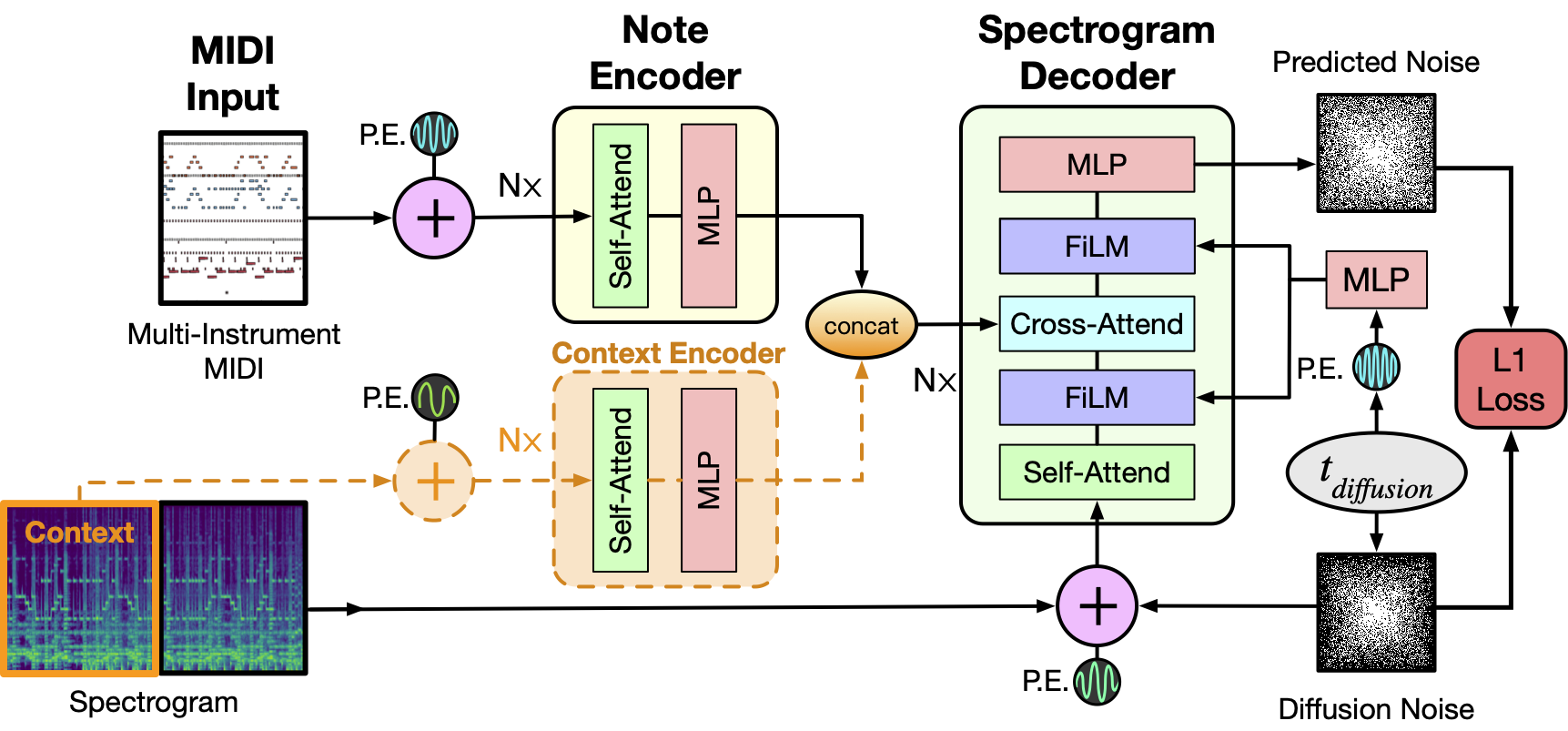
|
||||
|
||||
As depicted above the model takes as input a MIDI file and tokenizes it into a sequence of 5 second intervals. Each tokenized interval then together with positional encodings is passed through the Note Encoder and its representation is concatenated with the previous window's generated spectrogram representation obtained via the Context Encoder. For the initial 5 second window this is set to zero. The resulting context is then used as conditioning to sample the denoised Spectrogram from the MIDI window and we concatenate this spectrogram to the final output as well as use it for the context of the next MIDI window. The process repeats till we have gone over all the MIDI inputs. Finally a MelGAN decoder converts the potentially long spectrogram to audio which is the final result of this pipeline.
|
||||
|
||||
<Tip>
|
||||
|
||||
Make sure to check out the Schedulers [guide](../../using-diffusers/schedulers) to learn how to explore the tradeoff between scheduler speed and quality, and see the [reuse components across pipelines](../../using-diffusers/loading#reuse-components-across-pipelines) section to learn how to efficiently load the same components into multiple pipelines.
|
||||
|
||||
</Tip>
|
||||
|
||||
## SpectrogramDiffusionPipeline
|
||||
[[autodoc]] SpectrogramDiffusionPipeline
|
||||
- all
|
||||
- __call__
|
||||
|
||||
## AudioPipelineOutput
|
||||
[[autodoc]] pipelines.AudioPipelineOutput
|
||||
@@ -1,27 +0,0 @@
|
||||
<!--Copyright 2023 The HuggingFace Team. All rights reserved.
|
||||
|
||||
Licensed under the Apache License, Version 2.0 (the "License"); you may not use this file except in compliance with
|
||||
the License. You may obtain a copy of the License at
|
||||
|
||||
http://www.apache.org/licenses/LICENSE-2.0
|
||||
|
||||
Unless required by applicable law or agreed to in writing, software distributed under the License is distributed on
|
||||
an "AS IS" BASIS, WITHOUT WARRANTIES OR CONDITIONS OF ANY KIND, either express or implied. See the License for the
|
||||
specific language governing permissions and limitations under the License.
|
||||
-->
|
||||
|
||||
# K-Diffusion
|
||||
|
||||
[k-diffusion](https://github.com/crowsonkb/k-diffusion) is a popular library created by [Katherine Crowson](https://github.com/crowsonkb/). We provide `StableDiffusionKDiffusionPipeline` and `StableDiffusionXLKDiffusionPipeline` that allow you to run Stable DIffusion with samplers from k-diffusion.
|
||||
|
||||
Note that most the samplers from k-diffusion are implemented in Diffusers and we recommend using existing schedulers. You can find a mapping between k-diffusion samplers and schedulers in Diffusers [here](https://huggingface.co/docs/diffusers/api/schedulers/overview)
|
||||
|
||||
|
||||
## StableDiffusionKDiffusionPipeline
|
||||
|
||||
[[autodoc]] StableDiffusionKDiffusionPipeline
|
||||
|
||||
|
||||
## StableDiffusionXLKDiffusionPipeline
|
||||
|
||||
[[autodoc]] StableDiffusionXLKDiffusionPipeline
|
||||
@@ -31,14 +31,14 @@ Make sure to check out the Stable Diffusion [Tips](overview#tips) section to lea
|
||||
|
||||
## StableDiffusionLDM3DPipeline
|
||||
|
||||
[[autodoc]] pipelines.stable_diffusion_ldm3d.pipeline_stable_diffusion_ldm3d.StableDiffusionLDM3DPipeline
|
||||
[[autodoc]] pipelines.stable_diffusion.pipeline_stable_diffusion_ldm3d.StableDiffusionLDM3DPipeline
|
||||
- all
|
||||
- __call__
|
||||
|
||||
|
||||
## LDM3DPipelineOutput
|
||||
|
||||
[[autodoc]] pipelines.stable_diffusion_ldm3d.pipeline_stable_diffusion_ldm3d.LDM3DPipelineOutput
|
||||
[[autodoc]] pipelines.stable_diffusion.pipeline_stable_diffusion_ldm3d.LDM3DPipelineOutput
|
||||
- all
|
||||
- __call__
|
||||
|
||||
|
||||
33
docs/source/en/api/pipelines/stochastic_karras_ve.md
Normal file
33
docs/source/en/api/pipelines/stochastic_karras_ve.md
Normal file
@@ -0,0 +1,33 @@
|
||||
<!--Copyright 2023 The HuggingFace Team. All rights reserved.
|
||||
|
||||
Licensed under the Apache License, Version 2.0 (the "License"); you may not use this file except in compliance with
|
||||
the License. You may obtain a copy of the License at
|
||||
|
||||
http://www.apache.org/licenses/LICENSE-2.0
|
||||
|
||||
Unless required by applicable law or agreed to in writing, software distributed under the License is distributed on
|
||||
an "AS IS" BASIS, WITHOUT WARRANTIES OR CONDITIONS OF ANY KIND, either express or implied. See the License for the
|
||||
specific language governing permissions and limitations under the License.
|
||||
-->
|
||||
|
||||
# Stochastic Karras VE
|
||||
|
||||
[Elucidating the Design Space of Diffusion-Based Generative Models](https://huggingface.co/papers/2206.00364) is by Tero Karras, Miika Aittala, Timo Aila and Samuli Laine. This pipeline implements the stochastic sampling tailored to variance expanding (VE) models.
|
||||
|
||||
The abstract from the paper:
|
||||
|
||||
*We argue that the theory and practice of diffusion-based generative models are currently unnecessarily convoluted and seek to remedy the situation by presenting a design space that clearly separates the concrete design choices. This lets us identify several changes to both the sampling and training processes, as well as preconditioning of the score networks. Together, our improvements yield new state-of-the-art FID of 1.79 for CIFAR-10 in a class-conditional setting and 1.97 in an unconditional setting, with much faster sampling (35 network evaluations per image) than prior designs. To further demonstrate their modular nature, we show that our design changes dramatically improve both the efficiency and quality obtainable with pre-trained score networks from previous work, including improving the FID of a previously trained ImageNet-64 model from 2.07 to near-SOTA 1.55, and after re-training with our proposed improvements to a new SOTA of 1.36.*
|
||||
|
||||
<Tip>
|
||||
|
||||
Make sure to check out the Schedulers [guide](../../using-diffusers/schedulers) to learn how to explore the tradeoff between scheduler speed and quality, and see the [reuse components across pipelines](../../using-diffusers/loading#reuse-components-across-pipelines) section to learn how to efficiently load the same components into multiple pipelines.
|
||||
|
||||
</Tip>
|
||||
|
||||
## KarrasVePipeline
|
||||
[[autodoc]] KarrasVePipeline
|
||||
- all
|
||||
- __call__
|
||||
|
||||
## ImagePipelineOutput
|
||||
[[autodoc]] pipelines.ImagePipelineOutput
|
||||
54
docs/source/en/api/pipelines/versatile_diffusion.md
Normal file
54
docs/source/en/api/pipelines/versatile_diffusion.md
Normal file
@@ -0,0 +1,54 @@
|
||||
<!--Copyright 2023 The HuggingFace Team. All rights reserved.
|
||||
|
||||
Licensed under the Apache License, Version 2.0 (the "License"); you may not use this file except in compliance with
|
||||
the License. You may obtain a copy of the License at
|
||||
|
||||
http://www.apache.org/licenses/LICENSE-2.0
|
||||
|
||||
Unless required by applicable law or agreed to in writing, software distributed under the License is distributed on
|
||||
an "AS IS" BASIS, WITHOUT WARRANTIES OR CONDITIONS OF ANY KIND, either express or implied. See the License for the
|
||||
specific language governing permissions and limitations under the License.
|
||||
-->
|
||||
|
||||
# Versatile Diffusion
|
||||
|
||||
Versatile Diffusion was proposed in [Versatile Diffusion: Text, Images and Variations All in One Diffusion Model](https://huggingface.co/papers/2211.08332) by Xingqian Xu, Zhangyang Wang, Eric Zhang, Kai Wang, Humphrey Shi.
|
||||
|
||||
The abstract from the paper is:
|
||||
|
||||
*Recent advances in diffusion models have set an impressive milestone in many generation tasks, and trending works such as DALL-E2, Imagen, and Stable Diffusion have attracted great interest. Despite the rapid landscape changes, recent new approaches focus on extensions and performance rather than capacity, thus requiring separate models for separate tasks. In this work, we expand the existing single-flow diffusion pipeline into a multi-task multimodal network, dubbed Versatile Diffusion (VD), that handles multiple flows of text-to-image, image-to-text, and variations in one unified model. The pipeline design of VD instantiates a unified multi-flow diffusion framework, consisting of sharable and swappable layer modules that enable the crossmodal generality beyond images and text. Through extensive experiments, we demonstrate that VD successfully achieves the following: a) VD outperforms the baseline approaches and handles all its base tasks with competitive quality; b) VD enables novel extensions such as disentanglement of style and semantics, dual- and multi-context blending, etc.; c) The success of our multi-flow multimodal framework over images and text may inspire further diffusion-based universal AI research.*
|
||||
|
||||
## Tips
|
||||
|
||||
You can load the more memory intensive "all-in-one" [`VersatileDiffusionPipeline`] that supports all the tasks or use the individual pipelines which are more memory efficient.
|
||||
|
||||
| **Pipeline** | **Supported tasks** |
|
||||
|------------------------------------------------------|-----------------------------------|
|
||||
| [`VersatileDiffusionPipeline`] | all of the below |
|
||||
| [`VersatileDiffusionTextToImagePipeline`] | text-to-image |
|
||||
| [`VersatileDiffusionImageVariationPipeline`] | image variation |
|
||||
| [`VersatileDiffusionDualGuidedPipeline`] | image-text dual guided generation |
|
||||
|
||||
<Tip>
|
||||
|
||||
Make sure to check out the Schedulers [guide](../../using-diffusers/schedulers) to learn how to explore the tradeoff between scheduler speed and quality, and see the [reuse components across pipelines](../../using-diffusers/loading#reuse-components-across-pipelines) section to learn how to efficiently load the same components into multiple pipelines.
|
||||
|
||||
</Tip>
|
||||
|
||||
## VersatileDiffusionPipeline
|
||||
[[autodoc]] VersatileDiffusionPipeline
|
||||
|
||||
## VersatileDiffusionTextToImagePipeline
|
||||
[[autodoc]] VersatileDiffusionTextToImagePipeline
|
||||
- all
|
||||
- __call__
|
||||
|
||||
## VersatileDiffusionImageVariationPipeline
|
||||
[[autodoc]] VersatileDiffusionImageVariationPipeline
|
||||
- all
|
||||
- __call__
|
||||
|
||||
## VersatileDiffusionDualGuidedPipeline
|
||||
[[autodoc]] VersatileDiffusionDualGuidedPipeline
|
||||
- all
|
||||
- __call__
|
||||
35
docs/source/en/api/pipelines/vq_diffusion.md
Normal file
35
docs/source/en/api/pipelines/vq_diffusion.md
Normal file
@@ -0,0 +1,35 @@
|
||||
<!--Copyright 2023 The HuggingFace Team. All rights reserved.
|
||||
|
||||
Licensed under the Apache License, Version 2.0 (the "License"); you may not use this file except in compliance with
|
||||
the License. You may obtain a copy of the License at
|
||||
|
||||
http://www.apache.org/licenses/LICENSE-2.0
|
||||
|
||||
Unless required by applicable law or agreed to in writing, software distributed under the License is distributed on
|
||||
an "AS IS" BASIS, WITHOUT WARRANTIES OR CONDITIONS OF ANY KIND, either express or implied. See the License for the
|
||||
specific language governing permissions and limitations under the License.
|
||||
-->
|
||||
|
||||
# VQ Diffusion
|
||||
|
||||
[Vector Quantized Diffusion Model for Text-to-Image Synthesis](https://huggingface.co/papers/2111.14822) is by Shuyang Gu, Dong Chen, Jianmin Bao, Fang Wen, Bo Zhang, Dongdong Chen, Lu Yuan, Baining Guo.
|
||||
|
||||
The abstract from the paper is:
|
||||
|
||||
*We present the vector quantized diffusion (VQ-Diffusion) model for text-to-image generation. This method is based on a vector quantized variational autoencoder (VQ-VAE) whose latent space is modeled by a conditional variant of the recently developed Denoising Diffusion Probabilistic Model (DDPM). We find that this latent-space method is well-suited for text-to-image generation tasks because it not only eliminates the unidirectional bias with existing methods but also allows us to incorporate a mask-and-replace diffusion strategy to avoid the accumulation of errors, which is a serious problem with existing methods. Our experiments show that the VQ-Diffusion produces significantly better text-to-image generation results when compared with conventional autoregressive (AR) models with similar numbers of parameters. Compared with previous GAN-based text-to-image methods, our VQ-Diffusion can handle more complex scenes and improve the synthesized image quality by a large margin. Finally, we show that the image generation computation in our method can be made highly efficient by reparameterization. With traditional AR methods, the text-to-image generation time increases linearly with the output image resolution and hence is quite time consuming even for normal size images. The VQ-Diffusion allows us to achieve a better trade-off between quality and speed. Our experiments indicate that the VQ-Diffusion model with the reparameterization is fifteen times faster than traditional AR methods while achieving a better image quality.*
|
||||
|
||||
The original codebase can be found at [microsoft/VQ-Diffusion](https://github.com/microsoft/VQ-Diffusion).
|
||||
|
||||
<Tip>
|
||||
|
||||
Make sure to check out the Schedulers [guide](../../using-diffusers/schedulers) to learn how to explore the tradeoff between scheduler speed and quality, and see the [reuse components across pipelines](../../using-diffusers/loading#reuse-components-across-pipelines) section to learn how to efficiently load the same components into multiple pipelines.
|
||||
|
||||
</Tip>
|
||||
|
||||
## VQDiffusionPipeline
|
||||
[[autodoc]] VQDiffusionPipeline
|
||||
- all
|
||||
- __call__
|
||||
|
||||
## ImagePipelineOutput
|
||||
[[autodoc]] pipelines.ImagePipelineOutput
|
||||
@@ -37,10 +37,8 @@ source .env/bin/activate
|
||||
|
||||
You should also install 🤗 Transformers because 🤗 Diffusers relies on its models:
|
||||
|
||||
|
||||
<frameworkcontent>
|
||||
<pt>
|
||||
Note - PyTorch only supports Python 3.8 - 3.11 on Windows.
|
||||
```bash
|
||||
pip install diffusers["torch"] transformers
|
||||
```
|
||||
|
||||
@@ -1,62 +0,0 @@
|
||||
<!--Copyright 2023 The HuggingFace Team. All rights reserved.
|
||||
|
||||
Licensed under the Apache License, Version 2.0 (the "License"); you may not use this file except in compliance with
|
||||
the License. You may obtain a copy of the License at
|
||||
|
||||
http://www.apache.org/licenses/LICENSE-2.0
|
||||
|
||||
Unless required by applicable law or agreed to in writing, software distributed under the License is distributed on
|
||||
an "AS IS" BASIS, WITHOUT WARRANTIES OR CONDITIONS OF ANY KIND, either express or implied. See the License for the
|
||||
specific language governing permissions and limitations under the License.
|
||||
-->
|
||||
|
||||
# DeepCache
|
||||
[DeepCache](https://huggingface.co/papers/2312.00858) accelerates [`StableDiffusionPipeline`] and [`StableDiffusionXLPipeline`] by strategically caching and reusing high-level features while efficiently updating low-level features by taking advantage of the U-Net architecture.
|
||||
|
||||
Start by installing [DeepCache](https://github.com/horseee/DeepCache):
|
||||
```bash
|
||||
pip install DeepCache
|
||||
```
|
||||
|
||||
Then load and enable the [`DeepCacheSDHelper`](https://github.com/horseee/DeepCache#usage):
|
||||
|
||||
```diff
|
||||
import torch
|
||||
from diffusers import StableDiffusionPipeline
|
||||
pipe = StableDiffusionPipeline.from_pretrained('runwayml/stable-diffusion-v1-5', torch_dtype=torch.float16).to("cuda")
|
||||
|
||||
+ from DeepCache import DeepCacheSDHelper
|
||||
+ helper = DeepCacheSDHelper(pipe=pipe)
|
||||
+ helper.set_params(
|
||||
+ cache_interval=3,
|
||||
+ cache_branch_id=0,
|
||||
+ )
|
||||
+ helper.enable()
|
||||
|
||||
image = pipe("a photo of an astronaut on a moon").images[0]
|
||||
```
|
||||
|
||||
The `set_params` method accepts two arguments: `cache_interval` and `cache_branch_id`. `cache_interval` means the frequency of feature caching, specified as the number of steps between each cache operation. `cache_branch_id` identifies which branch of the network (ordered from the shallowest to the deepest layer) is responsible for executing the caching processes.
|
||||
Opting for a lower `cache_branch_id` or a larger `cache_interval` can lead to faster inference speed at the expense of reduced image quality (ablation experiments of these two hyperparameters can be found in the [paper](https://arxiv.org/abs/2312.00858)). Once those arguments are set, use the `enable` or `disable` methods to activate or deactivate the `DeepCacheSDHelper`.
|
||||
|
||||
<div class="flex justify-center">
|
||||
<img src="https://github.com/horseee/Diffusion_DeepCache/raw/master/static/images/example.png">
|
||||
</div>
|
||||
|
||||
You can find more generated samples (original pipeline vs DeepCache) and the corresponding inference latency in the [WandB report](https://wandb.ai/horseee/DeepCache/runs/jwlsqqgt?workspace=user-horseee). The prompts are randomly selected from the [MS-COCO 2017](https://cocodataset.org/#home) dataset.
|
||||
|
||||
## Benchmark
|
||||
|
||||
We tested how much faster DeepCache accelerates [Stable Diffusion v2.1](https://huggingface.co/stabilityai/stable-diffusion-2-1) with 50 inference steps on an NVIDIA RTX A5000, using different configurations for resolution, batch size, cache interval (I), and cache branch (B).
|
||||
|
||||
| **Resolution** | **Batch size** | **Original** | **DeepCache(I=3, B=0)** | **DeepCache(I=5, B=0)** | **DeepCache(I=5, B=1)** |
|
||||
|----------------|----------------|--------------|-------------------------|-------------------------|-------------------------|
|
||||
| 512| 8| 15.96| 6.88(2.32x)| 5.03(3.18x)| 7.27(2.20x)|
|
||||
| | 4| 8.39| 3.60(2.33x)| 2.62(3.21x)| 3.75(2.24x)|
|
||||
| | 1| 2.61| 1.12(2.33x)| 0.81(3.24x)| 1.11(2.35x)|
|
||||
| 768| 8| 43.58| 18.99(2.29x)| 13.96(3.12x)| 21.27(2.05x)|
|
||||
| | 4| 22.24| 9.67(2.30x)| 7.10(3.13x)| 10.74(2.07x)|
|
||||
| | 1| 6.33| 2.72(2.33x)| 1.97(3.21x)| 2.98(2.12x)|
|
||||
| 1024| 8| 101.95| 45.57(2.24x)| 33.72(3.02x)| 53.00(1.92x)|
|
||||
| | 4| 49.25| 21.86(2.25x)| 16.19(3.04x)| 25.78(1.91x)|
|
||||
| | 1| 13.83| 6.07(2.28x)| 4.43(3.12x)| 7.15(1.93x)|
|
||||
@@ -104,7 +104,7 @@ accelerate launch train_text_to_image_lora.py \
|
||||
|
||||
Many of the basic and important parameters are described in the [Text-to-image](text2image#script-parameters) training guide, so this guide just focuses on the LoRA relevant parameters:
|
||||
|
||||
- `--rank`: the inner dimension of the low-rank matrices to train; a higher rank means more trainable parameters
|
||||
- `--rank`: the number of low-rank matrices to train
|
||||
- `--learning_rate`: the default learning rate is 1e-4, but with LoRA, you can use a higher learning rate
|
||||
|
||||
## Training script
|
||||
|
||||
@@ -12,7 +12,7 @@ specific language governing permissions and limitations under the License.
|
||||
|
||||
# T2I-Adapter
|
||||
|
||||
[T2I-Adapter](https://hf.co/papers/2302.08453) is a lightweight adapter model that provides an additional conditioning input image (line art, canny, sketch, depth, pose) to better control image generation. It is similar to a ControlNet, but it is a lot smaller (~77M parameters and ~300MB file size) because its only inserts weights into the UNet instead of copying and training it.
|
||||
[T2I-Adapter]((https://hf.co/papers/2302.08453)) is a lightweight adapter model that provides an additional conditioning input image (line art, canny, sketch, depth, pose) to better control image generation. It is similar to a ControlNet, but it is a lot smaller (~77M parameters and ~300MB file size) because its only inserts weights into the UNet instead of copying and training it.
|
||||
|
||||
The T2I-Adapter is only available for training with the Stable Diffusion XL (SDXL) model.
|
||||
|
||||
@@ -224,4 +224,4 @@ image.save("./output.png")
|
||||
|
||||
Congratulations on training a T2I-Adapter model! 🎉 To learn more:
|
||||
|
||||
- Read the [Efficient Controllable Generation for SDXL with T2I-Adapters](https://huggingface.co/blog/t2i-sdxl-adapters) blog post to learn more details about the experimental results from the T2I-Adapter team.
|
||||
- Read the [Efficient Controllable Generation for SDXL with T2I-Adapters](https://www.cs.cmu.edu/~custom-diffusion/) blog post to learn more details about the experimental results from the T2I-Adapter team.
|
||||
|
||||
@@ -186,7 +186,7 @@ accelerate launch train_unconditional.py \
|
||||
If you're training with more than one GPU, add the `--multi_gpu` parameter to the training command:
|
||||
|
||||
```bash
|
||||
accelerate launch --multi_gpu train_unconditional.py \
|
||||
accelerate launch --mixed_precision="fp16" --multi_gpu train_unconditional.py \
|
||||
--dataset_name="huggan/flowers-102-categories" \
|
||||
--output_dir="ddpm-ema-flowers-64" \
|
||||
--mixed_precision="fp16" \
|
||||
|
||||
@@ -1,322 +0,0 @@
|
||||
<!--Copyright 2023 The HuggingFace Team. All rights reserved.
|
||||
|
||||
Licensed under the Apache License, Version 2.0 (the "License"); you may not use this file except in compliance with
|
||||
the License. You may obtain a copy of the License at
|
||||
|
||||
http://www.apache.org/licenses/LICENSE-2.0
|
||||
|
||||
Unless required by applicable law or agreed to in writing, software distributed under the License is distributed on
|
||||
an "AS IS" BASIS, WITHOUT WARRANTIES OR CONDITIONS OF ANY KIND, either express or implied. See the License for the
|
||||
specific language governing permissions and limitations under the License.
|
||||
-->
|
||||
|
||||
# Accelerate inference of text-to-image diffusion models
|
||||
|
||||
Diffusion models are slower than their GAN counterparts because of the iterative and sequential reverse diffusion process. There are several techniques that can address this limitation such as progressive timestep distillation ([LCM LoRA](../using-diffusers/inference_with_lcm_lora)), model compression ([SSD-1B](https://huggingface.co/segmind/SSD-1B)), and reusing adjacent features of the denoiser ([DeepCache](../optimization/deepcache)).
|
||||
|
||||
However, you don't necessarily need to use these techniques to speed up inference. With PyTorch 2 alone, you can accelerate the inference latency of text-to-image diffusion pipelines by up to 3x. This tutorial will show you how to progressively apply the optimizations found in PyTorch 2 to reduce inference latency. You'll use the [Stable Diffusion XL (SDXL)](../using-diffusers/sdxl) pipeline in this tutorial, but these techniques are applicable to other text-to-image diffusion pipelines too.
|
||||
|
||||
Make sure you're using the latest version of Diffusers:
|
||||
|
||||
```bash
|
||||
pip install -U diffusers
|
||||
```
|
||||
|
||||
Then upgrade the other required libraries too:
|
||||
|
||||
```bash
|
||||
pip install -U transformers accelerate peft
|
||||
```
|
||||
|
||||
Install [PyTorch nightly](https://pytorch.org/) to benefit from the latest and fastest kernels:
|
||||
|
||||
```bash
|
||||
pip3 install --pre torch --index-url https://download.pytorch.org/whl/nightly/cu121
|
||||
```
|
||||
|
||||
<Tip>
|
||||
|
||||
The results reported below are from a 80GB 400W A100 with its clock rate set to the maximum. <br>
|
||||
|
||||
If you're interested in the full benchmarking code, take a look at [huggingface/diffusion-fast](https://github.com/huggingface/diffusion-fast).
|
||||
|
||||
</Tip>
|
||||
|
||||
## Baseline
|
||||
|
||||
Let's start with a baseline. Disable reduced precision and the [`scaled_dot_product_attention` (SDPA)](../optimization/torch2.0#scaled-dot-product-attention) function which is automatically used by Diffusers:
|
||||
|
||||
```python
|
||||
from diffusers import StableDiffusionXLPipeline
|
||||
|
||||
# Load the pipeline in full-precision and place its model components on CUDA.
|
||||
pipe = StableDiffusionXLPipeline.from_pretrained(
|
||||
"stabilityai/stable-diffusion-xl-base-1.0"
|
||||
).to("cuda")
|
||||
|
||||
# Run the attention ops without SDPA.
|
||||
pipe.unet.set_default_attn_processor()
|
||||
pipe.vae.set_default_attn_processor()
|
||||
|
||||
prompt = "Astronaut in a jungle, cold color palette, muted colors, detailed, 8k"
|
||||
image = pipe(prompt, num_inference_steps=30).images[0]
|
||||
```
|
||||
|
||||
This default setup takes 7.36 seconds.
|
||||
|
||||
<div class="flex justify-center">
|
||||
<img src="https://huggingface.co/datasets/sayakpaul/sample-datasets/resolve/main/progressive-acceleration-sdxl/SDXL%2C_Batch_Size%3A_1%2C_Steps%3A_30_0.png" width=500>
|
||||
</div>
|
||||
|
||||
## bfloat16
|
||||
|
||||
Enable the first optimization, reduced precision or more specifically bfloat16. There are several benefits of using reduced precision:
|
||||
|
||||
* Using a reduced numerical precision (such as float16 or bfloat16) for inference doesn’t affect the generation quality but significantly improves latency.
|
||||
* The benefits of using bfloat16 compared to float16 are hardware dependent, but modern GPUs tend to favor bfloat16.
|
||||
* bfloat16 is much more resilient when used with quantization compared to float16, but more recent versions of the quantization library ([torchao](https://github.com/pytorch-labs/ao)) we used don't have numerical issues with float16.
|
||||
|
||||
```python
|
||||
from diffusers import StableDiffusionXLPipeline
|
||||
import torch
|
||||
|
||||
pipe = StableDiffusionXLPipeline.from_pretrained(
|
||||
"stabilityai/stable-diffusion-xl-base-1.0", torch_dtype=torch.bfloat16
|
||||
).to("cuda")
|
||||
|
||||
# Run the attention ops without SDPA.
|
||||
pipe.unet.set_default_attn_processor()
|
||||
pipe.vae.set_default_attn_processor()
|
||||
|
||||
prompt = "Astronaut in a jungle, cold color palette, muted colors, detailed, 8k"
|
||||
image = pipe(prompt, num_inference_steps=30).images[0]
|
||||
```
|
||||
|
||||
bfloat16 reduces the latency from 7.36 seconds to 4.63 seconds.
|
||||
|
||||
<div class="flex justify-center">
|
||||
<img src="https://huggingface.co/datasets/sayakpaul/sample-datasets/resolve/main/progressive-acceleration-sdxl/SDXL%2C_Batch_Size%3A_1%2C_Steps%3A_30_1.png" width=500>
|
||||
</div>
|
||||
|
||||
<Tip>
|
||||
|
||||
In our later experiments with float16, recent versions of torchao do not incur numerical problems from float16.
|
||||
|
||||
</Tip>
|
||||
|
||||
Take a look at the [Speed up inference](../optimization/fp16) guide to learn more about running inference with reduced precision.
|
||||
|
||||
## SDPA
|
||||
|
||||
Attention blocks are intensive to run. But with PyTorch's [`scaled_dot_product_attention`](../optimization/torch2.0#scaled-dot-product-attention) function, it is a lot more efficient. This function is used by default in Diffusers so you don't need to make any changes to the code.
|
||||
|
||||
```python
|
||||
from diffusers import StableDiffusionXLPipeline
|
||||
import torch
|
||||
|
||||
pipe = StableDiffusionXLPipeline.from_pretrained(
|
||||
"stabilityai/stable-diffusion-xl-base-1.0", torch_dtype=torch.bfloat16
|
||||
).to("cuda")
|
||||
|
||||
prompt = "Astronaut in a jungle, cold color palette, muted colors, detailed, 8k"
|
||||
image = pipe(prompt, num_inference_steps=30).images[0]
|
||||
```
|
||||
|
||||
Scaled dot product attention improves the latency from 4.63 seconds to 3.31 seconds.
|
||||
|
||||
<div class="flex justify-center">
|
||||
<img src="https://huggingface.co/datasets/sayakpaul/sample-datasets/resolve/main/progressive-acceleration-sdxl/SDXL%2C_Batch_Size%3A_1%2C_Steps%3A_30_2.png" width=500>
|
||||
</div>
|
||||
|
||||
## torch.compile
|
||||
|
||||
PyTorch 2 includes `torch.compile` which uses fast and optimized kernels. In Diffusers, the UNet and VAE are usually compiled because these are the most compute-intensive modules. First, configure a few compiler flags (refer to the [full list](https://github.com/pytorch/pytorch/blob/main/torch/_inductor/config.py) for more options):
|
||||
|
||||
```python
|
||||
from diffusers import StableDiffusionXLPipeline
|
||||
import torch
|
||||
|
||||
torch._inductor.config.conv_1x1_as_mm = True
|
||||
torch._inductor.config.coordinate_descent_tuning = True
|
||||
torch._inductor.config.epilogue_fusion = False
|
||||
torch._inductor.config.coordinate_descent_check_all_directions = True
|
||||
```
|
||||
|
||||
It is also important to change the UNet and VAE's memory layout to "channels_last" when compiling them to ensure maximum speed.
|
||||
|
||||
```python
|
||||
pipe.unet.to(memory_format=torch.channels_last)
|
||||
pipe.vae.to(memory_format=torch.channels_last)
|
||||
```
|
||||
|
||||
Now compile and perform inference:
|
||||
|
||||
```python
|
||||
# Compile the UNet and VAE.
|
||||
pipe.unet = torch.compile(pipe.unet, mode="max-autotune", fullgraph=True)
|
||||
pipe.vae.decode = torch.compile(pipe.vae.decode, mode="max-autotune", fullgraph=True)
|
||||
|
||||
prompt = "Astronaut in a jungle, cold color palette, muted colors, detailed, 8k"
|
||||
|
||||
# First call to `pipe` is slow, subsequent ones are faster.
|
||||
image = pipe(prompt, num_inference_steps=30).images[0]
|
||||
```
|
||||
|
||||
`torch.compile` offers different backends and modes. For maximum inference speed, use "max-autotune" for the inductor backend. “max-autotune” uses CUDA graphs and optimizes the compilation graph specifically for latency. CUDA graphs greatly reduces the overhead of launching GPU operations by using a mechanism to launch multiple GPU operations through a single CPU operation.
|
||||
|
||||
Using SDPA attention and compiling both the UNet and VAE cuts the latency from 3.31 seconds to 2.54 seconds.
|
||||
|
||||
<div class="flex justify-center">
|
||||
<img src="https://huggingface.co/datasets/sayakpaul/sample-datasets/resolve/main/progressive-acceleration-sdxl/SDXL%2C_Batch_Size%3A_1%2C_Steps%3A_30_3.png" width=500>
|
||||
</div>
|
||||
|
||||
### Prevent graph breaks
|
||||
|
||||
Specifying `fullgraph=True` ensures there are no graph breaks in the underlying model to take full advantage of `torch.compile` without any performance degradation. For the UNet and VAE, this means changing how you access the return variables.
|
||||
|
||||
```diff
|
||||
- latents = unet(
|
||||
- latents, timestep=timestep, encoder_hidden_states=prompt_embeds
|
||||
-).sample
|
||||
|
||||
+ latents = unet(
|
||||
+ latents, timestep=timestep, encoder_hidden_states=prompt_embeds, return_dict=False
|
||||
+)[0]
|
||||
```
|
||||
|
||||
### Remove GPU sync after compilation
|
||||
|
||||
During the iterative reverse diffusion process, the `step()` function is [called](https://github.com/huggingface/diffusers/blob/1d686bac8146037e97f3fd8c56e4063230f71751/src/diffusers/pipelines/stable_diffusion_xl/pipeline_stable_diffusion_xl.py#L1228) on the scheduler each time after the denoiser predicts the less noisy latent embeddings. Inside `step()`, the `sigmas` variable is [indexed](https://github.com/huggingface/diffusers/blob/1d686bac8146037e97f3fd8c56e4063230f71751/src/diffusers/schedulers/scheduling_euler_discrete.py#L476) which when placed on the GPU, causes a communication sync between the CPU and GPU. This introduces latency and it becomes more evident when the denoiser has already been compiled.
|
||||
|
||||
But if the `sigmas` array always [stays on the CPU](https://github.com/huggingface/diffusers/blob/35a969d297cba69110d175ee79c59312b9f49e1e/src/diffusers/schedulers/scheduling_euler_discrete.py#L240), the CPU and GPU sync doesn’t occur and you don't get any latency. In general, any CPU and GPU communication sync should be none or be kept to a bare minimum because it can impact inference latency.
|
||||
|
||||
## Combine the attention block's projection matrices
|
||||
|
||||
The UNet and VAE in SDXL use Transformer-like blocks which consists of attention blocks and feed-forward blocks.
|
||||
|
||||
In an attention block, the input is projected into three sub-spaces using three different projection matrices – Q, K, and V. These projections are performed separately on the input. But we can horizontally combine the projection matrices into a single matrix and perform the projection in one step. This increases the size of the matrix multiplications of the input projections and improves the impact of quantization.
|
||||
|
||||
You can combine the projection matrices with just a single line of code:
|
||||
|
||||
```python
|
||||
pipe.fuse_qkv_projections()
|
||||
```
|
||||
|
||||
This provides a minor improvement from 2.54 seconds to 2.52 seconds.
|
||||
|
||||
<div class="flex justify-center">
|
||||
<img src="https://huggingface.co/datasets/sayakpaul/sample-datasets/resolve/main/progressive-acceleration-sdxl/SDXL%2C_Batch_Size%3A_1%2C_Steps%3A_30_4.png" width=500>
|
||||
</div>
|
||||
|
||||
<Tip warning={true}>
|
||||
|
||||
Support for [`~StableDiffusionXLPipeline.fuse_qkv_projections`] is limited and experimental. It's not available for many non-Stable Diffusion pipelines such as [Kandinsky](../using-diffusers/kandinsky). You can refer to this [PR](https://github.com/huggingface/diffusers/pull/6179) to get an idea about how to enable this for the other pipelines.
|
||||
|
||||
</Tip>
|
||||
|
||||
## Dynamic quantization
|
||||
|
||||
You can also use the ultra-lightweight PyTorch quantization library, [torchao](https://github.com/pytorch-labs/ao) (commit SHA `54bcd5a10d0abbe7b0c045052029257099f83fd9`), to apply [dynamic int8 quantization](https://pytorch.org/tutorials/recipes/recipes/dynamic_quantization.html) to the UNet and VAE. Quantization adds additional conversion overhead to the model that is hopefully made up for by faster matmuls (dynamic quantization). If the matmuls are too small, these techniques may degrade performance.
|
||||
|
||||
First, configure all the compiler tags:
|
||||
|
||||
```python
|
||||
from diffusers import StableDiffusionXLPipeline
|
||||
import torch
|
||||
|
||||
# Notice the two new flags at the end.
|
||||
torch._inductor.config.conv_1x1_as_mm = True
|
||||
torch._inductor.config.coordinate_descent_tuning = True
|
||||
torch._inductor.config.epilogue_fusion = False
|
||||
torch._inductor.config.coordinate_descent_check_all_directions = True
|
||||
torch._inductor.config.force_fuse_int_mm_with_mul = True
|
||||
torch._inductor.config.use_mixed_mm = True
|
||||
```
|
||||
|
||||
Certain linear layers in the UNet and VAE don’t benefit from dynamic int8 quantization. You can filter out those layers with the [`dynamic_quant_filter_fn`](https://github.com/huggingface/diffusion-fast/blob/0f169640b1db106fe6a479f78c1ed3bfaeba3386/utils/pipeline_utils.py#L16) shown below.
|
||||
|
||||
```python
|
||||
def dynamic_quant_filter_fn(mod, *args):
|
||||
return (
|
||||
isinstance(mod, torch.nn.Linear)
|
||||
and mod.in_features > 16
|
||||
and (mod.in_features, mod.out_features)
|
||||
not in [
|
||||
(1280, 640),
|
||||
(1920, 1280),
|
||||
(1920, 640),
|
||||
(2048, 1280),
|
||||
(2048, 2560),
|
||||
(2560, 1280),
|
||||
(256, 128),
|
||||
(2816, 1280),
|
||||
(320, 640),
|
||||
(512, 1536),
|
||||
(512, 256),
|
||||
(512, 512),
|
||||
(640, 1280),
|
||||
(640, 1920),
|
||||
(640, 320),
|
||||
(640, 5120),
|
||||
(640, 640),
|
||||
(960, 320),
|
||||
(960, 640),
|
||||
]
|
||||
)
|
||||
|
||||
|
||||
def conv_filter_fn(mod, *args):
|
||||
return (
|
||||
isinstance(mod, torch.nn.Conv2d) and mod.kernel_size == (1, 1) and 128 in [mod.in_channels, mod.out_channels]
|
||||
)
|
||||
```
|
||||
|
||||
Finally, apply all the optimizations discussed so far:
|
||||
|
||||
```python
|
||||
# SDPA + bfloat16.
|
||||
pipe = StableDiffusionXLPipeline.from_pretrained(
|
||||
"stabilityai/stable-diffusion-xl-base-1.0", torch_dtype=torch.bfloat16
|
||||
).to("cuda")
|
||||
|
||||
# Combine attention projection matrices.
|
||||
pipe.fuse_qkv_projections()
|
||||
|
||||
# Change the memory layout.
|
||||
pipe.unet.to(memory_format=torch.channels_last)
|
||||
pipe.vae.to(memory_format=torch.channels_last)
|
||||
```
|
||||
|
||||
Since dynamic quantization is only limited to the linear layers, convert the appropriate pointwise convolution layers into linear layers to maximize its benefit.
|
||||
|
||||
```python
|
||||
from torchao import swap_conv2d_1x1_to_linear
|
||||
|
||||
swap_conv2d_1x1_to_linear(pipe.unet, conv_filter_fn)
|
||||
swap_conv2d_1x1_to_linear(pipe.vae, conv_filter_fn)
|
||||
```
|
||||
|
||||
Apply dynamic quantization:
|
||||
|
||||
```python
|
||||
from torchao import apply_dynamic_quant
|
||||
|
||||
apply_dynamic_quant(pipe.unet, dynamic_quant_filter_fn)
|
||||
apply_dynamic_quant(pipe.vae, dynamic_quant_filter_fn)
|
||||
```
|
||||
|
||||
Finally, compile and perform inference:
|
||||
|
||||
```python
|
||||
pipe.unet = torch.compile(pipe.unet, mode="max-autotune", fullgraph=True)
|
||||
pipe.vae.decode = torch.compile(pipe.vae.decode, mode="max-autotune", fullgraph=True)
|
||||
|
||||
prompt = "Astronaut in a jungle, cold color palette, muted colors, detailed, 8k"
|
||||
image = pipe(prompt, num_inference_steps=30).images[0]
|
||||
```
|
||||
|
||||
Applying dynamic quantization improves the latency from 2.52 seconds to 2.43 seconds.
|
||||
|
||||
<div class="flex justify-center">
|
||||
<img src="https://huggingface.co/datasets/sayakpaul/sample-datasets/resolve/main/progressive-acceleration-sdxl/SDXL%2C_Batch_Size%3A_1%2C_Steps%3A_30_5.png" width=500>
|
||||
</div>
|
||||
@@ -183,36 +183,3 @@ image = pipe(prompt, num_inference_steps=30, generator=torch.manual_seed(0)).ima
|
||||
# Gets the Unet back to the original state
|
||||
pipe.unfuse_lora()
|
||||
```
|
||||
|
||||
You can also fuse some adapters using `adapter_names` for faster generation:
|
||||
|
||||
```py
|
||||
pipe.load_lora_weights("nerijs/pixel-art-xl", weight_name="pixel-art-xl.safetensors", adapter_name="pixel")
|
||||
pipe.load_lora_weights("CiroN2022/toy-face", weight_name="toy_face_sdxl.safetensors", adapter_name="toy")
|
||||
|
||||
pipe.set_adapters(["pixel"], adapter_weights=[0.5, 1.0])
|
||||
# Fuses the LoRAs into the Unet
|
||||
pipe.fuse_lora(adapter_names=["pixel"])
|
||||
|
||||
prompt = "a hacker with a hoodie, pixel art"
|
||||
image = pipe(prompt, num_inference_steps=30, generator=torch.manual_seed(0)).images[0]
|
||||
|
||||
# Gets the Unet back to the original state
|
||||
pipe.unfuse_lora()
|
||||
|
||||
# Fuse all adapters
|
||||
pipe.fuse_lora(adapter_names=["pixel", "toy"])
|
||||
|
||||
prompt = "toy_face of a hacker with a hoodie, pixel art"
|
||||
image = pipe(prompt, num_inference_steps=30, generator=torch.manual_seed(0)).images[0]
|
||||
```
|
||||
|
||||
## Saving a pipeline after fusing the adapters
|
||||
|
||||
To properly save a pipeline after it's been loaded with the adapters, it should be serialized like so:
|
||||
|
||||
```python
|
||||
pipe.fuse_lora(lora_scale=1.0)
|
||||
pipe.unload_lora_weights()
|
||||
pipe.save_pretrained("path-to-pipeline")
|
||||
```
|
||||
|
||||
@@ -63,38 +63,3 @@ With callbacks, you can implement features such as dynamic CFG without having to
|
||||
🤗 Diffusers currently only supports `callback_on_step_end`, but feel free to open a [feature request](https://github.com/huggingface/diffusers/issues/new/choose) if you have a cool use-case and require a callback function with a different execution point!
|
||||
|
||||
</Tip>
|
||||
|
||||
## Interrupt the diffusion process
|
||||
|
||||
Interrupting the diffusion process is particularly useful when building UIs that work with Diffusers because it allows users to stop the generation process if they're unhappy with the intermediate results. You can incorporate this into your pipeline with a callback.
|
||||
|
||||
<Tip>
|
||||
|
||||
The interruption callback is supported for text-to-image, image-to-image, and inpainting for the [StableDiffusionPipeline](../api/pipelines/stable_diffusion/overview) and [StableDiffusionXLPipeline](../api/pipelines/stable_diffusion/stable_diffusion_xl).
|
||||
|
||||
</Tip>
|
||||
|
||||
This callback function should take the following arguments: `pipe`, `i`, `t`, and `callback_kwargs` (this must be returned). Set the pipeline's `_interrupt` attribute to `True` to stop the diffusion process after a certain number of steps. You are also free to implement your own custom stopping logic inside the callback.
|
||||
|
||||
In this example, the diffusion process is stopped after 10 steps even though `num_inference_steps` is set to 50.
|
||||
|
||||
```python
|
||||
from diffusers import StableDiffusionPipeline
|
||||
|
||||
pipe = StableDiffusionPipeline.from_pretrained("runwayml/stable-diffusion-v1-5")
|
||||
pipe.enable_model_cpu_offload()
|
||||
num_inference_steps = 50
|
||||
|
||||
def interrupt_callback(pipe, i, t, callback_kwargs):
|
||||
stop_idx = 10
|
||||
if i == stop_idx:
|
||||
pipe._interrupt = True
|
||||
|
||||
return callback_kwargs
|
||||
|
||||
pipe(
|
||||
"A photo of a cat",
|
||||
num_inference_steps=num_inference_steps,
|
||||
callback_on_step_end=interrupt_callback,
|
||||
)
|
||||
```
|
||||
|
||||
@@ -203,7 +203,7 @@ def make_inpaint_condition(image, image_mask):
|
||||
image_mask = np.array(image_mask.convert("L")).astype(np.float32) / 255.0
|
||||
|
||||
assert image.shape[0:1] == image_mask.shape[0:1]
|
||||
image[image_mask > 0.5] = -1.0 # set as masked pixel
|
||||
image[image_mask > 0.5] = 1.0 # set as masked pixel
|
||||
image = np.expand_dims(image, 0).transpose(0, 3, 1, 2)
|
||||
image = torch.from_numpy(image)
|
||||
return image
|
||||
@@ -429,7 +429,7 @@ image = pipe(
|
||||
make_image_grid([original_image, canny_image, image], rows=1, cols=3)
|
||||
```
|
||||
|
||||
## MultiControlNet
|
||||
### MultiControlNet
|
||||
|
||||
<Tip>
|
||||
|
||||
|
||||
@@ -77,42 +77,12 @@ Throughout this guide, the mask image is provided in all of the code examples fo
|
||||
Upload a base image to inpaint on and use the sketch tool to draw a mask. Once you're done, click **Run** to generate and download the mask image.
|
||||
|
||||
<iframe
|
||||
src="https://stevhliu-inpaint-mask-maker.hf.space"
|
||||
frameborder="0"
|
||||
width="850"
|
||||
height="450"
|
||||
src="https://stevhliu-inpaint-mask-maker.hf.space"
|
||||
frameborder="0"
|
||||
width="850"
|
||||
height="450"
|
||||
></iframe>
|
||||
|
||||
### Mask blur
|
||||
|
||||
The [`~VaeImageProcessor.blur`] method provides an option for how to blend the original image and inpaint area. The amount of blur is determined by the `blur_factor` parameter. Increasing the `blur_factor` increases the amount of blur applied to the mask edges, softening the transition between the original image and inpaint area. A low or zero `blur_factor` preserves the sharper edges of the mask.
|
||||
|
||||
To use this, create a blurred mask with the image processor.
|
||||
|
||||
```py
|
||||
import torch
|
||||
from diffusers import AutoPipelineForInpainting
|
||||
from diffusers.utils import load_image
|
||||
from PIL import Image
|
||||
|
||||
pipeline = AutoPipelineForInpainting.from_pretrained("runwayml/stable-diffusion-v1-5", torch_dtype=torch.float16).to('cuda')
|
||||
|
||||
mask = load_image("https://huggingface.co/datasets/YiYiXu/testing-images/resolve/main/seashore_mask.png")
|
||||
blurred_mask = pipeline.mask_processor.blur(mask, blur_factor=33)
|
||||
blurred_mask
|
||||
```
|
||||
|
||||
<div class="flex gap-4">
|
||||
<div>
|
||||
<img class="rounded-xl" src="https://huggingface.co/datasets/YiYiXu/testing-images/resolve/main/seashore_mask.png"/>
|
||||
<figcaption class="mt-2 text-center text-sm text-gray-500">mask with no blur</figcaption>
|
||||
</div>
|
||||
<div>
|
||||
<img class="rounded-xl" src="https://huggingface.co/datasets/huggingface/documentation-images/resolve/main/diffusers/mask_blurred.png"/>
|
||||
<figcaption class="mt-2 text-center text-sm text-gray-500">mask with blur applied</figcaption>
|
||||
</div>
|
||||
</div>
|
||||
|
||||
## Popular models
|
||||
|
||||
[Stable Diffusion Inpainting](https://huggingface.co/runwayml/stable-diffusion-inpainting), [Stable Diffusion XL (SDXL) Inpainting](https://huggingface.co/diffusers/stable-diffusion-xl-1.0-inpainting-0.1), and [Kandinsky 2.2 Inpainting](https://huggingface.co/kandinsky-community/kandinsky-2-2-decoder-inpaint) are among the most popular models for inpainting. SDXL typically produces higher resolution images than Stable Diffusion v1.5, and Kandinsky 2.2 is also capable of generating high-quality images.
|
||||
@@ -348,7 +318,7 @@ make_image_grid([init_image, image], rows=1, cols=2)
|
||||
|
||||
The trade-off of using a non-inpaint specific checkpoint is the overall image quality may be lower, but it generally tends to preserve the mask area (that is why you can see the mask outline). The inpaint specific checkpoints are intentionally trained to generate higher quality inpainted images, and that includes creating a more natural transition between the masked and unmasked areas. As a result, these checkpoints are more likely to change your unmasked area.
|
||||
|
||||
If preserving the unmasked area is important for your task, you can use the [`VaeImageProcessor.apply_overlay`] method to force the unmasked area of an image to remain the same at the expense of some more unnatural transitions between the masked and unmasked areas.
|
||||
If preserving the unmasked area is important for your task, you can use the code below to force the unmasked area of an image to remain the same at the expense of some more unnatural transitions between the masked and unmasked areas.
|
||||
|
||||
```py
|
||||
import PIL
|
||||
@@ -375,7 +345,18 @@ prompt = "Face of a yellow cat, high resolution, sitting on a park bench"
|
||||
repainted_image = pipeline(prompt=prompt, image=init_image, mask_image=mask_image).images[0]
|
||||
repainted_image.save("repainted_image.png")
|
||||
|
||||
unmasked_unchanged_image = pipeline.image_processor.apply_overlay(mask_image, init_image, repainted_image)
|
||||
# Convert mask to grayscale NumPy array
|
||||
mask_image_arr = np.array(mask_image.convert("L"))
|
||||
# Add a channel dimension to the end of the grayscale mask
|
||||
mask_image_arr = mask_image_arr[:, :, None]
|
||||
# Binarize the mask: 1s correspond to the pixels which are repainted
|
||||
mask_image_arr = mask_image_arr.astype(np.float32) / 255.0
|
||||
mask_image_arr[mask_image_arr < 0.5] = 0
|
||||
mask_image_arr[mask_image_arr >= 0.5] = 1
|
||||
|
||||
# Take the masked pixels from the repainted image and the unmasked pixels from the initial image
|
||||
unmasked_unchanged_image_arr = (1 - mask_image_arr) * init_image + mask_image_arr * repainted_image
|
||||
unmasked_unchanged_image = PIL.Image.fromarray(unmasked_unchanged_image_arr.round().astype("uint8"))
|
||||
unmasked_unchanged_image.save("force_unmasked_unchanged.png")
|
||||
make_image_grid([init_image, mask_image, repainted_image, unmasked_unchanged_image], rows=2, cols=2)
|
||||
```
|
||||
@@ -505,39 +486,6 @@ make_image_grid([init_image, mask_image, image], rows=1, cols=3)
|
||||
</figure>
|
||||
</div>
|
||||
|
||||
### Padding mask crop
|
||||
|
||||
A method for increasing the inpainting image quality is to use the [`padding_mask_crop`](https://huggingface.co/docs/diffusers/v0.25.0/en/api/pipelines/stable_diffusion/inpaint#diffusers.StableDiffusionInpaintPipeline.__call__.padding_mask_crop) parameter. When enabled, this option crops the masked area with some user-specified padding and it'll also crop the same area from the original image. Both the image and mask are upscaled to a higher resolution for inpainting, and then overlaid on the original image. This is a quick and easy way to improve image quality without using a separate pipeline like [`StableDiffusionUpscalePipeline`].
|
||||
|
||||
Add the `padding_mask_crop` parameter to the pipeline call and set it to the desired padding value.
|
||||
|
||||
```py
|
||||
import torch
|
||||
from diffusers import AutoPipelineForInpainting
|
||||
from diffusers.utils import load_image
|
||||
from PIL import Image
|
||||
|
||||
generator = torch.Generator(device='cuda').manual_seed(0)
|
||||
pipeline = AutoPipelineForInpainting.from_pretrained("runwayml/stable-diffusion-v1-5", torch_dtype=torch.float16).to('cuda')
|
||||
|
||||
base = load_image("https://huggingface.co/datasets/YiYiXu/testing-images/resolve/main/seashore.png")
|
||||
mask = load_image("https://huggingface.co/datasets/YiYiXu/testing-images/resolve/main/seashore_mask.png")
|
||||
|
||||
image = pipeline("boat", image=base, mask_image=mask, strength=0.75, generator=generator, padding_mask_crop=32).images[0]
|
||||
image
|
||||
```
|
||||
|
||||
<div class="flex gap-4">
|
||||
<div>
|
||||
<img class="rounded-xl" src="https://huggingface.co/datasets/huggingface/documentation-images/resolve/main/diffusers/baseline_inpaint.png"/>
|
||||
<figcaption class="mt-2 text-center text-sm text-gray-500">default inpaint image</figcaption>
|
||||
</div>
|
||||
<div>
|
||||
<img class="rounded-xl" src="https://huggingface.co/datasets/huggingface/documentation-images/resolve/main/diffusers/padding_mask_crop_inpaint.png"/>
|
||||
<figcaption class="mt-2 text-center text-sm text-gray-500">inpaint image with `padding_mask_crop` enabled</figcaption>
|
||||
</div>
|
||||
</div>
|
||||
|
||||
## Chained inpainting pipelines
|
||||
|
||||
[`AutoPipelineForInpainting`] can be chained with other 🤗 Diffusers pipelines to edit their outputs. This is often useful for improving the output quality from your other diffusion pipelines, and if you're using multiple pipelines, it can be more memory-efficient to chain them together to keep the outputs in latent space and reuse the same pipeline components.
|
||||
|
||||
@@ -344,8 +344,7 @@ pipeline.load_ip_adapter("h94/IP-Adapter", subfolder="models", weight_name="ip-a
|
||||
IP-Adapter relies on an image encoder to generate the image features, if your IP-Adapter weights folder contains a "image_encoder" subfolder, the image encoder will be automatically loaded and registered to the pipeline. Otherwise you can so load a [`~transformers.CLIPVisionModelWithProjection`] model and pass it to a Stable Diffusion pipeline when you create it.
|
||||
|
||||
```py
|
||||
from diffusers import AutoPipelineForText2Image
|
||||
from transformers import CLIPVisionModelWithProjection
|
||||
from diffusers import AutoPipelineForText2Image, CLIPVisionModelWithProjection
|
||||
import torch
|
||||
|
||||
image_encoder = CLIPVisionModelWithProjection.from_pretrained(
|
||||
|
||||
@@ -41,20 +41,6 @@ Now, define four different `Generator`s and assign each `Generator` a seed (`0`
|
||||
generator = [torch.Generator(device="cuda").manual_seed(i) for i in range(4)]
|
||||
```
|
||||
|
||||
<Tip warning={true}>
|
||||
|
||||
To create a batched seed, you should use a list comprehension that iterates over the length specified in `range()`. This creates a unique `Generator` object for each image in the batch. If you only multiply the `Generator` by the batch size, this only creates one `Generator` object that is used sequentially for each image in the batch.
|
||||
|
||||
For example, if you want to use the same seed to create 4 identical images:
|
||||
|
||||
```py
|
||||
❌ [torch.Generator().manual_seed(seed)] * 4
|
||||
|
||||
✅ [torch.Generator().manual_seed(seed) for _ in range(4)]
|
||||
```
|
||||
|
||||
</Tip>
|
||||
|
||||
Generate the images and have a look:
|
||||
|
||||
```python
|
||||
|
||||
@@ -26,7 +26,7 @@ Before you begin, make sure you have the following libraries installed:
|
||||
|
||||
```py
|
||||
# uncomment to install the necessary libraries in Colab
|
||||
#!pip install -q diffusers transformers accelerate invisible-watermark>=0.2.0
|
||||
#!pip install -q diffusers transformers accelerate omegaconf invisible-watermark>=0.2.0
|
||||
```
|
||||
|
||||
<Tip warning={true}>
|
||||
|
||||
@@ -23,7 +23,7 @@ Before you begin, make sure you have the following libraries installed:
|
||||
|
||||
```py
|
||||
# uncomment to install the necessary libraries in Colab
|
||||
#!pip install -q diffusers transformers accelerate
|
||||
#!pip install -q diffusers transformers accelerate omegaconf
|
||||
```
|
||||
|
||||
## Load model checkpoints
|
||||
|
||||
@@ -14,9 +14,9 @@ specific language governing permissions and limitations under the License.
|
||||
|
||||
[[open-in-colab]]
|
||||
|
||||
[Stable Video Diffusion (SVD)](https://huggingface.co/papers/2311.15127) is a powerful image-to-video generation model that can generate 2-4 second high resolution (576x1024) videos conditioned on an input image.
|
||||
[Stable Video Diffusion](https://static1.squarespace.com/static/6213c340453c3f502425776e/t/655ce779b9d47d342a93c890/1700587395994/stable_video_diffusion.pdf) is a powerful image-to-video generation model that can generate high resolution (576x1024) 2-4 second videos conditioned on the input image.
|
||||
|
||||
This guide will show you how to use SVD to generate short videos from images.
|
||||
This guide will show you how to use SVD to short generate videos from images.
|
||||
|
||||
Before you begin, make sure you have the following libraries installed:
|
||||
|
||||
@@ -24,9 +24,13 @@ Before you begin, make sure you have the following libraries installed:
|
||||
!pip install -q -U diffusers transformers accelerate
|
||||
```
|
||||
|
||||
The are two variants of this model, [SVD](https://huggingface.co/stabilityai/stable-video-diffusion-img2vid) and [SVD-XT](https://huggingface.co/stabilityai/stable-video-diffusion-img2vid-xt). The SVD checkpoint is trained to generate 14 frames and the SVD-XT checkpoint is further finetuned to generate 25 frames.
|
||||
## Image to Video Generation
|
||||
|
||||
You'll use the SVD-XT checkpoint for this guide.
|
||||
The are two variants of SVD. [SVD](https://huggingface.co/stabilityai/stable-video-diffusion-img2vid)
|
||||
and [SVD-XT](https://huggingface.co/stabilityai/stable-video-diffusion-img2vid-xt). The svd checkpoint is trained to generate 14 frames and the svd-xt checkpoint is further
|
||||
finetuned to generate 25 frames.
|
||||
|
||||
We will use the `svd-xt` checkpoint for this guide.
|
||||
|
||||
```python
|
||||
import torch
|
||||
@@ -40,7 +44,7 @@ pipe = StableVideoDiffusionPipeline.from_pretrained(
|
||||
pipe.enable_model_cpu_offload()
|
||||
|
||||
# Load the conditioning image
|
||||
image = load_image("https://huggingface.co/datasets/huggingface/documentation-images/resolve/main/diffusers/svd/rocket.png")
|
||||
image = load_image("https://huggingface.co/datasets/huggingface/documentation-images/resolve/main/diffusers/svd/rocket.png?download=true")
|
||||
image = image.resize((1024, 576))
|
||||
|
||||
generator = torch.manual_seed(42)
|
||||
@@ -49,20 +53,22 @@ frames = pipe(image, decode_chunk_size=8, generator=generator).frames[0]
|
||||
export_to_video(frames, "generated.mp4", fps=7)
|
||||
```
|
||||
|
||||
<div class="flex gap-4">
|
||||
<div>
|
||||
<img class="rounded-xl" src="https://huggingface.co/datasets/huggingface/documentation-images/resolve/main/diffusers/svd/rocket.png"/>
|
||||
<figcaption class="mt-2 text-center text-sm text-gray-500">"source image of a rocket"</figcaption>
|
||||
</div>
|
||||
<div>
|
||||
<img class="rounded-xl" src="https://huggingface.co/datasets/huggingface/documentation-images/resolve/main/diffusers/svd/output_rocket.gif"/>
|
||||
<figcaption class="mt-2 text-center text-sm text-gray-500">"generated video from source image"</figcaption>
|
||||
</div>
|
||||
</div>
|
||||
<video controls width="1024" height="576">
|
||||
<source src="https://huggingface.co/datasets/huggingface/documentation-images/resolve/main/diffusers/svd/rocket_generated.webm" type="video/webm" />
|
||||
<source src="https://huggingface.co/datasets/huggingface/documentation-images/resolve/main/diffusers/svd/rocket_generated.mp4" type="video/mp4" />
|
||||
</video>
|
||||
|
||||
## torch.compile
|
||||
<Tip>
|
||||
Since generating videos is more memory intensive we can use the `decode_chunk_size` argument to control how many frames are decoded at once. This will reduce the memory usage. It's recommended to tweak this value based on your GPU memory.
|
||||
Setting `decode_chunk_size=1` will decode one frame at a time and will use the least amount of memory but the video might have some flickering.
|
||||
|
||||
You can gain a 20-25% speedup at the expense of slightly increased memory by [compiling](../optimization/torch2.0#torchcompile) the UNet.
|
||||
Additionally, we also use [model cpu offloading](../../optimization/memory#model-offloading) to reduce the memory usage.
|
||||
</Tip>
|
||||
|
||||
|
||||
### Torch.compile
|
||||
|
||||
You can achieve a 20-25% speed-up at the expense of slightly increased memory by compiling the UNet as follows:
|
||||
|
||||
```diff
|
||||
- pipe.enable_model_cpu_offload()
|
||||
@@ -70,33 +76,37 @@ You can gain a 20-25% speedup at the expense of slightly increased memory by [co
|
||||
+ pipe.unet = torch.compile(pipe.unet, mode="reduce-overhead", fullgraph=True)
|
||||
```
|
||||
|
||||
## Reduce memory usage
|
||||
### Low-memory
|
||||
|
||||
Video generation is very memory intensive because you're essentially generating `num_frames` all at once, similar to text-to-image generation with a high batch size. To reduce the memory requirement, there are multiple options that trade-off inference speed for lower memory requirement:
|
||||
Video generation is very memory intensive as we have to essentially generate `num_frames` all at once. The mechanism is very comparable to text-to-image generation with a high batch size. To reduce the memory requirement you have multiple options. The following options trade inference speed against lower memory requirement:
|
||||
- enable model offloading: Each component of the pipeline is offloaded to CPU once it's not needed anymore.
|
||||
- enable feed-forward chunking: The feed-forward layer runs in a loop instead of running with a single huge feed-forward batch size
|
||||
- reduce `decode_chunk_size`: This means that the VAE decodes frames in chunks instead of decoding them all together. **Note**: In addition to leading to a small slowdown, this method also slightly leads to video quality deterioration
|
||||
|
||||
- enable model offloading: each component of the pipeline is offloaded to the CPU once it's not needed anymore.
|
||||
- enable feed-forward chunking: the feed-forward layer runs in a loop instead of running a single feed-forward with a huge batch size.
|
||||
- reduce `decode_chunk_size`: the VAE decodes frames in chunks instead of decoding them all together. Setting `decode_chunk_size=1` decodes one frame at a time and uses the least amount of memory (we recommend adjusting this value based on your GPU memory) but the video might have some flickering.
|
||||
You can enable them as follows:
|
||||
|
||||
```diff
|
||||
- pipe.enable_model_cpu_offload()
|
||||
- frames = pipe(image, decode_chunk_size=8, generator=generator).frames[0]
|
||||
+ pipe.enable_model_cpu_offload()
|
||||
+ pipe.unet.enable_forward_chunking()
|
||||
+ frames = pipe(image, decode_chunk_size=2, generator=generator, num_frames=25).frames[0]
|
||||
-pipe.enable_model_cpu_offload()
|
||||
-frames = pipe(image, decode_chunk_size=8, generator=generator).frames[0]
|
||||
+pipe.enable_model_cpu_offload()
|
||||
+pipe.unet.enable_forward_chunking()
|
||||
+frames = pipe(image, decode_chunk_size=2, generator=generator, num_frames=25).frames[0]
|
||||
```
|
||||
|
||||
Using all these tricks togethere should lower the memory requirement to less than 8GB VRAM.
|
||||
|
||||
## Micro-conditioning
|
||||
Including all these tricks should lower the memory requirement to less than 8GB VRAM.
|
||||
|
||||
Stable Diffusion Video also accepts micro-conditioning, in addition to the conditioning image, which allows more control over the generated video:
|
||||
### Micro-conditioning
|
||||
|
||||
- `fps`: the frames per second of the generated video.
|
||||
- `motion_bucket_id`: the motion bucket id to use for the generated video. This can be used to control the motion of the generated video. Increasing the motion bucket id increases the motion of the generated video.
|
||||
- `noise_aug_strength`: the amount of noise added to the conditioning image. The higher the values the less the video resembles the conditioning image. Increasing this value also increases the motion of the generated video.
|
||||
Along with conditioning image Stable Diffusion Video also allows providing micro-conditioning that allows more control over the generated video.
|
||||
It accepts the following arguments:
|
||||
|
||||
- `fps`: The frames per second of the generated video.
|
||||
- `motion_bucket_id`: The motion bucket id to use for the generated video. This can be used to control the motion of the generated video. Increasing the motion bucket id will increase the motion of the generated video.
|
||||
- `noise_aug_strength`: The amount of noise added to the conditioning image. The higher the values the less the video will resemble the conditioning image. Increasing this value will also increase the motion of the generated video.
|
||||
|
||||
Here is an example of using micro-conditioning to generate a video with more motion.
|
||||
|
||||
For example, to generate a video with more motion, use the `motion_bucket_id` and `noise_aug_strength` micro-conditioning parameters:
|
||||
|
||||
```python
|
||||
import torch
|
||||
@@ -110,7 +120,7 @@ pipe = StableVideoDiffusionPipeline.from_pretrained(
|
||||
pipe.enable_model_cpu_offload()
|
||||
|
||||
# Load the conditioning image
|
||||
image = load_image("https://huggingface.co/datasets/huggingface/documentation-images/resolve/main/diffusers/svd/rocket.png")
|
||||
image = load_image("https://huggingface.co/datasets/huggingface/documentation-images/resolve/main/diffusers/svd/rocket.png?download=true")
|
||||
image = image.resize((1024, 576))
|
||||
|
||||
generator = torch.manual_seed(42)
|
||||
@@ -118,4 +128,7 @@ frames = pipe(image, decode_chunk_size=8, generator=generator, motion_bucket_id=
|
||||
export_to_video(frames, "generated.mp4", fps=7)
|
||||
```
|
||||
|
||||
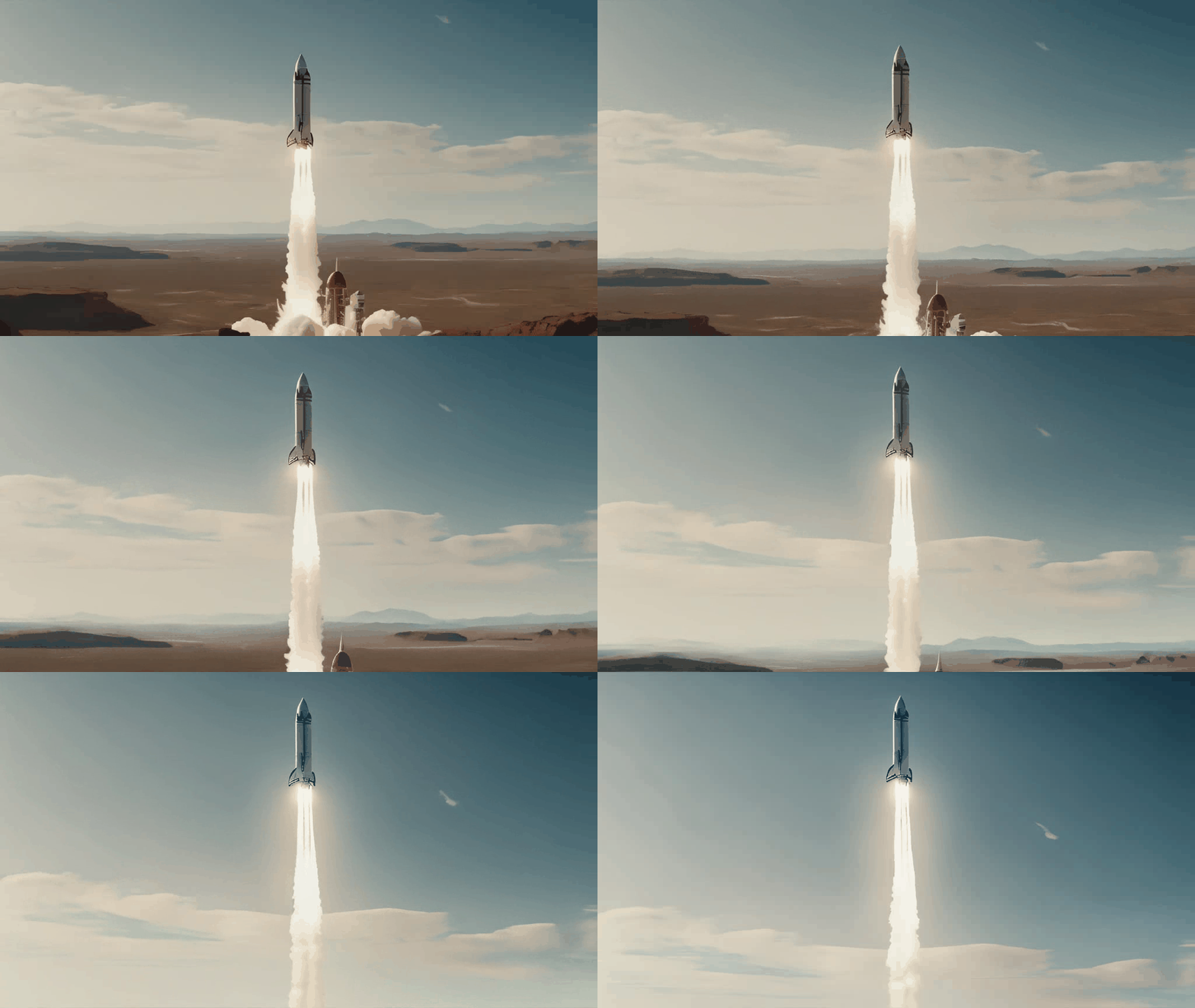
|
||||
<video width="1024" height="576" controls>
|
||||
<source src="https://huggingface.co/datasets/huggingface/documentation-images/resolve/main/diffusers/svd/rocket_generated_motion.mp4" type="video/mp4">
|
||||
</video>
|
||||
|
||||
|
||||
@@ -2,15 +2,9 @@
|
||||
- local: index
|
||||
title: 🧨 Diffusers
|
||||
- local: quicktour
|
||||
title: クイックツアー
|
||||
title: 簡単な案内
|
||||
- local: stable_diffusion
|
||||
title: 有効で効率の良い拡散モデル
|
||||
title: 効果的で効率的な拡散モデル
|
||||
- local: installation
|
||||
title: インストール
|
||||
title: はじめに
|
||||
- sections:
|
||||
- local: tutorials/tutorial_overview
|
||||
title: 概要
|
||||
- local: tutorials/autopipeline
|
||||
title: AutoPipeline
|
||||
title: チュートリアル
|
||||
title: はじめに
|
||||
@@ -18,31 +18,82 @@ specific language governing permissions and limitations under the License.
|
||||
|
||||
# Diffusers
|
||||
|
||||
🤗 Diffusers は、画像や音声、さらには分子の3D構造を生成するための、最先端の事前学習済みDiffusion Model(拡散モデル)を提供するライブラリです。シンプルな生成ソリューションをお探しの場合でも、独自の拡散モデルをトレーニングしたい場合でも、🤗 Diffusers はその両方をサポートするモジュール式のツールボックスです。私たちのライブラリは、[性能より使いやすさ](conceptual/philosophy#usability-over-performance)、[簡単よりシンプル](conceptual/philosophy#simple-over-easy)、[抽象化よりカスタマイズ性](conceptual/philosophy#tweakable-contributorfriendly-over-abstraction)に重点を置いて設計されています。
|
||||
🤗 Diffusers は、画像や音声、さらには分子の3D構造を生成するための、最先端の事前学習済みDiffusion Model(拡散モデル)を提供するライブラリです。シンプルな生成ソリューションをお探しの場合でも、独自の拡散モデルをトレーニングしたい場合でも、🤗 Diffusers はその両方をサポートするモジュール式のツールボックスです。我々のライブラリは、[性能より使いやすさ](conceptual/philosophy#usability-over-performance)、[簡単よりシンプル](conceptual/philosophy#simple-over-easy)、[抽象化よりカスタマイズ性](conceptual/philosophy#tweakable-contributorfriendly-over-abstraction)に重点を置いて設計されています。
|
||||
|
||||
このライブラリには3つの主要コンポーネントがあります:
|
||||
|
||||
- 数行のコードで推論可能な最先端の[拡散パイプライン](api/pipelines/overview)。Diffusersには多くのパイプラインがあります。利用可能なパイプラインを網羅したリストと、それらが解決するタスクについては、パイプラインの[概要](https://huggingface.co/docs/diffusers/api/pipelines/overview)の表をご覧ください。
|
||||
- 生成速度と品質のトレードオフのバランスを取る交換可能な[ノイズスケジューラ](api/schedulers/overview)
|
||||
- ビルディングブロックとして使用することができ、スケジューラと組み合わせることで、エンドツーエンドの拡散モデルを構築可能な事前学習済み[モデル](api/models)
|
||||
- 最先端の[拡散パイプライン](api/pipelines/overview)で数行のコードで生成が可能です。
|
||||
- 交換可能な[ノイズスケジューラ](api/schedulers/overview)で生成速度と品質のトレードオフのバランスをとれます。
|
||||
- 事前に訓練された[モデル](api/models)は、ビルディングブロックとして使用することができ、スケジューラと組み合わせることで、独自のエンドツーエンドの拡散システムを作成することができます。
|
||||
|
||||
<div class="mt-10">
|
||||
<div class="w-full flex flex-col space-y-4 md:space-y-0 md:grid md:grid-cols-2 md:gap-y-4 md:gap-x-5">
|
||||
<a class="!no-underline border dark:border-gray-700 p-5 rounded-lg shadow hover:shadow-lg" href="./tutorials/tutorial_overview"
|
||||
><div class="w-full text-center bg-gradient-to-br from-blue-400 to-blue-500 rounded-lg py-1.5 font-semibold mb-5 text-white text-lg leading-relaxed">チュートリアル</div>
|
||||
<p class="text-gray-700">出力の生成、独自の拡散システムの構築、拡散モデルのトレーニングを開始するために必要な基本的なスキルを学ぶことができます。初めて 🤗Diffusersを使用する場合は、ここから始めることをおすすめします!</p>
|
||||
<p class="text-gray-700">出力の生成、独自の拡散システムの構築、拡散モデルのトレーニングを開始するために必要な基本的なスキルを学ぶことができます。初めて🤗Diffusersを使用する場合は、ここから始めることをお勧めします!</p>
|
||||
</a>
|
||||
<a class="!no-underline border dark:border-gray-700 p-5 rounded-lg shadow hover:shadow-lg" href="./using-diffusers/loading_overview"
|
||||
><div class="w-full text-center bg-gradient-to-br from-indigo-400 to-indigo-500 rounded-lg py-1.5 font-semibold mb-5 text-white text-lg leading-relaxed">ガイド</div>
|
||||
<p class="text-gray-700">パイプライン、モデル、スケジューラの読み込みに役立つ実践的なガイドです。また、特定のタスクにパイプラインを使用する方法、出力の生成方法を制御する方法、生成速度を最適化する方法、さまざまなトレーニング手法についても学ぶことができます。</p>
|
||||
<p class="text-gray-700">パイプライン、モデル、スケジューラのロードに役立つ実践的なガイドです。また、特定のタスクにパイプラインを使用する方法、出力の生成方法を制御する方法、生成速度を最適化する方法、さまざまなトレーニング手法についても学ぶことができます。</p>
|
||||
</a>
|
||||
<a class="!no-underline border dark:border-gray-700 p-5 rounded-lg shadow hover:shadow-lg" href="./conceptual/philosophy"
|
||||
><div class="w-full text-center bg-gradient-to-br from-pink-400 to-pink-500 rounded-lg py-1.5 font-semibold mb-5 text-white text-lg leading-relaxed">Conceptual guides</div>
|
||||
<p class="text-gray-700">ライブラリがなぜこのように設計されたのかを理解し、ライブラリを利用する際の倫理的ガイドラインや安全対策について詳しく学べます。</p>
|
||||
</a>
|
||||
<a class="!no-underline border dark:border-gray-700 p-5 rounded-lg shadow hover:shadow-lg" href="./api/models/overview"
|
||||
><div class="w-full text-center bg-gradient-to-br from-purple-400 to-purple-500 rounded-lg py-1.5 font-semibold mb-5 text-white text-lg leading-relaxed">リファレンス</div>
|
||||
><div class="w-full text-center bg-gradient-to-br from-purple-400 to-purple-500 rounded-lg py-1.5 font-semibold mb-5 text-white text-lg leading-relaxed">Reference</div>
|
||||
<p class="text-gray-700">🤗 Diffusersのクラスとメソッドがどのように機能するかについての技術的な説明です。</p>
|
||||
</a>
|
||||
</div>
|
||||
</div>
|
||||
</div>
|
||||
|
||||
## Supported pipelines
|
||||
|
||||
| Pipeline | Paper/Repository | Tasks |
|
||||
|---|---|:---:|
|
||||
| [alt_diffusion](./api/pipelines/alt_diffusion) | [AltCLIP: Altering the Language Encoder in CLIP for Extended Language Capabilities](https://arxiv.org/abs/2211.06679) | Image-to-Image Text-Guided Generation |
|
||||
| [audio_diffusion](./api/pipelines/audio_diffusion) | [Audio Diffusion](https://github.com/teticio/audio-diffusion.git) | Unconditional Audio Generation |
|
||||
| [controlnet](./api/pipelines/controlnet) | [Adding Conditional Control to Text-to-Image Diffusion Models](https://arxiv.org/abs/2302.05543) | Image-to-Image Text-Guided Generation |
|
||||
| [cycle_diffusion](./api/pipelines/cycle_diffusion) | [Unifying Diffusion Models' Latent Space, with Applications to CycleDiffusion and Guidance](https://arxiv.org/abs/2210.05559) | Image-to-Image Text-Guided Generation |
|
||||
| [dance_diffusion](./api/pipelines/dance_diffusion) | [Dance Diffusion](https://github.com/williamberman/diffusers.git) | Unconditional Audio Generation |
|
||||
| [ddpm](./api/pipelines/ddpm) | [Denoising Diffusion Probabilistic Models](https://arxiv.org/abs/2006.11239) | Unconditional Image Generation |
|
||||
| [ddim](./api/pipelines/ddim) | [Denoising Diffusion Implicit Models](https://arxiv.org/abs/2010.02502) | Unconditional Image Generation |
|
||||
| [if](./if) | [**IF**](./api/pipelines/if) | Image Generation |
|
||||
| [if_img2img](./if) | [**IF**](./api/pipelines/if) | Image-to-Image Generation |
|
||||
| [if_inpainting](./if) | [**IF**](./api/pipelines/if) | Image-to-Image Generation |
|
||||
| [latent_diffusion](./api/pipelines/latent_diffusion) | [High-Resolution Image Synthesis with Latent Diffusion Models](https://arxiv.org/abs/2112.10752)| Text-to-Image Generation |
|
||||
| [latent_diffusion](./api/pipelines/latent_diffusion) | [High-Resolution Image Synthesis with Latent Diffusion Models](https://arxiv.org/abs/2112.10752)| Super Resolution Image-to-Image |
|
||||
| [latent_diffusion_uncond](./api/pipelines/latent_diffusion_uncond) | [High-Resolution Image Synthesis with Latent Diffusion Models](https://arxiv.org/abs/2112.10752) | Unconditional Image Generation |
|
||||
| [paint_by_example](./api/pipelines/paint_by_example) | [Paint by Example: Exemplar-based Image Editing with Diffusion Models](https://arxiv.org/abs/2211.13227) | Image-Guided Image Inpainting |
|
||||
| [pndm](./api/pipelines/pndm) | [Pseudo Numerical Methods for Diffusion Models on Manifolds](https://arxiv.org/abs/2202.09778) | Unconditional Image Generation |
|
||||
| [score_sde_ve](./api/pipelines/score_sde_ve) | [Score-Based Generative Modeling through Stochastic Differential Equations](https://openreview.net/forum?id=PxTIG12RRHS) | Unconditional Image Generation |
|
||||
| [score_sde_vp](./api/pipelines/score_sde_vp) | [Score-Based Generative Modeling through Stochastic Differential Equations](https://openreview.net/forum?id=PxTIG12RRHS) | Unconditional Image Generation |
|
||||
| [semantic_stable_diffusion](./api/pipelines/semantic_stable_diffusion) | [Semantic Guidance](https://arxiv.org/abs/2301.12247) | Text-Guided Generation |
|
||||
| [stable_diffusion_adapter](./api/pipelines/stable_diffusion/adapter) | [**T2I-Adapter**](https://arxiv.org/abs/2302.08453) | Image-to-Image Text-Guided Generation | -
|
||||
| [stable_diffusion_text2img](./api/pipelines/stable_diffusion/text2img) | [Stable Diffusion](https://stability.ai/blog/stable-diffusion-public-release) | Text-to-Image Generation |
|
||||
| [stable_diffusion_img2img](./api/pipelines/stable_diffusion/img2img) | [Stable Diffusion](https://stability.ai/blog/stable-diffusion-public-release) | Image-to-Image Text-Guided Generation |
|
||||
| [stable_diffusion_inpaint](./api/pipelines/stable_diffusion/inpaint) | [Stable Diffusion](https://stability.ai/blog/stable-diffusion-public-release) | Text-Guided Image Inpainting |
|
||||
| [stable_diffusion_panorama](./api/pipelines/stable_diffusion/panorama) | [MultiDiffusion](https://multidiffusion.github.io/) | Text-to-Panorama Generation |
|
||||
| [stable_diffusion_pix2pix](./api/pipelines/stable_diffusion/pix2pix) | [InstructPix2Pix: Learning to Follow Image Editing Instructions](https://arxiv.org/abs/2211.09800) | Text-Guided Image Editing|
|
||||
| [stable_diffusion_pix2pix_zero](./api/pipelines/stable_diffusion/pix2pix_zero) | [Zero-shot Image-to-Image Translation](https://pix2pixzero.github.io/) | Text-Guided Image Editing |
|
||||
| [stable_diffusion_attend_and_excite](./api/pipelines/stable_diffusion/attend_and_excite) | [Attend-and-Excite: Attention-Based Semantic Guidance for Text-to-Image Diffusion Models](https://arxiv.org/abs/2301.13826) | Text-to-Image Generation |
|
||||
| [stable_diffusion_self_attention_guidance](./api/pipelines/stable_diffusion/self_attention_guidance) | [Improving Sample Quality of Diffusion Models Using Self-Attention Guidance](https://arxiv.org/abs/2210.00939) | Text-to-Image Generation Unconditional Image Generation |
|
||||
| [stable_diffusion_image_variation](./stable_diffusion/image_variation) | [Stable Diffusion Image Variations](https://github.com/LambdaLabsML/lambda-diffusers#stable-diffusion-image-variations) | Image-to-Image Generation |
|
||||
| [stable_diffusion_latent_upscale](./stable_diffusion/latent_upscale) | [Stable Diffusion Latent Upscaler](https://twitter.com/StabilityAI/status/1590531958815064065) | Text-Guided Super Resolution Image-to-Image |
|
||||
| [stable_diffusion_model_editing](./api/pipelines/stable_diffusion/model_editing) | [Editing Implicit Assumptions in Text-to-Image Diffusion Models](https://time-diffusion.github.io/) | Text-to-Image Model Editing |
|
||||
| [stable_diffusion_2](./api/pipelines/stable_diffusion_2) | [Stable Diffusion 2](https://stability.ai/blog/stable-diffusion-v2-release) | Text-to-Image Generation |
|
||||
| [stable_diffusion_2](./api/pipelines/stable_diffusion_2) | [Stable Diffusion 2](https://stability.ai/blog/stable-diffusion-v2-release) | Text-Guided Image Inpainting |
|
||||
| [stable_diffusion_2](./api/pipelines/stable_diffusion_2) | [Depth-Conditional Stable Diffusion](https://github.com/Stability-AI/stablediffusion#depth-conditional-stable-diffusion) | Depth-to-Image Generation |
|
||||
| [stable_diffusion_2](./api/pipelines/stable_diffusion_2) | [Stable Diffusion 2](https://stability.ai/blog/stable-diffusion-v2-release) | Text-Guided Super Resolution Image-to-Image |
|
||||
| [stable_diffusion_safe](./api/pipelines/stable_diffusion_safe) | [Safe Stable Diffusion](https://arxiv.org/abs/2211.05105) | Text-Guided Generation |
|
||||
| [stable_unclip](./stable_unclip) | Stable unCLIP | Text-to-Image Generation |
|
||||
| [stable_unclip](./stable_unclip) | Stable unCLIP | Image-to-Image Text-Guided Generation |
|
||||
| [stochastic_karras_ve](./api/pipelines/stochastic_karras_ve) | [Elucidating the Design Space of Diffusion-Based Generative Models](https://arxiv.org/abs/2206.00364) | Unconditional Image Generation |
|
||||
| [text_to_video_sd](./api/pipelines/text_to_video) | [Modelscope's Text-to-video-synthesis Model in Open Domain](https://modelscope.cn/models/damo/text-to-video-synthesis/summary) | Text-to-Video Generation |
|
||||
| [unclip](./api/pipelines/unclip) | [Hierarchical Text-Conditional Image Generation with CLIP Latents](https://arxiv.org/abs/2204.06125)(implementation by [kakaobrain](https://github.com/kakaobrain/karlo)) | Text-to-Image Generation |
|
||||
| [versatile_diffusion](./api/pipelines/versatile_diffusion) | [Versatile Diffusion: Text, Images and Variations All in One Diffusion Model](https://arxiv.org/abs/2211.08332) | Text-to-Image Generation |
|
||||
| [versatile_diffusion](./api/pipelines/versatile_diffusion) | [Versatile Diffusion: Text, Images and Variations All in One Diffusion Model](https://arxiv.org/abs/2211.08332) | Image Variations Generation |
|
||||
| [versatile_diffusion](./api/pipelines/versatile_diffusion) | [Versatile Diffusion: Text, Images and Variations All in One Diffusion Model](https://arxiv.org/abs/2211.08332) | Dual Image and Text Guided Generation |
|
||||
| [vq_diffusion](./api/pipelines/vq_diffusion) | [Vector Quantized Diffusion Model for Text-to-Image Synthesis](https://arxiv.org/abs/2111.14822) | Text-to-Image Generation |
|
||||
| [stable_diffusion_ldm3d](./api/pipelines/stable_diffusion/ldm3d_diffusion) | [LDM3D: Latent Diffusion Model for 3D](https://arxiv.org/abs/2305.10853) | Text to Image and Depth Generation |
|
||||
| [stable_diffusion_upscaler_ldm3d](./api/pipelines/stable_diffusion/ldm3d_diffusion) | [LDM3D-VR: Latent Diffusion Model for 3D VR](https://arxiv.org/pdf/2311.03226) | Image and Depth Upscaling |
|
||||
|
||||
@@ -1,168 +0,0 @@
|
||||
<!--Copyright 2023 The HuggingFace Team. All rights reserved.
|
||||
|
||||
Licensed under the Apache License, Version 2.0 (the "License"); you may not use this file except in compliance with
|
||||
the License. You may obtain a copy of the License at
|
||||
|
||||
http://www.apache.org/licenses/LICENSE-2.0
|
||||
|
||||
Unless required by applicable law or agreed to in writing, software distributed under the License is distributed on
|
||||
an "AS IS" BASIS, WITHOUT WARRANTIES OR CONDITIONS OF ANY KIND, either express or implied. See the License for the
|
||||
specific language governing permissions and limitations under the License.
|
||||
-->
|
||||
|
||||
# AutoPipeline
|
||||
|
||||
Diffusersは様々なタスクをこなすことができ、テキストから画像、画像から画像、画像の修復など、複数のタスクに対して同じように事前学習された重みを再利用することができます。しかし、ライブラリや拡散モデルに慣れていない場合、どのタスクにどのパイプラインを使えばいいのかがわかりにくいかもしれません。例えば、 [runwayml/stable-diffusion-v1-5](https://huggingface.co/runwayml/stable-diffusion-v1-5) チェックポイントをテキストから画像に変換するために使用している場合、それぞれ[`StableDiffusionImg2ImgPipeline`]クラスと[`StableDiffusionInpaintPipeline`]クラスでチェックポイントをロードすることで、画像から画像や画像の修復にも使えることを知らない可能性もあります。
|
||||
|
||||
`AutoPipeline` クラスは、🤗 Diffusers の様々なパイプラインをよりシンプルするために設計されています。この汎用的でタスク重視のパイプラインによってタスクそのものに集中することができます。`AutoPipeline` は、使用するべき正しいパイプラインクラスを自動的に検出するため、特定のパイプラインクラス名を知らなくても、タスクのチェックポイントを簡単にロードできます。
|
||||
|
||||
<Tip>
|
||||
|
||||
どのタスクがサポートされているかは、[AutoPipeline](../api/pipelines/auto_pipeline) のリファレンスをご覧ください。現在、text-to-image、image-to-image、inpaintingをサポートしています。
|
||||
|
||||
</Tip>
|
||||
|
||||
このチュートリアルでは、`AutoPipeline` を使用して、事前に学習された重みが与えられたときに、特定のタスクを読み込むためのパイプラインクラスを自動的に推測する方法を示します。
|
||||
|
||||
## タスクに合わせてAutoPipeline を選択する
|
||||
まずはチェックポイントを選ぶことから始めましょう。例えば、 [runwayml/stable-diffusion-v1-5](https://huggingface.co/runwayml/stable-diffusion-v1-5) チェックポイントでテキストから画像への変換したいなら、[`AutoPipelineForText2Image`]を使います:
|
||||
|
||||
```py
|
||||
from diffusers import AutoPipelineForText2Image
|
||||
import torch
|
||||
|
||||
pipeline = AutoPipelineForText2Image.from_pretrained(
|
||||
"runwayml/stable-diffusion-v1-5", torch_dtype=torch.float16, use_safetensors=True
|
||||
).to("cuda")
|
||||
prompt = "peasant and dragon combat, wood cutting style, viking era, bevel with rune"
|
||||
|
||||
image = pipeline(prompt, num_inference_steps=25).images[0]
|
||||
image
|
||||
```
|
||||
|
||||
<div class="flex justify-center">
|
||||
<img src="https://huggingface.co/datasets/huggingface/documentation-images/resolve/main/diffusers/autopipeline-text2img.png" alt="generated image of peasant fighting dragon in wood cutting style"/>
|
||||
</div>
|
||||
|
||||
[`AutoPipelineForText2Image`] を具体的に見ていきましょう:
|
||||
|
||||
1. [`model_index.json`](https://huggingface.co/runwayml/stable-diffusion-v1-5/blob/main/model_index.json) ファイルから `"stable-diffusion"` クラスを自動的に検出します。
|
||||
2. `"stable-diffusion"` のクラス名に基づいて、テキストから画像へ変換する [`StableDiffusionPipeline`] を読み込みます。
|
||||
|
||||
同様に、画像から画像へ変換する場合、[`AutoPipelineForImage2Image`] は `model_index.json` ファイルから `"stable-diffusion"` チェックポイントを検出し、対応する [`StableDiffusionImg2ImgPipeline`] を読み込みます。また、入力画像にノイズの量やバリエーションの追加を決めるための強さなど、パイプラインクラスに固有の追加引数を渡すこともできます:
|
||||
|
||||
```py
|
||||
from diffusers import AutoPipelineForImage2Image
|
||||
import torch
|
||||
import requests
|
||||
from PIL import Image
|
||||
from io import BytesIO
|
||||
|
||||
pipeline = AutoPipelineForImage2Image.from_pretrained(
|
||||
"runwayml/stable-diffusion-v1-5",
|
||||
torch_dtype=torch.float16,
|
||||
use_safetensors=True,
|
||||
).to("cuda")
|
||||
prompt = "a portrait of a dog wearing a pearl earring"
|
||||
|
||||
url = "https://upload.wikimedia.org/wikipedia/commons/thumb/0/0f/1665_Girl_with_a_Pearl_Earring.jpg/800px-1665_Girl_with_a_Pearl_Earring.jpg"
|
||||
|
||||
response = requests.get(url)
|
||||
image = Image.open(BytesIO(response.content)).convert("RGB")
|
||||
image.thumbnail((768, 768))
|
||||
|
||||
image = pipeline(prompt, image, num_inference_steps=200, strength=0.75, guidance_scale=10.5).images[0]
|
||||
image
|
||||
```
|
||||
|
||||
<div class="flex justify-center">
|
||||
<img src="https://huggingface.co/datasets/huggingface/documentation-images/resolve/main/diffusers/autopipeline-img2img.png" alt="generated image of a vermeer portrait of a dog wearing a pearl earring"/>
|
||||
</div>
|
||||
|
||||
また、画像の修復を行いたい場合は、 [`AutoPipelineForInpainting`] が、同様にベースとなる[`StableDiffusionInpaintPipeline`]クラスを読み込みます:
|
||||
|
||||
```py
|
||||
from diffusers import AutoPipelineForInpainting
|
||||
from diffusers.utils import load_image
|
||||
import torch
|
||||
|
||||
pipeline = AutoPipelineForInpainting.from_pretrained(
|
||||
"stabilityai/stable-diffusion-xl-base-1.0", torch_dtype=torch.float16, use_safetensors=True
|
||||
).to("cuda")
|
||||
|
||||
img_url = "https://raw.githubusercontent.com/CompVis/latent-diffusion/main/data/inpainting_examples/overture-creations-5sI6fQgYIuo.png"
|
||||
mask_url = "https://raw.githubusercontent.com/CompVis/latent-diffusion/main/data/inpainting_examples/overture-creations-5sI6fQgYIuo_mask.png"
|
||||
|
||||
init_image = load_image(img_url).convert("RGB")
|
||||
mask_image = load_image(mask_url).convert("RGB")
|
||||
|
||||
prompt = "A majestic tiger sitting on a bench"
|
||||
image = pipeline(prompt, image=init_image, mask_image=mask_image, num_inference_steps=50, strength=0.80).images[0]
|
||||
image
|
||||
```
|
||||
|
||||
<div class="flex justify-center">
|
||||
<img src="https://huggingface.co/datasets/huggingface/documentation-images/resolve/main/diffusers/autopipeline-inpaint.png" alt="generated image of a tiger sitting on a bench"/>
|
||||
</div>
|
||||
|
||||
サポートされていないチェックポイントを読み込もうとすると、エラーになります:
|
||||
|
||||
```py
|
||||
from diffusers import AutoPipelineForImage2Image
|
||||
import torch
|
||||
|
||||
pipeline = AutoPipelineForImage2Image.from_pretrained(
|
||||
"openai/shap-e-img2img", torch_dtype=torch.float16, use_safetensors=True
|
||||
)
|
||||
"ValueError: AutoPipeline can't find a pipeline linked to ShapEImg2ImgPipeline for None"
|
||||
```
|
||||
|
||||
## 複数のパイプラインを使用する
|
||||
|
||||
いくつかのワークフローや多くのパイプラインを読み込む場合、不要なメモリを使ってしまう再読み込みをするよりも、チェックポイントから同じコンポーネントを再利用する方がメモリ効率が良いです。たとえば、テキストから画像への変換にチェックポイントを使い、画像から画像への変換にまたチェックポイントを使いたい場合、[from_pipe()](https://huggingface.co/docs/diffusers/v0.25.1/en/api/pipelines/auto_pipeline#diffusers.AutoPipelineForImage2Image.from_pipe) メソッドを使用します。このメソッドは、以前読み込まれたパイプラインのコンポーネントを使うことで追加のメモリを消費することなく、新しいパイプラインを作成します。
|
||||
|
||||
[from_pipe()](https://huggingface.co/docs/diffusers/v0.25.1/en/api/pipelines/auto_pipeline#diffusers.AutoPipelineForImage2Image.from_pipe) メソッドは、元のパイプラインクラスを検出し、実行したいタスクに対応する新しいパイプラインクラスにマッピングします。例えば、テキストから画像への`"stable-diffusion"` クラスのパイプラインを読み込む場合:
|
||||
|
||||
```py
|
||||
from diffusers import AutoPipelineForText2Image, AutoPipelineForImage2Image
|
||||
import torch
|
||||
|
||||
pipeline_text2img = AutoPipelineForText2Image.from_pretrained(
|
||||
"runwayml/stable-diffusion-v1-5", torch_dtype=torch.float16, use_safetensors=True
|
||||
)
|
||||
print(type(pipeline_text2img))
|
||||
"<class 'diffusers.pipelines.stable_diffusion.pipeline_stable_diffusion.StableDiffusionPipeline'>"
|
||||
```
|
||||
|
||||
そして、[from_pipe()] (https://huggingface.co/docs/diffusers/v0.25.1/en/api/pipelines/auto_pipeline#diffusers.AutoPipelineForImage2Image.from_pipe)は、もとの`"stable-diffusion"` パイプラインのクラスである [`StableDiffusionImg2ImgPipeline`] にマップします:
|
||||
|
||||
```py
|
||||
pipeline_img2img = AutoPipelineForImage2Image.from_pipe(pipeline_text2img)
|
||||
print(type(pipeline_img2img))
|
||||
"<class 'diffusers.pipelines.stable_diffusion.pipeline_stable_diffusion_img2img.StableDiffusionImg2ImgPipeline'>"
|
||||
```
|
||||
元のパイプラインにオプションとして引数(セーフティチェッカーの無効化など)を渡した場合、この引数も新しいパイプラインに渡されます:
|
||||
|
||||
```py
|
||||
from diffusers import AutoPipelineForText2Image, AutoPipelineForImage2Image
|
||||
import torch
|
||||
|
||||
pipeline_text2img = AutoPipelineForText2Image.from_pretrained(
|
||||
"runwayml/stable-diffusion-v1-5",
|
||||
torch_dtype=torch.float16,
|
||||
use_safetensors=True,
|
||||
requires_safety_checker=False,
|
||||
).to("cuda")
|
||||
|
||||
pipeline_img2img = AutoPipelineForImage2Image.from_pipe(pipeline_text2img)
|
||||
print(pipeline_img2img.config.requires_safety_checker)
|
||||
"False"
|
||||
```
|
||||
|
||||
新しいパイプラインの動作を変更したい場合は、元のパイプラインの引数や設定を上書きすることができます。例えば、セーフティチェッカーをオンに戻し、`strength` 引数を追加します:
|
||||
|
||||
```py
|
||||
pipeline_img2img = AutoPipelineForImage2Image.from_pipe(pipeline_text2img, requires_safety_checker=True, strength=0.3)
|
||||
print(pipeline_img2img.config.requires_safety_checker)
|
||||
"True"
|
||||
```
|
||||
@@ -1,23 +0,0 @@
|
||||
<!--Copyright 2023 The HuggingFace Team. All rights reserved.
|
||||
|
||||
Licensed under the Apache License, Version 2.0 (the "License"); you may not use this file except in compliance with
|
||||
the License. You may obtain a copy of the License at
|
||||
|
||||
http://www.apache.org/licenses/LICENSE-2.0
|
||||
|
||||
Unless required by applicable law or agreed to in writing, software distributed under the License is distributed on
|
||||
an "AS IS" BASIS, WITHOUT WARRANTIES OR CONDITIONS OF ANY KIND, either express or implied. See the License for the
|
||||
specific language governing permissions and limitations under the License.
|
||||
-->
|
||||
|
||||
# Overview
|
||||
|
||||
ようこそ 🧨Diffusersへ!拡散モデル(diffusion models)や生成AIの初心者で、さらに学びたいのであれば、このチュートリアルが最適です。この初心者向けのチュートリアルは、拡散モデルについて丁寧に解説し、ライブラリの基礎(核となるコンポーネントと 🧨Diffusersの使用方法)を理解することを目的としています。
|
||||
|
||||
まず、推論のためのパイプラインを使って、素早く生成する方法を学んでいきます。次に、独自の拡散システムを構築するためのモジュラーツールボックスとしてライブラリをどのように使えば良いかを理解するために、そのパイプラインを分解してみましょう。次のレッスンでは、あなたの欲しいものを生成できるように拡散モデルをトレーニングする方法を学びましょう。
|
||||
|
||||
このチュートリアルがすべて完了したら、ライブラリを自分で調べ、自分のプロジェクトやアプリケーションにどのように使えるかを知るために必要なスキルを身につけることができます。
|
||||
|
||||
そして、 [Discord](https://discord.com/invite/JfAtkvEtRb) や [forums](https://discuss.huggingface.co/c/discussion-related-to-httpsgithubcomhuggingfacediffusers/63) でDiffusersコミュニティに参加してユーザーや開発者と繋がって協力していきましょう。
|
||||
|
||||
さあ、「拡散」をはじめていきましょう!🧨
|
||||
File diff suppressed because it is too large
Load Diff
@@ -20,7 +20,6 @@ import itertools
|
||||
import logging
|
||||
import math
|
||||
import os
|
||||
import re
|
||||
import shutil
|
||||
import warnings
|
||||
from pathlib import Path
|
||||
@@ -38,11 +37,9 @@ from accelerate.logging import get_logger
|
||||
from accelerate.utils import DistributedDataParallelKwargs, ProjectConfiguration, set_seed
|
||||
from huggingface_hub import create_repo, upload_folder
|
||||
from packaging import version
|
||||
from peft import LoraConfig, set_peft_model_state_dict
|
||||
from peft.utils import get_peft_model_state_dict
|
||||
from PIL import Image
|
||||
from PIL.ImageOps import exif_transpose
|
||||
from safetensors.torch import load_file, save_file
|
||||
from safetensors.torch import save_file
|
||||
from torch.utils.data import Dataset
|
||||
from torchvision import transforms
|
||||
from tqdm.auto import tqdm
|
||||
@@ -57,26 +54,52 @@ from diffusers import (
|
||||
UNet2DConditionModel,
|
||||
)
|
||||
from diffusers.loaders import LoraLoaderMixin
|
||||
from diffusers.models.lora import LoRALinearLayer
|
||||
from diffusers.optimization import get_scheduler
|
||||
from diffusers.training_utils import _set_state_dict_into_text_encoder, cast_training_params, compute_snr
|
||||
from diffusers.utils import (
|
||||
check_min_version,
|
||||
convert_all_state_dict_to_peft,
|
||||
convert_state_dict_to_diffusers,
|
||||
convert_state_dict_to_kohya,
|
||||
convert_unet_state_dict_to_peft,
|
||||
is_wandb_available,
|
||||
)
|
||||
from diffusers.training_utils import compute_snr, unet_lora_state_dict
|
||||
from diffusers.utils import check_min_version, is_wandb_available
|
||||
from diffusers.utils.import_utils import is_xformers_available
|
||||
from diffusers.utils.torch_utils import is_compiled_module
|
||||
|
||||
|
||||
# Will error if the minimal version of diffusers is not installed. Remove at your own risks.
|
||||
check_min_version("0.26.0.dev0")
|
||||
check_min_version("0.25.0.dev0")
|
||||
|
||||
logger = get_logger(__name__)
|
||||
|
||||
|
||||
# TODO: This function should be removed once training scripts are rewritten in PEFT
|
||||
def text_encoder_lora_state_dict(text_encoder):
|
||||
state_dict = {}
|
||||
|
||||
def text_encoder_attn_modules(text_encoder):
|
||||
from transformers import CLIPTextModel, CLIPTextModelWithProjection
|
||||
|
||||
attn_modules = []
|
||||
|
||||
if isinstance(text_encoder, (CLIPTextModel, CLIPTextModelWithProjection)):
|
||||
for i, layer in enumerate(text_encoder.text_model.encoder.layers):
|
||||
name = f"text_model.encoder.layers.{i}.self_attn"
|
||||
mod = layer.self_attn
|
||||
attn_modules.append((name, mod))
|
||||
|
||||
return attn_modules
|
||||
|
||||
for name, module in text_encoder_attn_modules(text_encoder):
|
||||
for k, v in module.q_proj.lora_linear_layer.state_dict().items():
|
||||
state_dict[f"{name}.q_proj.lora_linear_layer.{k}"] = v
|
||||
|
||||
for k, v in module.k_proj.lora_linear_layer.state_dict().items():
|
||||
state_dict[f"{name}.k_proj.lora_linear_layer.{k}"] = v
|
||||
|
||||
for k, v in module.v_proj.lora_linear_layer.state_dict().items():
|
||||
state_dict[f"{name}.v_proj.lora_linear_layer.{k}"] = v
|
||||
|
||||
for k, v in module.out_proj.lora_linear_layer.state_dict().items():
|
||||
state_dict[f"{name}.out_proj.lora_linear_layer.{k}"] = v
|
||||
|
||||
return state_dict
|
||||
|
||||
|
||||
def save_model_card(
|
||||
repo_id: str,
|
||||
images=None,
|
||||
@@ -102,17 +125,10 @@ def save_model_card(
|
||||
img_str += f"""
|
||||
- text: '{instance_prompt}'
|
||||
"""
|
||||
embeddings_filename = f"{repo_folder}_emb"
|
||||
instance_prompt_webui = re.sub(r"<s\d+>", "", re.sub(r"<s\d+>", embeddings_filename, instance_prompt, count=1))
|
||||
ti_keys = ", ".join(f'"{match}"' for match in re.findall(r"<s\d+>", instance_prompt))
|
||||
if instance_prompt_webui != embeddings_filename:
|
||||
instance_prompt_sentence = f"For example, `{instance_prompt_webui}`"
|
||||
else:
|
||||
instance_prompt_sentence = ""
|
||||
|
||||
trigger_str = f"You should use {instance_prompt} to trigger the image generation."
|
||||
diffusers_imports_pivotal = ""
|
||||
diffusers_example_pivotal = ""
|
||||
webui_example_pivotal = ""
|
||||
if train_text_encoder_ti:
|
||||
trigger_str = (
|
||||
"To trigger image generation of trained concept(or concepts) replace each concept identifier "
|
||||
@@ -121,16 +137,11 @@ def save_model_card(
|
||||
diffusers_imports_pivotal = """from huggingface_hub import hf_hub_download
|
||||
from safetensors.torch import load_file
|
||||
"""
|
||||
diffusers_example_pivotal = f"""embedding_path = hf_hub_download(repo_id='{repo_id}', filename='{embeddings_filename}.safetensors' repo_type="model")
|
||||
diffusers_example_pivotal = f"""embedding_path = hf_hub_download(repo_id='{repo_id}', filename="embeddings.safetensors", repo_type="model")
|
||||
state_dict = load_file(embedding_path)
|
||||
pipeline.load_textual_inversion(state_dict["clip_l"], token=[{ti_keys}], text_encoder=pipeline.text_encoder, tokenizer=pipeline.tokenizer)
|
||||
pipeline.load_textual_inversion(state_dict["clip_g"], token=[{ti_keys}], text_encoder=pipeline.text_encoder_2, tokenizer=pipeline.tokenizer_2)
|
||||
pipeline.load_textual_inversion(state_dict["clip_l"], token=["<s0>", "<s1>"], text_encoder=pipeline.text_encoder, tokenizer=pipeline.tokenizer)
|
||||
pipeline.load_textual_inversion(state_dict["clip_g"], token=["<s0>", "<s1>"], text_encoder=pipeline.text_encoder_2, tokenizer=pipeline.tokenizer_2)
|
||||
"""
|
||||
webui_example_pivotal = f"""- *Embeddings*: download **[`{embeddings_filename}.safetensors` here 💾](/{repo_id}/blob/main/{embeddings_filename}.safetensors)**.
|
||||
- Place it on it on your `embeddings` folder
|
||||
- Use it by adding `{embeddings_filename}` to your prompt. {instance_prompt_sentence}
|
||||
(you need both the LoRA and the embeddings as they were trained together for this LoRA)
|
||||
"""
|
||||
if token_abstraction_dict:
|
||||
for key, value in token_abstraction_dict.items():
|
||||
tokens = "".join(value)
|
||||
@@ -162,14 +173,9 @@ license: openrail++
|
||||
|
||||
### These are {repo_id} LoRA adaption weights for {base_model}.
|
||||
|
||||
## Download model
|
||||
## Trigger words
|
||||
|
||||
### Use it with UIs such as AUTOMATIC1111, Comfy UI, SD.Next, Invoke
|
||||
|
||||
- **LoRA**: download **[`{repo_folder}.safetensors` here 💾](/{repo_id}/blob/main/{repo_folder}.safetensors)**.
|
||||
- Place it on your `models/Lora` folder.
|
||||
- On AUTOMATIC1111, load the LoRA by adding `<lora:{repo_folder}:1>` to your prompt. On ComfyUI just [load it as a regular LoRA](https://comfyanonymous.github.io/ComfyUI_examples/lora/).
|
||||
{webui_example_pivotal}
|
||||
{trigger_str}
|
||||
|
||||
## Use it with the [🧨 diffusers library](https://github.com/huggingface/diffusers)
|
||||
|
||||
@@ -185,12 +191,16 @@ image = pipeline('{validation_prompt if validation_prompt else instance_prompt}'
|
||||
|
||||
For more details, including weighting, merging and fusing LoRAs, check the [documentation on loading LoRAs in diffusers](https://huggingface.co/docs/diffusers/main/en/using-diffusers/loading_adapters)
|
||||
|
||||
## Trigger words
|
||||
## Download model
|
||||
|
||||
{trigger_str}
|
||||
### Use it with UIs such as AUTOMATIC1111, Comfy UI, SD.Next, Invoke
|
||||
|
||||
- Download the LoRA *.safetensors [here](/{repo_id}/blob/main/pytorch_lora_weights.safetensors). Rename it and place it on your Lora folder.
|
||||
- Download the text embeddings *.safetensors [here](/{repo_id}/blob/main/embeddings.safetensors). Rename it and place it on it on your embeddings folder.
|
||||
|
||||
All [Files & versions](/{repo_id}/tree/main).
|
||||
|
||||
## Details
|
||||
All [Files & versions](/{repo_id}/tree/main).
|
||||
|
||||
The weights were trained using [🧨 diffusers Advanced Dreambooth Training Script](https://github.com/huggingface/diffusers/blob/main/examples/advanced_diffusion_training/train_dreambooth_lora_sdxl_advanced.py).
|
||||
|
||||
@@ -1252,25 +1262,54 @@ def main(args):
|
||||
text_encoder_two.gradient_checkpointing_enable()
|
||||
|
||||
# now we will add new LoRA weights to the attention layers
|
||||
unet_lora_config = LoraConfig(
|
||||
r=args.rank,
|
||||
lora_alpha=args.rank,
|
||||
init_lora_weights="gaussian",
|
||||
target_modules=["to_k", "to_q", "to_v", "to_out.0"],
|
||||
)
|
||||
unet.add_adapter(unet_lora_config)
|
||||
# Set correct lora layers
|
||||
unet_lora_parameters = []
|
||||
for attn_processor_name, attn_processor in unet.attn_processors.items():
|
||||
# Parse the attention module.
|
||||
attn_module = unet
|
||||
for n in attn_processor_name.split(".")[:-1]:
|
||||
attn_module = getattr(attn_module, n)
|
||||
|
||||
# Set the `lora_layer` attribute of the attention-related matrices.
|
||||
attn_module.to_q.set_lora_layer(
|
||||
LoRALinearLayer(
|
||||
in_features=attn_module.to_q.in_features, out_features=attn_module.to_q.out_features, rank=args.rank
|
||||
)
|
||||
)
|
||||
attn_module.to_k.set_lora_layer(
|
||||
LoRALinearLayer(
|
||||
in_features=attn_module.to_k.in_features, out_features=attn_module.to_k.out_features, rank=args.rank
|
||||
)
|
||||
)
|
||||
attn_module.to_v.set_lora_layer(
|
||||
LoRALinearLayer(
|
||||
in_features=attn_module.to_v.in_features, out_features=attn_module.to_v.out_features, rank=args.rank
|
||||
)
|
||||
)
|
||||
attn_module.to_out[0].set_lora_layer(
|
||||
LoRALinearLayer(
|
||||
in_features=attn_module.to_out[0].in_features,
|
||||
out_features=attn_module.to_out[0].out_features,
|
||||
rank=args.rank,
|
||||
)
|
||||
)
|
||||
|
||||
# Accumulate the LoRA params to optimize.
|
||||
unet_lora_parameters.extend(attn_module.to_q.lora_layer.parameters())
|
||||
unet_lora_parameters.extend(attn_module.to_k.lora_layer.parameters())
|
||||
unet_lora_parameters.extend(attn_module.to_v.lora_layer.parameters())
|
||||
unet_lora_parameters.extend(attn_module.to_out[0].lora_layer.parameters())
|
||||
|
||||
# The text encoder comes from 🤗 transformers, so we cannot directly modify it.
|
||||
# So, instead, we monkey-patch the forward calls of its attention-blocks.
|
||||
if args.train_text_encoder:
|
||||
text_lora_config = LoraConfig(
|
||||
r=args.rank,
|
||||
lora_alpha=args.rank,
|
||||
init_lora_weights="gaussian",
|
||||
target_modules=["q_proj", "k_proj", "v_proj", "out_proj"],
|
||||
# ensure that dtype is float32, even if rest of the model that isn't trained is loaded in fp16
|
||||
text_lora_parameters_one = LoraLoaderMixin._modify_text_encoder(
|
||||
text_encoder_one, dtype=torch.float32, rank=args.rank
|
||||
)
|
||||
text_lora_parameters_two = LoraLoaderMixin._modify_text_encoder(
|
||||
text_encoder_two, dtype=torch.float32, rank=args.rank
|
||||
)
|
||||
text_encoder_one.add_adapter(text_lora_config)
|
||||
text_encoder_two.add_adapter(text_lora_config)
|
||||
|
||||
# if we use textual inversion, we freeze all parameters except for the token embeddings
|
||||
# in text encoder
|
||||
@@ -1279,7 +1318,7 @@ def main(args):
|
||||
for name, param in text_encoder_one.named_parameters():
|
||||
if "token_embedding" in name:
|
||||
# ensure that dtype is float32, even if rest of the model that isn't trained is loaded in fp16
|
||||
param.data = param.to(dtype=torch.float32)
|
||||
param = param.to(dtype=torch.float32)
|
||||
param.requires_grad = True
|
||||
text_lora_parameters_one.append(param)
|
||||
else:
|
||||
@@ -1288,17 +1327,12 @@ def main(args):
|
||||
for name, param in text_encoder_two.named_parameters():
|
||||
if "token_embedding" in name:
|
||||
# ensure that dtype is float32, even if rest of the model that isn't trained is loaded in fp16
|
||||
param.data = param.to(dtype=torch.float32)
|
||||
param = param.to(dtype=torch.float32)
|
||||
param.requires_grad = True
|
||||
text_lora_parameters_two.append(param)
|
||||
else:
|
||||
param.requires_grad = False
|
||||
|
||||
def unwrap_model(model):
|
||||
model = accelerator.unwrap_model(model)
|
||||
model = model._orig_mod if is_compiled_module(model) else model
|
||||
return model
|
||||
|
||||
# create custom saving & loading hooks so that `accelerator.save_state(...)` serializes in a nice format
|
||||
def save_model_hook(models, weights, output_dir):
|
||||
if accelerator.is_main_process:
|
||||
@@ -1309,18 +1343,12 @@ def main(args):
|
||||
text_encoder_two_lora_layers_to_save = None
|
||||
|
||||
for model in models:
|
||||
if isinstance(model, type(unwrap_model(unet))):
|
||||
unet_lora_layers_to_save = convert_state_dict_to_diffusers(get_peft_model_state_dict(model))
|
||||
elif isinstance(model, type(unwrap_model(text_encoder_one))):
|
||||
if args.train_text_encoder:
|
||||
text_encoder_one_lora_layers_to_save = convert_state_dict_to_diffusers(
|
||||
get_peft_model_state_dict(model)
|
||||
)
|
||||
elif isinstance(model, type(unwrap_model(text_encoder_two))):
|
||||
if args.train_text_encoder:
|
||||
text_encoder_two_lora_layers_to_save = convert_state_dict_to_diffusers(
|
||||
get_peft_model_state_dict(model)
|
||||
)
|
||||
if isinstance(model, type(accelerator.unwrap_model(unet))):
|
||||
unet_lora_layers_to_save = unet_lora_state_dict(model)
|
||||
elif isinstance(model, type(accelerator.unwrap_model(text_encoder_one))):
|
||||
text_encoder_one_lora_layers_to_save = text_encoder_lora_state_dict(model)
|
||||
elif isinstance(model, type(accelerator.unwrap_model(text_encoder_two))):
|
||||
text_encoder_two_lora_layers_to_save = text_encoder_lora_state_dict(model)
|
||||
else:
|
||||
raise ValueError(f"unexpected save model: {model.__class__}")
|
||||
|
||||
@@ -1333,8 +1361,6 @@ def main(args):
|
||||
text_encoder_lora_layers=text_encoder_one_lora_layers_to_save,
|
||||
text_encoder_2_lora_layers=text_encoder_two_lora_layers_to_save,
|
||||
)
|
||||
if args.train_text_encoder_ti:
|
||||
embedding_handler.save_embeddings(f"{output_dir}/{args.output_dir}_emb.safetensors")
|
||||
|
||||
def load_model_hook(models, input_dir):
|
||||
unet_ = None
|
||||
@@ -1344,44 +1370,27 @@ def main(args):
|
||||
while len(models) > 0:
|
||||
model = models.pop()
|
||||
|
||||
if isinstance(model, type(unwrap_model(unet))):
|
||||
if isinstance(model, type(accelerator.unwrap_model(unet))):
|
||||
unet_ = model
|
||||
elif isinstance(model, type(unwrap_model(text_encoder_one))):
|
||||
elif isinstance(model, type(accelerator.unwrap_model(text_encoder_one))):
|
||||
text_encoder_one_ = model
|
||||
elif isinstance(model, type(unwrap_model(text_encoder_two))):
|
||||
elif isinstance(model, type(accelerator.unwrap_model(text_encoder_two))):
|
||||
text_encoder_two_ = model
|
||||
else:
|
||||
raise ValueError(f"unexpected save model: {model.__class__}")
|
||||
|
||||
lora_state_dict, network_alphas = LoraLoaderMixin.lora_state_dict(input_dir)
|
||||
LoraLoaderMixin.load_lora_into_unet(lora_state_dict, network_alphas=network_alphas, unet=unet_)
|
||||
|
||||
unet_state_dict = {f'{k.replace("unet.", "")}': v for k, v in lora_state_dict.items() if k.startswith("unet.")}
|
||||
unet_state_dict = convert_unet_state_dict_to_peft(unet_state_dict)
|
||||
incompatible_keys = set_peft_model_state_dict(unet_, unet_state_dict, adapter_name="default")
|
||||
if incompatible_keys is not None:
|
||||
# check only for unexpected keys
|
||||
unexpected_keys = getattr(incompatible_keys, "unexpected_keys", None)
|
||||
if unexpected_keys:
|
||||
logger.warning(
|
||||
f"Loading adapter weights from state_dict led to unexpected keys not found in the model: "
|
||||
f" {unexpected_keys}. "
|
||||
)
|
||||
text_encoder_state_dict = {k: v for k, v in lora_state_dict.items() if "text_encoder." in k}
|
||||
LoraLoaderMixin.load_lora_into_text_encoder(
|
||||
text_encoder_state_dict, network_alphas=network_alphas, text_encoder=text_encoder_one_
|
||||
)
|
||||
|
||||
if args.train_text_encoder:
|
||||
_set_state_dict_into_text_encoder(lora_state_dict, prefix="text_encoder.", text_encoder=text_encoder_one_)
|
||||
|
||||
_set_state_dict_into_text_encoder(
|
||||
lora_state_dict, prefix="text_encoder_2.", text_encoder=text_encoder_two_
|
||||
)
|
||||
|
||||
# Make sure the trainable params are in float32. This is again needed since the base models
|
||||
# are in `weight_dtype`. More details:
|
||||
# https://github.com/huggingface/diffusers/pull/6514#discussion_r1449796804
|
||||
if args.mixed_precision == "fp16":
|
||||
models = [unet_]
|
||||
if args.train_text_encoder:
|
||||
models.extend([text_encoder_one_, text_encoder_two_])
|
||||
cast_training_params(models)
|
||||
text_encoder_2_state_dict = {k: v for k, v in lora_state_dict.items() if "text_encoder_2." in k}
|
||||
LoraLoaderMixin.load_lora_into_text_encoder(
|
||||
text_encoder_2_state_dict, network_alphas=network_alphas, text_encoder=text_encoder_two_
|
||||
)
|
||||
|
||||
accelerator.register_save_state_pre_hook(save_model_hook)
|
||||
accelerator.register_load_state_pre_hook(load_model_hook)
|
||||
@@ -1396,19 +1405,6 @@ def main(args):
|
||||
args.learning_rate * args.gradient_accumulation_steps * args.train_batch_size * accelerator.num_processes
|
||||
)
|
||||
|
||||
# Make sure the trainable params are in float32.
|
||||
if args.mixed_precision == "fp16":
|
||||
models = [unet]
|
||||
if args.train_text_encoder:
|
||||
models.extend([text_encoder_one, text_encoder_two])
|
||||
cast_training_params(models, dtype=torch.float32)
|
||||
|
||||
unet_lora_parameters = list(filter(lambda p: p.requires_grad, unet.parameters()))
|
||||
|
||||
if args.train_text_encoder:
|
||||
text_lora_parameters_one = list(filter(lambda p: p.requires_grad, text_encoder_one.parameters()))
|
||||
text_lora_parameters_two = list(filter(lambda p: p.requires_grad, text_encoder_two.parameters()))
|
||||
|
||||
# If neither --train_text_encoder nor --train_text_encoder_ti, text_encoders remain frozen during training
|
||||
freeze_text_encoder = not (args.train_text_encoder or args.train_text_encoder_ti)
|
||||
|
||||
@@ -1725,19 +1721,19 @@ def main(args):
|
||||
num_train_epochs_text_encoder = int(args.train_text_encoder_frac * args.num_train_epochs)
|
||||
elif args.train_text_encoder_ti: # args.train_text_encoder_ti
|
||||
num_train_epochs_text_encoder = int(args.train_text_encoder_ti_frac * args.num_train_epochs)
|
||||
# flag used for textual inversion
|
||||
pivoted = False
|
||||
|
||||
for epoch in range(first_epoch, args.num_train_epochs):
|
||||
# if performing any kind of optimization of text_encoder params
|
||||
if args.train_text_encoder or args.train_text_encoder_ti:
|
||||
if epoch == num_train_epochs_text_encoder:
|
||||
print("PIVOT HALFWAY", epoch)
|
||||
# stopping optimization of text_encoder params
|
||||
# this flag is used to reset the optimizer to optimize only on unet params
|
||||
pivoted = True
|
||||
# re setting the optimizer to optimize only on unet params
|
||||
optimizer.param_groups[1]["lr"] = 0.0
|
||||
optimizer.param_groups[2]["lr"] = 0.0
|
||||
|
||||
else:
|
||||
# still optimizing the text encoder
|
||||
# still optimizng the text encoder
|
||||
text_encoder_one.train()
|
||||
text_encoder_two.train()
|
||||
# set top parameter requires_grad = True for gradient checkpointing works
|
||||
@@ -1747,12 +1743,6 @@ def main(args):
|
||||
|
||||
unet.train()
|
||||
for step, batch in enumerate(train_dataloader):
|
||||
if pivoted:
|
||||
# stopping optimization of text_encoder params
|
||||
# re setting the optimizer to optimize only on unet params
|
||||
optimizer.param_groups[1]["lr"] = 0.0
|
||||
optimizer.param_groups[2]["lr"] = 0.0
|
||||
|
||||
with accelerator.accumulate(unet):
|
||||
prompts = batch["prompts"]
|
||||
# encode batch prompts when custom prompts are provided for each image -
|
||||
@@ -1849,17 +1839,9 @@ def main(args):
|
||||
# Compute loss-weights as per Section 3.4 of https://arxiv.org/abs/2303.09556.
|
||||
# Since we predict the noise instead of x_0, the original formulation is slightly changed.
|
||||
# This is discussed in Section 4.2 of the same paper.
|
||||
|
||||
if args.with_prior_preservation:
|
||||
# if we're using prior preservation, we calc snr for instance loss only -
|
||||
# and hence only need timesteps corresponding to instance images
|
||||
snr_timesteps, _ = torch.chunk(timesteps, 2, dim=0)
|
||||
else:
|
||||
snr_timesteps = timesteps
|
||||
|
||||
snr = compute_snr(noise_scheduler, snr_timesteps)
|
||||
snr = compute_snr(noise_scheduler, timesteps)
|
||||
base_weight = (
|
||||
torch.stack([snr, args.snr_gamma * torch.ones_like(snr_timesteps)], dim=1).min(dim=1)[0] / snr
|
||||
torch.stack([snr, args.snr_gamma * torch.ones_like(timesteps)], dim=1).min(dim=1)[0] / snr
|
||||
)
|
||||
|
||||
if noise_scheduler.config.prediction_type == "v_prediction":
|
||||
@@ -1891,7 +1873,8 @@ def main(args):
|
||||
|
||||
# every step, we reset the embeddings to the original embeddings.
|
||||
if args.train_text_encoder_ti:
|
||||
embedding_handler.retract_embeddings()
|
||||
for idx, text_encoder in enumerate(text_encoders):
|
||||
embedding_handler.retract_embeddings()
|
||||
|
||||
# Checks if the accelerator has performed an optimization step behind the scenes
|
||||
if accelerator.sync_gradients:
|
||||
@@ -2012,17 +1995,13 @@ def main(args):
|
||||
if accelerator.is_main_process:
|
||||
unet = accelerator.unwrap_model(unet)
|
||||
unet = unet.to(torch.float32)
|
||||
unet_lora_layers = convert_state_dict_to_diffusers(get_peft_model_state_dict(unet))
|
||||
unet_lora_layers = unet_lora_state_dict(unet)
|
||||
|
||||
if args.train_text_encoder:
|
||||
text_encoder_one = accelerator.unwrap_model(text_encoder_one)
|
||||
text_encoder_lora_layers = convert_state_dict_to_diffusers(
|
||||
get_peft_model_state_dict(text_encoder_one.to(torch.float32))
|
||||
)
|
||||
text_encoder_lora_layers = text_encoder_lora_state_dict(text_encoder_one.to(torch.float32))
|
||||
text_encoder_two = accelerator.unwrap_model(text_encoder_two)
|
||||
text_encoder_2_lora_layers = convert_state_dict_to_diffusers(
|
||||
get_peft_model_state_dict(text_encoder_two.to(torch.float32))
|
||||
)
|
||||
text_encoder_2_lora_layers = text_encoder_lora_state_dict(text_encoder_two.to(torch.float32))
|
||||
else:
|
||||
text_encoder_lora_layers = None
|
||||
text_encoder_2_lora_layers = None
|
||||
@@ -2092,15 +2071,8 @@ def main(args):
|
||||
|
||||
if args.train_text_encoder_ti:
|
||||
embedding_handler.save_embeddings(
|
||||
f"{args.output_dir}/{args.output_dir}_emb.safetensors",
|
||||
f"{args.output_dir}/embeddings.safetensors",
|
||||
)
|
||||
|
||||
# Conver to WebUI format
|
||||
lora_state_dict = load_file(f"{args.output_dir}/pytorch_lora_weights.safetensors")
|
||||
peft_state_dict = convert_all_state_dict_to_peft(lora_state_dict)
|
||||
kohya_state_dict = convert_state_dict_to_kohya(peft_state_dict)
|
||||
save_file(kohya_state_dict, f"{args.output_dir}/{args.output_dir}.safetensors")
|
||||
|
||||
save_model_card(
|
||||
model_id if not args.push_to_hub else repo_id,
|
||||
images=images,
|
||||
|
||||
@@ -1,326 +0,0 @@
|
||||
## Amused training
|
||||
|
||||
Amused can be finetuned on simple datasets relatively cheaply and quickly. Using 8bit optimizers, lora, and gradient accumulation, amused can be finetuned with as little as 5.5 GB. Here are a set of examples for finetuning amused on some relatively simple datasets. These training recipies are aggressively oriented towards minimal resources and fast verification -- i.e. the batch sizes are quite low and the learning rates are quite high. For optimal quality, you will probably want to increase the batch sizes and decrease learning rates.
|
||||
|
||||
All training examples use fp16 mixed precision and gradient checkpointing. We don't show 8 bit adam + lora as its about the same memory use as just using lora (bitsandbytes uses full precision optimizer states for weights below a minimum size).
|
||||
|
||||
### Finetuning the 256 checkpoint
|
||||
|
||||
These examples finetune on this [nouns](https://huggingface.co/datasets/m1guelpf/nouns) dataset.
|
||||
|
||||
Example results:
|
||||
|
||||
  
|
||||
|
||||
|
||||
#### Full finetuning
|
||||
|
||||
Batch size: 8, Learning rate: 1e-4, Gives decent results in 750-1000 steps
|
||||
|
||||
| Batch Size | Gradient Accumulation Steps | Effective Total Batch Size | Memory Used |
|
||||
|------------|-----------------------------|------------------|-------------|
|
||||
| 8 | 1 | 8 | 19.7 GB |
|
||||
| 4 | 2 | 8 | 18.3 GB |
|
||||
| 1 | 8 | 8 | 17.9 GB |
|
||||
|
||||
```sh
|
||||
accelerate launch train_amused.py \
|
||||
--output_dir <output path> \
|
||||
--train_batch_size <batch size> \
|
||||
--gradient_accumulation_steps <gradient accumulation steps> \
|
||||
--learning_rate 1e-4 \
|
||||
--pretrained_model_name_or_path amused/amused-256 \
|
||||
--instance_data_dataset 'm1guelpf/nouns' \
|
||||
--image_key image \
|
||||
--prompt_key text \
|
||||
--resolution 256 \
|
||||
--mixed_precision fp16 \
|
||||
--lr_scheduler constant \
|
||||
--validation_prompts \
|
||||
'a pixel art character with square red glasses, a baseball-shaped head and a orange-colored body on a dark background' \
|
||||
'a pixel art character with square orange glasses, a lips-shaped head and a red-colored body on a light background' \
|
||||
'a pixel art character with square blue glasses, a microwave-shaped head and a purple-colored body on a sunny background' \
|
||||
'a pixel art character with square red glasses, a baseball-shaped head and a blue-colored body on an orange background' \
|
||||
'a pixel art character with square red glasses' \
|
||||
'a pixel art character' \
|
||||
'square red glasses on a pixel art character' \
|
||||
'square red glasses on a pixel art character with a baseball-shaped head' \
|
||||
--max_train_steps 10000 \
|
||||
--checkpointing_steps 500 \
|
||||
--validation_steps 250 \
|
||||
--gradient_checkpointing
|
||||
```
|
||||
|
||||
#### Full finetuning + 8 bit adam
|
||||
|
||||
Note that this training config keeps the batch size low and the learning rate high to get results fast with low resources. However, due to 8 bit adam, it will diverge eventually. If you want to train for longer, you will have to up the batch size and lower the learning rate.
|
||||
|
||||
Batch size: 16, Learning rate: 2e-5, Gives decent results in ~750 steps
|
||||
|
||||
| Batch Size | Gradient Accumulation Steps | Effective Total Batch Size | Memory Used |
|
||||
|------------|-----------------------------|------------------|-------------|
|
||||
| 16 | 1 | 16 | 20.1 GB |
|
||||
| 8 | 2 | 16 | 15.6 GB |
|
||||
| 1 | 16 | 16 | 10.7 GB |
|
||||
|
||||
```sh
|
||||
accelerate launch train_amused.py \
|
||||
--output_dir <output path> \
|
||||
--train_batch_size <batch size> \
|
||||
--gradient_accumulation_steps <gradient accumulation steps> \
|
||||
--learning_rate 2e-5 \
|
||||
--use_8bit_adam \
|
||||
--pretrained_model_name_or_path amused/amused-256 \
|
||||
--instance_data_dataset 'm1guelpf/nouns' \
|
||||
--image_key image \
|
||||
--prompt_key text \
|
||||
--resolution 256 \
|
||||
--mixed_precision fp16 \
|
||||
--lr_scheduler constant \
|
||||
--validation_prompts \
|
||||
'a pixel art character with square red glasses, a baseball-shaped head and a orange-colored body on a dark background' \
|
||||
'a pixel art character with square orange glasses, a lips-shaped head and a red-colored body on a light background' \
|
||||
'a pixel art character with square blue glasses, a microwave-shaped head and a purple-colored body on a sunny background' \
|
||||
'a pixel art character with square red glasses, a baseball-shaped head and a blue-colored body on an orange background' \
|
||||
'a pixel art character with square red glasses' \
|
||||
'a pixel art character' \
|
||||
'square red glasses on a pixel art character' \
|
||||
'square red glasses on a pixel art character with a baseball-shaped head' \
|
||||
--max_train_steps 10000 \
|
||||
--checkpointing_steps 500 \
|
||||
--validation_steps 250 \
|
||||
--gradient_checkpointing
|
||||
```
|
||||
|
||||
#### Full finetuning + lora
|
||||
|
||||
Batch size: 16, Learning rate: 8e-4, Gives decent results in 1000-1250 steps
|
||||
|
||||
| Batch Size | Gradient Accumulation Steps | Effective Total Batch Size | Memory Used |
|
||||
|------------|-----------------------------|------------------|-------------|
|
||||
| 16 | 1 | 16 | 14.1 GB |
|
||||
| 8 | 2 | 16 | 10.1 GB |
|
||||
| 1 | 16 | 16 | 6.5 GB |
|
||||
|
||||
```sh
|
||||
accelerate launch train_amused.py \
|
||||
--output_dir <output path> \
|
||||
--train_batch_size <batch size> \
|
||||
--gradient_accumulation_steps <gradient accumulation steps> \
|
||||
--learning_rate 8e-4 \
|
||||
--use_lora \
|
||||
--pretrained_model_name_or_path amused/amused-256 \
|
||||
--instance_data_dataset 'm1guelpf/nouns' \
|
||||
--image_key image \
|
||||
--prompt_key text \
|
||||
--resolution 256 \
|
||||
--mixed_precision fp16 \
|
||||
--lr_scheduler constant \
|
||||
--validation_prompts \
|
||||
'a pixel art character with square red glasses, a baseball-shaped head and a orange-colored body on a dark background' \
|
||||
'a pixel art character with square orange glasses, a lips-shaped head and a red-colored body on a light background' \
|
||||
'a pixel art character with square blue glasses, a microwave-shaped head and a purple-colored body on a sunny background' \
|
||||
'a pixel art character with square red glasses, a baseball-shaped head and a blue-colored body on an orange background' \
|
||||
'a pixel art character with square red glasses' \
|
||||
'a pixel art character' \
|
||||
'square red glasses on a pixel art character' \
|
||||
'square red glasses on a pixel art character with a baseball-shaped head' \
|
||||
--max_train_steps 10000 \
|
||||
--checkpointing_steps 500 \
|
||||
--validation_steps 250 \
|
||||
--gradient_checkpointing
|
||||
```
|
||||
|
||||
### Finetuning the 512 checkpoint
|
||||
|
||||
These examples finetune on this [minecraft](https://huggingface.co/monadical-labs/minecraft-preview) dataset.
|
||||
|
||||
Example results:
|
||||
|
||||
  
|
||||
|
||||
#### Full finetuning
|
||||
|
||||
Batch size: 8, Learning rate: 8e-5, Gives decent results in 500-1000 steps
|
||||
|
||||
| Batch Size | Gradient Accumulation Steps | Effective Total Batch Size | Memory Used |
|
||||
|------------|-----------------------------|------------------|-------------|
|
||||
| 8 | 1 | 8 | 24.2 GB |
|
||||
| 4 | 2 | 8 | 19.7 GB |
|
||||
| 1 | 8 | 8 | 16.99 GB |
|
||||
|
||||
```sh
|
||||
accelerate launch train_amused.py \
|
||||
--output_dir <output path> \
|
||||
--train_batch_size <batch size> \
|
||||
--gradient_accumulation_steps <gradient accumulation steps> \
|
||||
--learning_rate 8e-5 \
|
||||
--pretrained_model_name_or_path amused/amused-512 \
|
||||
--instance_data_dataset 'monadical-labs/minecraft-preview' \
|
||||
--prompt_prefix 'minecraft ' \
|
||||
--image_key image \
|
||||
--prompt_key text \
|
||||
--resolution 512 \
|
||||
--mixed_precision fp16 \
|
||||
--lr_scheduler constant \
|
||||
--validation_prompts \
|
||||
'minecraft Avatar' \
|
||||
'minecraft character' \
|
||||
'minecraft' \
|
||||
'minecraft president' \
|
||||
'minecraft pig' \
|
||||
--max_train_steps 10000 \
|
||||
--checkpointing_steps 500 \
|
||||
--validation_steps 250 \
|
||||
--gradient_checkpointing
|
||||
```
|
||||
|
||||
#### Full finetuning + 8 bit adam
|
||||
|
||||
Batch size: 8, Learning rate: 5e-6, Gives decent results in 500-1000 steps
|
||||
|
||||
| Batch Size | Gradient Accumulation Steps | Effective Total Batch Size | Memory Used |
|
||||
|------------|-----------------------------|------------------|-------------|
|
||||
| 8 | 1 | 8 | 21.2 GB |
|
||||
| 4 | 2 | 8 | 13.3 GB |
|
||||
| 1 | 8 | 8 | 9.9 GB |
|
||||
|
||||
```sh
|
||||
accelerate launch train_amused.py \
|
||||
--output_dir <output path> \
|
||||
--train_batch_size <batch size> \
|
||||
--gradient_accumulation_steps <gradient accumulation steps> \
|
||||
--learning_rate 5e-6 \
|
||||
--pretrained_model_name_or_path amused/amused-512 \
|
||||
--instance_data_dataset 'monadical-labs/minecraft-preview' \
|
||||
--prompt_prefix 'minecraft ' \
|
||||
--image_key image \
|
||||
--prompt_key text \
|
||||
--resolution 512 \
|
||||
--mixed_precision fp16 \
|
||||
--lr_scheduler constant \
|
||||
--validation_prompts \
|
||||
'minecraft Avatar' \
|
||||
'minecraft character' \
|
||||
'minecraft' \
|
||||
'minecraft president' \
|
||||
'minecraft pig' \
|
||||
--max_train_steps 10000 \
|
||||
--checkpointing_steps 500 \
|
||||
--validation_steps 250 \
|
||||
--gradient_checkpointing
|
||||
```
|
||||
|
||||
#### Full finetuning + lora
|
||||
|
||||
Batch size: 8, Learning rate: 1e-4, Gives decent results in 500-1000 steps
|
||||
|
||||
| Batch Size | Gradient Accumulation Steps | Effective Total Batch Size | Memory Used |
|
||||
|------------|-----------------------------|------------------|-------------|
|
||||
| 8 | 1 | 8 | 12.7 GB |
|
||||
| 4 | 2 | 8 | 9.0 GB |
|
||||
| 1 | 8 | 8 | 5.6 GB |
|
||||
|
||||
```sh
|
||||
accelerate launch train_amused.py \
|
||||
--output_dir <output path> \
|
||||
--train_batch_size <batch size> \
|
||||
--gradient_accumulation_steps <gradient accumulation steps> \
|
||||
--learning_rate 1e-4 \
|
||||
--use_lora \
|
||||
--pretrained_model_name_or_path amused/amused-512 \
|
||||
--instance_data_dataset 'monadical-labs/minecraft-preview' \
|
||||
--prompt_prefix 'minecraft ' \
|
||||
--image_key image \
|
||||
--prompt_key text \
|
||||
--resolution 512 \
|
||||
--mixed_precision fp16 \
|
||||
--lr_scheduler constant \
|
||||
--validation_prompts \
|
||||
'minecraft Avatar' \
|
||||
'minecraft character' \
|
||||
'minecraft' \
|
||||
'minecraft president' \
|
||||
'minecraft pig' \
|
||||
--max_train_steps 10000 \
|
||||
--checkpointing_steps 500 \
|
||||
--validation_steps 250 \
|
||||
--gradient_checkpointing
|
||||
```
|
||||
|
||||
### Styledrop
|
||||
|
||||
[Styledrop](https://arxiv.org/abs/2306.00983) is an efficient finetuning method for learning a new style from just one or very few images. It has an optional first stage to generate human picked additional training samples. The additional training samples can be used to augment the initial images. Our examples exclude the optional additional image selection stage and instead we just finetune on a single image.
|
||||
|
||||
This is our example style image:
|
||||

|
||||
|
||||
Download it to your local directory with
|
||||
```sh
|
||||
wget https://huggingface.co/datasets/diffusers/docs-images/resolve/main/amused/A%20mushroom%20in%20%5BV%5D%20style.png
|
||||
```
|
||||
|
||||
#### 256
|
||||
|
||||
Example results:
|
||||
|
||||
|
||||
|
||||
Learning rate: 4e-4, Gives decent results in 1500-2000 steps
|
||||
|
||||
Memory used: 6.5 GB
|
||||
|
||||
```sh
|
||||
accelerate launch train_amused.py \
|
||||
--output_dir <output path> \
|
||||
--mixed_precision fp16 \
|
||||
--report_to wandb \
|
||||
--use_lora \
|
||||
--pretrained_model_name_or_path amused/amused-256 \
|
||||
--train_batch_size 1 \
|
||||
--lr_scheduler constant \
|
||||
--learning_rate 4e-4 \
|
||||
--validation_prompts \
|
||||
'A chihuahua walking on the street in [V] style' \
|
||||
'A banana on the table in [V] style' \
|
||||
'A church on the street in [V] style' \
|
||||
'A tabby cat walking in the forest in [V] style' \
|
||||
--instance_data_image 'A mushroom in [V] style.png' \
|
||||
--max_train_steps 10000 \
|
||||
--checkpointing_steps 500 \
|
||||
--validation_steps 100 \
|
||||
--resolution 256
|
||||
```
|
||||
|
||||
#### 512
|
||||
|
||||
Example results:
|
||||
|
||||
|
||||
|
||||
Learning rate: 1e-3, Lora alpha 1, Gives decent results in 1500-2000 steps
|
||||
|
||||
Memory used: 5.6 GB
|
||||
|
||||
```
|
||||
accelerate launch train_amused.py \
|
||||
--output_dir <output path> \
|
||||
--mixed_precision fp16 \
|
||||
--report_to wandb \
|
||||
--use_lora \
|
||||
--pretrained_model_name_or_path amused/amused-512 \
|
||||
--train_batch_size 1 \
|
||||
--lr_scheduler constant \
|
||||
--learning_rate 1e-3 \
|
||||
--validation_prompts \
|
||||
'A chihuahua walking on the street in [V] style' \
|
||||
'A banana on the table in [V] style' \
|
||||
'A church on the street in [V] style' \
|
||||
'A tabby cat walking in the forest in [V] style' \
|
||||
--instance_data_image 'A mushroom in [V] style.png' \
|
||||
--max_train_steps 100000 \
|
||||
--checkpointing_steps 500 \
|
||||
--validation_steps 100 \
|
||||
--resolution 512 \
|
||||
--lora_alpha 1
|
||||
```
|
||||
@@ -1,972 +0,0 @@
|
||||
# coding=utf-8
|
||||
# Copyright 2023 The HuggingFace Inc. team.
|
||||
#
|
||||
# Licensed under the Apache License, Version 2.0 (the "License");
|
||||
# you may not use this file except in compliance with the License.
|
||||
# You may obtain a copy of the License at
|
||||
#
|
||||
# http://www.apache.org/licenses/LICENSE-2.0
|
||||
#
|
||||
# Unless required by applicable law or agreed to in writing, software
|
||||
# distributed under the License is distributed on an "AS IS" BASIS,
|
||||
# WITHOUT WARRANTIES OR CONDITIONS OF ANY KIND, either express or implied.
|
||||
# See the License for the specific language governing permissions and
|
||||
# limitations under the License.
|
||||
|
||||
import argparse
|
||||
import copy
|
||||
import logging
|
||||
import math
|
||||
import os
|
||||
import shutil
|
||||
from contextlib import nullcontext
|
||||
from pathlib import Path
|
||||
|
||||
import torch
|
||||
import torch.nn.functional as F
|
||||
from accelerate import Accelerator
|
||||
from accelerate.logging import get_logger
|
||||
from accelerate.utils import ProjectConfiguration, set_seed
|
||||
from datasets import load_dataset
|
||||
from peft import LoraConfig
|
||||
from peft.utils import get_peft_model_state_dict
|
||||
from PIL import Image
|
||||
from PIL.ImageOps import exif_transpose
|
||||
from torch.utils.data import DataLoader, Dataset, default_collate
|
||||
from torchvision import transforms
|
||||
from transformers import (
|
||||
CLIPTextModelWithProjection,
|
||||
CLIPTokenizer,
|
||||
)
|
||||
|
||||
import diffusers.optimization
|
||||
from diffusers import AmusedPipeline, AmusedScheduler, EMAModel, UVit2DModel, VQModel
|
||||
from diffusers.loaders import LoraLoaderMixin
|
||||
from diffusers.utils import is_wandb_available
|
||||
|
||||
|
||||
if is_wandb_available():
|
||||
import wandb
|
||||
|
||||
logger = get_logger(__name__, log_level="INFO")
|
||||
|
||||
|
||||
def parse_args():
|
||||
parser = argparse.ArgumentParser()
|
||||
parser.add_argument(
|
||||
"--pretrained_model_name_or_path",
|
||||
type=str,
|
||||
default=None,
|
||||
required=True,
|
||||
help="Path to pretrained model or model identifier from huggingface.co/models.",
|
||||
)
|
||||
parser.add_argument(
|
||||
"--revision",
|
||||
type=str,
|
||||
default=None,
|
||||
required=False,
|
||||
help="Revision of pretrained model identifier from huggingface.co/models.",
|
||||
)
|
||||
parser.add_argument(
|
||||
"--variant",
|
||||
type=str,
|
||||
default=None,
|
||||
help="Variant of the model files of the pretrained model identifier from huggingface.co/models, 'e.g.' fp16",
|
||||
)
|
||||
parser.add_argument(
|
||||
"--instance_data_dataset",
|
||||
type=str,
|
||||
default=None,
|
||||
required=False,
|
||||
help="A Hugging Face dataset containing the training images",
|
||||
)
|
||||
parser.add_argument(
|
||||
"--instance_data_dir",
|
||||
type=str,
|
||||
default=None,
|
||||
required=False,
|
||||
help="A folder containing the training data of instance images.",
|
||||
)
|
||||
parser.add_argument(
|
||||
"--instance_data_image", type=str, default=None, required=False, help="A single training image"
|
||||
)
|
||||
parser.add_argument(
|
||||
"--use_8bit_adam", action="store_true", help="Whether or not to use 8-bit Adam from bitsandbytes."
|
||||
)
|
||||
parser.add_argument(
|
||||
"--dataloader_num_workers",
|
||||
type=int,
|
||||
default=0,
|
||||
help=(
|
||||
"Number of subprocesses to use for data loading. 0 means that the data will be loaded in the main process."
|
||||
),
|
||||
)
|
||||
parser.add_argument(
|
||||
"--allow_tf32",
|
||||
action="store_true",
|
||||
help=(
|
||||
"Whether or not to allow TF32 on Ampere GPUs. Can be used to speed up training. For more information, see"
|
||||
" https://pytorch.org/docs/stable/notes/cuda.html#tensorfloat-32-tf32-on-ampere-devices"
|
||||
),
|
||||
)
|
||||
parser.add_argument("--use_ema", action="store_true", help="Whether to use EMA model.")
|
||||
parser.add_argument("--ema_decay", type=float, default=0.9999)
|
||||
parser.add_argument("--ema_update_after_step", type=int, default=0)
|
||||
parser.add_argument("--adam_beta1", type=float, default=0.9, help="The beta1 parameter for the Adam optimizer.")
|
||||
parser.add_argument("--adam_beta2", type=float, default=0.999, help="The beta2 parameter for the Adam optimizer.")
|
||||
parser.add_argument("--adam_weight_decay", type=float, default=1e-2, help="Weight decay to use.")
|
||||
parser.add_argument("--adam_epsilon", type=float, default=1e-08, help="Epsilon value for the Adam optimizer")
|
||||
parser.add_argument(
|
||||
"--output_dir",
|
||||
type=str,
|
||||
default="muse_training",
|
||||
help="The output directory where the model predictions and checkpoints will be written.",
|
||||
)
|
||||
parser.add_argument("--seed", type=int, default=None, help="A seed for reproducible training.")
|
||||
parser.add_argument(
|
||||
"--logging_dir",
|
||||
type=str,
|
||||
default="logs",
|
||||
help=(
|
||||
"[TensorBoard](https://www.tensorflow.org/tensorboard) log directory. Will default to"
|
||||
" *output_dir/runs/**CURRENT_DATETIME_HOSTNAME***."
|
||||
),
|
||||
)
|
||||
parser.add_argument(
|
||||
"--max_train_steps",
|
||||
type=int,
|
||||
default=None,
|
||||
help="Total number of training steps to perform. If provided, overrides num_train_epochs.",
|
||||
)
|
||||
parser.add_argument(
|
||||
"--checkpointing_steps",
|
||||
type=int,
|
||||
default=500,
|
||||
help=(
|
||||
"Save a checkpoint of the training state every X updates. Checkpoints can be used for resuming training via `--resume_from_checkpoint`. "
|
||||
"In the case that the checkpoint is better than the final trained model, the checkpoint can also be used for inference."
|
||||
"Using a checkpoint for inference requires separate loading of the original pipeline and the individual checkpointed model components."
|
||||
"See https://huggingface.co/docs/diffusers/main/en/training/dreambooth#performing-inference-using-a-saved-checkpoint for step by step"
|
||||
"instructions."
|
||||
),
|
||||
)
|
||||
parser.add_argument(
|
||||
"--logging_steps",
|
||||
type=int,
|
||||
default=50,
|
||||
)
|
||||
parser.add_argument(
|
||||
"--checkpoints_total_limit",
|
||||
type=int,
|
||||
default=None,
|
||||
help=(
|
||||
"Max number of checkpoints to store. Passed as `total_limit` to the `Accelerator` `ProjectConfiguration`."
|
||||
" See Accelerator::save_state https://huggingface.co/docs/accelerate/package_reference/accelerator#accelerate.Accelerator.save_state"
|
||||
" for more details"
|
||||
),
|
||||
)
|
||||
parser.add_argument(
|
||||
"--resume_from_checkpoint",
|
||||
type=str,
|
||||
default=None,
|
||||
help=(
|
||||
"Whether training should be resumed from a previous checkpoint. Use a path saved by"
|
||||
' `--checkpointing_steps`, or `"latest"` to automatically select the last available checkpoint.'
|
||||
),
|
||||
)
|
||||
parser.add_argument(
|
||||
"--train_batch_size", type=int, default=16, help="Batch size (per device) for the training dataloader."
|
||||
)
|
||||
parser.add_argument(
|
||||
"--gradient_accumulation_steps",
|
||||
type=int,
|
||||
default=1,
|
||||
help="Number of updates steps to accumulate before performing a backward/update pass.",
|
||||
)
|
||||
parser.add_argument(
|
||||
"--learning_rate",
|
||||
type=float,
|
||||
default=0.0003,
|
||||
help="Initial learning rate (after the potential warmup period) to use.",
|
||||
)
|
||||
parser.add_argument(
|
||||
"--scale_lr",
|
||||
action="store_true",
|
||||
default=False,
|
||||
help="Scale the learning rate by the number of GPUs, gradient accumulation steps, and batch size.",
|
||||
)
|
||||
parser.add_argument(
|
||||
"--lr_scheduler",
|
||||
type=str,
|
||||
default="constant",
|
||||
help=(
|
||||
'The scheduler type to use. Choose between ["linear", "cosine", "cosine_with_restarts", "polynomial",'
|
||||
' "constant", "constant_with_warmup"]'
|
||||
),
|
||||
)
|
||||
parser.add_argument(
|
||||
"--lr_warmup_steps", type=int, default=500, help="Number of steps for the warmup in the lr scheduler."
|
||||
)
|
||||
parser.add_argument(
|
||||
"--validation_steps",
|
||||
type=int,
|
||||
default=100,
|
||||
help=(
|
||||
"Run validation every X steps. Validation consists of running the prompt"
|
||||
" `args.validation_prompt` multiple times: `args.num_validation_images`"
|
||||
" and logging the images."
|
||||
),
|
||||
)
|
||||
parser.add_argument(
|
||||
"--mixed_precision",
|
||||
type=str,
|
||||
default=None,
|
||||
choices=["no", "fp16", "bf16"],
|
||||
help=(
|
||||
"Whether to use mixed precision. Choose between fp16 and bf16 (bfloat16). Bf16 requires PyTorch >="
|
||||
" 1.10.and an Nvidia Ampere GPU. Default to the value of accelerate config of the current system or the"
|
||||
" flag passed with the `accelerate.launch` command. Use this argument to override the accelerate config."
|
||||
),
|
||||
)
|
||||
parser.add_argument(
|
||||
"--report_to",
|
||||
type=str,
|
||||
default="wandb",
|
||||
help=(
|
||||
'The integration to report the results and logs to. Supported platforms are `"tensorboard"`'
|
||||
' (default), `"wandb"` and `"comet_ml"`. Use `"all"` to report to all integrations.'
|
||||
),
|
||||
)
|
||||
parser.add_argument("--validation_prompts", type=str, nargs="*")
|
||||
parser.add_argument(
|
||||
"--resolution",
|
||||
type=int,
|
||||
default=512,
|
||||
help=(
|
||||
"The resolution for input images, all the images in the train/validation dataset will be resized to this"
|
||||
" resolution"
|
||||
),
|
||||
)
|
||||
parser.add_argument("--split_vae_encode", type=int, required=False, default=None)
|
||||
parser.add_argument("--min_masking_rate", type=float, default=0.0)
|
||||
parser.add_argument("--cond_dropout_prob", type=float, default=0.0)
|
||||
parser.add_argument("--max_grad_norm", default=None, type=float, help="Max gradient norm.", required=False)
|
||||
parser.add_argument("--use_lora", action="store_true", help="Fine tune the model using LoRa")
|
||||
parser.add_argument("--text_encoder_use_lora", action="store_true", help="Fine tune the model using LoRa")
|
||||
parser.add_argument("--lora_r", default=16, type=int)
|
||||
parser.add_argument("--lora_alpha", default=32, type=int)
|
||||
parser.add_argument("--lora_target_modules", default=["to_q", "to_k", "to_v"], type=str, nargs="+")
|
||||
parser.add_argument("--text_encoder_lora_r", default=16, type=int)
|
||||
parser.add_argument("--text_encoder_lora_alpha", default=32, type=int)
|
||||
parser.add_argument("--text_encoder_lora_target_modules", default=["to_q", "to_k", "to_v"], type=str, nargs="+")
|
||||
parser.add_argument("--train_text_encoder", action="store_true")
|
||||
parser.add_argument("--image_key", type=str, required=False)
|
||||
parser.add_argument("--prompt_key", type=str, required=False)
|
||||
parser.add_argument(
|
||||
"--gradient_checkpointing",
|
||||
action="store_true",
|
||||
help="Whether or not to use gradient checkpointing to save memory at the expense of slower backward pass.",
|
||||
)
|
||||
parser.add_argument("--prompt_prefix", type=str, required=False, default=None)
|
||||
|
||||
args = parser.parse_args()
|
||||
|
||||
if args.report_to == "wandb":
|
||||
if not is_wandb_available():
|
||||
raise ImportError("Make sure to install wandb if you want to use it for logging during training.")
|
||||
|
||||
num_datasources = sum(
|
||||
[x is not None for x in [args.instance_data_dir, args.instance_data_image, args.instance_data_dataset]]
|
||||
)
|
||||
|
||||
if num_datasources != 1:
|
||||
raise ValueError(
|
||||
"provide one and only one of `--instance_data_dir`, `--instance_data_image`, or `--instance_data_dataset`"
|
||||
)
|
||||
|
||||
if args.instance_data_dir is not None:
|
||||
if not os.path.exists(args.instance_data_dir):
|
||||
raise ValueError(f"Does not exist: `--args.instance_data_dir` {args.instance_data_dir}")
|
||||
|
||||
if args.instance_data_image is not None:
|
||||
if not os.path.exists(args.instance_data_image):
|
||||
raise ValueError(f"Does not exist: `--args.instance_data_image` {args.instance_data_image}")
|
||||
|
||||
if args.instance_data_dataset is not None and (args.image_key is None or args.prompt_key is None):
|
||||
raise ValueError("`--instance_data_dataset` requires setting `--image_key` and `--prompt_key`")
|
||||
|
||||
return args
|
||||
|
||||
|
||||
class InstanceDataRootDataset(Dataset):
|
||||
def __init__(
|
||||
self,
|
||||
instance_data_root,
|
||||
tokenizer,
|
||||
size=512,
|
||||
):
|
||||
self.size = size
|
||||
self.tokenizer = tokenizer
|
||||
self.instance_images_path = list(Path(instance_data_root).iterdir())
|
||||
|
||||
def __len__(self):
|
||||
return len(self.instance_images_path)
|
||||
|
||||
def __getitem__(self, index):
|
||||
image_path = self.instance_images_path[index % len(self.instance_images_path)]
|
||||
instance_image = Image.open(image_path)
|
||||
rv = process_image(instance_image, self.size)
|
||||
|
||||
prompt = os.path.splitext(os.path.basename(image_path))[0]
|
||||
rv["prompt_input_ids"] = tokenize_prompt(self.tokenizer, prompt)[0]
|
||||
return rv
|
||||
|
||||
|
||||
class InstanceDataImageDataset(Dataset):
|
||||
def __init__(
|
||||
self,
|
||||
instance_data_image,
|
||||
train_batch_size,
|
||||
size=512,
|
||||
):
|
||||
self.value = process_image(Image.open(instance_data_image), size)
|
||||
self.train_batch_size = train_batch_size
|
||||
|
||||
def __len__(self):
|
||||
# Needed so a full batch of the data can be returned. Otherwise will return
|
||||
# batches of size 1
|
||||
return self.train_batch_size
|
||||
|
||||
def __getitem__(self, index):
|
||||
return self.value
|
||||
|
||||
|
||||
class HuggingFaceDataset(Dataset):
|
||||
def __init__(
|
||||
self,
|
||||
hf_dataset,
|
||||
tokenizer,
|
||||
image_key,
|
||||
prompt_key,
|
||||
prompt_prefix=None,
|
||||
size=512,
|
||||
):
|
||||
self.size = size
|
||||
self.image_key = image_key
|
||||
self.prompt_key = prompt_key
|
||||
self.tokenizer = tokenizer
|
||||
self.hf_dataset = hf_dataset
|
||||
self.prompt_prefix = prompt_prefix
|
||||
|
||||
def __len__(self):
|
||||
return len(self.hf_dataset)
|
||||
|
||||
def __getitem__(self, index):
|
||||
item = self.hf_dataset[index]
|
||||
|
||||
rv = process_image(item[self.image_key], self.size)
|
||||
|
||||
prompt = item[self.prompt_key]
|
||||
|
||||
if self.prompt_prefix is not None:
|
||||
prompt = self.prompt_prefix + prompt
|
||||
|
||||
rv["prompt_input_ids"] = tokenize_prompt(self.tokenizer, prompt)[0]
|
||||
|
||||
return rv
|
||||
|
||||
|
||||
def process_image(image, size):
|
||||
image = exif_transpose(image)
|
||||
|
||||
if not image.mode == "RGB":
|
||||
image = image.convert("RGB")
|
||||
|
||||
orig_height = image.height
|
||||
orig_width = image.width
|
||||
|
||||
image = transforms.Resize(size, interpolation=transforms.InterpolationMode.BILINEAR)(image)
|
||||
|
||||
c_top, c_left, _, _ = transforms.RandomCrop.get_params(image, output_size=(size, size))
|
||||
image = transforms.functional.crop(image, c_top, c_left, size, size)
|
||||
|
||||
image = transforms.ToTensor()(image)
|
||||
|
||||
micro_conds = torch.tensor(
|
||||
[orig_width, orig_height, c_top, c_left, 6.0],
|
||||
)
|
||||
|
||||
return {"image": image, "micro_conds": micro_conds}
|
||||
|
||||
|
||||
def tokenize_prompt(tokenizer, prompt):
|
||||
return tokenizer(
|
||||
prompt,
|
||||
truncation=True,
|
||||
padding="max_length",
|
||||
max_length=77,
|
||||
return_tensors="pt",
|
||||
).input_ids
|
||||
|
||||
|
||||
def encode_prompt(text_encoder, input_ids):
|
||||
outputs = text_encoder(input_ids, return_dict=True, output_hidden_states=True)
|
||||
encoder_hidden_states = outputs.hidden_states[-2]
|
||||
cond_embeds = outputs[0]
|
||||
return encoder_hidden_states, cond_embeds
|
||||
|
||||
|
||||
def main(args):
|
||||
if args.allow_tf32:
|
||||
torch.backends.cuda.matmul.allow_tf32 = True
|
||||
|
||||
logging_dir = Path(args.output_dir, args.logging_dir)
|
||||
|
||||
accelerator_project_config = ProjectConfiguration(project_dir=args.output_dir, logging_dir=logging_dir)
|
||||
|
||||
accelerator = Accelerator(
|
||||
gradient_accumulation_steps=args.gradient_accumulation_steps,
|
||||
mixed_precision=args.mixed_precision,
|
||||
log_with=args.report_to,
|
||||
project_config=accelerator_project_config,
|
||||
)
|
||||
|
||||
if accelerator.is_main_process:
|
||||
os.makedirs(args.output_dir, exist_ok=True)
|
||||
|
||||
# Make one log on every process with the configuration for debugging.
|
||||
logging.basicConfig(
|
||||
format="%(asctime)s - %(levelname)s - %(name)s - %(message)s",
|
||||
datefmt="%m/%d/%Y %H:%M:%S",
|
||||
level=logging.INFO,
|
||||
)
|
||||
logger.info(accelerator.state, main_process_only=False)
|
||||
|
||||
if accelerator.is_main_process:
|
||||
accelerator.init_trackers("amused", config=vars(copy.deepcopy(args)))
|
||||
|
||||
if args.seed is not None:
|
||||
set_seed(args.seed)
|
||||
|
||||
# TODO - will have to fix loading if training text encoder
|
||||
text_encoder = CLIPTextModelWithProjection.from_pretrained(
|
||||
args.pretrained_model_name_or_path, subfolder="text_encoder", revision=args.revision, variant=args.variant
|
||||
)
|
||||
tokenizer = CLIPTokenizer.from_pretrained(
|
||||
args.pretrained_model_name_or_path, subfolder="tokenizer", revision=args.revision, variant=args.variant
|
||||
)
|
||||
vq_model = VQModel.from_pretrained(
|
||||
args.pretrained_model_name_or_path, subfolder="vqvae", revision=args.revision, variant=args.variant
|
||||
)
|
||||
|
||||
if args.train_text_encoder:
|
||||
if args.text_encoder_use_lora:
|
||||
lora_config = LoraConfig(
|
||||
r=args.text_encoder_lora_r,
|
||||
lora_alpha=args.text_encoder_lora_alpha,
|
||||
target_modules=args.text_encoder_lora_target_modules,
|
||||
)
|
||||
text_encoder.add_adapter(lora_config)
|
||||
text_encoder.train()
|
||||
text_encoder.requires_grad_(True)
|
||||
else:
|
||||
text_encoder.eval()
|
||||
text_encoder.requires_grad_(False)
|
||||
|
||||
vq_model.requires_grad_(False)
|
||||
|
||||
model = UVit2DModel.from_pretrained(
|
||||
args.pretrained_model_name_or_path,
|
||||
subfolder="transformer",
|
||||
revision=args.revision,
|
||||
variant=args.variant,
|
||||
)
|
||||
|
||||
if args.use_lora:
|
||||
lora_config = LoraConfig(
|
||||
r=args.lora_r,
|
||||
lora_alpha=args.lora_alpha,
|
||||
target_modules=args.lora_target_modules,
|
||||
)
|
||||
model.add_adapter(lora_config)
|
||||
|
||||
model.train()
|
||||
|
||||
if args.gradient_checkpointing:
|
||||
model.enable_gradient_checkpointing()
|
||||
if args.train_text_encoder:
|
||||
text_encoder.gradient_checkpointing_enable()
|
||||
|
||||
if args.use_ema:
|
||||
ema = EMAModel(
|
||||
model.parameters(),
|
||||
decay=args.ema_decay,
|
||||
update_after_step=args.ema_update_after_step,
|
||||
model_cls=UVit2DModel,
|
||||
model_config=model.config,
|
||||
)
|
||||
|
||||
def save_model_hook(models, weights, output_dir):
|
||||
if accelerator.is_main_process:
|
||||
transformer_lora_layers_to_save = None
|
||||
text_encoder_lora_layers_to_save = None
|
||||
|
||||
for model_ in models:
|
||||
if isinstance(model_, type(accelerator.unwrap_model(model))):
|
||||
if args.use_lora:
|
||||
transformer_lora_layers_to_save = get_peft_model_state_dict(model_)
|
||||
else:
|
||||
model_.save_pretrained(os.path.join(output_dir, "transformer"))
|
||||
elif isinstance(model_, type(accelerator.unwrap_model(text_encoder))):
|
||||
if args.text_encoder_use_lora:
|
||||
text_encoder_lora_layers_to_save = get_peft_model_state_dict(model_)
|
||||
else:
|
||||
model_.save_pretrained(os.path.join(output_dir, "text_encoder"))
|
||||
else:
|
||||
raise ValueError(f"unexpected save model: {model_.__class__}")
|
||||
|
||||
# make sure to pop weight so that corresponding model is not saved again
|
||||
weights.pop()
|
||||
|
||||
if transformer_lora_layers_to_save is not None or text_encoder_lora_layers_to_save is not None:
|
||||
LoraLoaderMixin.save_lora_weights(
|
||||
output_dir,
|
||||
transformer_lora_layers=transformer_lora_layers_to_save,
|
||||
text_encoder_lora_layers=text_encoder_lora_layers_to_save,
|
||||
)
|
||||
|
||||
if args.use_ema:
|
||||
ema.save_pretrained(os.path.join(output_dir, "ema_model"))
|
||||
|
||||
def load_model_hook(models, input_dir):
|
||||
transformer = None
|
||||
text_encoder_ = None
|
||||
|
||||
while len(models) > 0:
|
||||
model_ = models.pop()
|
||||
|
||||
if isinstance(model_, type(accelerator.unwrap_model(model))):
|
||||
if args.use_lora:
|
||||
transformer = model_
|
||||
else:
|
||||
load_model = UVit2DModel.from_pretrained(os.path.join(input_dir, "transformer"))
|
||||
model_.load_state_dict(load_model.state_dict())
|
||||
del load_model
|
||||
elif isinstance(model, type(accelerator.unwrap_model(text_encoder))):
|
||||
if args.text_encoder_use_lora:
|
||||
text_encoder_ = model_
|
||||
else:
|
||||
load_model = CLIPTextModelWithProjection.from_pretrained(os.path.join(input_dir, "text_encoder"))
|
||||
model_.load_state_dict(load_model.state_dict())
|
||||
del load_model
|
||||
else:
|
||||
raise ValueError(f"unexpected save model: {model.__class__}")
|
||||
|
||||
if transformer is not None or text_encoder_ is not None:
|
||||
lora_state_dict, network_alphas = LoraLoaderMixin.lora_state_dict(input_dir)
|
||||
LoraLoaderMixin.load_lora_into_text_encoder(
|
||||
lora_state_dict, network_alphas=network_alphas, text_encoder=text_encoder_
|
||||
)
|
||||
LoraLoaderMixin.load_lora_into_transformer(
|
||||
lora_state_dict, network_alphas=network_alphas, transformer=transformer
|
||||
)
|
||||
|
||||
if args.use_ema:
|
||||
load_from = EMAModel.from_pretrained(os.path.join(input_dir, "ema_model"), model_cls=UVit2DModel)
|
||||
ema.load_state_dict(load_from.state_dict())
|
||||
del load_from
|
||||
|
||||
accelerator.register_load_state_pre_hook(load_model_hook)
|
||||
accelerator.register_save_state_pre_hook(save_model_hook)
|
||||
|
||||
if args.scale_lr:
|
||||
args.learning_rate = (
|
||||
args.learning_rate * args.train_batch_size * accelerator.num_processes * args.gradient_accumulation_steps
|
||||
)
|
||||
|
||||
if args.use_8bit_adam:
|
||||
try:
|
||||
import bitsandbytes as bnb
|
||||
except ImportError:
|
||||
raise ImportError(
|
||||
"Please install bitsandbytes to use 8-bit Adam. You can do so by running `pip install bitsandbytes`"
|
||||
)
|
||||
|
||||
optimizer_cls = bnb.optim.AdamW8bit
|
||||
else:
|
||||
optimizer_cls = torch.optim.AdamW
|
||||
|
||||
# no decay on bias and layernorm and embedding
|
||||
no_decay = ["bias", "layer_norm.weight", "mlm_ln.weight", "embeddings.weight"]
|
||||
optimizer_grouped_parameters = [
|
||||
{
|
||||
"params": [p for n, p in model.named_parameters() if not any(nd in n for nd in no_decay)],
|
||||
"weight_decay": args.adam_weight_decay,
|
||||
},
|
||||
{
|
||||
"params": [p for n, p in model.named_parameters() if any(nd in n for nd in no_decay)],
|
||||
"weight_decay": 0.0,
|
||||
},
|
||||
]
|
||||
|
||||
if args.train_text_encoder:
|
||||
optimizer_grouped_parameters.append(
|
||||
{"params": text_encoder.parameters(), "weight_decay": args.adam_weight_decay}
|
||||
)
|
||||
|
||||
optimizer = optimizer_cls(
|
||||
optimizer_grouped_parameters,
|
||||
lr=args.learning_rate,
|
||||
betas=(args.adam_beta1, args.adam_beta2),
|
||||
weight_decay=args.adam_weight_decay,
|
||||
eps=args.adam_epsilon,
|
||||
)
|
||||
|
||||
logger.info("Creating dataloaders and lr_scheduler")
|
||||
|
||||
total_batch_size = args.train_batch_size * accelerator.num_processes * args.gradient_accumulation_steps
|
||||
|
||||
if args.instance_data_dir is not None:
|
||||
dataset = InstanceDataRootDataset(
|
||||
instance_data_root=args.instance_data_dir,
|
||||
tokenizer=tokenizer,
|
||||
size=args.resolution,
|
||||
)
|
||||
elif args.instance_data_image is not None:
|
||||
dataset = InstanceDataImageDataset(
|
||||
instance_data_image=args.instance_data_image,
|
||||
train_batch_size=args.train_batch_size,
|
||||
size=args.resolution,
|
||||
)
|
||||
elif args.instance_data_dataset is not None:
|
||||
dataset = HuggingFaceDataset(
|
||||
hf_dataset=load_dataset(args.instance_data_dataset, split="train"),
|
||||
tokenizer=tokenizer,
|
||||
image_key=args.image_key,
|
||||
prompt_key=args.prompt_key,
|
||||
prompt_prefix=args.prompt_prefix,
|
||||
size=args.resolution,
|
||||
)
|
||||
else:
|
||||
assert False
|
||||
|
||||
train_dataloader = DataLoader(
|
||||
dataset,
|
||||
batch_size=args.train_batch_size,
|
||||
shuffle=True,
|
||||
num_workers=args.dataloader_num_workers,
|
||||
collate_fn=default_collate,
|
||||
)
|
||||
train_dataloader.num_batches = len(train_dataloader)
|
||||
|
||||
lr_scheduler = diffusers.optimization.get_scheduler(
|
||||
args.lr_scheduler,
|
||||
optimizer=optimizer,
|
||||
num_training_steps=args.max_train_steps * accelerator.num_processes,
|
||||
num_warmup_steps=args.lr_warmup_steps * accelerator.num_processes,
|
||||
)
|
||||
|
||||
logger.info("Preparing model, optimizer and dataloaders")
|
||||
|
||||
if args.train_text_encoder:
|
||||
model, optimizer, lr_scheduler, train_dataloader, text_encoder = accelerator.prepare(
|
||||
model, optimizer, lr_scheduler, train_dataloader, text_encoder
|
||||
)
|
||||
else:
|
||||
model, optimizer, lr_scheduler, train_dataloader = accelerator.prepare(
|
||||
model, optimizer, lr_scheduler, train_dataloader
|
||||
)
|
||||
|
||||
train_dataloader.num_batches = len(train_dataloader)
|
||||
|
||||
weight_dtype = torch.float32
|
||||
if accelerator.mixed_precision == "fp16":
|
||||
weight_dtype = torch.float16
|
||||
elif accelerator.mixed_precision == "bf16":
|
||||
weight_dtype = torch.bfloat16
|
||||
|
||||
if not args.train_text_encoder:
|
||||
text_encoder.to(device=accelerator.device, dtype=weight_dtype)
|
||||
|
||||
vq_model.to(device=accelerator.device)
|
||||
|
||||
if args.use_ema:
|
||||
ema.to(accelerator.device)
|
||||
|
||||
with nullcontext() if args.train_text_encoder else torch.no_grad():
|
||||
empty_embeds, empty_clip_embeds = encode_prompt(
|
||||
text_encoder, tokenize_prompt(tokenizer, "").to(text_encoder.device, non_blocking=True)
|
||||
)
|
||||
|
||||
# There is a single image, we can just pre-encode the single prompt
|
||||
if args.instance_data_image is not None:
|
||||
prompt = os.path.splitext(os.path.basename(args.instance_data_image))[0]
|
||||
encoder_hidden_states, cond_embeds = encode_prompt(
|
||||
text_encoder, tokenize_prompt(tokenizer, prompt).to(text_encoder.device, non_blocking=True)
|
||||
)
|
||||
encoder_hidden_states = encoder_hidden_states.repeat(args.train_batch_size, 1, 1)
|
||||
cond_embeds = cond_embeds.repeat(args.train_batch_size, 1)
|
||||
|
||||
# We need to recalculate our total training steps as the size of the training dataloader may have changed.
|
||||
num_update_steps_per_epoch = math.ceil(train_dataloader.num_batches / args.gradient_accumulation_steps)
|
||||
# Afterwards we recalculate our number of training epochs.
|
||||
# Note: We are not doing epoch based training here, but just using this for book keeping and being able to
|
||||
# reuse the same training loop with other datasets/loaders.
|
||||
num_train_epochs = math.ceil(args.max_train_steps / num_update_steps_per_epoch)
|
||||
|
||||
# Train!
|
||||
logger.info("***** Running training *****")
|
||||
logger.info(f" Num training steps = {args.max_train_steps}")
|
||||
logger.info(f" Instantaneous batch size per device = { args.train_batch_size}")
|
||||
logger.info(f" Total train batch size (w. parallel, distributed & accumulation) = {total_batch_size}")
|
||||
logger.info(f" Gradient Accumulation steps = {args.gradient_accumulation_steps}")
|
||||
|
||||
resume_from_checkpoint = args.resume_from_checkpoint
|
||||
if resume_from_checkpoint:
|
||||
if resume_from_checkpoint == "latest":
|
||||
# Get the most recent checkpoint
|
||||
dirs = os.listdir(args.output_dir)
|
||||
dirs = [d for d in dirs if d.startswith("checkpoint")]
|
||||
dirs = sorted(dirs, key=lambda x: int(x.split("-")[1]))
|
||||
if len(dirs) > 0:
|
||||
resume_from_checkpoint = os.path.join(args.output_dir, dirs[-1])
|
||||
else:
|
||||
resume_from_checkpoint = None
|
||||
|
||||
if resume_from_checkpoint is None:
|
||||
accelerator.print(
|
||||
f"Checkpoint '{args.resume_from_checkpoint}' does not exist. Starting a new training run."
|
||||
)
|
||||
else:
|
||||
accelerator.print(f"Resuming from checkpoint {resume_from_checkpoint}")
|
||||
|
||||
if resume_from_checkpoint is None:
|
||||
global_step = 0
|
||||
first_epoch = 0
|
||||
else:
|
||||
accelerator.load_state(resume_from_checkpoint)
|
||||
global_step = int(os.path.basename(resume_from_checkpoint).split("-")[1])
|
||||
first_epoch = global_step // num_update_steps_per_epoch
|
||||
|
||||
# As stated above, we are not doing epoch based training here, but just using this for book keeping and being able to
|
||||
# reuse the same training loop with other datasets/loaders.
|
||||
for epoch in range(first_epoch, num_train_epochs):
|
||||
for batch in train_dataloader:
|
||||
with torch.no_grad():
|
||||
micro_conds = batch["micro_conds"].to(accelerator.device, non_blocking=True)
|
||||
pixel_values = batch["image"].to(accelerator.device, non_blocking=True)
|
||||
|
||||
batch_size = pixel_values.shape[0]
|
||||
|
||||
split_batch_size = args.split_vae_encode if args.split_vae_encode is not None else batch_size
|
||||
num_splits = math.ceil(batch_size / split_batch_size)
|
||||
image_tokens = []
|
||||
for i in range(num_splits):
|
||||
start_idx = i * split_batch_size
|
||||
end_idx = min((i + 1) * split_batch_size, batch_size)
|
||||
bs = pixel_values.shape[0]
|
||||
image_tokens.append(
|
||||
vq_model.quantize(vq_model.encode(pixel_values[start_idx:end_idx]).latents)[2][2].reshape(
|
||||
bs, -1
|
||||
)
|
||||
)
|
||||
image_tokens = torch.cat(image_tokens, dim=0)
|
||||
|
||||
batch_size, seq_len = image_tokens.shape
|
||||
|
||||
timesteps = torch.rand(batch_size, device=image_tokens.device)
|
||||
mask_prob = torch.cos(timesteps * math.pi * 0.5)
|
||||
mask_prob = mask_prob.clip(args.min_masking_rate)
|
||||
|
||||
num_token_masked = (seq_len * mask_prob).round().clamp(min=1)
|
||||
batch_randperm = torch.rand(batch_size, seq_len, device=image_tokens.device).argsort(dim=-1)
|
||||
mask = batch_randperm < num_token_masked.unsqueeze(-1)
|
||||
|
||||
mask_id = accelerator.unwrap_model(model).config.vocab_size - 1
|
||||
input_ids = torch.where(mask, mask_id, image_tokens)
|
||||
labels = torch.where(mask, image_tokens, -100)
|
||||
|
||||
if args.cond_dropout_prob > 0.0:
|
||||
assert encoder_hidden_states is not None
|
||||
|
||||
batch_size = encoder_hidden_states.shape[0]
|
||||
|
||||
mask = (
|
||||
torch.zeros((batch_size, 1, 1), device=encoder_hidden_states.device).float().uniform_(0, 1)
|
||||
< args.cond_dropout_prob
|
||||
)
|
||||
|
||||
empty_embeds_ = empty_embeds.expand(batch_size, -1, -1)
|
||||
encoder_hidden_states = torch.where(
|
||||
(encoder_hidden_states * mask).bool(), encoder_hidden_states, empty_embeds_
|
||||
)
|
||||
|
||||
empty_clip_embeds_ = empty_clip_embeds.expand(batch_size, -1)
|
||||
cond_embeds = torch.where((cond_embeds * mask.squeeze(-1)).bool(), cond_embeds, empty_clip_embeds_)
|
||||
|
||||
bs = input_ids.shape[0]
|
||||
vae_scale_factor = 2 ** (len(vq_model.config.block_out_channels) - 1)
|
||||
resolution = args.resolution // vae_scale_factor
|
||||
input_ids = input_ids.reshape(bs, resolution, resolution)
|
||||
|
||||
if "prompt_input_ids" in batch:
|
||||
with nullcontext() if args.train_text_encoder else torch.no_grad():
|
||||
encoder_hidden_states, cond_embeds = encode_prompt(
|
||||
text_encoder, batch["prompt_input_ids"].to(accelerator.device, non_blocking=True)
|
||||
)
|
||||
|
||||
# Train Step
|
||||
with accelerator.accumulate(model):
|
||||
codebook_size = accelerator.unwrap_model(model).config.codebook_size
|
||||
|
||||
logits = (
|
||||
model(
|
||||
input_ids=input_ids,
|
||||
encoder_hidden_states=encoder_hidden_states,
|
||||
micro_conds=micro_conds,
|
||||
pooled_text_emb=cond_embeds,
|
||||
)
|
||||
.reshape(bs, codebook_size, -1)
|
||||
.permute(0, 2, 1)
|
||||
.reshape(-1, codebook_size)
|
||||
)
|
||||
|
||||
loss = F.cross_entropy(
|
||||
logits,
|
||||
labels.view(-1),
|
||||
ignore_index=-100,
|
||||
reduction="mean",
|
||||
)
|
||||
|
||||
# Gather the losses across all processes for logging (if we use distributed training).
|
||||
avg_loss = accelerator.gather(loss.repeat(args.train_batch_size)).mean()
|
||||
avg_masking_rate = accelerator.gather(mask_prob.repeat(args.train_batch_size)).mean()
|
||||
|
||||
accelerator.backward(loss)
|
||||
|
||||
if args.max_grad_norm is not None and accelerator.sync_gradients:
|
||||
accelerator.clip_grad_norm_(model.parameters(), args.max_grad_norm)
|
||||
|
||||
optimizer.step()
|
||||
lr_scheduler.step()
|
||||
|
||||
optimizer.zero_grad(set_to_none=True)
|
||||
|
||||
# Checks if the accelerator has performed an optimization step behind the scenes
|
||||
if accelerator.sync_gradients:
|
||||
if args.use_ema:
|
||||
ema.step(model.parameters())
|
||||
|
||||
if (global_step + 1) % args.logging_steps == 0:
|
||||
logs = {
|
||||
"step_loss": avg_loss.item(),
|
||||
"lr": lr_scheduler.get_last_lr()[0],
|
||||
"avg_masking_rate": avg_masking_rate.item(),
|
||||
}
|
||||
accelerator.log(logs, step=global_step + 1)
|
||||
|
||||
logger.info(
|
||||
f"Step: {global_step + 1} "
|
||||
f"Loss: {avg_loss.item():0.4f} "
|
||||
f"LR: {lr_scheduler.get_last_lr()[0]:0.6f}"
|
||||
)
|
||||
|
||||
if (global_step + 1) % args.checkpointing_steps == 0:
|
||||
save_checkpoint(args, accelerator, global_step + 1)
|
||||
|
||||
if (global_step + 1) % args.validation_steps == 0 and accelerator.is_main_process:
|
||||
if args.use_ema:
|
||||
ema.store(model.parameters())
|
||||
ema.copy_to(model.parameters())
|
||||
|
||||
with torch.no_grad():
|
||||
logger.info("Generating images...")
|
||||
|
||||
model.eval()
|
||||
|
||||
if args.train_text_encoder:
|
||||
text_encoder.eval()
|
||||
|
||||
scheduler = AmusedScheduler.from_pretrained(
|
||||
args.pretrained_model_name_or_path,
|
||||
subfolder="scheduler",
|
||||
revision=args.revision,
|
||||
variant=args.variant,
|
||||
)
|
||||
|
||||
pipe = AmusedPipeline(
|
||||
transformer=accelerator.unwrap_model(model),
|
||||
tokenizer=tokenizer,
|
||||
text_encoder=text_encoder,
|
||||
vqvae=vq_model,
|
||||
scheduler=scheduler,
|
||||
)
|
||||
|
||||
pil_images = pipe(prompt=args.validation_prompts).images
|
||||
wandb_images = [
|
||||
wandb.Image(image, caption=args.validation_prompts[i])
|
||||
for i, image in enumerate(pil_images)
|
||||
]
|
||||
|
||||
wandb.log({"generated_images": wandb_images}, step=global_step + 1)
|
||||
|
||||
model.train()
|
||||
|
||||
if args.train_text_encoder:
|
||||
text_encoder.train()
|
||||
|
||||
if args.use_ema:
|
||||
ema.restore(model.parameters())
|
||||
|
||||
global_step += 1
|
||||
|
||||
# Stop training if max steps is reached
|
||||
if global_step >= args.max_train_steps:
|
||||
break
|
||||
# End for
|
||||
|
||||
accelerator.wait_for_everyone()
|
||||
|
||||
# Evaluate and save checkpoint at the end of training
|
||||
save_checkpoint(args, accelerator, global_step)
|
||||
|
||||
# Save the final trained checkpoint
|
||||
if accelerator.is_main_process:
|
||||
model = accelerator.unwrap_model(model)
|
||||
if args.use_ema:
|
||||
ema.copy_to(model.parameters())
|
||||
model.save_pretrained(args.output_dir)
|
||||
|
||||
accelerator.end_training()
|
||||
|
||||
|
||||
def save_checkpoint(args, accelerator, global_step):
|
||||
output_dir = args.output_dir
|
||||
|
||||
# _before_ saving state, check if this save would set us over the `checkpoints_total_limit`
|
||||
if accelerator.is_main_process and args.checkpoints_total_limit is not None:
|
||||
checkpoints = os.listdir(output_dir)
|
||||
checkpoints = [d for d in checkpoints if d.startswith("checkpoint")]
|
||||
checkpoints = sorted(checkpoints, key=lambda x: int(x.split("-")[1]))
|
||||
|
||||
# before we save the new checkpoint, we need to have at _most_ `checkpoints_total_limit - 1` checkpoints
|
||||
if len(checkpoints) >= args.checkpoints_total_limit:
|
||||
num_to_remove = len(checkpoints) - args.checkpoints_total_limit + 1
|
||||
removing_checkpoints = checkpoints[0:num_to_remove]
|
||||
|
||||
logger.info(
|
||||
f"{len(checkpoints)} checkpoints already exist, removing {len(removing_checkpoints)} checkpoints"
|
||||
)
|
||||
logger.info(f"removing checkpoints: {', '.join(removing_checkpoints)}")
|
||||
|
||||
for removing_checkpoint in removing_checkpoints:
|
||||
removing_checkpoint = os.path.join(output_dir, removing_checkpoint)
|
||||
shutil.rmtree(removing_checkpoint)
|
||||
|
||||
save_path = Path(output_dir) / f"checkpoint-{global_step}"
|
||||
accelerator.save_state(save_path)
|
||||
logger.info(f"Saved state to {save_path}")
|
||||
|
||||
|
||||
if __name__ == "__main__":
|
||||
main(parse_args())
|
||||
@@ -8,7 +8,6 @@ If a community doesn't work as expected, please open an issue and ping the autho
|
||||
|
||||
| Example | Description | Code Example | Colab | Author |
|
||||
|:--------------------------------------------------------------------------------------------------------------------------------------|:---------------------------------------------------------------------------------------------------------------------------------------------------------------------------------------------------------------------------------------------------------------------------------------------------------------------------------------------------------------------------------------------------------------------------------------------------------------------------------------------------------|:------------------------------------------------------------------------------------------|:-------------------------------------------------------------------------------------------------------------------------------------------------------------------------------------------------------------------|--------------------------------------------------------------:|
|
||||
| Marigold Monocular Depth Estimation | A universal monocular depth estimator, utilizing Stable Diffusion, delivering sharp predictions in the wild. (See the [project page](https://marigoldmonodepth.github.io) and [full codebase](https://github.com/prs-eth/marigold) for more details.) | [Marigold Depth Estimation](#marigold-depth-estimation) | [](https://huggingface.co/spaces/toshas/marigold) [](https://colab.research.google.com/drive/12G8reD13DdpMie5ZQlaFNo2WCGeNUH-u?usp=sharing) | [Bingxin Ke](https://github.com/markkua) and [Anton Obukhov](https://github.com/toshas) |
|
||||
| LLM-grounded Diffusion (LMD+) | LMD greatly improves the prompt following ability of text-to-image generation models by introducing an LLM as a front-end prompt parser and layout planner. [Project page.](https://llm-grounded-diffusion.github.io/) [See our full codebase (also with diffusers).](https://github.com/TonyLianLong/LLM-groundedDiffusion) | [LLM-grounded Diffusion (LMD+)](#llm-grounded-diffusion) | [Huggingface Demo](https://huggingface.co/spaces/longlian/llm-grounded-diffusion) [](https://colab.research.google.com/drive/1SXzMSeAB-LJYISb2yrUOdypLz4OYWUKj) | [Long (Tony) Lian](https://tonylian.com/) |
|
||||
| CLIP Guided Stable Diffusion | Doing CLIP guidance for text to image generation with Stable Diffusion | [CLIP Guided Stable Diffusion](#clip-guided-stable-diffusion) | [](https://colab.research.google.com/github/huggingface/notebooks/blob/main/diffusers/CLIP_Guided_Stable_diffusion_with_diffusers.ipynb) | [Suraj Patil](https://github.com/patil-suraj/) |
|
||||
| One Step U-Net (Dummy) | Example showcasing of how to use Community Pipelines (see https://github.com/huggingface/diffusers/issues/841) | [One Step U-Net](#one-step-unet) | - | [Patrick von Platen](https://github.com/patrickvonplaten/) |
|
||||
@@ -21,14 +20,13 @@ If a community doesn't work as expected, please open an issue and ping the autho
|
||||
| Seed Resizing Stable Diffusion | Stable Diffusion Pipeline that supports resizing an image and retaining the concepts of the 512 by 512 generation. | [Seed Resizing](#seed-resizing) | - | [Mark Rich](https://github.com/MarkRich) |
|
||||
| Imagic Stable Diffusion | Stable Diffusion Pipeline that enables writing a text prompt to edit an existing image | [Imagic Stable Diffusion](#imagic-stable-diffusion) | - | [Mark Rich](https://github.com/MarkRich) |
|
||||
| Multilingual Stable Diffusion | Stable Diffusion Pipeline that supports prompts in 50 different languages. | [Multilingual Stable Diffusion](#multilingual-stable-diffusion-pipeline) | - | [Juan Carlos Piñeros](https://github.com/juancopi81) |
|
||||
| GlueGen Stable Diffusion | Stable Diffusion Pipeline that supports prompts in different languages using GlueGen adapter. | [GlueGen Stable Diffusion](#gluegen-stable-diffusion-pipeline) | - | [Phạm Hồng Vinh](https://github.com/rootonchair) |
|
||||
| Image to Image Inpainting Stable Diffusion | Stable Diffusion Pipeline that enables the overlaying of two images and subsequent inpainting | [Image to Image Inpainting Stable Diffusion](#image-to-image-inpainting-stable-diffusion) | - | [Alex McKinney](https://github.com/vvvm23) |
|
||||
| Text Based Inpainting Stable Diffusion | Stable Diffusion Inpainting Pipeline that enables passing a text prompt to generate the mask for inpainting | [Text Based Inpainting Stable Diffusion](#image-to-image-inpainting-stable-diffusion) | - | [Dhruv Karan](https://github.com/unography) |
|
||||
| Bit Diffusion | Diffusion on discrete data | [Bit Diffusion](#bit-diffusion) | - | [Stuti R.](https://github.com/kingstut) |
|
||||
| K-Diffusion Stable Diffusion | Run Stable Diffusion with any of [K-Diffusion's samplers](https://github.com/crowsonkb/k-diffusion/blob/master/k_diffusion/sampling.py) | [Stable Diffusion with K Diffusion](#stable-diffusion-with-k-diffusion) | - | [Patrick von Platen](https://github.com/patrickvonplaten/) |
|
||||
| Checkpoint Merger Pipeline | Diffusion Pipeline that enables merging of saved model checkpoints | [Checkpoint Merger Pipeline](#checkpoint-merger-pipeline) | - | [Naga Sai Abhinay Devarinti](https://github.com/Abhinay1997/) |
|
||||
| Stable Diffusion v1.1-1.4 Comparison | Run all 4 model checkpoints for Stable Diffusion and compare their results together | [Stable Diffusion Comparison](#stable-diffusion-comparisons) | - | [Suvaditya Mukherjee](https://github.com/suvadityamuk) |
|
||||
| MagicMix | Diffusion Pipeline for semantic mixing of an image and a text prompt | [MagicMix](#magic-mix) | - | [Partho Das](https://github.com/daspartho) |
|
||||
Stable Diffusion v1.1-1.4 Comparison | Run all 4 model checkpoints for Stable Diffusion and compare their results together | [Stable Diffusion Comparison](#stable-diffusion-comparisons) | - | [Suvaditya Mukherjee](https://github.com/suvadityamuk) |
|
||||
MagicMix | Diffusion Pipeline for semantic mixing of an image and a text prompt | [MagicMix](#magic-mix) | - | [Partho Das](https://github.com/daspartho) |
|
||||
| Stable UnCLIP | Diffusion Pipeline for combining prior model (generate clip image embedding from text, UnCLIPPipeline `"kakaobrain/karlo-v1-alpha"`) and decoder pipeline (decode clip image embedding to image, StableDiffusionImageVariationPipeline `"lambdalabs/sd-image-variations-diffusers"` ). | [Stable UnCLIP](#stable-unclip) | - | [Ray Wang](https://wrong.wang) |
|
||||
| UnCLIP Text Interpolation Pipeline | Diffusion Pipeline that allows passing two prompts and produces images while interpolating between the text-embeddings of the two prompts | [UnCLIP Text Interpolation Pipeline](#unclip-text-interpolation-pipeline) | - | [Naga Sai Abhinay Devarinti](https://github.com/Abhinay1997/) |
|
||||
| UnCLIP Image Interpolation Pipeline | Diffusion Pipeline that allows passing two images/image_embeddings and produces images while interpolating between their image-embeddings | [UnCLIP Image Interpolation Pipeline](#unclip-image-interpolation-pipeline) | - | [Naga Sai Abhinay Devarinti](https://github.com/Abhinay1997/) |
|
||||
@@ -43,10 +41,10 @@ If a community doesn't work as expected, please open an issue and ping the autho
|
||||
| TensorRT Stable Diffusion Inpainting Pipeline | Accelerates the Stable Diffusion Inpainting Pipeline using TensorRT | [TensorRT Stable Diffusion Inpainting Pipeline](#tensorrt-inpainting-stable-diffusion-pipeline) | - | [Asfiya Baig](https://github.com/asfiyab-nvidia) |
|
||||
| IADB Pipeline | Implementation of [Iterative α-(de)Blending: a Minimalist Deterministic Diffusion Model](https://arxiv.org/abs/2305.03486) | [IADB Pipeline](#iadb-pipeline) | - | [Thomas Chambon](https://github.com/tchambon)
|
||||
| Zero1to3 Pipeline | Implementation of [Zero-1-to-3: Zero-shot One Image to 3D Object](https://arxiv.org/abs/2303.11328) | [Zero1to3 Pipeline](#Zero1to3-pipeline) | - | [Xin Kong](https://github.com/kxhit) |
|
||||
| Stable Diffusion XL Long Weighted Prompt Pipeline | A pipeline support unlimited length of prompt and negative prompt, use A1111 style of prompt weighting | [Stable Diffusion XL Long Weighted Prompt Pipeline](#stable-diffusion-xl-long-weighted-prompt-pipeline) | [](https://colab.research.google.com/drive/1LsqilswLR40XLLcp6XFOl5nKb_wOe26W?usp=sharing) | [Andrew Zhu](https://xhinker.medium.com/) |
|
||||
| FABRIC - Stable Diffusion with feedback Pipeline | pipeline supports feedback from liked and disliked images | [Stable Diffusion Fabric Pipeline](#stable-diffusion-fabric-pipeline) | - | [Shauray Singh](https://shauray8.github.io/about_shauray/) |
|
||||
| sketch inpaint - Inpainting with non-inpaint Stable Diffusion | sketch inpaint much like in automatic1111 | [Masked Im2Im Stable Diffusion Pipeline](#stable-diffusion-masked-im2im) | - | [Anatoly Belikov](https://github.com/noskill) |
|
||||
| prompt-to-prompt | change parts of a prompt and retain image structure (see [paper page](https://prompt-to-prompt.github.io/)) | [Prompt2Prompt Pipeline](#prompt2prompt-pipeline) | - | [Umer H. Adil](https://twitter.com/UmerHAdil) |
|
||||
Stable Diffusion XL Long Weighted Prompt Pipeline | A pipeline support unlimited length of prompt and negative prompt, use A1111 style of prompt weighting | [Stable Diffusion XL Long Weighted Prompt Pipeline](#stable-diffusion-xl-long-weighted-prompt-pipeline) | - | [Andrew Zhu](https://xhinker.medium.com/) |
|
||||
FABRIC - Stable Diffusion with feedback Pipeline | pipeline supports feedback from liked and disliked images | [Stable Diffusion Fabric Pipeline](#stable-diffusion-fabric-pipeline) | - | [Shauray Singh](https://shauray8.github.io/about_shauray/) |
|
||||
sketch inpaint - Inpainting with non-inpaint Stable Diffusion | sketch inpaint much like in automatic1111 | [Masked Im2Im Stable Diffusion Pipeline](#stable-diffusion-masked-im2im) | - | [Anatoly Belikov](https://github.com/noskill) |
|
||||
prompt-to-prompt | change parts of a prompt and retain image structure (see [paper page](https://prompt-to-prompt.github.io/)) | [Prompt2Prompt Pipeline](#prompt2prompt-pipeline) | - | [Umer H. Adil](https://twitter.com/UmerHAdil) |
|
||||
| Latent Consistency Pipeline | Implementation of [Latent Consistency Models: Synthesizing High-Resolution Images with Few-Step Inference](https://arxiv.org/abs/2310.04378) | [Latent Consistency Pipeline](#latent-consistency-pipeline) | - | [Simian Luo](https://github.com/luosiallen) |
|
||||
| Latent Consistency Img2img Pipeline | Img2img pipeline for Latent Consistency Models | [Latent Consistency Img2Img Pipeline](#latent-consistency-img2img-pipeline) | - | [Logan Zoellner](https://github.com/nagolinc) |
|
||||
| Latent Consistency Interpolation Pipeline | Interpolate the latent space of Latent Consistency Models with multiple prompts | [Latent Consistency Interpolation Pipeline](#latent-consistency-interpolation-pipeline) | [](https://colab.research.google.com/drive/1pK3NrLWJSiJsBynLns1K1-IDTW9zbPvl?usp=sharing) | [Aryan V S](https://github.com/a-r-r-o-w) |
|
||||
@@ -55,70 +53,14 @@ If a community doesn't work as expected, please open an issue and ping the autho
|
||||
| LDM3D-sr (LDM3D upscaler) | Upscale low resolution RGB and depth inputs to high resolution | [StableDiffusionUpscaleLDM3D Pipeline](https://github.com/estelleafl/diffusers/tree/ldm3d_upscaler_community/examples/community#stablediffusionupscaleldm3d-pipeline) | - | [Estelle Aflalo](https://github.com/estelleafl) |
|
||||
| AnimateDiff ControlNet Pipeline | Combines AnimateDiff with precise motion control using ControlNets | [AnimateDiff ControlNet Pipeline](#animatediff-controlnet-pipeline) | [](https://colab.research.google.com/drive/1SKboYeGjEQmQPWoFC0aLYpBlYdHXkvAu?usp=sharing) | [Aryan V S](https://github.com/a-r-r-o-w) and [Edoardo Botta](https://github.com/EdoardoBotta) |
|
||||
| DemoFusion Pipeline | Implementation of [DemoFusion: Democratising High-Resolution Image Generation With No $$$](https://arxiv.org/abs/2311.16973) | [DemoFusion Pipeline](#DemoFusion) | - | [Ruoyi Du](https://github.com/RuoyiDu) |
|
||||
| Instaflow Pipeline | Implementation of [InstaFlow! One-Step Stable Diffusion with Rectified Flow](https://arxiv.org/abs/2309.06380) | [Instaflow Pipeline](#instaflow-pipeline) | - | [Ayush Mangal](https://github.com/ayushtues) |
|
||||
| Null-Text Inversion Pipeline | Implement [Null-text Inversion for Editing Real Images using Guided Diffusion Models](https://arxiv.org/abs/2211.09794) as a pipeline. | [Null-Text Inversion](https://github.com/google/prompt-to-prompt/) | - | [Junsheng Luan](https://github.com/Junsheng121) |
|
||||
| Rerender A Video Pipeline | Implementation of [[SIGGRAPH Asia 2023] Rerender A Video: Zero-Shot Text-Guided Video-to-Video Translation](https://arxiv.org/abs/2306.07954) | [Rerender A Video Pipeline](#Rerender_A_Video) | - | [Yifan Zhou](https://github.com/SingleZombie) |
|
||||
| StyleAligned Pipeline | Implementation of [Style Aligned Image Generation via Shared Attention](https://arxiv.org/abs/2312.02133) | [StyleAligned Pipeline](#stylealigned-pipeline) | [](https://drive.google.com/file/d/15X2E0jFPTajUIjS0FzX50OaHsCbP2lQ0/view?usp=sharing) | [Aryan V S](https://github.com/a-r-r-o-w) |
|
||||
| AnimateDiff Image-To-Video Pipeline | Experimental Image-To-Video support for AnimateDiff (open to improvements) | [AnimateDiff Image To Video Pipeline](#animatediff-image-to-video-pipeline) | [](https://drive.google.com/file/d/1TvzCDPHhfFtdcJZe4RLloAwyoLKuttWK/view?usp=sharing) | [Aryan V S](https://github.com/a-r-r-o-w) |
|
||||
| IP Adapter FaceID Stable Diffusion | Stable Diffusion Pipeline that supports IP Adapter Face ID | [IP Adapter Face ID](#ip-adapter-face-id) | - | [Fabio Rigano](https://github.com/fabiorigano) |
|
||||
| InstantID Pipeline | Stable Diffusion XL Pipeline that supports InstantID | [InstantID Pipeline](#instantid-pipeline) | [](https://huggingface.co/spaces/InstantX/InstantID) | [Haofan Wang](https://github.com/haofanwang) |
|
||||
| UFOGen Scheduler | Scheduler for UFOGen Model (compatible with Stable Diffusion pipelines) | [UFOGen Scheduler](#ufogen-scheduler) | - | [dg845](https://github.com/dg845) |
|
||||
|
||||
To load a custom pipeline you just need to pass the `custom_pipeline` argument to `DiffusionPipeline`, as one of the files in `diffusers/examples/community`. Feel free to send a PR with your own pipelines, we will merge them quickly.
|
||||
|
||||
```py
|
||||
pipe = DiffusionPipeline.from_pretrained("runwayml/stable-diffusion-v1-5", custom_pipeline="filename_in_the_community_folder")
|
||||
```
|
||||
|
||||
## Example usages
|
||||
|
||||
### Marigold Depth Estimation
|
||||
|
||||
Marigold is a universal monocular depth estimator that delivers accurate and sharp predictions in the wild. Based on Stable Diffusion, it is trained exclusively with synthetic depth data and excels in zero-shot adaptation to real-world imagery. This pipeline is an official implementation of the inference process. More details can be found on our [project page](https://marigoldmonodepth.github.io) and [full codebase](https://github.com/prs-eth/marigold) (also implemented with diffusers).
|
||||
|
||||
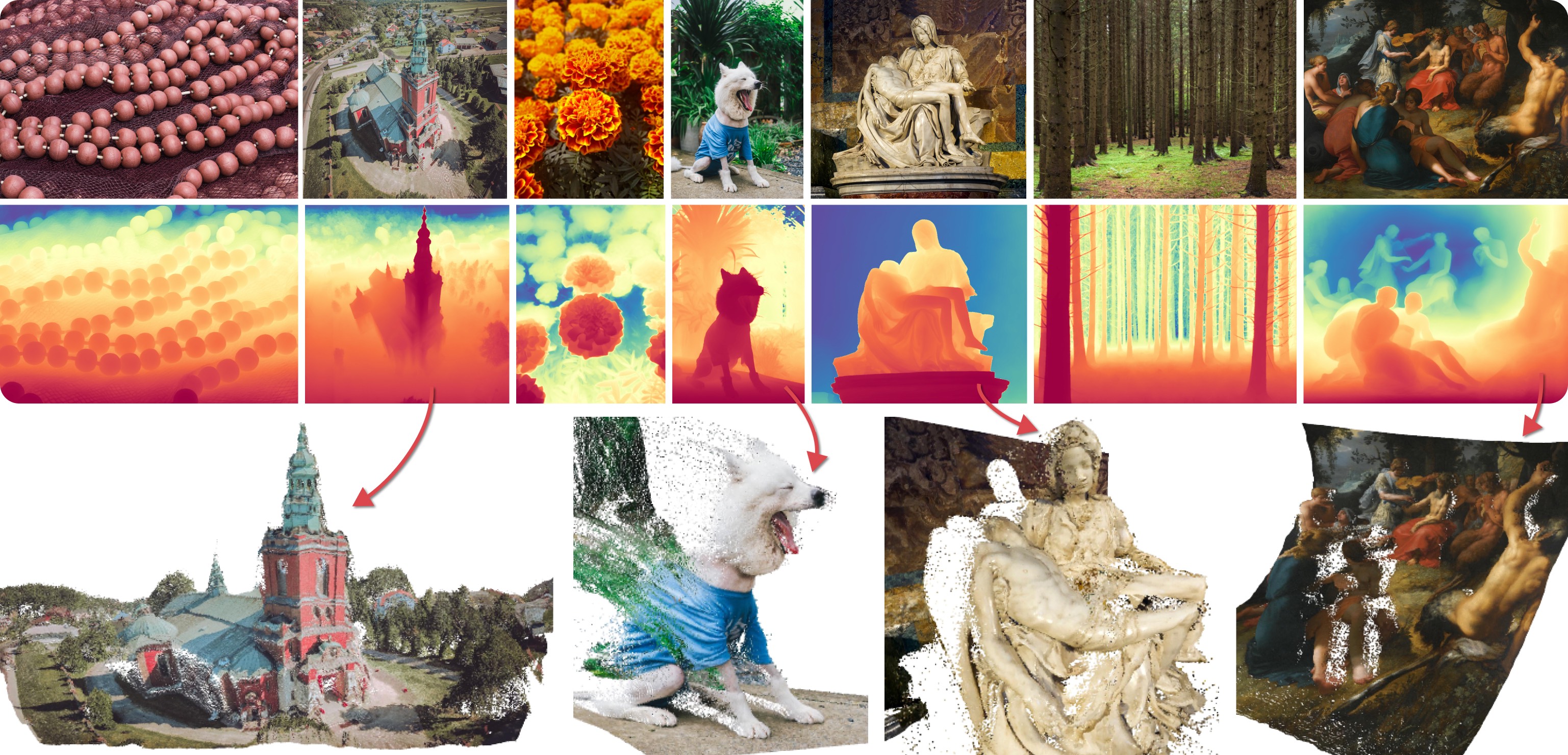
|
||||
|
||||
This depth estimation pipeline processes a single input image through multiple diffusion denoising stages to estimate depth maps. These maps are subsequently merged to produce the final output. Below is an example code snippet, including optional arguments:
|
||||
|
||||
```python
|
||||
import numpy as np
|
||||
from PIL import Image
|
||||
from diffusers import DiffusionPipeline
|
||||
from diffusers.utils import load_image
|
||||
|
||||
pipe = DiffusionPipeline.from_pretrained(
|
||||
"Bingxin/Marigold",
|
||||
custom_pipeline="marigold_depth_estimation"
|
||||
# torch_dtype=torch.float16, # (optional) Run with half-precision (16-bit float).
|
||||
)
|
||||
|
||||
pipe.to("cuda")
|
||||
|
||||
img_path_or_url = "https://share.phys.ethz.ch/~pf/bingkedata/marigold/pipeline_example.jpg"
|
||||
image: Image.Image = load_image(img_path_or_url)
|
||||
|
||||
pipeline_output = pipe(
|
||||
image, # Input image.
|
||||
# denoising_steps=10, # (optional) Number of denoising steps of each inference pass. Default: 10.
|
||||
# ensemble_size=10, # (optional) Number of inference passes in the ensemble. Default: 10.
|
||||
# processing_res=768, # (optional) Maximum resolution of processing. If set to 0: will not resize at all. Defaults to 768.
|
||||
# match_input_res=True, # (optional) Resize depth prediction to match input resolution.
|
||||
# batch_size=0, # (optional) Inference batch size, no bigger than `num_ensemble`. If set to 0, the script will automatically decide the proper batch size. Defaults to 0.
|
||||
# color_map="Spectral", # (optional) Colormap used to colorize the depth map. Defaults to "Spectral".
|
||||
# show_progress_bar=True, # (optional) If true, will show progress bars of the inference progress.
|
||||
)
|
||||
|
||||
depth: np.ndarray = pipeline_output.depth_np # Predicted depth map
|
||||
depth_colored: Image.Image = pipeline_output.depth_colored # Colorized prediction
|
||||
|
||||
# Save as uint16 PNG
|
||||
depth_uint16 = (depth * 65535.0).astype(np.uint16)
|
||||
Image.fromarray(depth_uint16).save("./depth_map.png", mode="I;16")
|
||||
|
||||
# Save colorized depth map
|
||||
depth_colored.save("./depth_colored.png")
|
||||
```
|
||||
|
||||
### LLM-grounded Diffusion
|
||||
|
||||
LMD and LMD+ greatly improves the prompt understanding ability of text-to-image generation models by introducing an LLM as a front-end prompt parser and layout planner. It improves spatial reasoning, the understanding of negation, attribute binding, generative numeracy, etc. in a unified manner without explicitly aiming for each. LMD is completely training-free (i.e., uses SD model off-the-shelf). LMD+ takes in additional adapters for better control. This is a reproduction of LMD+ model used in our work. [Project page.](https://llm-grounded-diffusion.github.io/) [See our full codebase (also with diffusers).](https://github.com/TonyLianLong/LLM-groundedDiffusion)
|
||||
@@ -748,49 +690,6 @@ grid = image_grid(images, rows=2, cols=2)
|
||||
This example produces the following images:
|
||||
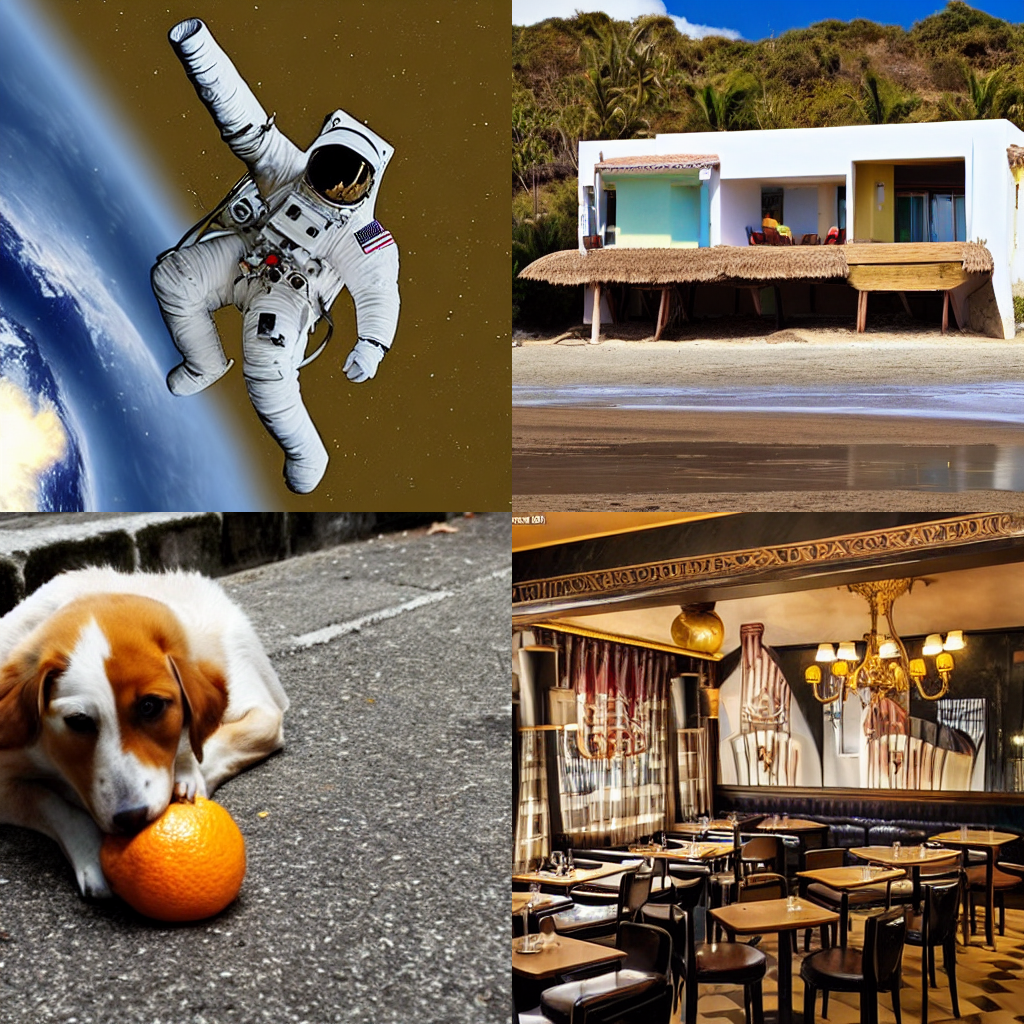
|
||||
|
||||
### GlueGen Stable Diffusion Pipeline
|
||||
GlueGen is a minimal adapter that allow alignment between any encoder (Text Encoder of different language, Multilingual Roberta, AudioClip) and CLIP text encoder used in standard Stable Diffusion model. This method allows easy language adaptation to available english Stable Diffusion checkpoints without the need of an image captioning dataset as well as long training hours.
|
||||
|
||||
Make sure you downloaded `gluenet_French_clip_overnorm_over3_noln.ckpt` for French (there are also pre-trained weights for Chinese, Italian, Japanese, Spanish or train your own) at [GlueGen's official repo](https://github.com/salesforce/GlueGen/tree/main)
|
||||
|
||||
```python
|
||||
from PIL import Image
|
||||
|
||||
import torch
|
||||
|
||||
from transformers import AutoModel, AutoTokenizer
|
||||
|
||||
from diffusers import DiffusionPipeline
|
||||
|
||||
if __name__ == "__main__":
|
||||
device = "cuda"
|
||||
|
||||
lm_model_id = "xlm-roberta-large"
|
||||
token_max_length = 77
|
||||
|
||||
text_encoder = AutoModel.from_pretrained(lm_model_id)
|
||||
tokenizer = AutoTokenizer.from_pretrained(lm_model_id, model_max_length=token_max_length, use_fast=False)
|
||||
|
||||
tensor_norm = torch.Tensor([[43.8203],[28.3668],[27.9345],[28.0084],[28.2958],[28.2576],[28.3373],[28.2695],[28.4097],[28.2790],[28.2825],[28.2807],[28.2775],[28.2708],[28.2682],[28.2624],[28.2589],[28.2611],[28.2616],[28.2639],[28.2613],[28.2566],[28.2615],[28.2665],[28.2799],[28.2885],[28.2852],[28.2863],[28.2780],[28.2818],[28.2764],[28.2532],[28.2412],[28.2336],[28.2514],[28.2734],[28.2763],[28.2977],[28.2971],[28.2948],[28.2818],[28.2676],[28.2831],[28.2890],[28.2979],[28.2999],[28.3117],[28.3363],[28.3554],[28.3626],[28.3589],[28.3597],[28.3543],[28.3660],[28.3731],[28.3717],[28.3812],[28.3753],[28.3810],[28.3777],[28.3693],[28.3713],[28.3670],[28.3691],[28.3679],[28.3624],[28.3703],[28.3703],[28.3720],[28.3594],[28.3576],[28.3562],[28.3438],[28.3376],[28.3389],[28.3433],[28.3191]])
|
||||
|
||||
pipeline = DiffusionPipeline.from_pretrained(
|
||||
"runwayml/stable-diffusion-v1-5",
|
||||
text_encoder=text_encoder,
|
||||
tokenizer=tokenizer,
|
||||
custom_pipeline="gluegen"
|
||||
).to(device)
|
||||
pipeline.load_language_adapter("gluenet_French_clip_overnorm_over3_noln.ckpt", num_token=token_max_length, dim=1024, dim_out=768, tensor_norm=tensor_norm)
|
||||
|
||||
prompt = "une voiture sur la plage"
|
||||
|
||||
generator = torch.Generator(device=device).manual_seed(42)
|
||||
image = pipeline(prompt, generator=generator).images[0]
|
||||
image.save("gluegen_output_fr.png")
|
||||
```
|
||||
Which will produce:
|
||||
|
||||
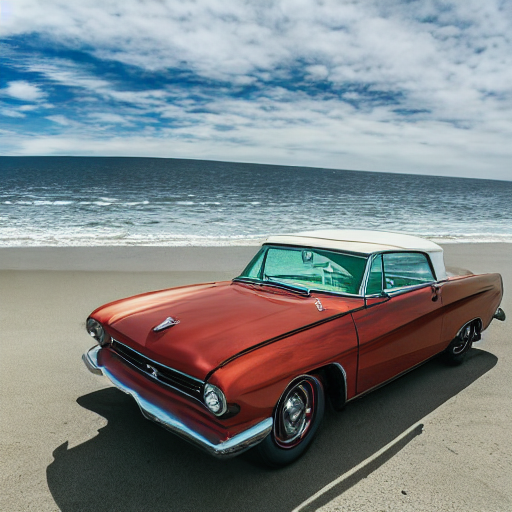
|
||||
|
||||
### Image to Image Inpainting Stable Diffusion
|
||||
|
||||
Similar to the standard stable diffusion inpainting example, except with the addition of an `inner_image` argument.
|
||||
@@ -1720,11 +1619,10 @@ This approach is using (optional) CoCa model to avoid writing image description.
|
||||
|
||||
This SDXL pipeline support unlimited length prompt and negative prompt, compatible with A1111 prompt weighted style.
|
||||
|
||||
You can provide both `prompt` and `prompt_2`. If only one prompt is provided, `prompt_2` will be a copy of the provided `prompt`. Here is a sample code to use this pipeline.
|
||||
You can provide both `prompt` and `prompt_2`. if only one prompt is provided, `prompt_2` will be a copy of the provided `prompt`. Here is a sample code to use this pipeline.
|
||||
|
||||
```python
|
||||
from diffusers import DiffusionPipeline
|
||||
from diffusers.utils import load_image
|
||||
import torch
|
||||
|
||||
pipe = DiffusionPipeline.from_pretrained(
|
||||
@@ -1735,52 +1633,25 @@ pipe = DiffusionPipeline.from_pretrained(
|
||||
, custom_pipeline = "lpw_stable_diffusion_xl",
|
||||
)
|
||||
|
||||
prompt = "photo of a cute (white) cat running on the grass" * 20
|
||||
prompt2 = "chasing (birds:1.5)" * 20
|
||||
prompt = "photo of a cute (white) cat running on the grass"*20
|
||||
prompt2 = "chasing (birds:1.5)"*20
|
||||
prompt = f"{prompt},{prompt2}"
|
||||
neg_prompt = "blur, low quality, carton, animate"
|
||||
|
||||
pipe.to("cuda")
|
||||
|
||||
# text2img
|
||||
t2i_images = pipe(
|
||||
prompt=prompt,
|
||||
negative_prompt=neg_prompt,
|
||||
).images # alternatively, you can call the .text2img() function
|
||||
|
||||
# img2img
|
||||
input_image = load_image("/path/to/local/image.png") # or URL to your input image
|
||||
i2i_images = pipe.img2img(
|
||||
prompt=prompt,
|
||||
negative_prompt=neg_prompt,
|
||||
image=input_image,
|
||||
strength=0.8, # higher strength will result in more variation compared to original image
|
||||
).images
|
||||
|
||||
# inpaint
|
||||
input_mask = load_image("/path/to/local/mask.png") # or URL to your input inpainting mask
|
||||
inpaint_images = pipe.inpaint(
|
||||
prompt="photo of a cute (black) cat running on the grass" * 20,
|
||||
negative_prompt=neg_prompt,
|
||||
image=input_image,
|
||||
mask=input_mask,
|
||||
strength=0.6, # higher strength will result in more variation compared to original image
|
||||
).images
|
||||
images = pipe(
|
||||
prompt = prompt
|
||||
, negative_prompt = neg_prompt
|
||||
).images[0]
|
||||
|
||||
pipe.to("cpu")
|
||||
torch.cuda.empty_cache()
|
||||
|
||||
from IPython.display import display # assuming you are using this code in a notebook
|
||||
display(t2i_images[0])
|
||||
display(i2i_images[0])
|
||||
display(inpaint_images[0])
|
||||
images
|
||||
```
|
||||
|
||||
In the above code, the `prompt2` is appended to the `prompt`, which is more than 77 tokens. "birds" are showing up in the result.
|
||||

|
||||
|
||||
For more results, checkout [PR #6114](https://github.com/huggingface/diffusers/pull/6114).
|
||||
|
||||
## Example Images Mixing (with CoCa)
|
||||
```python
|
||||
import requests
|
||||
@@ -2995,7 +2866,7 @@ pipe = DiffusionPipeline.from_pretrained(
|
||||
custom_pipeline="pipeline_animatediff_controlnet",
|
||||
).to(device="cuda", dtype=torch.float16)
|
||||
pipe.scheduler = DPMSolverMultistepScheduler.from_pretrained(
|
||||
model_id, subfolder="scheduler", beta_schedule="linear", clip_sample=False, timestep_spacing="linspace", steps_offset=1
|
||||
model_id, subfolder="scheduler", clip_sample=False, timestep_spacing="linspace", steps_offset=1
|
||||
)
|
||||
pipe.enable_vae_slicing()
|
||||
|
||||
@@ -3011,7 +2882,7 @@ result = pipe(
|
||||
width=512,
|
||||
height=768,
|
||||
conditioning_frames=conditioning_frames,
|
||||
num_inference_steps=20,
|
||||
num_inference_steps=12,
|
||||
).frames[0]
|
||||
|
||||
from diffusers.utils import export_to_gif
|
||||
@@ -3034,82 +2905,7 @@ export_to_gif(result.frames[0], "result.gif")
|
||||
<td align=center><img src="https://github.com/huggingface/diffusers/assets/72266394/eb7d2952-72e4-44fa-b664-077c79b4fc70" alt="gif-2"></td>
|
||||
</tr>
|
||||
</table>
|
||||
|
||||
You can also use multiple controlnets at once!
|
||||
|
||||
```python
|
||||
import torch
|
||||
from diffusers import AutoencoderKL, ControlNetModel, MotionAdapter
|
||||
from diffusers.pipelines import DiffusionPipeline
|
||||
from diffusers.schedulers import DPMSolverMultistepScheduler
|
||||
from PIL import Image
|
||||
|
||||
motion_id = "guoyww/animatediff-motion-adapter-v1-5-2"
|
||||
adapter = MotionAdapter.from_pretrained(motion_id)
|
||||
controlnet1 = ControlNetModel.from_pretrained("lllyasviel/control_v11p_sd15_openpose", torch_dtype=torch.float16)
|
||||
controlnet2 = ControlNetModel.from_pretrained("lllyasviel/sd-controlnet-canny", torch_dtype=torch.float16)
|
||||
vae = AutoencoderKL.from_pretrained("stabilityai/sd-vae-ft-mse", torch_dtype=torch.float16)
|
||||
|
||||
model_id = "SG161222/Realistic_Vision_V5.1_noVAE"
|
||||
pipe = DiffusionPipeline.from_pretrained(
|
||||
model_id,
|
||||
motion_adapter=adapter,
|
||||
controlnet=[controlnet1, controlnet2],
|
||||
vae=vae,
|
||||
custom_pipeline="pipeline_animatediff_controlnet",
|
||||
).to(device="cuda", dtype=torch.float16)
|
||||
pipe.scheduler = DPMSolverMultistepScheduler.from_pretrained(
|
||||
model_id, subfolder="scheduler", clip_sample=False, timestep_spacing="linspace", steps_offset=1, beta_schedule="linear",
|
||||
)
|
||||
pipe.enable_vae_slicing()
|
||||
|
||||
def load_video(file_path: str):
|
||||
images = []
|
||||
|
||||
if file_path.startswith(('http://', 'https://')):
|
||||
# If the file_path is a URL
|
||||
response = requests.get(file_path)
|
||||
response.raise_for_status()
|
||||
content = BytesIO(response.content)
|
||||
vid = imageio.get_reader(content)
|
||||
else:
|
||||
# Assuming it's a local file path
|
||||
vid = imageio.get_reader(file_path)
|
||||
|
||||
for frame in vid:
|
||||
pil_image = Image.fromarray(frame)
|
||||
images.append(pil_image)
|
||||
|
||||
return images
|
||||
|
||||
video = load_video("dance.gif")
|
||||
|
||||
# You need to install it using `pip install controlnet_aux`
|
||||
from controlnet_aux.processor import Processor
|
||||
|
||||
p1 = Processor("openpose_full")
|
||||
cn1 = [p1(frame) for frame in video]
|
||||
|
||||
p2 = Processor("canny")
|
||||
cn2 = [p2(frame) for frame in video]
|
||||
|
||||
prompt = "astronaut in space, dancing"
|
||||
negative_prompt = "bad quality, worst quality, jpeg artifacts, ugly"
|
||||
result = pipe(
|
||||
prompt=prompt,
|
||||
negative_prompt=negative_prompt,
|
||||
width=512,
|
||||
height=768,
|
||||
conditioning_frames=[cn1, cn2],
|
||||
num_inference_steps=20,
|
||||
)
|
||||
|
||||
from diffusers.utils import export_to_gif
|
||||
export_to_gif(result.frames[0], "result.gif")
|
||||
```
|
||||
|
||||
### DemoFusion
|
||||
|
||||
This pipeline is the official implementation of [DemoFusion: Democratising High-Resolution Image Generation With No $$$](https://arxiv.org/abs/2311.16973).
|
||||
The original repo can be found at [repo](https://github.com/PRIS-CV/DemoFusion).
|
||||
- `view_batch_size` (`int`, defaults to 16):
|
||||
@@ -3230,408 +3026,3 @@ output_image = PIL.Image.fromarray(output)
|
||||
output_image.save("./output.png")
|
||||
|
||||
```
|
||||
|
||||
### Instaflow Pipeline
|
||||
InstaFlow is an ultra-fast, one-step image generator that achieves image quality close to Stable Diffusion, significantly reducing the demand of computational resources. This efficiency is made possible through a recent [Rectified Flow](https://github.com/gnobitab/RectifiedFlow) technique, which trains probability flows with straight trajectories, hence inherently requiring only a single step for fast inference.
|
||||
|
||||
```python
|
||||
from diffusers import DiffusionPipeline
|
||||
import torch
|
||||
|
||||
|
||||
pipe = DiffusionPipeline.from_pretrained("XCLIU/instaflow_0_9B_from_sd_1_5", torch_dtype=torch.float16, custom_pipeline="instaflow_one_step")
|
||||
pipe.to("cuda") ### if GPU is not available, comment this line
|
||||
prompt = "A hyper-realistic photo of a cute cat."
|
||||
|
||||
images = pipe(prompt=prompt,
|
||||
num_inference_steps=1,
|
||||
guidance_scale=0.0).images
|
||||
images[0].save("./image.png")
|
||||
```
|
||||

|
||||
|
||||
You can also combine it with LORA out of the box, like https://huggingface.co/artificialguybr/logo-redmond-1-5v-logo-lora-for-liberteredmond-sd-1-5, to unlock cool use cases in single step!
|
||||
|
||||
```python
|
||||
from diffusers import DiffusionPipeline
|
||||
import torch
|
||||
|
||||
|
||||
pipe = DiffusionPipeline.from_pretrained("XCLIU/instaflow_0_9B_from_sd_1_5", torch_dtype=torch.float16, custom_pipeline="instaflow_one_step")
|
||||
pipe.to("cuda") ### if GPU is not available, comment this line
|
||||
pipe.load_lora_weights("artificialguybr/logo-redmond-1-5v-logo-lora-for-liberteredmond-sd-1-5")
|
||||
prompt = "logo, A logo for a fitness app, dynamic running figure, energetic colors (red, orange) ),LogoRedAF ,"
|
||||
images = pipe(prompt=prompt,
|
||||
num_inference_steps=1,
|
||||
guidance_scale=0.0).images
|
||||
images[0].save("./image.png")
|
||||
```
|
||||

|
||||
|
||||
### Null-Text Inversion pipeline
|
||||
|
||||
This pipeline provides null-text inversion for editing real images. It enables null-text optimization, and DDIM reconstruction via w, w/o null-text optimization. No prompt-to-prompt code is implemented as there is a Prompt2PromptPipeline.
|
||||
* Reference paper
|
||||
```@article{hertz2022prompt,
|
||||
title={Prompt-to-prompt image editing with cross attention control},
|
||||
author={Hertz, Amir and Mokady, Ron and Tenenbaum, Jay and Aberman, Kfir and Pritch, Yael and Cohen-Or, Daniel},
|
||||
booktitle={arXiv preprint arXiv:2208.01626},
|
||||
year={2022}
|
||||
```}
|
||||
|
||||
```py
|
||||
from diffusers.schedulers import DDIMScheduler
|
||||
from examples.community.pipeline_null_text_inversion import NullTextPipeline
|
||||
import torch
|
||||
|
||||
# Load the pipeline
|
||||
device = "cuda"
|
||||
# Provide invert_prompt and the image for null-text optimization.
|
||||
invert_prompt = "A lying cat"
|
||||
input_image = "siamese.jpg"
|
||||
steps = 50
|
||||
|
||||
# Provide prompt used for generation. Same if reconstruction
|
||||
prompt = "A lying cat"
|
||||
# or different if editing.
|
||||
prompt = "A lying dog"
|
||||
|
||||
#Float32 is essential to a well optimization
|
||||
model_path = "runwayml/stable-diffusion-v1-5"
|
||||
scheduler = DDIMScheduler(num_train_timesteps=1000, beta_start=0.00085, beta_end=0.0120, beta_schedule="scaled_linear")
|
||||
pipeline = NullTextPipeline.from_pretrained(model_path, scheduler = scheduler, torch_dtype=torch.float32).to(device)
|
||||
|
||||
#Saves the inverted_latent to save time
|
||||
inverted_latent, uncond = pipeline.invert(input_image, invert_prompt, num_inner_steps=10, early_stop_epsilon= 1e-5, num_inference_steps = steps)
|
||||
pipeline(prompt, uncond, inverted_latent, guidance_scale=7.5, num_inference_steps=steps).images[0].save(input_image+".output.jpg")
|
||||
```
|
||||
|
||||
### Rerender_A_Video
|
||||
|
||||
```
|
||||
This is the Diffusers implementation of zero-shot video-to-video translation pipeline [Rerender_A_Video](https://github.com/williamyang1991/Rerender_A_Video) (without Ebsynth postprocessing). To run the code, please install gmflow. Then modify the path in `examples/community/rerender_a_video.py`:
|
||||
|
||||
```py
|
||||
gmflow_dir = "/path/to/gmflow"
|
||||
```
|
||||
|
||||
After that, you can run the pipeline with:
|
||||
|
||||
```py
|
||||
from diffusers import ControlNetModel, AutoencoderKL, DDIMScheduler
|
||||
from diffusers.utils import export_to_video
|
||||
import numpy as np
|
||||
import torch
|
||||
|
||||
import cv2
|
||||
from PIL import Image
|
||||
|
||||
def video_to_frame(video_path: str, interval: int):
|
||||
vidcap = cv2.VideoCapture(video_path)
|
||||
success = True
|
||||
|
||||
count = 0
|
||||
res = []
|
||||
while success:
|
||||
count += 1
|
||||
success, image = vidcap.read()
|
||||
if count % interval != 1:
|
||||
continue
|
||||
if image is not None:
|
||||
image = cv2.cvtColor(image, cv2.COLOR_BGR2RGB)
|
||||
res.append(image)
|
||||
|
||||
vidcap.release()
|
||||
return res
|
||||
|
||||
input_video_path = 'path/to/video'
|
||||
input_interval = 10
|
||||
frames = video_to_frame(
|
||||
input_video_path, input_interval)
|
||||
|
||||
control_frames = []
|
||||
# get canny image
|
||||
for frame in frames:
|
||||
np_image = cv2.Canny(frame, 50, 100)
|
||||
np_image = np_image[:, :, None]
|
||||
np_image = np.concatenate([np_image, np_image, np_image], axis=2)
|
||||
canny_image = Image.fromarray(np_image)
|
||||
control_frames.append(canny_image)
|
||||
|
||||
# You can use any ControlNet here
|
||||
controlnet = ControlNetModel.from_pretrained(
|
||||
"lllyasviel/sd-controlnet-canny").to('cuda')
|
||||
|
||||
# You can use any fintuned SD here
|
||||
pipe = DiffusionPipeline.from_pretrained(
|
||||
"runwayml/stable-diffusion-v1-5", controlnet=controlnet, custom_pipeline='rerender_a_video').to('cuda')
|
||||
|
||||
# Optional: you can download vae-ft-mse-840000-ema-pruned.ckpt to enhance the results
|
||||
# pipe.vae = AutoencoderKL.from_single_file(
|
||||
# "path/to/vae-ft-mse-840000-ema-pruned.ckpt").to('cuda')
|
||||
|
||||
pipe.scheduler = DDIMScheduler.from_config(pipe.scheduler.config)
|
||||
|
||||
generator = torch.manual_seed(0)
|
||||
frames = [Image.fromarray(frame) for frame in frames]
|
||||
output_frames = pipe(
|
||||
"a beautiful woman in CG style, best quality, extremely detailed",
|
||||
frames,
|
||||
control_frames,
|
||||
num_inference_steps=20,
|
||||
strength=0.75,
|
||||
controlnet_conditioning_scale=0.7,
|
||||
generator=generator,
|
||||
warp_start=0.0,
|
||||
warp_end=0.1,
|
||||
mask_start=0.5,
|
||||
mask_end=0.8,
|
||||
mask_strength=0.5,
|
||||
negative_prompt='longbody, lowres, bad anatomy, bad hands, missing fingers, extra digit, fewer digits, cropped, worst quality, low quality'
|
||||
).frames
|
||||
|
||||
export_to_video(
|
||||
output_frames, "/path/to/video.mp4", 5)
|
||||
```
|
||||
|
||||
### StyleAligned Pipeline
|
||||
|
||||
This pipeline is the implementation of [Style Aligned Image Generation via Shared Attention](https://arxiv.org/abs/2312.02133). You can find more results [here](https://github.com/huggingface/diffusers/pull/6489#issuecomment-1881209354).
|
||||
|
||||
> Large-scale Text-to-Image (T2I) models have rapidly gained prominence across creative fields, generating visually compelling outputs from textual prompts. However, controlling these models to ensure consistent style remains challenging, with existing methods necessitating fine-tuning and manual intervention to disentangle content and style. In this paper, we introduce StyleAligned, a novel technique designed to establish style alignment among a series of generated images. By employing minimal `attention sharing' during the diffusion process, our method maintains style consistency across images within T2I models. This approach allows for the creation of style-consistent images using a reference style through a straightforward inversion operation. Our method's evaluation across diverse styles and text prompts demonstrates high-quality synthesis and fidelity, underscoring its efficacy in achieving consistent style across various inputs.
|
||||
|
||||
```python
|
||||
from typing import List
|
||||
|
||||
import torch
|
||||
from diffusers.pipelines.pipeline_utils import DiffusionPipeline
|
||||
from PIL import Image
|
||||
|
||||
model_id = "a-r-r-o-w/dreamshaper-xl-turbo"
|
||||
pipe = DiffusionPipeline.from_pretrained(model_id, torch_dtype=torch.float16, variant="fp16", custom_pipeline="pipeline_sdxl_style_aligned")
|
||||
pipe = pipe.to("cuda")
|
||||
|
||||
# Enable memory saving techniques
|
||||
pipe.enable_vae_slicing()
|
||||
pipe.enable_vae_tiling()
|
||||
|
||||
prompt = [
|
||||
"a toy train. macro photo. 3d game asset",
|
||||
"a toy airplane. macro photo. 3d game asset",
|
||||
"a toy bicycle. macro photo. 3d game asset",
|
||||
"a toy car. macro photo. 3d game asset",
|
||||
]
|
||||
negative_prompt = "low quality, worst quality, "
|
||||
|
||||
# Enable StyleAligned
|
||||
pipe.enable_style_aligned(
|
||||
share_group_norm=False,
|
||||
share_layer_norm=False,
|
||||
share_attention=True,
|
||||
adain_queries=True,
|
||||
adain_keys=True,
|
||||
adain_values=False,
|
||||
full_attention_share=False,
|
||||
shared_score_scale=1.0,
|
||||
shared_score_shift=0.0,
|
||||
only_self_level=0.0,
|
||||
)
|
||||
|
||||
# Run inference
|
||||
images = pipe(
|
||||
prompt=prompt,
|
||||
negative_prompt=negative_prompt,
|
||||
guidance_scale=2,
|
||||
height=1024,
|
||||
width=1024,
|
||||
num_inference_steps=10,
|
||||
generator=torch.Generator().manual_seed(42),
|
||||
).images
|
||||
|
||||
# Disable StyleAligned if you do not wish to use it anymore
|
||||
pipe.disable_style_aligned()
|
||||
```
|
||||
|
||||
### AnimateDiff Image-To-Video Pipeline
|
||||
|
||||
This pipeline adds experimental support for the image-to-video task using AnimateDiff. Refer to [this](https://github.com/huggingface/diffusers/pull/6328) PR for more examples and results.
|
||||
|
||||
```py
|
||||
import torch
|
||||
from diffusers import MotionAdapter, DiffusionPipeline, DDIMScheduler
|
||||
from diffusers.utils import export_to_gif, load_image
|
||||
|
||||
adapter = MotionAdapter.from_pretrained("guoyww/animatediff-motion-adapter-v1-5-2")
|
||||
pipe = DiffusionPipeline.from_pretrained("SG161222/Realistic_Vision_V5.1_noVAE", motion_adapter=adapter, custom_pipeline="pipeline_animatediff_img2video").to("cuda")
|
||||
pipe.scheduler = DDIMScheduler(beta_schedule="linear", steps_offset=1, clip_sample=False, timespace_spacing="linspace")
|
||||
|
||||
image = load_image("snail.png")
|
||||
output = pipe(
|
||||
image=image,
|
||||
prompt="A snail moving on the ground",
|
||||
strength=0.8,
|
||||
latent_interpolation_method="slerp", # can be lerp, slerp, or your own callback
|
||||
)
|
||||
frames = output.frames[0]
|
||||
export_to_gif(frames, "animation.gif")
|
||||
```
|
||||
|
||||
### IP Adapter Face ID
|
||||
|
||||
IP Adapter FaceID is an experimental IP Adapter model that uses image embeddings generated by `insightface`, so no image encoder needs to be loaded.
|
||||
You need to install `insightface` and all its requirements to use this model.
|
||||
You must pass the image embedding tensor as `image_embeds` to the StableDiffusionPipeline instead of `ip_adapter_image`.
|
||||
You have to disable PEFT BACKEND in order to load weights.
|
||||
You can find more results [here](https://github.com/huggingface/diffusers/pull/6276).
|
||||
|
||||
```py
|
||||
import diffusers
|
||||
diffusers.utils.USE_PEFT_BACKEND = False
|
||||
import torch
|
||||
from diffusers.utils import load_image
|
||||
import cv2
|
||||
import numpy as np
|
||||
from diffusers import DiffusionPipeline, AutoencoderKL, DDIMScheduler
|
||||
from insightface.app import FaceAnalysis
|
||||
|
||||
|
||||
noise_scheduler = DDIMScheduler(
|
||||
num_train_timesteps=1000,
|
||||
beta_start=0.00085,
|
||||
beta_end=0.012,
|
||||
beta_schedule="scaled_linear",
|
||||
clip_sample=False,
|
||||
set_alpha_to_one=False,
|
||||
steps_offset=1,
|
||||
)
|
||||
vae = AutoencoderKL.from_pretrained("stabilityai/sd-vae-ft-mse").to(dtype=torch.float16)
|
||||
pipeline = DiffusionPipeline.from_pretrained(
|
||||
"SG161222/Realistic_Vision_V4.0_noVAE",
|
||||
torch_dtype=torch.float16,
|
||||
scheduler=noise_scheduler,
|
||||
vae=vae,
|
||||
custom_pipeline="ip_adapter_face_id"
|
||||
)
|
||||
pipeline.load_ip_adapter_face_id("h94/IP-Adapter-FaceID", "ip-adapter-faceid_sd15.bin")
|
||||
pipeline.to("cuda")
|
||||
|
||||
generator = torch.Generator(device="cpu").manual_seed(42)
|
||||
num_images=2
|
||||
|
||||
image = load_image("https://huggingface.co/datasets/YiYiXu/testing-images/resolve/main/ai_face2.png")
|
||||
|
||||
app = FaceAnalysis(name="buffalo_l", providers=['CUDAExecutionProvider', 'CPUExecutionProvider'])
|
||||
app.prepare(ctx_id=0, det_size=(640, 640))
|
||||
image = cv2.cvtColor(np.asarray(image), cv2.COLOR_BGR2RGB)
|
||||
faces = app.get(image)
|
||||
image = torch.from_numpy(faces[0].normed_embedding).unsqueeze(0)
|
||||
images = pipeline(
|
||||
prompt="A photo of a girl wearing a black dress, holding red roses in hand, upper body, behind is the Eiffel Tower",
|
||||
image_embeds=image,
|
||||
negative_prompt="monochrome, lowres, bad anatomy, worst quality, low quality",
|
||||
num_inference_steps=20, num_images_per_prompt=num_images, width=512, height=704,
|
||||
generator=generator
|
||||
).images
|
||||
|
||||
for i in range(num_images):
|
||||
images[i].save(f"c{i}.png")
|
||||
```
|
||||
|
||||
### InstantID Pipeline
|
||||
|
||||
InstantID is a new state-of-the-art tuning-free method to achieve ID-Preserving generation with only single image, supporting various downstream tasks. For any usgae question, please refer to the [official implementation](https://github.com/InstantID/InstantID).
|
||||
|
||||
```py
|
||||
# !pip install opencv-python transformers accelerate insightface
|
||||
import diffusers
|
||||
from diffusers.utils import load_image
|
||||
from diffusers.models import ControlNetModel
|
||||
|
||||
import cv2
|
||||
import torch
|
||||
import numpy as np
|
||||
from PIL import Image
|
||||
|
||||
from insightface.app import FaceAnalysis
|
||||
from pipeline_stable_diffusion_xl_instantid import StableDiffusionXLInstantIDPipeline, draw_kps
|
||||
|
||||
# prepare 'antelopev2' under ./models
|
||||
# https://github.com/deepinsight/insightface/issues/1896#issuecomment-1023867304
|
||||
app = FaceAnalysis(name='antelopev2', root='./', providers=['CUDAExecutionProvider', 'CPUExecutionProvider'])
|
||||
app.prepare(ctx_id=0, det_size=(640, 640))
|
||||
|
||||
# prepare models under ./checkpoints
|
||||
# https://huggingface.co/InstantX/InstantID
|
||||
from huggingface_hub import hf_hub_download
|
||||
hf_hub_download(repo_id="InstantX/InstantID", filename="ControlNetModel/config.json", local_dir="./checkpoints")
|
||||
hf_hub_download(repo_id="InstantX/InstantID", filename="ControlNetModel/diffusion_pytorch_model.safetensors", local_dir="./checkpoints")
|
||||
hf_hub_download(repo_id="InstantX/InstantID", filename="ip-adapter.bin", local_dir="./checkpoints")
|
||||
|
||||
face_adapter = f'./checkpoints/ip-adapter.bin'
|
||||
controlnet_path = f'./checkpoints/ControlNetModel'
|
||||
|
||||
# load IdentityNet
|
||||
controlnet = ControlNetModel.from_pretrained(controlnet_path, torch_dtype=torch.float16)
|
||||
|
||||
base_model = 'wangqixun/YamerMIX_v8'
|
||||
pipe = StableDiffusionXLInstantIDPipeline.from_pretrained(
|
||||
base_model,
|
||||
controlnet=controlnet,
|
||||
torch_dtype=torch.float16
|
||||
)
|
||||
pipe.cuda()
|
||||
|
||||
# load adapter
|
||||
pipe.load_ip_adapter_instantid(face_adapter)
|
||||
|
||||
# load an image
|
||||
face_image = load_image("https://huggingface.co/datasets/YiYiXu/testing-images/resolve/main/ai_face2.png")
|
||||
|
||||
# prepare face emb
|
||||
face_info = app.get(cv2.cvtColor(np.array(face_image), cv2.COLOR_RGB2BGR))
|
||||
face_info = sorted(face_info, key=lambda x:(x['bbox'][2]-x['bbox'][0])*x['bbox'][3]-x['bbox'][1])[-1] # only use the maximum face
|
||||
face_emb = face_info['embedding']
|
||||
face_kps = draw_kps(face_image, face_info['kps'])
|
||||
|
||||
# prompt
|
||||
prompt = "film noir style, ink sketch|vector, male man, highly detailed, sharp focus, ultra sharpness, monochrome, high contrast, dramatic shadows, 1940s style, mysterious, cinematic"
|
||||
negative_prompt = "ugly, deformed, noisy, blurry, low contrast, realism, photorealistic, vibrant, colorful"
|
||||
|
||||
# generate image
|
||||
pipe.set_ip_adapter_scale(0.8)
|
||||
image = pipe(
|
||||
prompt,
|
||||
image_embeds=face_emb,
|
||||
image=face_kps,
|
||||
controlnet_conditioning_scale=0.8,
|
||||
).images[0]
|
||||
```
|
||||
|
||||
### UFOGen Scheduler
|
||||
|
||||
[UFOGen](https://arxiv.org/abs/2311.09257) is a generative model designed for fast one-step text-to-image generation, trained via adversarial training starting from an initial pretrained diffusion model such as Stable Diffusion. `scheduling_ufogen.py` implements a onestep and multistep sampling algorithm for UFOGen models compatible with pipelines like `StableDiffusionPipeline`. A usage example is as follows:
|
||||
|
||||
```py
|
||||
import torch
|
||||
from diffusers import StableDiffusionPipeline
|
||||
|
||||
from scheduling_ufogen import UFOGenScheduler
|
||||
|
||||
# NOTE: currently, I am not aware of any publicly available UFOGen model checkpoints trained from SD v1.5.
|
||||
ufogen_model_id_or_path = "/path/to/ufogen/model"
|
||||
pipe = StableDiffusionPipeline(
|
||||
ufogen_model_id_or_path,
|
||||
torch_dtype=torch.float16,
|
||||
)
|
||||
|
||||
# You can initialize a UFOGenScheduler as follows:
|
||||
pipe.scheduler = UFOGenScheduler.from_config(pipe.scheduler.config)
|
||||
|
||||
prompt = "Three cats having dinner at a table at new years eve, cinematic shot, 8k."
|
||||
|
||||
# Onestep sampling
|
||||
onestep_image = pipe(prompt, num_inference_steps=1).images[0]
|
||||
|
||||
# Multistep sampling
|
||||
multistep_image = pipe(prompt, num_inference_steps=4).images[0]
|
||||
```
|
||||
|
||||
@@ -1,865 +0,0 @@
|
||||
import inspect
|
||||
from typing import Any, Dict, List, Optional, Union
|
||||
|
||||
import torch
|
||||
import torch.nn as nn
|
||||
from transformers import AutoModel, AutoTokenizer, CLIPImageProcessor
|
||||
|
||||
from diffusers import DiffusionPipeline
|
||||
from diffusers.image_processor import VaeImageProcessor
|
||||
from diffusers.loaders import LoraLoaderMixin
|
||||
from diffusers.models import AutoencoderKL, UNet2DConditionModel
|
||||
from diffusers.models.lora import adjust_lora_scale_text_encoder
|
||||
from diffusers.pipelines.stable_diffusion.pipeline_output import StableDiffusionPipelineOutput
|
||||
from diffusers.pipelines.stable_diffusion.safety_checker import StableDiffusionSafetyChecker
|
||||
from diffusers.schedulers import KarrasDiffusionSchedulers
|
||||
from diffusers.utils import (
|
||||
USE_PEFT_BACKEND,
|
||||
logging,
|
||||
scale_lora_layers,
|
||||
unscale_lora_layers,
|
||||
)
|
||||
from diffusers.utils.torch_utils import randn_tensor
|
||||
|
||||
|
||||
logger = logging.get_logger(__name__) # pylint: disable=invalid-name
|
||||
|
||||
|
||||
class TranslatorBase(nn.Module):
|
||||
def __init__(self, num_tok, dim, dim_out, mult=2):
|
||||
super().__init__()
|
||||
|
||||
self.dim_in = dim
|
||||
self.dim_out = dim_out
|
||||
|
||||
self.net_tok = nn.Sequential(
|
||||
nn.Linear(num_tok, int(num_tok * mult)),
|
||||
nn.LayerNorm(int(num_tok * mult)),
|
||||
nn.GELU(),
|
||||
nn.Linear(int(num_tok * mult), int(num_tok * mult)),
|
||||
nn.LayerNorm(int(num_tok * mult)),
|
||||
nn.GELU(),
|
||||
nn.Linear(int(num_tok * mult), num_tok),
|
||||
nn.LayerNorm(num_tok),
|
||||
)
|
||||
|
||||
self.net_sen = nn.Sequential(
|
||||
nn.Linear(dim, int(dim * mult)),
|
||||
nn.LayerNorm(int(dim * mult)),
|
||||
nn.GELU(),
|
||||
nn.Linear(int(dim * mult), int(dim * mult)),
|
||||
nn.LayerNorm(int(dim * mult)),
|
||||
nn.GELU(),
|
||||
nn.Linear(int(dim * mult), dim_out),
|
||||
nn.LayerNorm(dim_out),
|
||||
)
|
||||
|
||||
def forward(self, x):
|
||||
if self.dim_in == self.dim_out:
|
||||
indentity_0 = x
|
||||
x = self.net_sen(x)
|
||||
x += indentity_0
|
||||
x = x.transpose(1, 2)
|
||||
|
||||
indentity_1 = x
|
||||
x = self.net_tok(x)
|
||||
x += indentity_1
|
||||
x = x.transpose(1, 2)
|
||||
else:
|
||||
x = self.net_sen(x)
|
||||
x = x.transpose(1, 2)
|
||||
|
||||
x = self.net_tok(x)
|
||||
x = x.transpose(1, 2)
|
||||
return x
|
||||
|
||||
|
||||
class TranslatorBaseNoLN(nn.Module):
|
||||
def __init__(self, num_tok, dim, dim_out, mult=2):
|
||||
super().__init__()
|
||||
|
||||
self.dim_in = dim
|
||||
self.dim_out = dim_out
|
||||
|
||||
self.net_tok = nn.Sequential(
|
||||
nn.Linear(num_tok, int(num_tok * mult)),
|
||||
nn.GELU(),
|
||||
nn.Linear(int(num_tok * mult), int(num_tok * mult)),
|
||||
nn.GELU(),
|
||||
nn.Linear(int(num_tok * mult), num_tok),
|
||||
)
|
||||
|
||||
self.net_sen = nn.Sequential(
|
||||
nn.Linear(dim, int(dim * mult)),
|
||||
nn.GELU(),
|
||||
nn.Linear(int(dim * mult), int(dim * mult)),
|
||||
nn.GELU(),
|
||||
nn.Linear(int(dim * mult), dim_out),
|
||||
)
|
||||
|
||||
def forward(self, x):
|
||||
if self.dim_in == self.dim_out:
|
||||
indentity_0 = x
|
||||
x = self.net_sen(x)
|
||||
x += indentity_0
|
||||
x = x.transpose(1, 2)
|
||||
|
||||
indentity_1 = x
|
||||
x = self.net_tok(x)
|
||||
x += indentity_1
|
||||
x = x.transpose(1, 2)
|
||||
else:
|
||||
x = self.net_sen(x)
|
||||
x = x.transpose(1, 2)
|
||||
|
||||
x = self.net_tok(x)
|
||||
x = x.transpose(1, 2)
|
||||
return x
|
||||
|
||||
|
||||
class TranslatorNoLN(nn.Module):
|
||||
def __init__(self, num_tok, dim, dim_out, mult=2, depth=5):
|
||||
super().__init__()
|
||||
|
||||
self.blocks = nn.ModuleList([TranslatorBase(num_tok, dim, dim, mult=2) for d in range(depth)])
|
||||
self.gelu = nn.GELU()
|
||||
|
||||
self.tail = TranslatorBaseNoLN(num_tok, dim, dim_out, mult=2)
|
||||
|
||||
def forward(self, x):
|
||||
for block in self.blocks:
|
||||
x = block(x) + x
|
||||
x = self.gelu(x)
|
||||
|
||||
x = self.tail(x)
|
||||
return x
|
||||
|
||||
|
||||
def rescale_noise_cfg(noise_cfg, noise_pred_text, guidance_rescale=0.0):
|
||||
"""
|
||||
Rescale `noise_cfg` according to `guidance_rescale`. Based on findings of [Common Diffusion Noise Schedules and
|
||||
Sample Steps are Flawed](https://arxiv.org/pdf/2305.08891.pdf). See Section 3.4
|
||||
"""
|
||||
std_text = noise_pred_text.std(dim=list(range(1, noise_pred_text.ndim)), keepdim=True)
|
||||
std_cfg = noise_cfg.std(dim=list(range(1, noise_cfg.ndim)), keepdim=True)
|
||||
# rescale the results from guidance (fixes overexposure)
|
||||
noise_pred_rescaled = noise_cfg * (std_text / std_cfg)
|
||||
# mix with the original results from guidance by factor guidance_rescale to avoid "plain looking" images
|
||||
noise_cfg = guidance_rescale * noise_pred_rescaled + (1 - guidance_rescale) * noise_cfg
|
||||
return noise_cfg
|
||||
|
||||
|
||||
def retrieve_timesteps(
|
||||
scheduler,
|
||||
num_inference_steps: Optional[int] = None,
|
||||
device: Optional[Union[str, torch.device]] = None,
|
||||
timesteps: Optional[List[int]] = None,
|
||||
**kwargs,
|
||||
):
|
||||
"""
|
||||
Calls the scheduler's `set_timesteps` method and retrieves timesteps from the scheduler after the call. Handles
|
||||
custom timesteps. Any kwargs will be supplied to `scheduler.set_timesteps`.
|
||||
|
||||
Args:
|
||||
scheduler (`SchedulerMixin`):
|
||||
The scheduler to get timesteps from.
|
||||
num_inference_steps (`int`):
|
||||
The number of diffusion steps used when generating samples with a pre-trained model. If used,
|
||||
`timesteps` must be `None`.
|
||||
device (`str` or `torch.device`, *optional*):
|
||||
The device to which the timesteps should be moved to. If `None`, the timesteps are not moved.
|
||||
timesteps (`List[int]`, *optional*):
|
||||
Custom timesteps used to support arbitrary spacing between timesteps. If `None`, then the default
|
||||
timestep spacing strategy of the scheduler is used. If `timesteps` is passed, `num_inference_steps`
|
||||
must be `None`.
|
||||
|
||||
Returns:
|
||||
`Tuple[torch.Tensor, int]`: A tuple where the first element is the timestep schedule from the scheduler and the
|
||||
second element is the number of inference steps.
|
||||
"""
|
||||
if timesteps is not None:
|
||||
accepts_timesteps = "timesteps" in set(inspect.signature(scheduler.set_timesteps).parameters.keys())
|
||||
if not accepts_timesteps:
|
||||
raise ValueError(
|
||||
f"The current scheduler class {scheduler.__class__}'s `set_timesteps` does not support custom"
|
||||
f" timestep schedules. Please check whether you are using the correct scheduler."
|
||||
)
|
||||
scheduler.set_timesteps(timesteps=timesteps, device=device, **kwargs)
|
||||
timesteps = scheduler.timesteps
|
||||
num_inference_steps = len(timesteps)
|
||||
else:
|
||||
scheduler.set_timesteps(num_inference_steps, device=device, **kwargs)
|
||||
timesteps = scheduler.timesteps
|
||||
return timesteps, num_inference_steps
|
||||
|
||||
|
||||
class GlueGenStableDiffusionPipeline(DiffusionPipeline, LoraLoaderMixin):
|
||||
def __init__(
|
||||
self,
|
||||
vae: AutoencoderKL,
|
||||
text_encoder: AutoModel,
|
||||
tokenizer: AutoTokenizer,
|
||||
unet: UNet2DConditionModel,
|
||||
scheduler: KarrasDiffusionSchedulers,
|
||||
safety_checker: StableDiffusionSafetyChecker,
|
||||
feature_extractor: CLIPImageProcessor,
|
||||
language_adapter: TranslatorNoLN = None,
|
||||
tensor_norm: torch.FloatTensor = None,
|
||||
requires_safety_checker: bool = True,
|
||||
):
|
||||
super().__init__()
|
||||
|
||||
self.register_modules(
|
||||
vae=vae,
|
||||
text_encoder=text_encoder,
|
||||
tokenizer=tokenizer,
|
||||
unet=unet,
|
||||
scheduler=scheduler,
|
||||
safety_checker=safety_checker,
|
||||
feature_extractor=feature_extractor,
|
||||
language_adapter=language_adapter,
|
||||
tensor_norm=tensor_norm,
|
||||
)
|
||||
self.vae_scale_factor = 2 ** (len(self.vae.config.block_out_channels) - 1)
|
||||
self.image_processor = VaeImageProcessor(vae_scale_factor=self.vae_scale_factor)
|
||||
self.register_to_config(requires_safety_checker=requires_safety_checker)
|
||||
|
||||
def load_language_adapter(
|
||||
self,
|
||||
model_path: str,
|
||||
num_token: int,
|
||||
dim: int,
|
||||
dim_out: int,
|
||||
tensor_norm: torch.FloatTensor,
|
||||
mult: int = 2,
|
||||
depth: int = 5,
|
||||
):
|
||||
device = self._execution_device
|
||||
self.tensor_norm = tensor_norm.to(device)
|
||||
self.language_adapter = TranslatorNoLN(num_tok=num_token, dim=dim, dim_out=dim_out, mult=mult, depth=depth).to(
|
||||
device
|
||||
)
|
||||
self.language_adapter.load_state_dict(torch.load(model_path))
|
||||
|
||||
def enable_vae_slicing(self):
|
||||
r"""
|
||||
Enable sliced VAE decoding. When this option is enabled, the VAE will split the input tensor in slices to
|
||||
compute decoding in several steps. This is useful to save some memory and allow larger batch sizes.
|
||||
"""
|
||||
self.vae.enable_slicing()
|
||||
|
||||
def disable_vae_slicing(self):
|
||||
r"""
|
||||
Disable sliced VAE decoding. If `enable_vae_slicing` was previously enabled, this method will go back to
|
||||
computing decoding in one step.
|
||||
"""
|
||||
self.vae.disable_slicing()
|
||||
|
||||
def enable_vae_tiling(self):
|
||||
r"""
|
||||
Enable tiled VAE decoding. When this option is enabled, the VAE will split the input tensor into tiles to
|
||||
compute decoding and encoding in several steps. This is useful for saving a large amount of memory and to allow
|
||||
processing larger images.
|
||||
"""
|
||||
self.vae.enable_tiling()
|
||||
|
||||
def disable_vae_tiling(self):
|
||||
r"""
|
||||
Disable tiled VAE decoding. If `enable_vae_tiling` was previously enabled, this method will go back to
|
||||
computing decoding in one step.
|
||||
"""
|
||||
self.vae.disable_tiling()
|
||||
|
||||
def _adapt_language(self, prompt_embeds: torch.FloatTensor):
|
||||
prompt_embeds = prompt_embeds / 3
|
||||
prompt_embeds = self.language_adapter(prompt_embeds) * (self.tensor_norm / 2)
|
||||
return prompt_embeds
|
||||
|
||||
def encode_prompt(
|
||||
self,
|
||||
prompt,
|
||||
device,
|
||||
num_images_per_prompt,
|
||||
do_classifier_free_guidance,
|
||||
negative_prompt=None,
|
||||
prompt_embeds: Optional[torch.FloatTensor] = None,
|
||||
negative_prompt_embeds: Optional[torch.FloatTensor] = None,
|
||||
lora_scale: Optional[float] = None,
|
||||
clip_skip: Optional[int] = None,
|
||||
):
|
||||
r"""
|
||||
Encodes the prompt into text encoder hidden states.
|
||||
|
||||
Args:
|
||||
prompt (`str` or `List[str]`, *optional*):
|
||||
prompt to be encoded
|
||||
device: (`torch.device`):
|
||||
torch device
|
||||
num_images_per_prompt (`int`):
|
||||
number of images that should be generated per prompt
|
||||
do_classifier_free_guidance (`bool`):
|
||||
whether to use classifier free guidance or not
|
||||
negative_prompt (`str` or `List[str]`, *optional*):
|
||||
The prompt or prompts not to guide the image generation. If not defined, one has to pass
|
||||
`negative_prompt_embeds` instead. Ignored when not using guidance (i.e., ignored if `guidance_scale` is
|
||||
less than `1`).
|
||||
prompt_embeds (`torch.FloatTensor`, *optional*):
|
||||
Pre-generated text embeddings. Can be used to easily tweak text inputs, *e.g.* prompt weighting. If not
|
||||
provided, text embeddings will be generated from `prompt` input argument.
|
||||
negative_prompt_embeds (`torch.FloatTensor`, *optional*):
|
||||
Pre-generated negative text embeddings. Can be used to easily tweak text inputs, *e.g.* prompt
|
||||
weighting. If not provided, negative_prompt_embeds will be generated from `negative_prompt` input
|
||||
argument.
|
||||
lora_scale (`float`, *optional*):
|
||||
A LoRA scale that will be applied to all LoRA layers of the text encoder if LoRA layers are loaded.
|
||||
clip_skip (`int`, *optional*):
|
||||
Number of layers to be skipped from CLIP while computing the prompt embeddings. A value of 1 means that
|
||||
the output of the pre-final layer will be used for computing the prompt embeddings.
|
||||
"""
|
||||
# set lora scale so that monkey patched LoRA
|
||||
# function of text encoder can correctly access it
|
||||
if lora_scale is not None and isinstance(self, LoraLoaderMixin):
|
||||
self._lora_scale = lora_scale
|
||||
|
||||
# dynamically adjust the LoRA scale
|
||||
if not USE_PEFT_BACKEND:
|
||||
adjust_lora_scale_text_encoder(self.text_encoder, lora_scale)
|
||||
else:
|
||||
scale_lora_layers(self.text_encoder, lora_scale)
|
||||
|
||||
if prompt is not None and isinstance(prompt, str):
|
||||
batch_size = 1
|
||||
elif prompt is not None and isinstance(prompt, list):
|
||||
batch_size = len(prompt)
|
||||
else:
|
||||
batch_size = prompt_embeds.shape[0]
|
||||
|
||||
if prompt_embeds is None:
|
||||
text_inputs = self.tokenizer(
|
||||
prompt,
|
||||
padding="max_length",
|
||||
max_length=self.tokenizer.model_max_length,
|
||||
truncation=True,
|
||||
return_tensors="pt",
|
||||
)
|
||||
text_input_ids = text_inputs.input_ids
|
||||
untruncated_ids = self.tokenizer(prompt, padding="longest", return_tensors="pt").input_ids
|
||||
|
||||
if untruncated_ids.shape[-1] >= text_input_ids.shape[-1] and not torch.equal(
|
||||
text_input_ids, untruncated_ids
|
||||
):
|
||||
removed_text = self.tokenizer.batch_decode(
|
||||
untruncated_ids[:, self.tokenizer.model_max_length - 1 : -1]
|
||||
)
|
||||
logger.warning(
|
||||
"The following part of your input was truncated because CLIP can only handle sequences up to"
|
||||
f" {self.tokenizer.model_max_length} tokens: {removed_text}"
|
||||
)
|
||||
|
||||
if hasattr(self.text_encoder.config, "use_attention_mask") and self.text_encoder.config.use_attention_mask:
|
||||
attention_mask = text_inputs.attention_mask.to(device)
|
||||
elif self.language_adapter is not None:
|
||||
attention_mask = text_inputs.attention_mask.to(device)
|
||||
else:
|
||||
attention_mask = None
|
||||
|
||||
if clip_skip is None:
|
||||
prompt_embeds = self.text_encoder(text_input_ids.to(device), attention_mask=attention_mask)
|
||||
prompt_embeds = prompt_embeds[0]
|
||||
|
||||
else:
|
||||
prompt_embeds = self.text_encoder(
|
||||
text_input_ids.to(device), attention_mask=attention_mask, output_hidden_states=True
|
||||
)
|
||||
# Access the `hidden_states` first, that contains a tuple of
|
||||
# all the hidden states from the encoder layers. Then index into
|
||||
# the tuple to access the hidden states from the desired layer.
|
||||
prompt_embeds = prompt_embeds[-1][-(clip_skip + 1)]
|
||||
# We also need to apply the final LayerNorm here to not mess with the
|
||||
# representations. The `last_hidden_states` that we typically use for
|
||||
# obtaining the final prompt representations passes through the LayerNorm
|
||||
# layer.
|
||||
prompt_embeds = self.text_encoder.text_model.final_layer_norm(prompt_embeds)
|
||||
|
||||
# Run prompt language adapter
|
||||
if self.language_adapter is not None:
|
||||
prompt_embeds = self._adapt_language(prompt_embeds)
|
||||
|
||||
if self.text_encoder is not None:
|
||||
prompt_embeds_dtype = self.text_encoder.dtype
|
||||
elif self.unet is not None:
|
||||
prompt_embeds_dtype = self.unet.dtype
|
||||
else:
|
||||
prompt_embeds_dtype = prompt_embeds.dtype
|
||||
|
||||
prompt_embeds = prompt_embeds.to(dtype=prompt_embeds_dtype, device=device)
|
||||
|
||||
bs_embed, seq_len, _ = prompt_embeds.shape
|
||||
# duplicate text embeddings for each generation per prompt, using mps friendly method
|
||||
prompt_embeds = prompt_embeds.repeat(1, num_images_per_prompt, 1)
|
||||
prompt_embeds = prompt_embeds.view(bs_embed * num_images_per_prompt, seq_len, -1)
|
||||
|
||||
# get unconditional embeddings for classifier free guidance
|
||||
if do_classifier_free_guidance and negative_prompt_embeds is None:
|
||||
uncond_tokens: List[str]
|
||||
if negative_prompt is None:
|
||||
uncond_tokens = [""] * batch_size
|
||||
elif prompt is not None and type(prompt) is not type(negative_prompt):
|
||||
raise TypeError(
|
||||
f"`negative_prompt` should be the same type to `prompt`, but got {type(negative_prompt)} !="
|
||||
f" {type(prompt)}."
|
||||
)
|
||||
elif isinstance(negative_prompt, str):
|
||||
uncond_tokens = [negative_prompt]
|
||||
elif batch_size != len(negative_prompt):
|
||||
raise ValueError(
|
||||
f"`negative_prompt`: {negative_prompt} has batch size {len(negative_prompt)}, but `prompt`:"
|
||||
f" {prompt} has batch size {batch_size}. Please make sure that passed `negative_prompt` matches"
|
||||
" the batch size of `prompt`."
|
||||
)
|
||||
else:
|
||||
uncond_tokens = negative_prompt
|
||||
|
||||
max_length = prompt_embeds.shape[1]
|
||||
uncond_input = self.tokenizer(
|
||||
uncond_tokens,
|
||||
padding="max_length",
|
||||
max_length=max_length,
|
||||
truncation=True,
|
||||
return_tensors="pt",
|
||||
)
|
||||
|
||||
if hasattr(self.text_encoder.config, "use_attention_mask") and self.text_encoder.config.use_attention_mask:
|
||||
attention_mask = uncond_input.attention_mask.to(device)
|
||||
else:
|
||||
attention_mask = None
|
||||
|
||||
negative_prompt_embeds = self.text_encoder(
|
||||
uncond_input.input_ids.to(device),
|
||||
attention_mask=attention_mask,
|
||||
)
|
||||
negative_prompt_embeds = negative_prompt_embeds[0]
|
||||
# Run negative prompt language adapter
|
||||
if self.language_adapter is not None:
|
||||
negative_prompt_embeds = self._adapt_language(negative_prompt_embeds)
|
||||
|
||||
if do_classifier_free_guidance:
|
||||
# duplicate unconditional embeddings for each generation per prompt, using mps friendly method
|
||||
seq_len = negative_prompt_embeds.shape[1]
|
||||
|
||||
negative_prompt_embeds = negative_prompt_embeds.to(dtype=prompt_embeds_dtype, device=device)
|
||||
|
||||
negative_prompt_embeds = negative_prompt_embeds.repeat(1, num_images_per_prompt, 1)
|
||||
negative_prompt_embeds = negative_prompt_embeds.view(batch_size * num_images_per_prompt, seq_len, -1)
|
||||
|
||||
if isinstance(self, LoraLoaderMixin) and USE_PEFT_BACKEND:
|
||||
# Retrieve the original scale by scaling back the LoRA layers
|
||||
unscale_lora_layers(self.text_encoder, lora_scale)
|
||||
|
||||
return prompt_embeds, negative_prompt_embeds
|
||||
|
||||
def run_safety_checker(self, image, device, dtype):
|
||||
if self.safety_checker is None:
|
||||
has_nsfw_concept = None
|
||||
else:
|
||||
if torch.is_tensor(image):
|
||||
feature_extractor_input = self.image_processor.postprocess(image, output_type="pil")
|
||||
else:
|
||||
feature_extractor_input = self.image_processor.numpy_to_pil(image)
|
||||
safety_checker_input = self.feature_extractor(feature_extractor_input, return_tensors="pt").to(device)
|
||||
image, has_nsfw_concept = self.safety_checker(
|
||||
images=image, clip_input=safety_checker_input.pixel_values.to(dtype)
|
||||
)
|
||||
return image, has_nsfw_concept
|
||||
|
||||
def prepare_extra_step_kwargs(self, generator, eta):
|
||||
# prepare extra kwargs for the scheduler step, since not all schedulers have the same signature
|
||||
# eta (η) is only used with the DDIMScheduler, it will be ignored for other schedulers.
|
||||
# eta corresponds to η in DDIM paper: https://arxiv.org/abs/2010.02502
|
||||
# and should be between [0, 1]
|
||||
|
||||
accepts_eta = "eta" in set(inspect.signature(self.scheduler.step).parameters.keys())
|
||||
extra_step_kwargs = {}
|
||||
if accepts_eta:
|
||||
extra_step_kwargs["eta"] = eta
|
||||
|
||||
# check if the scheduler accepts generator
|
||||
accepts_generator = "generator" in set(inspect.signature(self.scheduler.step).parameters.keys())
|
||||
if accepts_generator:
|
||||
extra_step_kwargs["generator"] = generator
|
||||
return extra_step_kwargs
|
||||
|
||||
def check_inputs(
|
||||
self,
|
||||
prompt,
|
||||
height,
|
||||
width,
|
||||
negative_prompt=None,
|
||||
prompt_embeds=None,
|
||||
negative_prompt_embeds=None,
|
||||
):
|
||||
if height % 8 != 0 or width % 8 != 0:
|
||||
raise ValueError(f"`height` and `width` have to be divisible by 8 but are {height} and {width}.")
|
||||
|
||||
if prompt is not None and prompt_embeds is not None:
|
||||
raise ValueError(
|
||||
f"Cannot forward both `prompt`: {prompt} and `prompt_embeds`: {prompt_embeds}. Please make sure to"
|
||||
" only forward one of the two."
|
||||
)
|
||||
elif prompt is None and prompt_embeds is None:
|
||||
raise ValueError(
|
||||
"Provide either `prompt` or `prompt_embeds`. Cannot leave both `prompt` and `prompt_embeds` undefined."
|
||||
)
|
||||
elif prompt is not None and (not isinstance(prompt, str) and not isinstance(prompt, list)):
|
||||
raise ValueError(f"`prompt` has to be of type `str` or `list` but is {type(prompt)}")
|
||||
|
||||
if negative_prompt is not None and negative_prompt_embeds is not None:
|
||||
raise ValueError(
|
||||
f"Cannot forward both `negative_prompt`: {negative_prompt} and `negative_prompt_embeds`:"
|
||||
f" {negative_prompt_embeds}. Please make sure to only forward one of the two."
|
||||
)
|
||||
|
||||
if prompt_embeds is not None and negative_prompt_embeds is not None:
|
||||
if prompt_embeds.shape != negative_prompt_embeds.shape:
|
||||
raise ValueError(
|
||||
"`prompt_embeds` and `negative_prompt_embeds` must have the same shape when passed directly, but"
|
||||
f" got: `prompt_embeds` {prompt_embeds.shape} != `negative_prompt_embeds`"
|
||||
f" {negative_prompt_embeds.shape}."
|
||||
)
|
||||
|
||||
def prepare_latents(self, batch_size, num_channels_latents, height, width, dtype, device, generator, latents=None):
|
||||
shape = (batch_size, num_channels_latents, height // self.vae_scale_factor, width // self.vae_scale_factor)
|
||||
if isinstance(generator, list) and len(generator) != batch_size:
|
||||
raise ValueError(
|
||||
f"You have passed a list of generators of length {len(generator)}, but requested an effective batch"
|
||||
f" size of {batch_size}. Make sure the batch size matches the length of the generators."
|
||||
)
|
||||
|
||||
if latents is None:
|
||||
latents = randn_tensor(shape, generator=generator, device=device, dtype=dtype)
|
||||
else:
|
||||
latents = latents.to(device)
|
||||
|
||||
# scale the initial noise by the standard deviation required by the scheduler
|
||||
latents = latents * self.scheduler.init_noise_sigma
|
||||
return latents
|
||||
|
||||
def enable_freeu(self, s1: float, s2: float, b1: float, b2: float):
|
||||
r"""Enables the FreeU mechanism as in https://arxiv.org/abs/2309.11497.
|
||||
|
||||
The suffixes after the scaling factors represent the stages where they are being applied.
|
||||
|
||||
Please refer to the [official repository](https://github.com/ChenyangSi/FreeU) for combinations of the values
|
||||
that are known to work well for different pipelines such as Stable Diffusion v1, v2, and Stable Diffusion XL.
|
||||
|
||||
Args:
|
||||
s1 (`float`):
|
||||
Scaling factor for stage 1 to attenuate the contributions of the skip features. This is done to
|
||||
mitigate "oversmoothing effect" in the enhanced denoising process.
|
||||
s2 (`float`):
|
||||
Scaling factor for stage 2 to attenuate the contributions of the skip features. This is done to
|
||||
mitigate "oversmoothing effect" in the enhanced denoising process.
|
||||
b1 (`float`): Scaling factor for stage 1 to amplify the contributions of backbone features.
|
||||
b2 (`float`): Scaling factor for stage 2 to amplify the contributions of backbone features.
|
||||
"""
|
||||
if not hasattr(self, "unet"):
|
||||
raise ValueError("The pipeline must have `unet` for using FreeU.")
|
||||
self.unet.enable_freeu(s1=s1, s2=s2, b1=b1, b2=b2)
|
||||
|
||||
def disable_freeu(self):
|
||||
"""Disables the FreeU mechanism if enabled."""
|
||||
self.unet.disable_freeu()
|
||||
|
||||
# Copied from diffusers.pipelines.latent_consistency_models.pipeline_latent_consistency_text2img.LatentConsistencyModelPipeline.get_guidance_scale_embedding
|
||||
def get_guidance_scale_embedding(self, w, embedding_dim=512, dtype=torch.float32):
|
||||
"""
|
||||
See https://github.com/google-research/vdm/blob/dc27b98a554f65cdc654b800da5aa1846545d41b/model_vdm.py#L298
|
||||
|
||||
Args:
|
||||
timesteps (`torch.Tensor`):
|
||||
generate embedding vectors at these timesteps
|
||||
embedding_dim (`int`, *optional*, defaults to 512):
|
||||
dimension of the embeddings to generate
|
||||
dtype:
|
||||
data type of the generated embeddings
|
||||
|
||||
Returns:
|
||||
`torch.FloatTensor`: Embedding vectors with shape `(len(timesteps), embedding_dim)`
|
||||
"""
|
||||
assert len(w.shape) == 1
|
||||
w = w * 1000.0
|
||||
|
||||
half_dim = embedding_dim // 2
|
||||
emb = torch.log(torch.tensor(10000.0)) / (half_dim - 1)
|
||||
emb = torch.exp(torch.arange(half_dim, dtype=dtype) * -emb)
|
||||
emb = w.to(dtype)[:, None] * emb[None, :]
|
||||
emb = torch.cat([torch.sin(emb), torch.cos(emb)], dim=1)
|
||||
if embedding_dim % 2 == 1: # zero pad
|
||||
emb = torch.nn.functional.pad(emb, (0, 1))
|
||||
assert emb.shape == (w.shape[0], embedding_dim)
|
||||
return emb
|
||||
|
||||
@property
|
||||
def guidance_scale(self):
|
||||
return self._guidance_scale
|
||||
|
||||
@property
|
||||
def guidance_rescale(self):
|
||||
return self._guidance_rescale
|
||||
|
||||
@property
|
||||
def clip_skip(self):
|
||||
return self._clip_skip
|
||||
|
||||
# here `guidance_scale` is defined analog to the guidance weight `w` of equation (2)
|
||||
# of the Imagen paper: https://arxiv.org/pdf/2205.11487.pdf . `guidance_scale = 1`
|
||||
# corresponds to doing no classifier free guidance.
|
||||
@property
|
||||
def do_classifier_free_guidance(self):
|
||||
return self._guidance_scale > 1 and self.unet.config.time_cond_proj_dim is None
|
||||
|
||||
@property
|
||||
def cross_attention_kwargs(self):
|
||||
return self._cross_attention_kwargs
|
||||
|
||||
@property
|
||||
def num_timesteps(self):
|
||||
return self._num_timesteps
|
||||
|
||||
@property
|
||||
def interrupt(self):
|
||||
return self._interrupt
|
||||
|
||||
@torch.no_grad()
|
||||
def __call__(
|
||||
self,
|
||||
prompt: Union[str, List[str]] = None,
|
||||
height: Optional[int] = None,
|
||||
width: Optional[int] = None,
|
||||
num_inference_steps: int = 50,
|
||||
timesteps: List[int] = None,
|
||||
guidance_scale: float = 7.5,
|
||||
negative_prompt: Optional[Union[str, List[str]]] = None,
|
||||
num_images_per_prompt: Optional[int] = 1,
|
||||
eta: float = 0.0,
|
||||
generator: Optional[Union[torch.Generator, List[torch.Generator]]] = None,
|
||||
latents: Optional[torch.FloatTensor] = None,
|
||||
prompt_embeds: Optional[torch.FloatTensor] = None,
|
||||
negative_prompt_embeds: Optional[torch.FloatTensor] = None,
|
||||
output_type: Optional[str] = "pil",
|
||||
return_dict: bool = True,
|
||||
cross_attention_kwargs: Optional[Dict[str, Any]] = None,
|
||||
guidance_rescale: float = 0.0,
|
||||
clip_skip: Optional[int] = None,
|
||||
**kwargs,
|
||||
):
|
||||
r"""
|
||||
The call function to the pipeline for generation.
|
||||
|
||||
Args:
|
||||
prompt (`str` or `List[str]`, *optional*):
|
||||
The prompt or prompts to guide image generation. If not defined, you need to pass `prompt_embeds`.
|
||||
height (`int`, *optional*, defaults to `self.unet.config.sample_size * self.vae_scale_factor`):
|
||||
The height in pixels of the generated image.
|
||||
width (`int`, *optional*, defaults to `self.unet.config.sample_size * self.vae_scale_factor`):
|
||||
The width in pixels of the generated image.
|
||||
num_inference_steps (`int`, *optional*, defaults to 50):
|
||||
The number of denoising steps. More denoising steps usually lead to a higher quality image at the
|
||||
expense of slower inference.
|
||||
timesteps (`List[int]`, *optional*):
|
||||
Custom timesteps to use for the denoising process with schedulers which support a `timesteps` argument
|
||||
in their `set_timesteps` method. If not defined, the default behavior when `num_inference_steps` is
|
||||
passed will be used. Must be in descending order.
|
||||
guidance_scale (`float`, *optional*, defaults to 7.5):
|
||||
A higher guidance scale value encourages the model to generate images closely linked to the text
|
||||
`prompt` at the expense of lower image quality. Guidance scale is enabled when `guidance_scale > 1`.
|
||||
negative_prompt (`str` or `List[str]`, *optional*):
|
||||
The prompt or prompts to guide what to not include in image generation. If not defined, you need to
|
||||
pass `negative_prompt_embeds` instead. Ignored when not using guidance (`guidance_scale < 1`).
|
||||
num_images_per_prompt (`int`, *optional*, defaults to 1):
|
||||
The number of images to generate per prompt.
|
||||
eta (`float`, *optional*, defaults to 0.0):
|
||||
Corresponds to parameter eta (η) from the [DDIM](https://arxiv.org/abs/2010.02502) paper. Only applies
|
||||
to the [`~schedulers.DDIMScheduler`], and is ignored in other schedulers.
|
||||
generator (`torch.Generator` or `List[torch.Generator]`, *optional*):
|
||||
A [`torch.Generator`](https://pytorch.org/docs/stable/generated/torch.Generator.html) to make
|
||||
generation deterministic.
|
||||
latents (`torch.FloatTensor`, *optional*):
|
||||
Pre-generated noisy latents sampled from a Gaussian distribution, to be used as inputs for image
|
||||
generation. Can be used to tweak the same generation with different prompts. If not provided, a latents
|
||||
tensor is generated by sampling using the supplied random `generator`.
|
||||
prompt_embeds (`torch.FloatTensor`, *optional*):
|
||||
Pre-generated text embeddings. Can be used to easily tweak text inputs (prompt weighting). If not
|
||||
provided, text embeddings are generated from the `prompt` input argument.
|
||||
negative_prompt_embeds (`torch.FloatTensor`, *optional*):
|
||||
Pre-generated negative text embeddings. Can be used to easily tweak text inputs (prompt weighting). If
|
||||
not provided, `negative_prompt_embeds` are generated from the `negative_prompt` input argument.
|
||||
ip_adapter_image: (`PipelineImageInput`, *optional*): Optional image input to work with IP Adapters.
|
||||
output_type (`str`, *optional*, defaults to `"pil"`):
|
||||
The output format of the generated image. Choose between `PIL.Image` or `np.array`.
|
||||
return_dict (`bool`, *optional*, defaults to `True`):
|
||||
Whether or not to return a [`~pipelines.stable_diffusion.StableDiffusionPipelineOutput`] instead of a
|
||||
plain tuple.
|
||||
cross_attention_kwargs (`dict`, *optional*):
|
||||
A kwargs dictionary that if specified is passed along to the [`AttentionProcessor`] as defined in
|
||||
[`self.processor`](https://github.com/huggingface/diffusers/blob/main/src/diffusers/models/attention_processor.py).
|
||||
guidance_rescale (`float`, *optional*, defaults to 0.0):
|
||||
Guidance rescale factor from [Common Diffusion Noise Schedules and Sample Steps are
|
||||
Flawed](https://arxiv.org/pdf/2305.08891.pdf). Guidance rescale factor should fix overexposure when
|
||||
using zero terminal SNR.
|
||||
clip_skip (`int`, *optional*):
|
||||
Number of layers to be skipped from CLIP while computing the prompt embeddings. A value of 1 means that
|
||||
the output of the pre-final layer will be used for computing the prompt embeddings.
|
||||
|
||||
Examples:
|
||||
|
||||
Returns:
|
||||
[`~pipelines.stable_diffusion.StableDiffusionPipelineOutput`] or `tuple`:
|
||||
If `return_dict` is `True`, [`~pipelines.stable_diffusion.StableDiffusionPipelineOutput`] is returned,
|
||||
otherwise a `tuple` is returned where the first element is a list with the generated images and the
|
||||
second element is a list of `bool`s indicating whether the corresponding generated image contains
|
||||
"not-safe-for-work" (nsfw) content.
|
||||
"""
|
||||
|
||||
# 0. Default height and width to unet
|
||||
height = height or self.unet.config.sample_size * self.vae_scale_factor
|
||||
width = width or self.unet.config.sample_size * self.vae_scale_factor
|
||||
# to deal with lora scaling and other possible forward hooks
|
||||
|
||||
# 1. Check inputs. Raise error if not correct
|
||||
self.check_inputs(
|
||||
prompt,
|
||||
height,
|
||||
width,
|
||||
negative_prompt,
|
||||
prompt_embeds,
|
||||
negative_prompt_embeds,
|
||||
)
|
||||
|
||||
self._guidance_scale = guidance_scale
|
||||
self._guidance_rescale = guidance_rescale
|
||||
self._clip_skip = clip_skip
|
||||
self._cross_attention_kwargs = cross_attention_kwargs
|
||||
self._interrupt = False
|
||||
|
||||
# 2. Define call parameters
|
||||
if prompt is not None and isinstance(prompt, str):
|
||||
batch_size = 1
|
||||
elif prompt is not None and isinstance(prompt, list):
|
||||
batch_size = len(prompt)
|
||||
else:
|
||||
batch_size = prompt_embeds.shape[0]
|
||||
|
||||
device = self._execution_device
|
||||
|
||||
# 3. Encode input prompt
|
||||
lora_scale = (
|
||||
self.cross_attention_kwargs.get("scale", None) if self.cross_attention_kwargs is not None else None
|
||||
)
|
||||
|
||||
prompt_embeds, negative_prompt_embeds = self.encode_prompt(
|
||||
prompt,
|
||||
device,
|
||||
num_images_per_prompt,
|
||||
self.do_classifier_free_guidance,
|
||||
negative_prompt,
|
||||
prompt_embeds=prompt_embeds,
|
||||
negative_prompt_embeds=negative_prompt_embeds,
|
||||
lora_scale=lora_scale,
|
||||
clip_skip=self.clip_skip,
|
||||
)
|
||||
|
||||
# For classifier free guidance, we need to do two forward passes.
|
||||
# Here we concatenate the unconditional and text embeddings into a single batch
|
||||
# to avoid doing two forward passes
|
||||
if self.do_classifier_free_guidance:
|
||||
prompt_embeds = torch.cat([negative_prompt_embeds, prompt_embeds])
|
||||
|
||||
# 4. Prepare timesteps
|
||||
timesteps, num_inference_steps = retrieve_timesteps(self.scheduler, num_inference_steps, device, timesteps)
|
||||
|
||||
# 5. Prepare latent variables
|
||||
num_channels_latents = self.unet.config.in_channels
|
||||
latents = self.prepare_latents(
|
||||
batch_size * num_images_per_prompt,
|
||||
num_channels_latents,
|
||||
height,
|
||||
width,
|
||||
prompt_embeds.dtype,
|
||||
device,
|
||||
generator,
|
||||
latents,
|
||||
)
|
||||
|
||||
# 6. Prepare extra step kwargs. TODO: Logic should ideally just be moved out of the pipeline
|
||||
extra_step_kwargs = self.prepare_extra_step_kwargs(generator, eta)
|
||||
|
||||
# 6.2 Optionally get Guidance Scale Embedding
|
||||
timestep_cond = None
|
||||
if self.unet.config.time_cond_proj_dim is not None:
|
||||
guidance_scale_tensor = torch.tensor(self.guidance_scale - 1).repeat(batch_size * num_images_per_prompt)
|
||||
timestep_cond = self.get_guidance_scale_embedding(
|
||||
guidance_scale_tensor, embedding_dim=self.unet.config.time_cond_proj_dim
|
||||
).to(device=device, dtype=latents.dtype)
|
||||
|
||||
# 7. Denoising loop
|
||||
num_warmup_steps = len(timesteps) - num_inference_steps * self.scheduler.order
|
||||
self._num_timesteps = len(timesteps)
|
||||
with self.progress_bar(total=num_inference_steps) as progress_bar:
|
||||
for i, t in enumerate(timesteps):
|
||||
if self.interrupt:
|
||||
continue
|
||||
|
||||
# expand the latents if we are doing classifier free guidance
|
||||
latent_model_input = torch.cat([latents] * 2) if self.do_classifier_free_guidance else latents
|
||||
latent_model_input = self.scheduler.scale_model_input(latent_model_input, t)
|
||||
|
||||
# predict the noise residual
|
||||
noise_pred = self.unet(
|
||||
latent_model_input,
|
||||
t,
|
||||
encoder_hidden_states=prompt_embeds,
|
||||
timestep_cond=timestep_cond,
|
||||
cross_attention_kwargs=self.cross_attention_kwargs,
|
||||
return_dict=False,
|
||||
)[0]
|
||||
|
||||
# perform guidance
|
||||
if self.do_classifier_free_guidance:
|
||||
noise_pred_uncond, noise_pred_text = noise_pred.chunk(2)
|
||||
noise_pred = noise_pred_uncond + self.guidance_scale * (noise_pred_text - noise_pred_uncond)
|
||||
|
||||
if self.do_classifier_free_guidance and self.guidance_rescale > 0.0:
|
||||
# Based on 3.4. in https://arxiv.org/pdf/2305.08891.pdf
|
||||
noise_pred = rescale_noise_cfg(noise_pred, noise_pred_text, guidance_rescale=self.guidance_rescale)
|
||||
|
||||
# compute the previous noisy sample x_t -> x_t-1
|
||||
latents = self.scheduler.step(noise_pred, t, latents, **extra_step_kwargs, return_dict=False)[0]
|
||||
|
||||
# call the callback, if provided
|
||||
if i == len(timesteps) - 1 or ((i + 1) > num_warmup_steps and (i + 1) % self.scheduler.order == 0):
|
||||
progress_bar.update()
|
||||
|
||||
if not output_type == "latent":
|
||||
image = self.vae.decode(latents / self.vae.config.scaling_factor, return_dict=False, generator=generator)[
|
||||
0
|
||||
]
|
||||
image, has_nsfw_concept = self.run_safety_checker(image, device, prompt_embeds.dtype)
|
||||
else:
|
||||
image = latents
|
||||
has_nsfw_concept = None
|
||||
|
||||
if has_nsfw_concept is None:
|
||||
do_denormalize = [True] * image.shape[0]
|
||||
else:
|
||||
do_denormalize = [not has_nsfw for has_nsfw in has_nsfw_concept]
|
||||
|
||||
image = self.image_processor.postprocess(image, output_type=output_type, do_denormalize=do_denormalize)
|
||||
|
||||
# Offload all models
|
||||
self.maybe_free_model_hooks()
|
||||
|
||||
if not return_dict:
|
||||
return (image, has_nsfw_concept)
|
||||
|
||||
return StableDiffusionPipelineOutput(images=image, nsfw_content_detected=has_nsfw_concept)
|
||||
@@ -1,707 +0,0 @@
|
||||
# Copyright 2023 The HuggingFace Team. All rights reserved.
|
||||
#
|
||||
# Licensed under the Apache License, Version 2.0 (the "License");
|
||||
# you may not use this file except in compliance with the License.
|
||||
# You may obtain a copy of the License at
|
||||
#
|
||||
# http://www.apache.org/licenses/LICENSE-2.0
|
||||
#
|
||||
# Unless required by applicable law or agreed to in writing, software
|
||||
# distributed under the License is distributed on an "AS IS" BASIS,
|
||||
# WITHOUT WARRANTIES OR CONDITIONS OF ANY KIND, either express or implied.
|
||||
# See the License for the specific language governing permissions and
|
||||
# limitations under the License.
|
||||
|
||||
import inspect
|
||||
from typing import Any, Callable, Dict, List, Optional, Union
|
||||
|
||||
import torch
|
||||
from packaging import version
|
||||
from transformers import CLIPImageProcessor, CLIPTextModel, CLIPTokenizer
|
||||
|
||||
from diffusers.configuration_utils import FrozenDict
|
||||
from diffusers.image_processor import VaeImageProcessor
|
||||
from diffusers.loaders import FromSingleFileMixin, LoraLoaderMixin, TextualInversionLoaderMixin
|
||||
from diffusers.models import AutoencoderKL, UNet2DConditionModel
|
||||
from diffusers.models.lora import adjust_lora_scale_text_encoder
|
||||
from diffusers.pipelines.pipeline_utils import DiffusionPipeline
|
||||
from diffusers.pipelines.stable_diffusion import StableDiffusionPipelineOutput
|
||||
from diffusers.pipelines.stable_diffusion.safety_checker import StableDiffusionSafetyChecker
|
||||
from diffusers.schedulers import KarrasDiffusionSchedulers
|
||||
from diffusers.utils import (
|
||||
deprecate,
|
||||
logging,
|
||||
)
|
||||
from diffusers.utils.torch_utils import randn_tensor
|
||||
|
||||
|
||||
logger = logging.get_logger(__name__) # pylint: disable=invalid-name
|
||||
|
||||
|
||||
def rescale_noise_cfg(noise_cfg, noise_pred_text, guidance_rescale=0.0):
|
||||
"""
|
||||
Rescale `noise_cfg` according to `guidance_rescale`. Based on findings of [Common Diffusion Noise Schedules and
|
||||
Sample Steps are Flawed](https://arxiv.org/pdf/2305.08891.pdf). See Section 3.4
|
||||
"""
|
||||
std_text = noise_pred_text.std(dim=list(range(1, noise_pred_text.ndim)), keepdim=True)
|
||||
std_cfg = noise_cfg.std(dim=list(range(1, noise_cfg.ndim)), keepdim=True)
|
||||
# rescale the results from guidance (fixes overexposure)
|
||||
noise_pred_rescaled = noise_cfg * (std_text / std_cfg)
|
||||
# mix with the original results from guidance by factor guidance_rescale to avoid "plain looking" images
|
||||
noise_cfg = guidance_rescale * noise_pred_rescaled + (1 - guidance_rescale) * noise_cfg
|
||||
return noise_cfg
|
||||
|
||||
|
||||
class InstaFlowPipeline(DiffusionPipeline, TextualInversionLoaderMixin, LoraLoaderMixin, FromSingleFileMixin):
|
||||
r"""
|
||||
Pipeline for text-to-image generation using Rectified Flow and Euler discretization.
|
||||
This customized pipeline is based on StableDiffusionPipeline from the official Diffusers library (0.21.4)
|
||||
|
||||
This model inherits from [`DiffusionPipeline`]. Check the superclass documentation for the generic methods
|
||||
implemented for all pipelines (downloading, saving, running on a particular device, etc.).
|
||||
|
||||
The pipeline also inherits the following loading methods:
|
||||
- [`~loaders.TextualInversionLoaderMixin.load_textual_inversion`] for loading textual inversion embeddings
|
||||
- [`~loaders.LoraLoaderMixin.load_lora_weights`] for loading LoRA weights
|
||||
- [`~loaders.LoraLoaderMixin.save_lora_weights`] for saving LoRA weights
|
||||
- [`~loaders.FromSingleFileMixin.from_single_file`] for loading `.ckpt` files
|
||||
|
||||
Args:
|
||||
vae ([`AutoencoderKL`]):
|
||||
Variational Auto-Encoder (VAE) model to encode and decode images to and from latent representations.
|
||||
text_encoder ([`~transformers.CLIPTextModel`]):
|
||||
Frozen text-encoder ([clip-vit-large-patch14](https://huggingface.co/openai/clip-vit-large-patch14)).
|
||||
tokenizer ([`~transformers.CLIPTokenizer`]):
|
||||
A `CLIPTokenizer` to tokenize text.
|
||||
unet ([`UNet2DConditionModel`]):
|
||||
A `UNet2DConditionModel` to denoise the encoded image latents.
|
||||
scheduler ([`SchedulerMixin`]):
|
||||
A scheduler to be used in combination with `unet` to denoise the encoded image latents. Can be one of
|
||||
[`DDIMScheduler`], [`LMSDiscreteScheduler`], or [`PNDMScheduler`].
|
||||
safety_checker ([`StableDiffusionSafetyChecker`]):
|
||||
Classification module that estimates whether generated images could be considered offensive or harmful.
|
||||
Please refer to the [model card](https://huggingface.co/runwayml/stable-diffusion-v1-5) for more details
|
||||
about a model's potential harms.
|
||||
feature_extractor ([`~transformers.CLIPImageProcessor`]):
|
||||
A `CLIPImageProcessor` to extract features from generated images; used as inputs to the `safety_checker`.
|
||||
"""
|
||||
|
||||
model_cpu_offload_seq = "text_encoder->unet->vae"
|
||||
_optional_components = ["safety_checker", "feature_extractor"]
|
||||
_exclude_from_cpu_offload = ["safety_checker"]
|
||||
|
||||
def __init__(
|
||||
self,
|
||||
vae: AutoencoderKL,
|
||||
text_encoder: CLIPTextModel,
|
||||
tokenizer: CLIPTokenizer,
|
||||
unet: UNet2DConditionModel,
|
||||
scheduler: KarrasDiffusionSchedulers,
|
||||
safety_checker: StableDiffusionSafetyChecker,
|
||||
feature_extractor: CLIPImageProcessor,
|
||||
requires_safety_checker: bool = True,
|
||||
):
|
||||
super().__init__()
|
||||
|
||||
if hasattr(scheduler.config, "steps_offset") and scheduler.config.steps_offset != 1:
|
||||
deprecation_message = (
|
||||
f"The configuration file of this scheduler: {scheduler} is outdated. `steps_offset`"
|
||||
f" should be set to 1 instead of {scheduler.config.steps_offset}. Please make sure "
|
||||
"to update the config accordingly as leaving `steps_offset` might led to incorrect results"
|
||||
" in future versions. If you have downloaded this checkpoint from the Hugging Face Hub,"
|
||||
" it would be very nice if you could open a Pull request for the `scheduler/scheduler_config.json`"
|
||||
" file"
|
||||
)
|
||||
deprecate("steps_offset!=1", "1.0.0", deprecation_message, standard_warn=False)
|
||||
new_config = dict(scheduler.config)
|
||||
new_config["steps_offset"] = 1
|
||||
scheduler._internal_dict = FrozenDict(new_config)
|
||||
|
||||
if hasattr(scheduler.config, "clip_sample") and scheduler.config.clip_sample is True:
|
||||
deprecation_message = (
|
||||
f"The configuration file of this scheduler: {scheduler} has not set the configuration `clip_sample`."
|
||||
" `clip_sample` should be set to False in the configuration file. Please make sure to update the"
|
||||
" config accordingly as not setting `clip_sample` in the config might lead to incorrect results in"
|
||||
" future versions. If you have downloaded this checkpoint from the Hugging Face Hub, it would be very"
|
||||
" nice if you could open a Pull request for the `scheduler/scheduler_config.json` file"
|
||||
)
|
||||
deprecate("clip_sample not set", "1.0.0", deprecation_message, standard_warn=False)
|
||||
new_config = dict(scheduler.config)
|
||||
new_config["clip_sample"] = False
|
||||
scheduler._internal_dict = FrozenDict(new_config)
|
||||
|
||||
if safety_checker is None and requires_safety_checker:
|
||||
logger.warning(
|
||||
f"You have disabled the safety checker for {self.__class__} by passing `safety_checker=None`. Ensure"
|
||||
" that you abide to the conditions of the Stable Diffusion license and do not expose unfiltered"
|
||||
" results in services or applications open to the public. Both the diffusers team and Hugging Face"
|
||||
" strongly recommend to keep the safety filter enabled in all public facing circumstances, disabling"
|
||||
" it only for use-cases that involve analyzing network behavior or auditing its results. For more"
|
||||
" information, please have a look at https://github.com/huggingface/diffusers/pull/254 ."
|
||||
)
|
||||
|
||||
if safety_checker is not None and feature_extractor is None:
|
||||
raise ValueError(
|
||||
"Make sure to define a feature extractor when loading {self.__class__} if you want to use the safety"
|
||||
" checker. If you do not want to use the safety checker, you can pass `'safety_checker=None'` instead."
|
||||
)
|
||||
|
||||
is_unet_version_less_0_9_0 = hasattr(unet.config, "_diffusers_version") and version.parse(
|
||||
version.parse(unet.config._diffusers_version).base_version
|
||||
) < version.parse("0.9.0.dev0")
|
||||
is_unet_sample_size_less_64 = hasattr(unet.config, "sample_size") and unet.config.sample_size < 64
|
||||
if is_unet_version_less_0_9_0 and is_unet_sample_size_less_64:
|
||||
deprecation_message = (
|
||||
"The configuration file of the unet has set the default `sample_size` to smaller than"
|
||||
" 64 which seems highly unlikely. If your checkpoint is a fine-tuned version of any of the"
|
||||
" following: \n- CompVis/stable-diffusion-v1-4 \n- CompVis/stable-diffusion-v1-3 \n-"
|
||||
" CompVis/stable-diffusion-v1-2 \n- CompVis/stable-diffusion-v1-1 \n- runwayml/stable-diffusion-v1-5"
|
||||
" \n- runwayml/stable-diffusion-inpainting \n you should change 'sample_size' to 64 in the"
|
||||
" configuration file. Please make sure to update the config accordingly as leaving `sample_size=32`"
|
||||
" in the config might lead to incorrect results in future versions. If you have downloaded this"
|
||||
" checkpoint from the Hugging Face Hub, it would be very nice if you could open a Pull request for"
|
||||
" the `unet/config.json` file"
|
||||
)
|
||||
deprecate("sample_size<64", "1.0.0", deprecation_message, standard_warn=False)
|
||||
new_config = dict(unet.config)
|
||||
new_config["sample_size"] = 64
|
||||
unet._internal_dict = FrozenDict(new_config)
|
||||
|
||||
self.register_modules(
|
||||
vae=vae,
|
||||
text_encoder=text_encoder,
|
||||
tokenizer=tokenizer,
|
||||
unet=unet,
|
||||
scheduler=scheduler,
|
||||
safety_checker=safety_checker,
|
||||
feature_extractor=feature_extractor,
|
||||
)
|
||||
self.vae_scale_factor = 2 ** (len(self.vae.config.block_out_channels) - 1)
|
||||
self.image_processor = VaeImageProcessor(vae_scale_factor=self.vae_scale_factor)
|
||||
self.register_to_config(requires_safety_checker=requires_safety_checker)
|
||||
|
||||
def enable_vae_slicing(self):
|
||||
r"""
|
||||
Enable sliced VAE decoding. When this option is enabled, the VAE will split the input tensor in slices to
|
||||
compute decoding in several steps. This is useful to save some memory and allow larger batch sizes.
|
||||
"""
|
||||
self.vae.enable_slicing()
|
||||
|
||||
def disable_vae_slicing(self):
|
||||
r"""
|
||||
Disable sliced VAE decoding. If `enable_vae_slicing` was previously enabled, this method will go back to
|
||||
computing decoding in one step.
|
||||
"""
|
||||
self.vae.disable_slicing()
|
||||
|
||||
def enable_vae_tiling(self):
|
||||
r"""
|
||||
Enable tiled VAE decoding. When this option is enabled, the VAE will split the input tensor into tiles to
|
||||
compute decoding and encoding in several steps. This is useful for saving a large amount of memory and to allow
|
||||
processing larger images.
|
||||
"""
|
||||
self.vae.enable_tiling()
|
||||
|
||||
def disable_vae_tiling(self):
|
||||
r"""
|
||||
Disable tiled VAE decoding. If `enable_vae_tiling` was previously enabled, this method will go back to
|
||||
computing decoding in one step.
|
||||
"""
|
||||
self.vae.disable_tiling()
|
||||
|
||||
def _encode_prompt(
|
||||
self,
|
||||
prompt,
|
||||
device,
|
||||
num_images_per_prompt,
|
||||
do_classifier_free_guidance,
|
||||
negative_prompt=None,
|
||||
prompt_embeds: Optional[torch.FloatTensor] = None,
|
||||
negative_prompt_embeds: Optional[torch.FloatTensor] = None,
|
||||
lora_scale: Optional[float] = None,
|
||||
):
|
||||
deprecation_message = "`_encode_prompt()` is deprecated and it will be removed in a future version. Use `encode_prompt()` instead. Also, be aware that the output format changed from a concatenated tensor to a tuple."
|
||||
deprecate("_encode_prompt()", "1.0.0", deprecation_message, standard_warn=False)
|
||||
|
||||
prompt_embeds_tuple = self.encode_prompt(
|
||||
prompt=prompt,
|
||||
device=device,
|
||||
num_images_per_prompt=num_images_per_prompt,
|
||||
do_classifier_free_guidance=do_classifier_free_guidance,
|
||||
negative_prompt=negative_prompt,
|
||||
prompt_embeds=prompt_embeds,
|
||||
negative_prompt_embeds=negative_prompt_embeds,
|
||||
lora_scale=lora_scale,
|
||||
)
|
||||
|
||||
# concatenate for backwards comp
|
||||
prompt_embeds = torch.cat([prompt_embeds_tuple[1], prompt_embeds_tuple[0]])
|
||||
|
||||
return prompt_embeds
|
||||
|
||||
def encode_prompt(
|
||||
self,
|
||||
prompt,
|
||||
device,
|
||||
num_images_per_prompt,
|
||||
do_classifier_free_guidance,
|
||||
negative_prompt=None,
|
||||
prompt_embeds: Optional[torch.FloatTensor] = None,
|
||||
negative_prompt_embeds: Optional[torch.FloatTensor] = None,
|
||||
lora_scale: Optional[float] = None,
|
||||
):
|
||||
r"""
|
||||
Encodes the prompt into text encoder hidden states.
|
||||
|
||||
Args:
|
||||
prompt (`str` or `List[str]`, *optional*):
|
||||
prompt to be encoded
|
||||
device: (`torch.device`):
|
||||
torch device
|
||||
num_images_per_prompt (`int`):
|
||||
number of images that should be generated per prompt
|
||||
do_classifier_free_guidance (`bool`):
|
||||
whether to use classifier free guidance or not
|
||||
negative_prompt (`str` or `List[str]`, *optional*):
|
||||
The prompt or prompts not to guide the image generation. If not defined, one has to pass
|
||||
`negative_prompt_embeds` instead. Ignored when not using guidance (i.e., ignored if `guidance_scale` is
|
||||
less than `1`).
|
||||
prompt_embeds (`torch.FloatTensor`, *optional*):
|
||||
Pre-generated text embeddings. Can be used to easily tweak text inputs, *e.g.* prompt weighting. If not
|
||||
provided, text embeddings will be generated from `prompt` input argument.
|
||||
negative_prompt_embeds (`torch.FloatTensor`, *optional*):
|
||||
Pre-generated negative text embeddings. Can be used to easily tweak text inputs, *e.g.* prompt
|
||||
weighting. If not provided, negative_prompt_embeds will be generated from `negative_prompt` input
|
||||
argument.
|
||||
lora_scale (`float`, *optional*):
|
||||
A lora scale that will be applied to all LoRA layers of the text encoder if LoRA layers are loaded.
|
||||
"""
|
||||
# set lora scale so that monkey patched LoRA
|
||||
# function of text encoder can correctly access it
|
||||
if lora_scale is not None and isinstance(self, LoraLoaderMixin):
|
||||
self._lora_scale = lora_scale
|
||||
|
||||
# dynamically adjust the LoRA scale
|
||||
adjust_lora_scale_text_encoder(self.text_encoder, lora_scale)
|
||||
|
||||
if prompt is not None and isinstance(prompt, str):
|
||||
batch_size = 1
|
||||
elif prompt is not None and isinstance(prompt, list):
|
||||
batch_size = len(prompt)
|
||||
else:
|
||||
batch_size = prompt_embeds.shape[0]
|
||||
|
||||
if prompt_embeds is None:
|
||||
# textual inversion: procecss multi-vector tokens if necessary
|
||||
if isinstance(self, TextualInversionLoaderMixin):
|
||||
prompt = self.maybe_convert_prompt(prompt, self.tokenizer)
|
||||
|
||||
text_inputs = self.tokenizer(
|
||||
prompt,
|
||||
padding="max_length",
|
||||
max_length=self.tokenizer.model_max_length,
|
||||
truncation=True,
|
||||
return_tensors="pt",
|
||||
)
|
||||
text_input_ids = text_inputs.input_ids
|
||||
untruncated_ids = self.tokenizer(prompt, padding="longest", return_tensors="pt").input_ids
|
||||
|
||||
if untruncated_ids.shape[-1] >= text_input_ids.shape[-1] and not torch.equal(
|
||||
text_input_ids, untruncated_ids
|
||||
):
|
||||
removed_text = self.tokenizer.batch_decode(
|
||||
untruncated_ids[:, self.tokenizer.model_max_length - 1 : -1]
|
||||
)
|
||||
logger.warning(
|
||||
"The following part of your input was truncated because CLIP can only handle sequences up to"
|
||||
f" {self.tokenizer.model_max_length} tokens: {removed_text}"
|
||||
)
|
||||
|
||||
if hasattr(self.text_encoder.config, "use_attention_mask") and self.text_encoder.config.use_attention_mask:
|
||||
attention_mask = text_inputs.attention_mask.to(device)
|
||||
else:
|
||||
attention_mask = None
|
||||
|
||||
prompt_embeds = self.text_encoder(
|
||||
text_input_ids.to(device),
|
||||
attention_mask=attention_mask,
|
||||
)
|
||||
prompt_embeds = prompt_embeds[0]
|
||||
|
||||
if self.text_encoder is not None:
|
||||
prompt_embeds_dtype = self.text_encoder.dtype
|
||||
elif self.unet is not None:
|
||||
prompt_embeds_dtype = self.unet.dtype
|
||||
else:
|
||||
prompt_embeds_dtype = prompt_embeds.dtype
|
||||
|
||||
prompt_embeds = prompt_embeds.to(dtype=prompt_embeds_dtype, device=device)
|
||||
|
||||
bs_embed, seq_len, _ = prompt_embeds.shape
|
||||
# duplicate text embeddings for each generation per prompt, using mps friendly method
|
||||
prompt_embeds = prompt_embeds.repeat(1, num_images_per_prompt, 1)
|
||||
prompt_embeds = prompt_embeds.view(bs_embed * num_images_per_prompt, seq_len, -1)
|
||||
|
||||
# get unconditional embeddings for classifier free guidance
|
||||
if do_classifier_free_guidance and negative_prompt_embeds is None:
|
||||
uncond_tokens: List[str]
|
||||
if negative_prompt is None:
|
||||
uncond_tokens = [""] * batch_size
|
||||
elif prompt is not None and type(prompt) is not type(negative_prompt):
|
||||
raise TypeError(
|
||||
f"`negative_prompt` should be the same type to `prompt`, but got {type(negative_prompt)} !="
|
||||
f" {type(prompt)}."
|
||||
)
|
||||
elif isinstance(negative_prompt, str):
|
||||
uncond_tokens = [negative_prompt]
|
||||
elif batch_size != len(negative_prompt):
|
||||
raise ValueError(
|
||||
f"`negative_prompt`: {negative_prompt} has batch size {len(negative_prompt)}, but `prompt`:"
|
||||
f" {prompt} has batch size {batch_size}. Please make sure that passed `negative_prompt` matches"
|
||||
" the batch size of `prompt`."
|
||||
)
|
||||
else:
|
||||
uncond_tokens = negative_prompt
|
||||
|
||||
# textual inversion: procecss multi-vector tokens if necessary
|
||||
if isinstance(self, TextualInversionLoaderMixin):
|
||||
uncond_tokens = self.maybe_convert_prompt(uncond_tokens, self.tokenizer)
|
||||
|
||||
max_length = prompt_embeds.shape[1]
|
||||
uncond_input = self.tokenizer(
|
||||
uncond_tokens,
|
||||
padding="max_length",
|
||||
max_length=max_length,
|
||||
truncation=True,
|
||||
return_tensors="pt",
|
||||
)
|
||||
|
||||
if hasattr(self.text_encoder.config, "use_attention_mask") and self.text_encoder.config.use_attention_mask:
|
||||
attention_mask = uncond_input.attention_mask.to(device)
|
||||
else:
|
||||
attention_mask = None
|
||||
|
||||
negative_prompt_embeds = self.text_encoder(
|
||||
uncond_input.input_ids.to(device),
|
||||
attention_mask=attention_mask,
|
||||
)
|
||||
negative_prompt_embeds = negative_prompt_embeds[0]
|
||||
|
||||
if do_classifier_free_guidance:
|
||||
# duplicate unconditional embeddings for each generation per prompt, using mps friendly method
|
||||
seq_len = negative_prompt_embeds.shape[1]
|
||||
|
||||
negative_prompt_embeds = negative_prompt_embeds.to(dtype=prompt_embeds_dtype, device=device)
|
||||
|
||||
negative_prompt_embeds = negative_prompt_embeds.repeat(1, num_images_per_prompt, 1)
|
||||
negative_prompt_embeds = negative_prompt_embeds.view(batch_size * num_images_per_prompt, seq_len, -1)
|
||||
|
||||
return prompt_embeds, negative_prompt_embeds
|
||||
|
||||
def run_safety_checker(self, image, device, dtype):
|
||||
if self.safety_checker is None:
|
||||
has_nsfw_concept = None
|
||||
else:
|
||||
if torch.is_tensor(image):
|
||||
feature_extractor_input = self.image_processor.postprocess(image, output_type="pil")
|
||||
else:
|
||||
feature_extractor_input = self.image_processor.numpy_to_pil(image)
|
||||
safety_checker_input = self.feature_extractor(feature_extractor_input, return_tensors="pt").to(device)
|
||||
image, has_nsfw_concept = self.safety_checker(
|
||||
images=image, clip_input=safety_checker_input.pixel_values.to(dtype)
|
||||
)
|
||||
return image, has_nsfw_concept
|
||||
|
||||
def decode_latents(self, latents):
|
||||
deprecation_message = "The decode_latents method is deprecated and will be removed in 1.0.0. Please use VaeImageProcessor.postprocess(...) instead"
|
||||
deprecate("decode_latents", "1.0.0", deprecation_message, standard_warn=False)
|
||||
|
||||
latents = 1 / self.vae.config.scaling_factor * latents
|
||||
image = self.vae.decode(latents, return_dict=False)[0]
|
||||
image = (image / 2 + 0.5).clamp(0, 1)
|
||||
# we always cast to float32 as this does not cause significant overhead and is compatible with bfloat16
|
||||
image = image.cpu().permute(0, 2, 3, 1).float().numpy()
|
||||
return image
|
||||
|
||||
def merge_dW_to_unet(pipe, dW_dict, alpha=1.0):
|
||||
_tmp_sd = pipe.unet.state_dict()
|
||||
for key in dW_dict.keys():
|
||||
_tmp_sd[key] += dW_dict[key] * alpha
|
||||
pipe.unet.load_state_dict(_tmp_sd, strict=False)
|
||||
return pipe
|
||||
|
||||
def prepare_extra_step_kwargs(self, generator, eta):
|
||||
# prepare extra kwargs for the scheduler step, since not all schedulers have the same signature
|
||||
# eta (η) is only used with the DDIMScheduler, it will be ignored for other schedulers.
|
||||
# eta corresponds to η in DDIM paper: https://arxiv.org/abs/2010.02502
|
||||
# and should be between [0, 1]
|
||||
|
||||
accepts_eta = "eta" in set(inspect.signature(self.scheduler.step).parameters.keys())
|
||||
extra_step_kwargs = {}
|
||||
if accepts_eta:
|
||||
extra_step_kwargs["eta"] = eta
|
||||
|
||||
# check if the scheduler accepts generator
|
||||
accepts_generator = "generator" in set(inspect.signature(self.scheduler.step).parameters.keys())
|
||||
if accepts_generator:
|
||||
extra_step_kwargs["generator"] = generator
|
||||
return extra_step_kwargs
|
||||
|
||||
def check_inputs(
|
||||
self,
|
||||
prompt,
|
||||
height,
|
||||
width,
|
||||
callback_steps,
|
||||
negative_prompt=None,
|
||||
prompt_embeds=None,
|
||||
negative_prompt_embeds=None,
|
||||
):
|
||||
if height % 8 != 0 or width % 8 != 0:
|
||||
raise ValueError(f"`height` and `width` have to be divisible by 8 but are {height} and {width}.")
|
||||
|
||||
if (callback_steps is None) or (
|
||||
callback_steps is not None and (not isinstance(callback_steps, int) or callback_steps <= 0)
|
||||
):
|
||||
raise ValueError(
|
||||
f"`callback_steps` has to be a positive integer but is {callback_steps} of type"
|
||||
f" {type(callback_steps)}."
|
||||
)
|
||||
|
||||
if prompt is not None and prompt_embeds is not None:
|
||||
raise ValueError(
|
||||
f"Cannot forward both `prompt`: {prompt} and `prompt_embeds`: {prompt_embeds}. Please make sure to"
|
||||
" only forward one of the two."
|
||||
)
|
||||
elif prompt is None and prompt_embeds is None:
|
||||
raise ValueError(
|
||||
"Provide either `prompt` or `prompt_embeds`. Cannot leave both `prompt` and `prompt_embeds` undefined."
|
||||
)
|
||||
elif prompt is not None and (not isinstance(prompt, str) and not isinstance(prompt, list)):
|
||||
raise ValueError(f"`prompt` has to be of type `str` or `list` but is {type(prompt)}")
|
||||
|
||||
if negative_prompt is not None and negative_prompt_embeds is not None:
|
||||
raise ValueError(
|
||||
f"Cannot forward both `negative_prompt`: {negative_prompt} and `negative_prompt_embeds`:"
|
||||
f" {negative_prompt_embeds}. Please make sure to only forward one of the two."
|
||||
)
|
||||
|
||||
if prompt_embeds is not None and negative_prompt_embeds is not None:
|
||||
if prompt_embeds.shape != negative_prompt_embeds.shape:
|
||||
raise ValueError(
|
||||
"`prompt_embeds` and `negative_prompt_embeds` must have the same shape when passed directly, but"
|
||||
f" got: `prompt_embeds` {prompt_embeds.shape} != `negative_prompt_embeds`"
|
||||
f" {negative_prompt_embeds.shape}."
|
||||
)
|
||||
|
||||
def prepare_latents(self, batch_size, num_channels_latents, height, width, dtype, device, generator, latents=None):
|
||||
shape = (batch_size, num_channels_latents, height // self.vae_scale_factor, width // self.vae_scale_factor)
|
||||
if isinstance(generator, list) and len(generator) != batch_size:
|
||||
raise ValueError(
|
||||
f"You have passed a list of generators of length {len(generator)}, but requested an effective batch"
|
||||
f" size of {batch_size}. Make sure the batch size matches the length of the generators."
|
||||
)
|
||||
|
||||
if latents is None:
|
||||
latents = randn_tensor(shape, generator=generator, device=device, dtype=dtype)
|
||||
else:
|
||||
latents = latents.to(device)
|
||||
|
||||
# scale the initial noise by the standard deviation required by the scheduler
|
||||
latents = latents * self.scheduler.init_noise_sigma
|
||||
return latents
|
||||
|
||||
@torch.no_grad()
|
||||
def __call__(
|
||||
self,
|
||||
prompt: Union[str, List[str]] = None,
|
||||
height: Optional[int] = None,
|
||||
width: Optional[int] = None,
|
||||
num_inference_steps: int = 50,
|
||||
guidance_scale: float = 7.5,
|
||||
negative_prompt: Optional[Union[str, List[str]]] = None,
|
||||
num_images_per_prompt: Optional[int] = 1,
|
||||
eta: float = 0.0,
|
||||
generator: Optional[Union[torch.Generator, List[torch.Generator]]] = None,
|
||||
latents: Optional[torch.FloatTensor] = None,
|
||||
prompt_embeds: Optional[torch.FloatTensor] = None,
|
||||
negative_prompt_embeds: Optional[torch.FloatTensor] = None,
|
||||
output_type: Optional[str] = "pil",
|
||||
return_dict: bool = True,
|
||||
callback: Optional[Callable[[int, int, torch.FloatTensor], None]] = None,
|
||||
callback_steps: int = 1,
|
||||
cross_attention_kwargs: Optional[Dict[str, Any]] = None,
|
||||
guidance_rescale: float = 0.0,
|
||||
):
|
||||
r"""
|
||||
The call function to the pipeline for generation.
|
||||
|
||||
Args:
|
||||
prompt (`str` or `List[str]`, *optional*):
|
||||
The prompt or prompts to guide image generation. If not defined, you need to pass `prompt_embeds`.
|
||||
height (`int`, *optional*, defaults to `self.unet.config.sample_size * self.vae_scale_factor`):
|
||||
The height in pixels of the generated image.
|
||||
width (`int`, *optional*, defaults to `self.unet.config.sample_size * self.vae_scale_factor`):
|
||||
The width in pixels of the generated image.
|
||||
num_inference_steps (`int`, *optional*, defaults to 50):
|
||||
The number of denoising steps. More denoising steps usually lead to a higher quality image at the
|
||||
expense of slower inference.
|
||||
guidance_scale (`float`, *optional*, defaults to 7.5):
|
||||
A higher guidance scale value encourages the model to generate images closely linked to the text
|
||||
`prompt` at the expense of lower image quality. Guidance scale is enabled when `guidance_scale > 1`.
|
||||
negative_prompt (`str` or `List[str]`, *optional*):
|
||||
The prompt or prompts to guide what to not include in image generation. If not defined, you need to
|
||||
pass `negative_prompt_embeds` instead. Ignored when not using guidance (`guidance_scale < 1`).
|
||||
num_images_per_prompt (`int`, *optional*, defaults to 1):
|
||||
The number of images to generate per prompt.
|
||||
eta (`float`, *optional*, defaults to 0.0):
|
||||
Corresponds to parameter eta (η) from the [DDIM](https://arxiv.org/abs/2010.02502) paper. Only applies
|
||||
to the [`~schedulers.DDIMScheduler`], and is ignored in other schedulers.
|
||||
generator (`torch.Generator` or `List[torch.Generator]`, *optional*):
|
||||
A [`torch.Generator`](https://pytorch.org/docs/stable/generated/torch.Generator.html) to make
|
||||
generation deterministic.
|
||||
latents (`torch.FloatTensor`, *optional*):
|
||||
Pre-generated noisy latents sampled from a Gaussian distribution, to be used as inputs for image
|
||||
generation. Can be used to tweak the same generation with different prompts. If not provided, a latents
|
||||
tensor is generated by sampling using the supplied random `generator`.
|
||||
prompt_embeds (`torch.FloatTensor`, *optional*):
|
||||
Pre-generated text embeddings. Can be used to easily tweak text inputs (prompt weighting). If not
|
||||
provided, text embeddings are generated from the `prompt` input argument.
|
||||
negative_prompt_embeds (`torch.FloatTensor`, *optional*):
|
||||
Pre-generated negative text embeddings. Can be used to easily tweak text inputs (prompt weighting). If
|
||||
not provided, `negative_prompt_embeds` are generated from the `negative_prompt` input argument.
|
||||
output_type (`str`, *optional*, defaults to `"pil"`):
|
||||
The output format of the generated image. Choose between `PIL.Image` or `np.array`.
|
||||
return_dict (`bool`, *optional*, defaults to `True`):
|
||||
Whether or not to return a [`~pipelines.stable_diffusion.StableDiffusionPipelineOutput`] instead of a
|
||||
plain tuple.
|
||||
callback (`Callable`, *optional*):
|
||||
A function that calls every `callback_steps` steps during inference. The function is called with the
|
||||
following arguments: `callback(step: int, timestep: int, latents: torch.FloatTensor)`.
|
||||
callback_steps (`int`, *optional*, defaults to 1):
|
||||
The frequency at which the `callback` function is called. If not specified, the callback is called at
|
||||
every step.
|
||||
cross_attention_kwargs (`dict`, *optional*):
|
||||
A kwargs dictionary that if specified is passed along to the [`AttentionProcessor`] as defined in
|
||||
[`self.processor`](https://github.com/huggingface/diffusers/blob/main/src/diffusers/models/attention_processor.py).
|
||||
guidance_rescale (`float`, *optional*, defaults to 0.7):
|
||||
Guidance rescale factor from [Common Diffusion Noise Schedules and Sample Steps are
|
||||
Flawed](https://arxiv.org/pdf/2305.08891.pdf). Guidance rescale factor should fix overexposure when
|
||||
using zero terminal SNR.
|
||||
|
||||
Examples:
|
||||
|
||||
Returns:
|
||||
[`~pipelines.stable_diffusion.StableDiffusionPipelineOutput`] or `tuple`:
|
||||
If `return_dict` is `True`, [`~pipelines.stable_diffusion.StableDiffusionPipelineOutput`] is returned,
|
||||
otherwise a `tuple` is returned where the first element is a list with the generated images and the
|
||||
second element is a list of `bool`s indicating whether the corresponding generated image contains
|
||||
"not-safe-for-work" (nsfw) content.
|
||||
"""
|
||||
# 0. Default height and width to unet
|
||||
height = height or self.unet.config.sample_size * self.vae_scale_factor
|
||||
width = width or self.unet.config.sample_size * self.vae_scale_factor
|
||||
|
||||
# 1. Check inputs. Raise error if not correct
|
||||
self.check_inputs(
|
||||
prompt, height, width, callback_steps, negative_prompt, prompt_embeds, negative_prompt_embeds
|
||||
)
|
||||
|
||||
# 2. Define call parameters
|
||||
if prompt is not None and isinstance(prompt, str):
|
||||
batch_size = 1
|
||||
elif prompt is not None and isinstance(prompt, list):
|
||||
batch_size = len(prompt)
|
||||
else:
|
||||
batch_size = prompt_embeds.shape[0]
|
||||
|
||||
device = self._execution_device
|
||||
# here `guidance_scale` is defined analog to the guidance weight `w` of equation (2)
|
||||
# of the Imagen paper: https://arxiv.org/pdf/2205.11487.pdf . `guidance_scale = 1`
|
||||
# corresponds to doing no classifier free guidance.
|
||||
do_classifier_free_guidance = guidance_scale > 1.0
|
||||
|
||||
# 3. Encode input prompt
|
||||
text_encoder_lora_scale = (
|
||||
cross_attention_kwargs.get("scale", None) if cross_attention_kwargs is not None else None
|
||||
)
|
||||
prompt_embeds, negative_prompt_embeds = self.encode_prompt(
|
||||
prompt,
|
||||
device,
|
||||
num_images_per_prompt,
|
||||
do_classifier_free_guidance,
|
||||
negative_prompt,
|
||||
prompt_embeds=prompt_embeds,
|
||||
negative_prompt_embeds=negative_prompt_embeds,
|
||||
lora_scale=text_encoder_lora_scale,
|
||||
)
|
||||
# For classifier free guidance, we need to do two forward passes.
|
||||
# Here we concatenate the unconditional and text embeddings into a single batch
|
||||
# to avoid doing two forward passes
|
||||
if do_classifier_free_guidance:
|
||||
prompt_embeds = torch.cat([negative_prompt_embeds, prompt_embeds])
|
||||
|
||||
# 4. Prepare timesteps
|
||||
timesteps = [(1.0 - i / num_inference_steps) * 1000.0 for i in range(num_inference_steps)]
|
||||
|
||||
# 5. Prepare latent variables
|
||||
num_channels_latents = self.unet.config.in_channels
|
||||
latents = self.prepare_latents(
|
||||
batch_size * num_images_per_prompt,
|
||||
num_channels_latents,
|
||||
height,
|
||||
width,
|
||||
prompt_embeds.dtype,
|
||||
device,
|
||||
generator,
|
||||
latents,
|
||||
)
|
||||
|
||||
# 6. Prepare extra step kwargs. TODO: Logic should ideally just be moved out of the pipeline
|
||||
dt = 1.0 / num_inference_steps
|
||||
|
||||
# 7. Denoising loop of Euler discretization from t = 0 to t = 1
|
||||
with self.progress_bar(total=num_inference_steps) as progress_bar:
|
||||
for i, t in enumerate(timesteps):
|
||||
# expand the latents if we are doing classifier free guidance
|
||||
latent_model_input = torch.cat([latents] * 2) if do_classifier_free_guidance else latents
|
||||
|
||||
vec_t = torch.ones((latent_model_input.shape[0],), device=latents.device) * t
|
||||
|
||||
v_pred = self.unet(latent_model_input, vec_t, encoder_hidden_states=prompt_embeds).sample
|
||||
|
||||
# perform guidance
|
||||
if do_classifier_free_guidance:
|
||||
v_pred_neg, v_pred_text = v_pred.chunk(2)
|
||||
v_pred = v_pred_neg + guidance_scale * (v_pred_text - v_pred_neg)
|
||||
|
||||
latents = latents + dt * v_pred
|
||||
|
||||
# call the callback, if provided
|
||||
if i == len(timesteps) - 1 or ((i + 1) % self.scheduler.order == 0):
|
||||
progress_bar.update()
|
||||
if callback is not None and i % callback_steps == 0:
|
||||
step_idx = i // getattr(self.scheduler, "order", 1)
|
||||
callback(step_idx, t, latents)
|
||||
|
||||
if not output_type == "latent":
|
||||
image = self.vae.decode(latents / self.vae.config.scaling_factor, return_dict=False)[0]
|
||||
image, has_nsfw_concept = self.run_safety_checker(image, device, prompt_embeds.dtype)
|
||||
else:
|
||||
image = latents
|
||||
has_nsfw_concept = None
|
||||
|
||||
if has_nsfw_concept is None:
|
||||
do_denormalize = [True] * image.shape[0]
|
||||
else:
|
||||
do_denormalize = [not has_nsfw for has_nsfw in has_nsfw_concept]
|
||||
|
||||
image = self.image_processor.postprocess(image, output_type=output_type, do_denormalize=do_denormalize)
|
||||
|
||||
# Offload all models
|
||||
self.maybe_free_model_hooks()
|
||||
|
||||
if not return_dict:
|
||||
return (image, has_nsfw_concept)
|
||||
|
||||
return StableDiffusionPipelineOutput(images=image, nsfw_content_detected=has_nsfw_concept)
|
||||
File diff suppressed because it is too large
Load Diff
File diff suppressed because it is too large
Load Diff
@@ -1,602 +0,0 @@
|
||||
# Copyright 2023 Bingxin Ke, ETH Zurich and The HuggingFace Team. All rights reserved.
|
||||
#
|
||||
# Licensed under the Apache License, Version 2.0 (the "License");
|
||||
# you may not use this file except in compliance with the License.
|
||||
# You may obtain a copy of the License at
|
||||
#
|
||||
# http://www.apache.org/licenses/LICENSE-2.0
|
||||
#
|
||||
# Unless required by applicable law or agreed to in writing, software
|
||||
# distributed under the License is distributed on an "AS IS" BASIS,
|
||||
# WITHOUT WARRANTIES OR CONDITIONS OF ANY KIND, either express or implied.
|
||||
# See the License for the specific language governing permissions and
|
||||
# limitations under the License.
|
||||
# --------------------------------------------------------------------------
|
||||
# If you find this code useful, we kindly ask you to cite our paper in your work.
|
||||
# Please find bibtex at: https://github.com/prs-eth/Marigold#-citation
|
||||
# More information about the method can be found at https://marigoldmonodepth.github.io
|
||||
# --------------------------------------------------------------------------
|
||||
|
||||
|
||||
import math
|
||||
from typing import Dict, Union
|
||||
|
||||
import matplotlib
|
||||
import numpy as np
|
||||
import torch
|
||||
from PIL import Image
|
||||
from scipy.optimize import minimize
|
||||
from torch.utils.data import DataLoader, TensorDataset
|
||||
from tqdm.auto import tqdm
|
||||
from transformers import CLIPTextModel, CLIPTokenizer
|
||||
|
||||
from diffusers import (
|
||||
AutoencoderKL,
|
||||
DDIMScheduler,
|
||||
DiffusionPipeline,
|
||||
UNet2DConditionModel,
|
||||
)
|
||||
from diffusers.utils import BaseOutput, check_min_version
|
||||
|
||||
|
||||
# Will error if the minimal version of diffusers is not installed. Remove at your own risks.
|
||||
check_min_version("0.26.0.dev0")
|
||||
|
||||
|
||||
class MarigoldDepthOutput(BaseOutput):
|
||||
"""
|
||||
Output class for Marigold monocular depth prediction pipeline.
|
||||
|
||||
Args:
|
||||
depth_np (`np.ndarray`):
|
||||
Predicted depth map, with depth values in the range of [0, 1].
|
||||
depth_colored (`PIL.Image.Image`):
|
||||
Colorized depth map, with the shape of [3, H, W] and values in [0, 1].
|
||||
uncertainty (`None` or `np.ndarray`):
|
||||
Uncalibrated uncertainty(MAD, median absolute deviation) coming from ensembling.
|
||||
"""
|
||||
|
||||
depth_np: np.ndarray
|
||||
depth_colored: Image.Image
|
||||
uncertainty: Union[None, np.ndarray]
|
||||
|
||||
|
||||
class MarigoldPipeline(DiffusionPipeline):
|
||||
"""
|
||||
Pipeline for monocular depth estimation using Marigold: https://marigoldmonodepth.github.io.
|
||||
|
||||
This model inherits from [`DiffusionPipeline`]. Check the superclass documentation for the generic methods the
|
||||
library implements for all the pipelines (such as downloading or saving, running on a particular device, etc.)
|
||||
|
||||
Args:
|
||||
unet (`UNet2DConditionModel`):
|
||||
Conditional U-Net to denoise the depth latent, conditioned on image latent.
|
||||
vae (`AutoencoderKL`):
|
||||
Variational Auto-Encoder (VAE) Model to encode and decode images and depth maps
|
||||
to and from latent representations.
|
||||
scheduler (`DDIMScheduler`):
|
||||
A scheduler to be used in combination with `unet` to denoise the encoded image latents.
|
||||
text_encoder (`CLIPTextModel`):
|
||||
Text-encoder, for empty text embedding.
|
||||
tokenizer (`CLIPTokenizer`):
|
||||
CLIP tokenizer.
|
||||
"""
|
||||
|
||||
rgb_latent_scale_factor = 0.18215
|
||||
depth_latent_scale_factor = 0.18215
|
||||
|
||||
def __init__(
|
||||
self,
|
||||
unet: UNet2DConditionModel,
|
||||
vae: AutoencoderKL,
|
||||
scheduler: DDIMScheduler,
|
||||
text_encoder: CLIPTextModel,
|
||||
tokenizer: CLIPTokenizer,
|
||||
):
|
||||
super().__init__()
|
||||
|
||||
self.register_modules(
|
||||
unet=unet,
|
||||
vae=vae,
|
||||
scheduler=scheduler,
|
||||
text_encoder=text_encoder,
|
||||
tokenizer=tokenizer,
|
||||
)
|
||||
|
||||
self.empty_text_embed = None
|
||||
|
||||
@torch.no_grad()
|
||||
def __call__(
|
||||
self,
|
||||
input_image: Image,
|
||||
denoising_steps: int = 10,
|
||||
ensemble_size: int = 10,
|
||||
processing_res: int = 768,
|
||||
match_input_res: bool = True,
|
||||
batch_size: int = 0,
|
||||
color_map: str = "Spectral",
|
||||
show_progress_bar: bool = True,
|
||||
ensemble_kwargs: Dict = None,
|
||||
) -> MarigoldDepthOutput:
|
||||
"""
|
||||
Function invoked when calling the pipeline.
|
||||
|
||||
Args:
|
||||
input_image (`Image`):
|
||||
Input RGB (or gray-scale) image.
|
||||
processing_res (`int`, *optional*, defaults to `768`):
|
||||
Maximum resolution of processing.
|
||||
If set to 0: will not resize at all.
|
||||
match_input_res (`bool`, *optional*, defaults to `True`):
|
||||
Resize depth prediction to match input resolution.
|
||||
Only valid if `limit_input_res` is not None.
|
||||
denoising_steps (`int`, *optional*, defaults to `10`):
|
||||
Number of diffusion denoising steps (DDIM) during inference.
|
||||
ensemble_size (`int`, *optional*, defaults to `10`):
|
||||
Number of predictions to be ensembled.
|
||||
batch_size (`int`, *optional*, defaults to `0`):
|
||||
Inference batch size, no bigger than `num_ensemble`.
|
||||
If set to 0, the script will automatically decide the proper batch size.
|
||||
show_progress_bar (`bool`, *optional*, defaults to `True`):
|
||||
Display a progress bar of diffusion denoising.
|
||||
color_map (`str`, *optional*, defaults to `"Spectral"`):
|
||||
Colormap used to colorize the depth map.
|
||||
ensemble_kwargs (`dict`, *optional*, defaults to `None`):
|
||||
Arguments for detailed ensembling settings.
|
||||
Returns:
|
||||
`MarigoldDepthOutput`: Output class for Marigold monocular depth prediction pipeline, including:
|
||||
- **depth_np** (`np.ndarray`) Predicted depth map, with depth values in the range of [0, 1]
|
||||
- **depth_colored** (`PIL.Image.Image`) Colorized depth map, with the shape of [3, H, W] and values in [0, 1]
|
||||
- **uncertainty** (`None` or `np.ndarray`) Uncalibrated uncertainty(MAD, median absolute deviation)
|
||||
coming from ensembling. None if `ensemble_size = 1`
|
||||
"""
|
||||
|
||||
device = self.device
|
||||
input_size = input_image.size
|
||||
|
||||
if not match_input_res:
|
||||
assert processing_res is not None, "Value error: `resize_output_back` is only valid with "
|
||||
assert processing_res >= 0
|
||||
assert denoising_steps >= 1
|
||||
assert ensemble_size >= 1
|
||||
|
||||
# ----------------- Image Preprocess -----------------
|
||||
# Resize image
|
||||
if processing_res > 0:
|
||||
input_image = self.resize_max_res(input_image, max_edge_resolution=processing_res)
|
||||
# Convert the image to RGB, to 1.remove the alpha channel 2.convert B&W to 3-channel
|
||||
input_image = input_image.convert("RGB")
|
||||
image = np.asarray(input_image)
|
||||
|
||||
# Normalize rgb values
|
||||
rgb = np.transpose(image, (2, 0, 1)) # [H, W, rgb] -> [rgb, H, W]
|
||||
rgb_norm = rgb / 255.0
|
||||
rgb_norm = torch.from_numpy(rgb_norm).to(self.dtype)
|
||||
rgb_norm = rgb_norm.to(device)
|
||||
assert rgb_norm.min() >= 0.0 and rgb_norm.max() <= 1.0
|
||||
|
||||
# ----------------- Predicting depth -----------------
|
||||
# Batch repeated input image
|
||||
duplicated_rgb = torch.stack([rgb_norm] * ensemble_size)
|
||||
single_rgb_dataset = TensorDataset(duplicated_rgb)
|
||||
if batch_size > 0:
|
||||
_bs = batch_size
|
||||
else:
|
||||
_bs = self._find_batch_size(
|
||||
ensemble_size=ensemble_size,
|
||||
input_res=max(rgb_norm.shape[1:]),
|
||||
dtype=self.dtype,
|
||||
)
|
||||
|
||||
single_rgb_loader = DataLoader(single_rgb_dataset, batch_size=_bs, shuffle=False)
|
||||
|
||||
# Predict depth maps (batched)
|
||||
depth_pred_ls = []
|
||||
if show_progress_bar:
|
||||
iterable = tqdm(single_rgb_loader, desc=" " * 2 + "Inference batches", leave=False)
|
||||
else:
|
||||
iterable = single_rgb_loader
|
||||
for batch in iterable:
|
||||
(batched_img,) = batch
|
||||
depth_pred_raw = self.single_infer(
|
||||
rgb_in=batched_img,
|
||||
num_inference_steps=denoising_steps,
|
||||
show_pbar=show_progress_bar,
|
||||
)
|
||||
depth_pred_ls.append(depth_pred_raw.detach().clone())
|
||||
depth_preds = torch.concat(depth_pred_ls, axis=0).squeeze()
|
||||
torch.cuda.empty_cache() # clear vram cache for ensembling
|
||||
|
||||
# ----------------- Test-time ensembling -----------------
|
||||
if ensemble_size > 1:
|
||||
depth_pred, pred_uncert = self.ensemble_depths(depth_preds, **(ensemble_kwargs or {}))
|
||||
else:
|
||||
depth_pred = depth_preds
|
||||
pred_uncert = None
|
||||
|
||||
# ----------------- Post processing -----------------
|
||||
# Scale prediction to [0, 1]
|
||||
min_d = torch.min(depth_pred)
|
||||
max_d = torch.max(depth_pred)
|
||||
depth_pred = (depth_pred - min_d) / (max_d - min_d)
|
||||
|
||||
# Convert to numpy
|
||||
depth_pred = depth_pred.cpu().numpy().astype(np.float32)
|
||||
|
||||
# Resize back to original resolution
|
||||
if match_input_res:
|
||||
pred_img = Image.fromarray(depth_pred)
|
||||
pred_img = pred_img.resize(input_size)
|
||||
depth_pred = np.asarray(pred_img)
|
||||
|
||||
# Clip output range
|
||||
depth_pred = depth_pred.clip(0, 1)
|
||||
|
||||
# Colorize
|
||||
depth_colored = self.colorize_depth_maps(
|
||||
depth_pred, 0, 1, cmap=color_map
|
||||
).squeeze() # [3, H, W], value in (0, 1)
|
||||
depth_colored = (depth_colored * 255).astype(np.uint8)
|
||||
depth_colored_hwc = self.chw2hwc(depth_colored)
|
||||
depth_colored_img = Image.fromarray(depth_colored_hwc)
|
||||
return MarigoldDepthOutput(
|
||||
depth_np=depth_pred,
|
||||
depth_colored=depth_colored_img,
|
||||
uncertainty=pred_uncert,
|
||||
)
|
||||
|
||||
def _encode_empty_text(self):
|
||||
"""
|
||||
Encode text embedding for empty prompt.
|
||||
"""
|
||||
prompt = ""
|
||||
text_inputs = self.tokenizer(
|
||||
prompt,
|
||||
padding="do_not_pad",
|
||||
max_length=self.tokenizer.model_max_length,
|
||||
truncation=True,
|
||||
return_tensors="pt",
|
||||
)
|
||||
text_input_ids = text_inputs.input_ids.to(self.text_encoder.device)
|
||||
self.empty_text_embed = self.text_encoder(text_input_ids)[0].to(self.dtype)
|
||||
|
||||
@torch.no_grad()
|
||||
def single_infer(self, rgb_in: torch.Tensor, num_inference_steps: int, show_pbar: bool) -> torch.Tensor:
|
||||
"""
|
||||
Perform an individual depth prediction without ensembling.
|
||||
|
||||
Args:
|
||||
rgb_in (`torch.Tensor`):
|
||||
Input RGB image.
|
||||
num_inference_steps (`int`):
|
||||
Number of diffusion denoisign steps (DDIM) during inference.
|
||||
show_pbar (`bool`):
|
||||
Display a progress bar of diffusion denoising.
|
||||
Returns:
|
||||
`torch.Tensor`: Predicted depth map.
|
||||
"""
|
||||
device = rgb_in.device
|
||||
|
||||
# Set timesteps
|
||||
self.scheduler.set_timesteps(num_inference_steps, device=device)
|
||||
timesteps = self.scheduler.timesteps # [T]
|
||||
|
||||
# Encode image
|
||||
rgb_latent = self._encode_rgb(rgb_in)
|
||||
|
||||
# Initial depth map (noise)
|
||||
depth_latent = torch.randn(rgb_latent.shape, device=device, dtype=self.dtype) # [B, 4, h, w]
|
||||
|
||||
# Batched empty text embedding
|
||||
if self.empty_text_embed is None:
|
||||
self._encode_empty_text()
|
||||
batch_empty_text_embed = self.empty_text_embed.repeat((rgb_latent.shape[0], 1, 1)) # [B, 2, 1024]
|
||||
|
||||
# Denoising loop
|
||||
if show_pbar:
|
||||
iterable = tqdm(
|
||||
enumerate(timesteps),
|
||||
total=len(timesteps),
|
||||
leave=False,
|
||||
desc=" " * 4 + "Diffusion denoising",
|
||||
)
|
||||
else:
|
||||
iterable = enumerate(timesteps)
|
||||
|
||||
for i, t in iterable:
|
||||
unet_input = torch.cat([rgb_latent, depth_latent], dim=1) # this order is important
|
||||
|
||||
# predict the noise residual
|
||||
noise_pred = self.unet(unet_input, t, encoder_hidden_states=batch_empty_text_embed).sample # [B, 4, h, w]
|
||||
|
||||
# compute the previous noisy sample x_t -> x_t-1
|
||||
depth_latent = self.scheduler.step(noise_pred, t, depth_latent).prev_sample
|
||||
torch.cuda.empty_cache()
|
||||
depth = self._decode_depth(depth_latent)
|
||||
|
||||
# clip prediction
|
||||
depth = torch.clip(depth, -1.0, 1.0)
|
||||
# shift to [0, 1]
|
||||
depth = (depth + 1.0) / 2.0
|
||||
|
||||
return depth
|
||||
|
||||
def _encode_rgb(self, rgb_in: torch.Tensor) -> torch.Tensor:
|
||||
"""
|
||||
Encode RGB image into latent.
|
||||
|
||||
Args:
|
||||
rgb_in (`torch.Tensor`):
|
||||
Input RGB image to be encoded.
|
||||
|
||||
Returns:
|
||||
`torch.Tensor`: Image latent.
|
||||
"""
|
||||
# encode
|
||||
h = self.vae.encoder(rgb_in)
|
||||
moments = self.vae.quant_conv(h)
|
||||
mean, logvar = torch.chunk(moments, 2, dim=1)
|
||||
# scale latent
|
||||
rgb_latent = mean * self.rgb_latent_scale_factor
|
||||
return rgb_latent
|
||||
|
||||
def _decode_depth(self, depth_latent: torch.Tensor) -> torch.Tensor:
|
||||
"""
|
||||
Decode depth latent into depth map.
|
||||
|
||||
Args:
|
||||
depth_latent (`torch.Tensor`):
|
||||
Depth latent to be decoded.
|
||||
|
||||
Returns:
|
||||
`torch.Tensor`: Decoded depth map.
|
||||
"""
|
||||
# scale latent
|
||||
depth_latent = depth_latent / self.depth_latent_scale_factor
|
||||
# decode
|
||||
z = self.vae.post_quant_conv(depth_latent)
|
||||
stacked = self.vae.decoder(z)
|
||||
# mean of output channels
|
||||
depth_mean = stacked.mean(dim=1, keepdim=True)
|
||||
return depth_mean
|
||||
|
||||
@staticmethod
|
||||
def resize_max_res(img: Image.Image, max_edge_resolution: int) -> Image.Image:
|
||||
"""
|
||||
Resize image to limit maximum edge length while keeping aspect ratio.
|
||||
|
||||
Args:
|
||||
img (`Image.Image`):
|
||||
Image to be resized.
|
||||
max_edge_resolution (`int`):
|
||||
Maximum edge length (pixel).
|
||||
|
||||
Returns:
|
||||
`Image.Image`: Resized image.
|
||||
"""
|
||||
original_width, original_height = img.size
|
||||
downscale_factor = min(max_edge_resolution / original_width, max_edge_resolution / original_height)
|
||||
|
||||
new_width = int(original_width * downscale_factor)
|
||||
new_height = int(original_height * downscale_factor)
|
||||
|
||||
resized_img = img.resize((new_width, new_height))
|
||||
return resized_img
|
||||
|
||||
@staticmethod
|
||||
def colorize_depth_maps(depth_map, min_depth, max_depth, cmap="Spectral", valid_mask=None):
|
||||
"""
|
||||
Colorize depth maps.
|
||||
"""
|
||||
assert len(depth_map.shape) >= 2, "Invalid dimension"
|
||||
|
||||
if isinstance(depth_map, torch.Tensor):
|
||||
depth = depth_map.detach().clone().squeeze().numpy()
|
||||
elif isinstance(depth_map, np.ndarray):
|
||||
depth = depth_map.copy().squeeze()
|
||||
# reshape to [ (B,) H, W ]
|
||||
if depth.ndim < 3:
|
||||
depth = depth[np.newaxis, :, :]
|
||||
|
||||
# colorize
|
||||
cm = matplotlib.colormaps[cmap]
|
||||
depth = ((depth - min_depth) / (max_depth - min_depth)).clip(0, 1)
|
||||
img_colored_np = cm(depth, bytes=False)[:, :, :, 0:3] # value from 0 to 1
|
||||
img_colored_np = np.rollaxis(img_colored_np, 3, 1)
|
||||
|
||||
if valid_mask is not None:
|
||||
if isinstance(depth_map, torch.Tensor):
|
||||
valid_mask = valid_mask.detach().numpy()
|
||||
valid_mask = valid_mask.squeeze() # [H, W] or [B, H, W]
|
||||
if valid_mask.ndim < 3:
|
||||
valid_mask = valid_mask[np.newaxis, np.newaxis, :, :]
|
||||
else:
|
||||
valid_mask = valid_mask[:, np.newaxis, :, :]
|
||||
valid_mask = np.repeat(valid_mask, 3, axis=1)
|
||||
img_colored_np[~valid_mask] = 0
|
||||
|
||||
if isinstance(depth_map, torch.Tensor):
|
||||
img_colored = torch.from_numpy(img_colored_np).float()
|
||||
elif isinstance(depth_map, np.ndarray):
|
||||
img_colored = img_colored_np
|
||||
|
||||
return img_colored
|
||||
|
||||
@staticmethod
|
||||
def chw2hwc(chw):
|
||||
assert 3 == len(chw.shape)
|
||||
if isinstance(chw, torch.Tensor):
|
||||
hwc = torch.permute(chw, (1, 2, 0))
|
||||
elif isinstance(chw, np.ndarray):
|
||||
hwc = np.moveaxis(chw, 0, -1)
|
||||
return hwc
|
||||
|
||||
@staticmethod
|
||||
def _find_batch_size(ensemble_size: int, input_res: int, dtype: torch.dtype) -> int:
|
||||
"""
|
||||
Automatically search for suitable operating batch size.
|
||||
|
||||
Args:
|
||||
ensemble_size (`int`):
|
||||
Number of predictions to be ensembled.
|
||||
input_res (`int`):
|
||||
Operating resolution of the input image.
|
||||
|
||||
Returns:
|
||||
`int`: Operating batch size.
|
||||
"""
|
||||
# Search table for suggested max. inference batch size
|
||||
bs_search_table = [
|
||||
# tested on A100-PCIE-80GB
|
||||
{"res": 768, "total_vram": 79, "bs": 35, "dtype": torch.float32},
|
||||
{"res": 1024, "total_vram": 79, "bs": 20, "dtype": torch.float32},
|
||||
# tested on A100-PCIE-40GB
|
||||
{"res": 768, "total_vram": 39, "bs": 15, "dtype": torch.float32},
|
||||
{"res": 1024, "total_vram": 39, "bs": 8, "dtype": torch.float32},
|
||||
{"res": 768, "total_vram": 39, "bs": 30, "dtype": torch.float16},
|
||||
{"res": 1024, "total_vram": 39, "bs": 15, "dtype": torch.float16},
|
||||
# tested on RTX3090, RTX4090
|
||||
{"res": 512, "total_vram": 23, "bs": 20, "dtype": torch.float32},
|
||||
{"res": 768, "total_vram": 23, "bs": 7, "dtype": torch.float32},
|
||||
{"res": 1024, "total_vram": 23, "bs": 3, "dtype": torch.float32},
|
||||
{"res": 512, "total_vram": 23, "bs": 40, "dtype": torch.float16},
|
||||
{"res": 768, "total_vram": 23, "bs": 18, "dtype": torch.float16},
|
||||
{"res": 1024, "total_vram": 23, "bs": 10, "dtype": torch.float16},
|
||||
# tested on GTX1080Ti
|
||||
{"res": 512, "total_vram": 10, "bs": 5, "dtype": torch.float32},
|
||||
{"res": 768, "total_vram": 10, "bs": 2, "dtype": torch.float32},
|
||||
{"res": 512, "total_vram": 10, "bs": 10, "dtype": torch.float16},
|
||||
{"res": 768, "total_vram": 10, "bs": 5, "dtype": torch.float16},
|
||||
{"res": 1024, "total_vram": 10, "bs": 3, "dtype": torch.float16},
|
||||
]
|
||||
|
||||
if not torch.cuda.is_available():
|
||||
return 1
|
||||
|
||||
total_vram = torch.cuda.mem_get_info()[1] / 1024.0**3
|
||||
filtered_bs_search_table = [s for s in bs_search_table if s["dtype"] == dtype]
|
||||
for settings in sorted(
|
||||
filtered_bs_search_table,
|
||||
key=lambda k: (k["res"], -k["total_vram"]),
|
||||
):
|
||||
if input_res <= settings["res"] and total_vram >= settings["total_vram"]:
|
||||
bs = settings["bs"]
|
||||
if bs > ensemble_size:
|
||||
bs = ensemble_size
|
||||
elif bs > math.ceil(ensemble_size / 2) and bs < ensemble_size:
|
||||
bs = math.ceil(ensemble_size / 2)
|
||||
return bs
|
||||
|
||||
return 1
|
||||
|
||||
@staticmethod
|
||||
def ensemble_depths(
|
||||
input_images: torch.Tensor,
|
||||
regularizer_strength: float = 0.02,
|
||||
max_iter: int = 2,
|
||||
tol: float = 1e-3,
|
||||
reduction: str = "median",
|
||||
max_res: int = None,
|
||||
):
|
||||
"""
|
||||
To ensemble multiple affine-invariant depth images (up to scale and shift),
|
||||
by aligning estimating the scale and shift
|
||||
"""
|
||||
|
||||
def inter_distances(tensors: torch.Tensor):
|
||||
"""
|
||||
To calculate the distance between each two depth maps.
|
||||
"""
|
||||
distances = []
|
||||
for i, j in torch.combinations(torch.arange(tensors.shape[0])):
|
||||
arr1 = tensors[i : i + 1]
|
||||
arr2 = tensors[j : j + 1]
|
||||
distances.append(arr1 - arr2)
|
||||
dist = torch.concatenate(distances, dim=0)
|
||||
return dist
|
||||
|
||||
device = input_images.device
|
||||
dtype = input_images.dtype
|
||||
np_dtype = np.float32
|
||||
|
||||
original_input = input_images.clone()
|
||||
n_img = input_images.shape[0]
|
||||
ori_shape = input_images.shape
|
||||
|
||||
if max_res is not None:
|
||||
scale_factor = torch.min(max_res / torch.tensor(ori_shape[-2:]))
|
||||
if scale_factor < 1:
|
||||
downscaler = torch.nn.Upsample(scale_factor=scale_factor, mode="nearest")
|
||||
input_images = downscaler(torch.from_numpy(input_images)).numpy()
|
||||
|
||||
# init guess
|
||||
_min = np.min(input_images.reshape((n_img, -1)).cpu().numpy(), axis=1)
|
||||
_max = np.max(input_images.reshape((n_img, -1)).cpu().numpy(), axis=1)
|
||||
s_init = 1.0 / (_max - _min).reshape((-1, 1, 1))
|
||||
t_init = (-1 * s_init.flatten() * _min.flatten()).reshape((-1, 1, 1))
|
||||
x = np.concatenate([s_init, t_init]).reshape(-1).astype(np_dtype)
|
||||
|
||||
input_images = input_images.to(device)
|
||||
|
||||
# objective function
|
||||
def closure(x):
|
||||
l = len(x)
|
||||
s = x[: int(l / 2)]
|
||||
t = x[int(l / 2) :]
|
||||
s = torch.from_numpy(s).to(dtype=dtype).to(device)
|
||||
t = torch.from_numpy(t).to(dtype=dtype).to(device)
|
||||
|
||||
transformed_arrays = input_images * s.view((-1, 1, 1)) + t.view((-1, 1, 1))
|
||||
dists = inter_distances(transformed_arrays)
|
||||
sqrt_dist = torch.sqrt(torch.mean(dists**2))
|
||||
|
||||
if "mean" == reduction:
|
||||
pred = torch.mean(transformed_arrays, dim=0)
|
||||
elif "median" == reduction:
|
||||
pred = torch.median(transformed_arrays, dim=0).values
|
||||
else:
|
||||
raise ValueError
|
||||
|
||||
near_err = torch.sqrt((0 - torch.min(pred)) ** 2)
|
||||
far_err = torch.sqrt((1 - torch.max(pred)) ** 2)
|
||||
|
||||
err = sqrt_dist + (near_err + far_err) * regularizer_strength
|
||||
err = err.detach().cpu().numpy().astype(np_dtype)
|
||||
return err
|
||||
|
||||
res = minimize(
|
||||
closure,
|
||||
x,
|
||||
method="BFGS",
|
||||
tol=tol,
|
||||
options={"maxiter": max_iter, "disp": False},
|
||||
)
|
||||
x = res.x
|
||||
l = len(x)
|
||||
s = x[: int(l / 2)]
|
||||
t = x[int(l / 2) :]
|
||||
|
||||
# Prediction
|
||||
s = torch.from_numpy(s).to(dtype=dtype).to(device)
|
||||
t = torch.from_numpy(t).to(dtype=dtype).to(device)
|
||||
transformed_arrays = original_input * s.view(-1, 1, 1) + t.view(-1, 1, 1)
|
||||
if "mean" == reduction:
|
||||
aligned_images = torch.mean(transformed_arrays, dim=0)
|
||||
std = torch.std(transformed_arrays, dim=0)
|
||||
uncertainty = std
|
||||
elif "median" == reduction:
|
||||
aligned_images = torch.median(transformed_arrays, dim=0).values
|
||||
# MAD (median absolute deviation) as uncertainty indicator
|
||||
abs_dev = torch.abs(transformed_arrays - aligned_images)
|
||||
mad = torch.median(abs_dev, dim=0).values
|
||||
uncertainty = mad
|
||||
else:
|
||||
raise ValueError(f"Unknown reduction method: {reduction}")
|
||||
|
||||
# Scale and shift to [0, 1]
|
||||
_min = torch.min(aligned_images)
|
||||
_max = torch.max(aligned_images)
|
||||
aligned_images = (aligned_images - _min) / (_max - _min)
|
||||
uncertainty /= _max - _min
|
||||
|
||||
return aligned_images, uncertainty
|
||||
@@ -14,7 +14,7 @@
|
||||
|
||||
import inspect
|
||||
from dataclasses import dataclass
|
||||
from typing import Any, Callable, Dict, List, Optional, Tuple, Union
|
||||
from typing import Any, Callable, Dict, List, Optional, Union
|
||||
|
||||
import numpy as np
|
||||
import torch
|
||||
@@ -26,7 +26,7 @@ from diffusers.image_processor import PipelineImageInput, VaeImageProcessor
|
||||
from diffusers.loaders import IPAdapterMixin, LoraLoaderMixin, TextualInversionLoaderMixin
|
||||
from diffusers.models import AutoencoderKL, ControlNetModel, UNet2DConditionModel, UNetMotionModel
|
||||
from diffusers.models.lora import adjust_lora_scale_text_encoder
|
||||
from diffusers.models.unets.unet_motion_model import MotionAdapter
|
||||
from diffusers.models.unet_motion_model import MotionAdapter
|
||||
from diffusers.pipelines.controlnet.multicontrolnet import MultiControlNetModel
|
||||
from diffusers.pipelines.pipeline_utils import DiffusionPipeline
|
||||
from diffusers.schedulers import (
|
||||
@@ -66,7 +66,7 @@ EXAMPLE_DOC_STRING = """
|
||||
... custom_pipeline="pipeline_animatediff_controlnet",
|
||||
... ).to(device="cuda", dtype=torch.float16)
|
||||
>>> pipe.scheduler = DPMSolverMultistepScheduler.from_pretrained(
|
||||
... model_id, subfolder="scheduler", clip_sample=False, timestep_spacing="linspace", steps_offset=1, beta_schedule="linear",
|
||||
... model_id, subfolder="scheduler", clip_sample=False, timestep_spacing="linspace", steps_offset=1
|
||||
... )
|
||||
>>> pipe.enable_vae_slicing()
|
||||
|
||||
@@ -83,7 +83,7 @@ EXAMPLE_DOC_STRING = """
|
||||
... height=768,
|
||||
... conditioning_frames=conditioning_frames,
|
||||
... num_inference_steps=12,
|
||||
... )
|
||||
... ).frames[0]
|
||||
|
||||
>>> from diffusers.utils import export_to_gif
|
||||
>>> export_to_gif(result.frames[0], "result.gif")
|
||||
@@ -151,7 +151,7 @@ class AnimateDiffControlNetPipeline(DiffusionPipeline, TextualInversionLoaderMix
|
||||
tokenizer: CLIPTokenizer,
|
||||
unet: UNet2DConditionModel,
|
||||
motion_adapter: MotionAdapter,
|
||||
controlnet: Union[ControlNetModel, List[ControlNetModel], Tuple[ControlNetModel], MultiControlNetModel],
|
||||
controlnet: Union[ControlNetModel, MultiControlNetModel],
|
||||
scheduler: Union[
|
||||
DDIMScheduler,
|
||||
PNDMScheduler,
|
||||
@@ -166,9 +166,6 @@ class AnimateDiffControlNetPipeline(DiffusionPipeline, TextualInversionLoaderMix
|
||||
super().__init__()
|
||||
unet = UNetMotionModel.from_unet2d(unet, motion_adapter)
|
||||
|
||||
if isinstance(controlnet, (list, tuple)):
|
||||
controlnet = MultiControlNetModel(controlnet)
|
||||
|
||||
self.register_modules(
|
||||
vae=vae,
|
||||
text_encoder=text_encoder,
|
||||
@@ -491,7 +488,6 @@ class AnimateDiffControlNetPipeline(DiffusionPipeline, TextualInversionLoaderMix
|
||||
prompt,
|
||||
height,
|
||||
width,
|
||||
num_frames,
|
||||
callback_steps,
|
||||
negative_prompt=None,
|
||||
prompt_embeds=None,
|
||||
@@ -561,21 +557,31 @@ class AnimateDiffControlNetPipeline(DiffusionPipeline, TextualInversionLoaderMix
|
||||
or is_compiled
|
||||
and isinstance(self.controlnet._orig_mod, ControlNetModel)
|
||||
):
|
||||
if not isinstance(image, list):
|
||||
raise TypeError(f"For single controlnet, `image` must be of type `list` but got {type(image)}")
|
||||
if len(image) != num_frames:
|
||||
raise ValueError(f"Excepted image to have length {num_frames} but got {len(image)=}")
|
||||
if isinstance(image, list):
|
||||
for image_ in image:
|
||||
self.check_image(image_, prompt, prompt_embeds)
|
||||
else:
|
||||
self.check_image(image, prompt, prompt_embeds)
|
||||
elif (
|
||||
isinstance(self.controlnet, MultiControlNetModel)
|
||||
or is_compiled
|
||||
and isinstance(self.controlnet._orig_mod, MultiControlNetModel)
|
||||
):
|
||||
if not isinstance(image, list) or not isinstance(image[0], list):
|
||||
raise TypeError(f"For multiple controlnets: `image` must be type list of lists but got {type(image)=}")
|
||||
if len(image[0]) != num_frames:
|
||||
raise ValueError(f"Expected length of image sublist as {num_frames} but got {len(image[0])=}")
|
||||
if any(len(img) != len(image[0]) for img in image):
|
||||
raise ValueError("All conditioning frame batches for multicontrolnet must be same size")
|
||||
if not isinstance(image, list):
|
||||
raise TypeError("For multiple controlnets: `image` must be type `list`")
|
||||
|
||||
# When `image` is a nested list:
|
||||
# (e.g. [[canny_image_1, pose_image_1], [canny_image_2, pose_image_2]])
|
||||
elif any(isinstance(i, list) for i in image):
|
||||
raise ValueError("A single batch of multiple conditionings are supported at the moment.")
|
||||
elif len(image) != len(self.controlnet.nets):
|
||||
raise ValueError(
|
||||
f"For multiple controlnets: `image` must have the same length as the number of controlnets, but got {len(image)} images and {len(self.controlnet.nets)} ControlNets."
|
||||
)
|
||||
|
||||
for control_ in image:
|
||||
for image_ in control_:
|
||||
self.check_image(image_, prompt, prompt_embeds)
|
||||
else:
|
||||
assert False
|
||||
|
||||
@@ -907,7 +913,6 @@ class AnimateDiffControlNetPipeline(DiffusionPipeline, TextualInversionLoaderMix
|
||||
prompt=prompt,
|
||||
height=height,
|
||||
width=width,
|
||||
num_frames=num_frames,
|
||||
callback_steps=callback_steps,
|
||||
negative_prompt=negative_prompt,
|
||||
callback_on_step_end_tensor_inputs=callback_on_step_end_tensor_inputs,
|
||||
@@ -995,7 +1000,9 @@ class AnimateDiffControlNetPipeline(DiffusionPipeline, TextualInversionLoaderMix
|
||||
do_classifier_free_guidance=self.do_classifier_free_guidance,
|
||||
guess_mode=guess_mode,
|
||||
)
|
||||
|
||||
cond_prepared_frames.append(prepared_frame)
|
||||
|
||||
conditioning_frames = cond_prepared_frames
|
||||
else:
|
||||
assert False
|
||||
|
||||
@@ -1,989 +0,0 @@
|
||||
# Copyright 2023 The HuggingFace Team. All rights reserved.
|
||||
#
|
||||
# Licensed under the Apache License, Version 2.0 (the "License");
|
||||
# you may not use this file except in compliance with the License.
|
||||
# You may obtain a copy of the License at
|
||||
#
|
||||
# http://www.apache.org/licenses/LICENSE-2.0
|
||||
#
|
||||
# Unless required by applicable law or agreed to in writing, software
|
||||
# distributed under the License is distributed on an "AS IS" BASIS,
|
||||
# WITHOUT WARRANTIES OR CONDITIONS OF ANY KIND, either express or implied.
|
||||
# See the License for the specific language governing permissions and
|
||||
# limitations under the License.
|
||||
|
||||
import inspect
|
||||
from dataclasses import dataclass
|
||||
from types import FunctionType
|
||||
from typing import Any, Callable, Dict, List, Optional, Union
|
||||
|
||||
import numpy as np
|
||||
import torch
|
||||
from transformers import CLIPImageProcessor, CLIPTextModel, CLIPTokenizer, CLIPVisionModelWithProjection
|
||||
|
||||
from diffusers.image_processor import PipelineImageInput, VaeImageProcessor
|
||||
from diffusers.loaders import IPAdapterMixin, LoraLoaderMixin, TextualInversionLoaderMixin
|
||||
from diffusers.models import AutoencoderKL, ImageProjection, UNet2DConditionModel, UNetMotionModel
|
||||
from diffusers.models.lora import adjust_lora_scale_text_encoder
|
||||
from diffusers.models.unet_motion_model import MotionAdapter
|
||||
from diffusers.pipelines.pipeline_utils import DiffusionPipeline
|
||||
from diffusers.schedulers import (
|
||||
DDIMScheduler,
|
||||
DPMSolverMultistepScheduler,
|
||||
EulerAncestralDiscreteScheduler,
|
||||
EulerDiscreteScheduler,
|
||||
LMSDiscreteScheduler,
|
||||
PNDMScheduler,
|
||||
)
|
||||
from diffusers.utils import USE_PEFT_BACKEND, BaseOutput, logging, scale_lora_layers, unscale_lora_layers
|
||||
from diffusers.utils.torch_utils import randn_tensor
|
||||
|
||||
|
||||
logger = logging.get_logger(__name__) # pylint: disable=invalid-name
|
||||
|
||||
EXAMPLE_DOC_STRING = """
|
||||
Examples:
|
||||
```py
|
||||
>>> import torch
|
||||
>>> from diffusers import MotionAdapter, DiffusionPipeline, DDIMScheduler
|
||||
>>> from diffusers.utils import export_to_gif, load_image
|
||||
|
||||
>>> adapter = MotionAdapter.from_pretrained("guoyww/animatediff-motion-adapter-v1-5-2")
|
||||
>>> pipe = DiffusionPipeline.from_pretrained("SG161222/Realistic_Vision_V5.1_noVAE", motion_adapter=adapter, custom_pipeline="pipeline_animatediff_img2video").to("cuda")
|
||||
>>> pipe.scheduler = DDIMScheduler(beta_schedule="linear", steps_offset=1, clip_sample=False, timespace_spacing="linspace")
|
||||
|
||||
>>> image = load_image("snail.png")
|
||||
>>> output = pipe(image=image, prompt="A snail moving on the ground", strength=0.8, latent_interpolation_method="slerp")
|
||||
>>> frames = output.frames[0]
|
||||
>>> export_to_gif(frames, "animation.gif")
|
||||
```
|
||||
"""
|
||||
|
||||
|
||||
def lerp(
|
||||
v0: torch.Tensor,
|
||||
v1: torch.Tensor,
|
||||
t: Union[float, torch.Tensor],
|
||||
) -> torch.Tensor:
|
||||
r"""
|
||||
Linear Interpolation between two tensors.
|
||||
|
||||
Args:
|
||||
v0 (`torch.Tensor`): First tensor.
|
||||
v1 (`torch.Tensor`): Second tensor.
|
||||
t: (`float` or `torch.Tensor`): Interpolation factor.
|
||||
"""
|
||||
t_is_float = False
|
||||
input_device = v0.device
|
||||
v0 = v0.cpu().numpy()
|
||||
v1 = v1.cpu().numpy()
|
||||
|
||||
if isinstance(t, torch.Tensor):
|
||||
t = t.cpu().numpy()
|
||||
else:
|
||||
t_is_float = True
|
||||
t = np.array([t], dtype=v0.dtype)
|
||||
|
||||
t = t[..., None]
|
||||
v0 = v0[None, ...]
|
||||
v1 = v1[None, ...]
|
||||
v2 = (1 - t) * v0 + t * v1
|
||||
|
||||
if t_is_float and v0.ndim > 1:
|
||||
assert v2.shape[0] == 1
|
||||
v2 = np.squeeze(v2, axis=0)
|
||||
|
||||
v2 = torch.from_numpy(v2).to(input_device)
|
||||
return v2
|
||||
|
||||
|
||||
def slerp(
|
||||
v0: torch.Tensor,
|
||||
v1: torch.Tensor,
|
||||
t: Union[float, torch.Tensor],
|
||||
DOT_THRESHOLD: float = 0.9995,
|
||||
) -> torch.Tensor:
|
||||
r"""
|
||||
Spherical Linear Interpolation between two tensors.
|
||||
|
||||
Args:
|
||||
v0 (`torch.Tensor`): First tensor.
|
||||
v1 (`torch.Tensor`): Second tensor.
|
||||
t: (`float` or `torch.Tensor`): Interpolation factor.
|
||||
DOT_THRESHOLD (`float`):
|
||||
Dot product threshold exceeding which linear interpolation will be used
|
||||
because input tensors are close to parallel.
|
||||
"""
|
||||
t_is_float = False
|
||||
input_device = v0.device
|
||||
v0 = v0.cpu().numpy()
|
||||
v1 = v1.cpu().numpy()
|
||||
|
||||
if isinstance(t, torch.Tensor):
|
||||
t = t.cpu().numpy()
|
||||
else:
|
||||
t_is_float = True
|
||||
t = np.array([t], dtype=v0.dtype)
|
||||
|
||||
dot = np.sum(v0 * v1 / (np.linalg.norm(v0) * np.linalg.norm(v1)))
|
||||
|
||||
if np.abs(dot) > DOT_THRESHOLD:
|
||||
# v0 and v1 are close to parallel, so use linear interpolation instead
|
||||
v2 = lerp(v0, v1, t)
|
||||
else:
|
||||
theta_0 = np.arccos(dot)
|
||||
sin_theta_0 = np.sin(theta_0)
|
||||
theta_t = theta_0 * t
|
||||
sin_theta_t = np.sin(theta_t)
|
||||
s0 = np.sin(theta_0 - theta_t) / sin_theta_0
|
||||
s1 = sin_theta_t / sin_theta_0
|
||||
s0 = s0[..., None]
|
||||
s1 = s1[..., None]
|
||||
v0 = v0[None, ...]
|
||||
v1 = v1[None, ...]
|
||||
v2 = s0 * v0 + s1 * v1
|
||||
|
||||
if t_is_float and v0.ndim > 1:
|
||||
assert v2.shape[0] == 1
|
||||
v2 = np.squeeze(v2, axis=0)
|
||||
|
||||
v2 = torch.from_numpy(v2).to(input_device)
|
||||
return v2
|
||||
|
||||
|
||||
def tensor2vid(video: torch.Tensor, processor, output_type="np"):
|
||||
# Based on:
|
||||
# https://github.com/modelscope/modelscope/blob/1509fdb973e5871f37148a4b5e5964cafd43e64d/modelscope/pipelines/multi_modal/text_to_video_synthesis_pipeline.py#L78
|
||||
|
||||
batch_size, channels, num_frames, height, width = video.shape
|
||||
outputs = []
|
||||
for batch_idx in range(batch_size):
|
||||
batch_vid = video[batch_idx].permute(1, 0, 2, 3)
|
||||
batch_output = processor.postprocess(batch_vid, output_type)
|
||||
|
||||
outputs.append(batch_output)
|
||||
|
||||
return outputs
|
||||
|
||||
|
||||
# Copied from diffusers.pipelines.stable_diffusion.pipeline_stable_diffusion_img2img.retrieve_latents
|
||||
def retrieve_latents(
|
||||
encoder_output: torch.Tensor, generator: Optional[torch.Generator] = None, sample_mode: str = "sample"
|
||||
):
|
||||
if hasattr(encoder_output, "latent_dist") and sample_mode == "sample":
|
||||
return encoder_output.latent_dist.sample(generator)
|
||||
elif hasattr(encoder_output, "latent_dist") and sample_mode == "argmax":
|
||||
return encoder_output.latent_dist.mode()
|
||||
elif hasattr(encoder_output, "latents"):
|
||||
return encoder_output.latents
|
||||
else:
|
||||
raise AttributeError("Could not access latents of provided encoder_output")
|
||||
|
||||
|
||||
# Copied from diffusers.pipelines.stable_diffusion.pipeline_stable_diffusion.retrieve_timesteps
|
||||
def retrieve_timesteps(
|
||||
scheduler,
|
||||
num_inference_steps: Optional[int] = None,
|
||||
device: Optional[Union[str, torch.device]] = None,
|
||||
timesteps: Optional[List[int]] = None,
|
||||
**kwargs,
|
||||
):
|
||||
"""
|
||||
Calls the scheduler's `set_timesteps` method and retrieves timesteps from the scheduler after the call. Handles
|
||||
custom timesteps. Any kwargs will be supplied to `scheduler.set_timesteps`.
|
||||
|
||||
Args:
|
||||
scheduler (`SchedulerMixin`):
|
||||
The scheduler to get timesteps from.
|
||||
num_inference_steps (`int`):
|
||||
The number of diffusion steps used when generating samples with a pre-trained model. If used,
|
||||
`timesteps` must be `None`.
|
||||
device (`str` or `torch.device`, *optional*):
|
||||
The device to which the timesteps should be moved to. If `None`, the timesteps are not moved.
|
||||
timesteps (`List[int]`, *optional*):
|
||||
Custom timesteps used to support arbitrary spacing between timesteps. If `None`, then the default
|
||||
timestep spacing strategy of the scheduler is used. If `timesteps` is passed, `num_inference_steps`
|
||||
must be `None`.
|
||||
|
||||
Returns:
|
||||
`Tuple[torch.Tensor, int]`: A tuple where the first element is the timestep schedule from the scheduler and the
|
||||
second element is the number of inference steps.
|
||||
"""
|
||||
if timesteps is not None:
|
||||
accepts_timesteps = "timesteps" in set(inspect.signature(scheduler.set_timesteps).parameters.keys())
|
||||
if not accepts_timesteps:
|
||||
raise ValueError(
|
||||
f"The current scheduler class {scheduler.__class__}'s `set_timesteps` does not support custom"
|
||||
f" timestep schedules. Please check whether you are using the correct scheduler."
|
||||
)
|
||||
scheduler.set_timesteps(timesteps=timesteps, device=device, **kwargs)
|
||||
timesteps = scheduler.timesteps
|
||||
num_inference_steps = len(timesteps)
|
||||
else:
|
||||
scheduler.set_timesteps(num_inference_steps, device=device, **kwargs)
|
||||
timesteps = scheduler.timesteps
|
||||
return timesteps, num_inference_steps
|
||||
|
||||
|
||||
@dataclass
|
||||
class AnimateDiffImgToVideoPipelineOutput(BaseOutput):
|
||||
frames: Union[torch.Tensor, np.ndarray]
|
||||
|
||||
|
||||
class AnimateDiffImgToVideoPipeline(DiffusionPipeline, TextualInversionLoaderMixin, IPAdapterMixin, LoraLoaderMixin):
|
||||
r"""
|
||||
Pipeline for text-to-video generation.
|
||||
|
||||
This model inherits from [`DiffusionPipeline`]. Check the superclass documentation for the generic methods
|
||||
implemented for all pipelines (downloading, saving, running on a particular device, etc.).
|
||||
|
||||
The pipeline also inherits the following loading methods:
|
||||
- [`~loaders.TextualInversionLoaderMixin.load_textual_inversion`] for loading textual inversion embeddings
|
||||
- [`~loaders.LoraLoaderMixin.load_lora_weights`] for loading LoRA weights
|
||||
- [`~loaders.LoraLoaderMixin.save_lora_weights`] for saving LoRA weights
|
||||
- [`~loaders.IPAdapterMixin.load_ip_adapter`] for loading IP Adapters
|
||||
|
||||
Args:
|
||||
vae ([`AutoencoderKL`]):
|
||||
Variational Auto-Encoder (VAE) Model to encode and decode images to and from latent representations.
|
||||
text_encoder ([`CLIPTextModel`]):
|
||||
Frozen text-encoder ([clip-vit-large-patch14](https://huggingface.co/openai/clip-vit-large-patch14)).
|
||||
tokenizer (`CLIPTokenizer`):
|
||||
A [`~transformers.CLIPTokenizer`] to tokenize text.
|
||||
unet ([`UNet2DConditionModel`]):
|
||||
A [`UNet2DConditionModel`] used to create a UNetMotionModel to denoise the encoded video latents.
|
||||
motion_adapter ([`MotionAdapter`]):
|
||||
A [`MotionAdapter`] to be used in combination with `unet` to denoise the encoded video latents.
|
||||
scheduler ([`SchedulerMixin`]):
|
||||
A scheduler to be used in combination with `unet` to denoise the encoded image latents. Can be one of
|
||||
[`DDIMScheduler`], [`LMSDiscreteScheduler`], or [`PNDMScheduler`].
|
||||
"""
|
||||
|
||||
model_cpu_offload_seq = "text_encoder->image_encoder->unet->vae"
|
||||
_optional_components = ["feature_extractor", "image_encoder"]
|
||||
|
||||
def __init__(
|
||||
self,
|
||||
vae: AutoencoderKL,
|
||||
text_encoder: CLIPTextModel,
|
||||
tokenizer: CLIPTokenizer,
|
||||
unet: UNet2DConditionModel,
|
||||
motion_adapter: MotionAdapter,
|
||||
scheduler: Union[
|
||||
DDIMScheduler,
|
||||
PNDMScheduler,
|
||||
LMSDiscreteScheduler,
|
||||
EulerDiscreteScheduler,
|
||||
EulerAncestralDiscreteScheduler,
|
||||
DPMSolverMultistepScheduler,
|
||||
],
|
||||
feature_extractor: CLIPImageProcessor = None,
|
||||
image_encoder: CLIPVisionModelWithProjection = None,
|
||||
):
|
||||
super().__init__()
|
||||
unet = UNetMotionModel.from_unet2d(unet, motion_adapter)
|
||||
|
||||
self.register_modules(
|
||||
vae=vae,
|
||||
text_encoder=text_encoder,
|
||||
tokenizer=tokenizer,
|
||||
unet=unet,
|
||||
motion_adapter=motion_adapter,
|
||||
scheduler=scheduler,
|
||||
feature_extractor=feature_extractor,
|
||||
image_encoder=image_encoder,
|
||||
)
|
||||
self.vae_scale_factor = 2 ** (len(self.vae.config.block_out_channels) - 1)
|
||||
self.image_processor = VaeImageProcessor(vae_scale_factor=self.vae_scale_factor)
|
||||
|
||||
# Copied from diffusers.pipelines.stable_diffusion.pipeline_stable_diffusion.StableDiffusionPipeline.encode_prompt with num_images_per_prompt -> num_videos_per_prompt
|
||||
def encode_prompt(
|
||||
self,
|
||||
prompt,
|
||||
device,
|
||||
num_images_per_prompt,
|
||||
do_classifier_free_guidance,
|
||||
negative_prompt=None,
|
||||
prompt_embeds: Optional[torch.FloatTensor] = None,
|
||||
negative_prompt_embeds: Optional[torch.FloatTensor] = None,
|
||||
lora_scale: Optional[float] = None,
|
||||
clip_skip: Optional[int] = None,
|
||||
):
|
||||
r"""
|
||||
Encodes the prompt into text encoder hidden states.
|
||||
|
||||
Args:
|
||||
prompt (`str` or `List[str]`, *optional*):
|
||||
prompt to be encoded
|
||||
device: (`torch.device`):
|
||||
torch device
|
||||
num_images_per_prompt (`int`):
|
||||
number of images that should be generated per prompt
|
||||
do_classifier_free_guidance (`bool`):
|
||||
whether to use classifier free guidance or not
|
||||
negative_prompt (`str` or `List[str]`, *optional*):
|
||||
The prompt or prompts not to guide the image generation. If not defined, one has to pass
|
||||
`negative_prompt_embeds` instead. Ignored when not using guidance (i.e., ignored if `guidance_scale` is
|
||||
less than `1`).
|
||||
prompt_embeds (`torch.FloatTensor`, *optional*):
|
||||
Pre-generated text embeddings. Can be used to easily tweak text inputs, *e.g.* prompt weighting. If not
|
||||
provided, text embeddings will be generated from `prompt` input argument.
|
||||
negative_prompt_embeds (`torch.FloatTensor`, *optional*):
|
||||
Pre-generated negative text embeddings. Can be used to easily tweak text inputs, *e.g.* prompt
|
||||
weighting. If not provided, negative_prompt_embeds will be generated from `negative_prompt` input
|
||||
argument.
|
||||
lora_scale (`float`, *optional*):
|
||||
A LoRA scale that will be applied to all LoRA layers of the text encoder if LoRA layers are loaded.
|
||||
clip_skip (`int`, *optional*):
|
||||
Number of layers to be skipped from CLIP while computing the prompt embeddings. A value of 1 means that
|
||||
the output of the pre-final layer will be used for computing the prompt embeddings.
|
||||
"""
|
||||
# set lora scale so that monkey patched LoRA
|
||||
# function of text encoder can correctly access it
|
||||
if lora_scale is not None and isinstance(self, LoraLoaderMixin):
|
||||
self._lora_scale = lora_scale
|
||||
|
||||
# dynamically adjust the LoRA scale
|
||||
if not USE_PEFT_BACKEND:
|
||||
adjust_lora_scale_text_encoder(self.text_encoder, lora_scale)
|
||||
else:
|
||||
scale_lora_layers(self.text_encoder, lora_scale)
|
||||
|
||||
if prompt is not None and isinstance(prompt, str):
|
||||
batch_size = 1
|
||||
elif prompt is not None and isinstance(prompt, list):
|
||||
batch_size = len(prompt)
|
||||
else:
|
||||
batch_size = prompt_embeds.shape[0]
|
||||
|
||||
if prompt_embeds is None:
|
||||
# textual inversion: procecss multi-vector tokens if necessary
|
||||
if isinstance(self, TextualInversionLoaderMixin):
|
||||
prompt = self.maybe_convert_prompt(prompt, self.tokenizer)
|
||||
|
||||
text_inputs = self.tokenizer(
|
||||
prompt,
|
||||
padding="max_length",
|
||||
max_length=self.tokenizer.model_max_length,
|
||||
truncation=True,
|
||||
return_tensors="pt",
|
||||
)
|
||||
text_input_ids = text_inputs.input_ids
|
||||
untruncated_ids = self.tokenizer(prompt, padding="longest", return_tensors="pt").input_ids
|
||||
|
||||
if untruncated_ids.shape[-1] >= text_input_ids.shape[-1] and not torch.equal(
|
||||
text_input_ids, untruncated_ids
|
||||
):
|
||||
removed_text = self.tokenizer.batch_decode(
|
||||
untruncated_ids[:, self.tokenizer.model_max_length - 1 : -1]
|
||||
)
|
||||
logger.warning(
|
||||
"The following part of your input was truncated because CLIP can only handle sequences up to"
|
||||
f" {self.tokenizer.model_max_length} tokens: {removed_text}"
|
||||
)
|
||||
|
||||
if hasattr(self.text_encoder.config, "use_attention_mask") and self.text_encoder.config.use_attention_mask:
|
||||
attention_mask = text_inputs.attention_mask.to(device)
|
||||
else:
|
||||
attention_mask = None
|
||||
|
||||
if clip_skip is None:
|
||||
prompt_embeds = self.text_encoder(text_input_ids.to(device), attention_mask=attention_mask)
|
||||
prompt_embeds = prompt_embeds[0]
|
||||
else:
|
||||
prompt_embeds = self.text_encoder(
|
||||
text_input_ids.to(device), attention_mask=attention_mask, output_hidden_states=True
|
||||
)
|
||||
# Access the `hidden_states` first, that contains a tuple of
|
||||
# all the hidden states from the encoder layers. Then index into
|
||||
# the tuple to access the hidden states from the desired layer.
|
||||
prompt_embeds = prompt_embeds[-1][-(clip_skip + 1)]
|
||||
# We also need to apply the final LayerNorm here to not mess with the
|
||||
# representations. The `last_hidden_states` that we typically use for
|
||||
# obtaining the final prompt representations passes through the LayerNorm
|
||||
# layer.
|
||||
prompt_embeds = self.text_encoder.text_model.final_layer_norm(prompt_embeds)
|
||||
|
||||
if self.text_encoder is not None:
|
||||
prompt_embeds_dtype = self.text_encoder.dtype
|
||||
elif self.unet is not None:
|
||||
prompt_embeds_dtype = self.unet.dtype
|
||||
else:
|
||||
prompt_embeds_dtype = prompt_embeds.dtype
|
||||
|
||||
prompt_embeds = prompt_embeds.to(dtype=prompt_embeds_dtype, device=device)
|
||||
|
||||
bs_embed, seq_len, _ = prompt_embeds.shape
|
||||
# duplicate text embeddings for each generation per prompt, using mps friendly method
|
||||
prompt_embeds = prompt_embeds.repeat(1, num_images_per_prompt, 1)
|
||||
prompt_embeds = prompt_embeds.view(bs_embed * num_images_per_prompt, seq_len, -1)
|
||||
|
||||
# get unconditional embeddings for classifier free guidance
|
||||
if do_classifier_free_guidance and negative_prompt_embeds is None:
|
||||
uncond_tokens: List[str]
|
||||
if negative_prompt is None:
|
||||
uncond_tokens = [""] * batch_size
|
||||
elif prompt is not None and type(prompt) is not type(negative_prompt):
|
||||
raise TypeError(
|
||||
f"`negative_prompt` should be the same type to `prompt`, but got {type(negative_prompt)} !="
|
||||
f" {type(prompt)}."
|
||||
)
|
||||
elif isinstance(negative_prompt, str):
|
||||
uncond_tokens = [negative_prompt]
|
||||
elif batch_size != len(negative_prompt):
|
||||
raise ValueError(
|
||||
f"`negative_prompt`: {negative_prompt} has batch size {len(negative_prompt)}, but `prompt`:"
|
||||
f" {prompt} has batch size {batch_size}. Please make sure that passed `negative_prompt` matches"
|
||||
" the batch size of `prompt`."
|
||||
)
|
||||
else:
|
||||
uncond_tokens = negative_prompt
|
||||
|
||||
# textual inversion: procecss multi-vector tokens if necessary
|
||||
if isinstance(self, TextualInversionLoaderMixin):
|
||||
uncond_tokens = self.maybe_convert_prompt(uncond_tokens, self.tokenizer)
|
||||
|
||||
max_length = prompt_embeds.shape[1]
|
||||
uncond_input = self.tokenizer(
|
||||
uncond_tokens,
|
||||
padding="max_length",
|
||||
max_length=max_length,
|
||||
truncation=True,
|
||||
return_tensors="pt",
|
||||
)
|
||||
|
||||
if hasattr(self.text_encoder.config, "use_attention_mask") and self.text_encoder.config.use_attention_mask:
|
||||
attention_mask = uncond_input.attention_mask.to(device)
|
||||
else:
|
||||
attention_mask = None
|
||||
|
||||
negative_prompt_embeds = self.text_encoder(
|
||||
uncond_input.input_ids.to(device),
|
||||
attention_mask=attention_mask,
|
||||
)
|
||||
negative_prompt_embeds = negative_prompt_embeds[0]
|
||||
|
||||
if do_classifier_free_guidance:
|
||||
# duplicate unconditional embeddings for each generation per prompt, using mps friendly method
|
||||
seq_len = negative_prompt_embeds.shape[1]
|
||||
|
||||
negative_prompt_embeds = negative_prompt_embeds.to(dtype=prompt_embeds_dtype, device=device)
|
||||
|
||||
negative_prompt_embeds = negative_prompt_embeds.repeat(1, num_images_per_prompt, 1)
|
||||
negative_prompt_embeds = negative_prompt_embeds.view(batch_size * num_images_per_prompt, seq_len, -1)
|
||||
|
||||
if isinstance(self, LoraLoaderMixin) and USE_PEFT_BACKEND:
|
||||
# Retrieve the original scale by scaling back the LoRA layers
|
||||
unscale_lora_layers(self.text_encoder, lora_scale)
|
||||
|
||||
return prompt_embeds, negative_prompt_embeds
|
||||
|
||||
# Copied from diffusers.pipelines.stable_diffusion.pipeline_stable_diffusion.StableDiffusionPipeline.encode_image
|
||||
def encode_image(self, image, device, num_images_per_prompt, output_hidden_states=None):
|
||||
dtype = next(self.image_encoder.parameters()).dtype
|
||||
|
||||
if not isinstance(image, torch.Tensor):
|
||||
image = self.feature_extractor(image, return_tensors="pt").pixel_values
|
||||
|
||||
image = image.to(device=device, dtype=dtype)
|
||||
if output_hidden_states:
|
||||
image_enc_hidden_states = self.image_encoder(image, output_hidden_states=True).hidden_states[-2]
|
||||
image_enc_hidden_states = image_enc_hidden_states.repeat_interleave(num_images_per_prompt, dim=0)
|
||||
uncond_image_enc_hidden_states = self.image_encoder(
|
||||
torch.zeros_like(image), output_hidden_states=True
|
||||
).hidden_states[-2]
|
||||
uncond_image_enc_hidden_states = uncond_image_enc_hidden_states.repeat_interleave(
|
||||
num_images_per_prompt, dim=0
|
||||
)
|
||||
return image_enc_hidden_states, uncond_image_enc_hidden_states
|
||||
else:
|
||||
image_embeds = self.image_encoder(image).image_embeds
|
||||
image_embeds = image_embeds.repeat_interleave(num_images_per_prompt, dim=0)
|
||||
uncond_image_embeds = torch.zeros_like(image_embeds)
|
||||
|
||||
return image_embeds, uncond_image_embeds
|
||||
|
||||
# Copied from diffusers.pipelines.text_to_video_synthesis/pipeline_text_to_video_synth.TextToVideoSDPipeline.decode_latents
|
||||
def decode_latents(self, latents):
|
||||
latents = 1 / self.vae.config.scaling_factor * latents
|
||||
|
||||
batch_size, channels, num_frames, height, width = latents.shape
|
||||
latents = latents.permute(0, 2, 1, 3, 4).reshape(batch_size * num_frames, channels, height, width)
|
||||
|
||||
image = self.vae.decode(latents).sample
|
||||
video = (
|
||||
image[None, :]
|
||||
.reshape(
|
||||
(
|
||||
batch_size,
|
||||
num_frames,
|
||||
-1,
|
||||
)
|
||||
+ image.shape[2:]
|
||||
)
|
||||
.permute(0, 2, 1, 3, 4)
|
||||
)
|
||||
# we always cast to float32 as this does not cause significant overhead and is compatible with bfloat16
|
||||
video = video.float()
|
||||
return video
|
||||
|
||||
# Copied from diffusers.pipelines.stable_diffusion.pipeline_stable_diffusion.StableDiffusionPipeline.enable_vae_slicing
|
||||
def enable_vae_slicing(self):
|
||||
r"""
|
||||
Enable sliced VAE decoding. When this option is enabled, the VAE will split the input tensor in slices to
|
||||
compute decoding in several steps. This is useful to save some memory and allow larger batch sizes.
|
||||
"""
|
||||
self.vae.enable_slicing()
|
||||
|
||||
# Copied from diffusers.pipelines.stable_diffusion.pipeline_stable_diffusion.StableDiffusionPipeline.disable_vae_slicing
|
||||
def disable_vae_slicing(self):
|
||||
r"""
|
||||
Disable sliced VAE decoding. If `enable_vae_slicing` was previously enabled, this method will go back to
|
||||
computing decoding in one step.
|
||||
"""
|
||||
self.vae.disable_slicing()
|
||||
|
||||
# Copied from diffusers.pipelines.stable_diffusion.pipeline_stable_diffusion.StableDiffusionPipeline.enable_vae_tiling
|
||||
def enable_vae_tiling(self):
|
||||
r"""
|
||||
Enable tiled VAE decoding. When this option is enabled, the VAE will split the input tensor into tiles to
|
||||
compute decoding and encoding in several steps. This is useful for saving a large amount of memory and to allow
|
||||
processing larger images.
|
||||
"""
|
||||
self.vae.enable_tiling()
|
||||
|
||||
# Copied from diffusers.pipelines.stable_diffusion.pipeline_stable_diffusion.StableDiffusionPipeline.disable_vae_tiling
|
||||
def disable_vae_tiling(self):
|
||||
r"""
|
||||
Disable tiled VAE decoding. If `enable_vae_tiling` was previously enabled, this method will go back to
|
||||
computing decoding in one step.
|
||||
"""
|
||||
self.vae.disable_tiling()
|
||||
|
||||
# Copied from diffusers.pipelines.stable_diffusion.pipeline_stable_diffusion.StableDiffusionPipeline.enable_freeu
|
||||
def enable_freeu(self, s1: float, s2: float, b1: float, b2: float):
|
||||
r"""Enables the FreeU mechanism as in https://arxiv.org/abs/2309.11497.
|
||||
|
||||
The suffixes after the scaling factors represent the stages where they are being applied.
|
||||
|
||||
Please refer to the [official repository](https://github.com/ChenyangSi/FreeU) for combinations of the values
|
||||
that are known to work well for different pipelines such as Stable Diffusion v1, v2, and Stable Diffusion XL.
|
||||
|
||||
Args:
|
||||
s1 (`float`):
|
||||
Scaling factor for stage 1 to attenuate the contributions of the skip features. This is done to
|
||||
mitigate "oversmoothing effect" in the enhanced denoising process.
|
||||
s2 (`float`):
|
||||
Scaling factor for stage 2 to attenuate the contributions of the skip features. This is done to
|
||||
mitigate "oversmoothing effect" in the enhanced denoising process.
|
||||
b1 (`float`): Scaling factor for stage 1 to amplify the contributions of backbone features.
|
||||
b2 (`float`): Scaling factor for stage 2 to amplify the contributions of backbone features.
|
||||
"""
|
||||
if not hasattr(self, "unet"):
|
||||
raise ValueError("The pipeline must have `unet` for using FreeU.")
|
||||
self.unet.enable_freeu(s1=s1, s2=s2, b1=b1, b2=b2)
|
||||
|
||||
# Copied from diffusers.pipelines.stable_diffusion.pipeline_stable_diffusion.StableDiffusionPipeline.disable_freeu
|
||||
def disable_freeu(self):
|
||||
"""Disables the FreeU mechanism if enabled."""
|
||||
self.unet.disable_freeu()
|
||||
|
||||
# Copied from diffusers.pipelines.stable_diffusion.pipeline_stable_diffusion.StableDiffusionPipeline.prepare_extra_step_kwargs
|
||||
def prepare_extra_step_kwargs(self, generator, eta):
|
||||
# prepare extra kwargs for the scheduler step, since not all schedulers have the same signature
|
||||
# eta (η) is only used with the DDIMScheduler, it will be ignored for other schedulers.
|
||||
# eta corresponds to η in DDIM paper: https://arxiv.org/abs/2010.02502
|
||||
# and should be between [0, 1]
|
||||
|
||||
accepts_eta = "eta" in set(inspect.signature(self.scheduler.step).parameters.keys())
|
||||
extra_step_kwargs = {}
|
||||
if accepts_eta:
|
||||
extra_step_kwargs["eta"] = eta
|
||||
|
||||
# check if the scheduler accepts generator
|
||||
accepts_generator = "generator" in set(inspect.signature(self.scheduler.step).parameters.keys())
|
||||
if accepts_generator:
|
||||
extra_step_kwargs["generator"] = generator
|
||||
return extra_step_kwargs
|
||||
|
||||
def check_inputs(
|
||||
self,
|
||||
prompt,
|
||||
height,
|
||||
width,
|
||||
callback_steps,
|
||||
negative_prompt=None,
|
||||
prompt_embeds=None,
|
||||
negative_prompt_embeds=None,
|
||||
callback_on_step_end_tensor_inputs=None,
|
||||
latent_interpolation_method=None,
|
||||
):
|
||||
if height % 8 != 0 or width % 8 != 0:
|
||||
raise ValueError(f"`height` and `width` have to be divisible by 8 but are {height} and {width}.")
|
||||
|
||||
if callback_steps is not None and (not isinstance(callback_steps, int) or callback_steps <= 0):
|
||||
raise ValueError(
|
||||
f"`callback_steps` has to be a positive integer but is {callback_steps} of type"
|
||||
f" {type(callback_steps)}."
|
||||
)
|
||||
if callback_on_step_end_tensor_inputs is not None and not all(
|
||||
k in self._callback_tensor_inputs for k in callback_on_step_end_tensor_inputs
|
||||
):
|
||||
raise ValueError(
|
||||
f"`callback_on_step_end_tensor_inputs` has to be in {self._callback_tensor_inputs}, but found {[k for k in callback_on_step_end_tensor_inputs if k not in self._callback_tensor_inputs]}"
|
||||
)
|
||||
|
||||
if prompt is not None and prompt_embeds is not None:
|
||||
raise ValueError(
|
||||
f"Cannot forward both `prompt`: {prompt} and `prompt_embeds`: {prompt_embeds}. Please make sure to"
|
||||
" only forward one of the two."
|
||||
)
|
||||
elif prompt is None and prompt_embeds is None:
|
||||
raise ValueError(
|
||||
"Provide either `prompt` or `prompt_embeds`. Cannot leave both `prompt` and `prompt_embeds` undefined."
|
||||
)
|
||||
elif prompt is not None and (not isinstance(prompt, str) and not isinstance(prompt, list)):
|
||||
raise ValueError(f"`prompt` has to be of type `str` or `list` but is {type(prompt)}")
|
||||
|
||||
if negative_prompt is not None and negative_prompt_embeds is not None:
|
||||
raise ValueError(
|
||||
f"Cannot forward both `negative_prompt`: {negative_prompt} and `negative_prompt_embeds`:"
|
||||
f" {negative_prompt_embeds}. Please make sure to only forward one of the two."
|
||||
)
|
||||
|
||||
if prompt_embeds is not None and negative_prompt_embeds is not None:
|
||||
if prompt_embeds.shape != negative_prompt_embeds.shape:
|
||||
raise ValueError(
|
||||
"`prompt_embeds` and `negative_prompt_embeds` must have the same shape when passed directly, but"
|
||||
f" got: `prompt_embeds` {prompt_embeds.shape} != `negative_prompt_embeds`"
|
||||
f" {negative_prompt_embeds.shape}."
|
||||
)
|
||||
|
||||
if latent_interpolation_method is not None:
|
||||
if latent_interpolation_method not in ["lerp", "slerp"] and not isinstance(
|
||||
latent_interpolation_method, FunctionType
|
||||
):
|
||||
raise ValueError(
|
||||
"`latent_interpolation_method` must be one of `lerp`, `slerp` or a Callable[[torch.Tensor, torch.Tensor, int], torch.Tensor]"
|
||||
)
|
||||
|
||||
def prepare_latents(
|
||||
self,
|
||||
image,
|
||||
strength,
|
||||
batch_size,
|
||||
num_channels_latents,
|
||||
num_frames,
|
||||
height,
|
||||
width,
|
||||
dtype,
|
||||
device,
|
||||
generator,
|
||||
latents=None,
|
||||
latent_interpolation_method="slerp",
|
||||
):
|
||||
shape = (
|
||||
batch_size,
|
||||
num_channels_latents,
|
||||
num_frames,
|
||||
height // self.vae_scale_factor,
|
||||
width // self.vae_scale_factor,
|
||||
)
|
||||
|
||||
if latents is None:
|
||||
image = image.to(device=device, dtype=dtype)
|
||||
|
||||
if image.shape[1] == 4:
|
||||
latents = image
|
||||
else:
|
||||
# make sure the VAE is in float32 mode, as it overflows in float16
|
||||
if self.vae.config.force_upcast:
|
||||
image = image.float()
|
||||
self.vae.to(dtype=torch.float32)
|
||||
|
||||
if isinstance(generator, list):
|
||||
if len(generator) != batch_size:
|
||||
raise ValueError(
|
||||
f"You have passed a list of generators of length {len(generator)}, but requested an effective batch"
|
||||
f" size of {batch_size}. Make sure the batch size matches the length of the generators."
|
||||
)
|
||||
|
||||
init_latents = [
|
||||
retrieve_latents(self.vae.encode(image[i : i + 1]), generator=generator[i])
|
||||
for i in range(batch_size)
|
||||
]
|
||||
init_latents = torch.cat(init_latents, dim=0)
|
||||
else:
|
||||
init_latents = retrieve_latents(self.vae.encode(image), generator=generator)
|
||||
|
||||
if self.vae.config.force_upcast:
|
||||
self.vae.to(dtype)
|
||||
|
||||
init_latents = init_latents.to(dtype)
|
||||
init_latents = self.vae.config.scaling_factor * init_latents
|
||||
latents = randn_tensor(shape, generator=generator, device=device, dtype=dtype)
|
||||
latents = latents * self.scheduler.init_noise_sigma
|
||||
|
||||
if latent_interpolation_method == "lerp":
|
||||
|
||||
def latent_cls(v0, v1, index):
|
||||
return lerp(v0, v1, index / num_frames * (1 - strength))
|
||||
elif latent_interpolation_method == "slerp":
|
||||
|
||||
def latent_cls(v0, v1, index):
|
||||
return slerp(v0, v1, index / num_frames * (1 - strength))
|
||||
else:
|
||||
latent_cls = latent_interpolation_method
|
||||
|
||||
for i in range(num_frames):
|
||||
latents[:, :, i, :, :] = latent_cls(latents[:, :, i, :, :], init_latents, i)
|
||||
else:
|
||||
if shape != latents.shape:
|
||||
# [B, C, F, H, W]
|
||||
raise ValueError(f"`latents` expected to have {shape=}, but found {latents.shape=}")
|
||||
latents = latents.to(device, dtype=dtype)
|
||||
|
||||
return latents
|
||||
|
||||
@torch.no_grad()
|
||||
def __call__(
|
||||
self,
|
||||
image: PipelineImageInput,
|
||||
prompt: Optional[Union[str, List[str]]] = None,
|
||||
height: Optional[int] = None,
|
||||
width: Optional[int] = None,
|
||||
num_frames: int = 16,
|
||||
num_inference_steps: int = 50,
|
||||
timesteps: Optional[List[int]] = None,
|
||||
guidance_scale: float = 7.5,
|
||||
strength: float = 0.8,
|
||||
negative_prompt: Optional[Union[str, List[str]]] = None,
|
||||
num_videos_per_prompt: Optional[int] = 1,
|
||||
eta: float = 0.0,
|
||||
generator: Optional[Union[torch.Generator, List[torch.Generator]]] = None,
|
||||
latents: Optional[torch.FloatTensor] = None,
|
||||
prompt_embeds: Optional[torch.FloatTensor] = None,
|
||||
negative_prompt_embeds: Optional[torch.FloatTensor] = None,
|
||||
ip_adapter_image: Optional[PipelineImageInput] = None,
|
||||
output_type: Optional[str] = "pil",
|
||||
return_dict: bool = True,
|
||||
callback: Optional[Callable[[int, int, torch.FloatTensor], None]] = None,
|
||||
callback_steps: Optional[int] = 1,
|
||||
cross_attention_kwargs: Optional[Dict[str, Any]] = None,
|
||||
clip_skip: Optional[int] = None,
|
||||
latent_interpolation_method: Union[str, Callable[[torch.Tensor, torch.Tensor, int], torch.Tensor]] = "slerp",
|
||||
):
|
||||
r"""
|
||||
The call function to the pipeline for generation.
|
||||
|
||||
Args:
|
||||
image (`PipelineImageInput`):
|
||||
The input image to condition the generation on.
|
||||
prompt (`str` or `List[str]`, *optional*):
|
||||
The prompt or prompts to guide image generation. If not defined, you need to pass `prompt_embeds`.
|
||||
height (`int`, *optional*, defaults to `self.unet.config.sample_size * self.vae_scale_factor`):
|
||||
The height in pixels of the generated video.
|
||||
width (`int`, *optional*, defaults to `self.unet.config.sample_size * self.vae_scale_factor`):
|
||||
The width in pixels of the generated video.
|
||||
num_frames (`int`, *optional*, defaults to 16):
|
||||
The number of video frames that are generated. Defaults to 16 frames which at 8 frames per seconds
|
||||
amounts to 2 seconds of video.
|
||||
num_inference_steps (`int`, *optional*, defaults to 50):
|
||||
The number of denoising steps. More denoising steps usually lead to a higher quality videos at the
|
||||
expense of slower inference.
|
||||
strength (`float`, *optional*, defaults to 0.8):
|
||||
Higher strength leads to more differences between original image and generated video.
|
||||
guidance_scale (`float`, *optional*, defaults to 7.5):
|
||||
A higher guidance scale value encourages the model to generate images closely linked to the text
|
||||
`prompt` at the expense of lower image quality. Guidance scale is enabled when `guidance_scale > 1`.
|
||||
negative_prompt (`str` or `List[str]`, *optional*):
|
||||
The prompt or prompts to guide what to not include in image generation. If not defined, you need to
|
||||
pass `negative_prompt_embeds` instead. Ignored when not using guidance (`guidance_scale < 1`).
|
||||
eta (`float`, *optional*, defaults to 0.0):
|
||||
Corresponds to parameter eta (η) from the [DDIM](https://arxiv.org/abs/2010.02502) paper. Only applies
|
||||
to the [`~schedulers.DDIMScheduler`], and is ignored in other schedulers.
|
||||
generator (`torch.Generator` or `List[torch.Generator]`, *optional*):
|
||||
A [`torch.Generator`](https://pytorch.org/docs/stable/generated/torch.Generator.html) to make
|
||||
generation deterministic.
|
||||
latents (`torch.FloatTensor`, *optional*):
|
||||
Pre-generated noisy latents sampled from a Gaussian distribution, to be used as inputs for video
|
||||
generation. Can be used to tweak the same generation with different prompts. If not provided, a latents
|
||||
tensor is generated by sampling using the supplied random `generator`. Latents should be of shape
|
||||
`(batch_size, num_channel, num_frames, height, width)`.
|
||||
prompt_embeds (`torch.FloatTensor`, *optional*):
|
||||
Pre-generated text embeddings. Can be used to easily tweak text inputs (prompt weighting). If not
|
||||
provided, text embeddings are generated from the `prompt` input argument.
|
||||
negative_prompt_embeds (`torch.FloatTensor`, *optional*):
|
||||
Pre-generated negative text embeddings. Can be used to easily tweak text inputs (prompt weighting). If
|
||||
not provided, `negative_prompt_embeds` are generated from the `negative_prompt` input argument.
|
||||
ip_adapter_image: (`PipelineImageInput`, *optional*):
|
||||
Optional image input to work with IP Adapters.
|
||||
output_type (`str`, *optional*, defaults to `"pil"`):
|
||||
The output format of the generated video. Choose between `torch.FloatTensor`, `PIL.Image` or
|
||||
`np.array`.
|
||||
return_dict (`bool`, *optional*, defaults to `True`):
|
||||
Whether or not to return a [`AnimateDiffImgToVideoPipelineOutput`] instead
|
||||
of a plain tuple.
|
||||
callback (`Callable`, *optional*):
|
||||
A function that calls every `callback_steps` steps during inference. The function is called with the
|
||||
following arguments: `callback(step: int, timestep: int, latents: torch.FloatTensor)`.
|
||||
callback_steps (`int`, *optional*, defaults to 1):
|
||||
The frequency at which the `callback` function is called. If not specified, the callback is called at
|
||||
every step.
|
||||
cross_attention_kwargs (`dict`, *optional*):
|
||||
A kwargs dictionary that if specified is passed along to the [`AttentionProcessor`] as defined in
|
||||
[`self.processor`](https://github.com/huggingface/diffusers/blob/main/src/diffusers/models/attention_processor.py).
|
||||
clip_skip (`int`, *optional*):
|
||||
Number of layers to be skipped from CLIP while computing the prompt embeddings. A value of 1 means that
|
||||
the output of the pre-final layer will be used for computing the prompt embeddings.
|
||||
latent_interpolation_method (`str` or `Callable[[torch.Tensor, torch.Tensor, int], torch.Tensor]]`, *optional*):
|
||||
Must be one of "lerp", "slerp" or a callable that takes in a random noisy latent, image latent and a frame index
|
||||
as input and returns an initial latent for sampling.
|
||||
Examples:
|
||||
|
||||
Returns:
|
||||
[`AnimateDiffImgToVideoPipelineOutput`] or `tuple`:
|
||||
If `return_dict` is `True`, [`AnimateDiffImgToVideoPipelineOutput`] is
|
||||
returned, otherwise a `tuple` is returned where the first element is a list with the generated frames.
|
||||
"""
|
||||
# 0. Default height and width to unet
|
||||
height = height or self.unet.config.sample_size * self.vae_scale_factor
|
||||
width = width or self.unet.config.sample_size * self.vae_scale_factor
|
||||
|
||||
num_videos_per_prompt = 1
|
||||
|
||||
# 1. Check inputs. Raise error if not correct
|
||||
self.check_inputs(
|
||||
prompt=prompt,
|
||||
height=height,
|
||||
width=width,
|
||||
callback_steps=callback_steps,
|
||||
negative_prompt=negative_prompt,
|
||||
prompt_embeds=prompt_embeds,
|
||||
negative_prompt_embeds=negative_prompt_embeds,
|
||||
latent_interpolation_method=latent_interpolation_method,
|
||||
)
|
||||
|
||||
# 2. Define call parameters
|
||||
if prompt is not None and isinstance(prompt, str):
|
||||
batch_size = 1
|
||||
elif prompt is not None and isinstance(prompt, list):
|
||||
batch_size = len(prompt)
|
||||
else:
|
||||
batch_size = prompt_embeds.shape[0]
|
||||
|
||||
device = self._execution_device
|
||||
|
||||
# here `guidance_scale` is defined analog to the guidance weight `w` of equation (2)
|
||||
# of the Imagen paper: https://arxiv.org/pdf/2205.11487.pdf . `guidance_scale = 1`
|
||||
# corresponds to doing no classifier free guidance.
|
||||
do_classifier_free_guidance = guidance_scale > 1.0
|
||||
|
||||
# 3. Encode input prompt
|
||||
text_encoder_lora_scale = (
|
||||
cross_attention_kwargs.get("scale", None) if cross_attention_kwargs is not None else None
|
||||
)
|
||||
prompt_embeds, negative_prompt_embeds = self.encode_prompt(
|
||||
prompt,
|
||||
device,
|
||||
num_videos_per_prompt,
|
||||
do_classifier_free_guidance,
|
||||
negative_prompt,
|
||||
prompt_embeds=prompt_embeds,
|
||||
negative_prompt_embeds=negative_prompt_embeds,
|
||||
lora_scale=text_encoder_lora_scale,
|
||||
clip_skip=clip_skip,
|
||||
)
|
||||
|
||||
# For classifier free guidance, we need to do two forward passes.
|
||||
# Here we concatenate the unconditional and text embeddings into a single batch
|
||||
# to avoid doing two forward passes
|
||||
if do_classifier_free_guidance:
|
||||
prompt_embeds = torch.cat([negative_prompt_embeds, prompt_embeds])
|
||||
|
||||
if ip_adapter_image is not None:
|
||||
output_hidden_state = False if isinstance(self.unet.encoder_hid_proj, ImageProjection) else True
|
||||
image_embeds, negative_image_embeds = self.encode_image(
|
||||
ip_adapter_image, device, num_videos_per_prompt, output_hidden_state
|
||||
)
|
||||
if do_classifier_free_guidance:
|
||||
image_embeds = torch.cat([negative_image_embeds, image_embeds])
|
||||
|
||||
# 4. Preprocess image
|
||||
image = self.image_processor.preprocess(image, height=height, width=width)
|
||||
|
||||
# 5. Prepare timesteps
|
||||
timesteps, num_inference_steps = retrieve_timesteps(self.scheduler, num_inference_steps, device, timesteps)
|
||||
|
||||
# 6. Prepare latent variables
|
||||
num_channels_latents = self.unet.config.in_channels
|
||||
latents = self.prepare_latents(
|
||||
image=image,
|
||||
strength=strength,
|
||||
batch_size=batch_size * num_videos_per_prompt,
|
||||
num_channels_latents=num_channels_latents,
|
||||
num_frames=num_frames,
|
||||
height=height,
|
||||
width=width,
|
||||
dtype=prompt_embeds.dtype,
|
||||
device=device,
|
||||
generator=generator,
|
||||
latents=latents,
|
||||
latent_interpolation_method=latent_interpolation_method,
|
||||
)
|
||||
|
||||
# 7. Prepare extra step kwargs. TODO: Logic should ideally just be moved out of the pipeline
|
||||
extra_step_kwargs = self.prepare_extra_step_kwargs(generator, eta)
|
||||
|
||||
# 8. Add image embeds for IP-Adapter
|
||||
added_cond_kwargs = {"image_embeds": image_embeds} if ip_adapter_image is not None else None
|
||||
|
||||
# 9. Denoising loop
|
||||
num_warmup_steps = len(timesteps) - num_inference_steps * self.scheduler.order
|
||||
with self.progress_bar(total=num_inference_steps) as progress_bar:
|
||||
for i, t in enumerate(timesteps):
|
||||
# expand the latents if we are doing classifier free guidance
|
||||
latent_model_input = torch.cat([latents] * 2) if do_classifier_free_guidance else latents
|
||||
latent_model_input = self.scheduler.scale_model_input(latent_model_input, t)
|
||||
|
||||
# predict the noise residual
|
||||
noise_pred = self.unet(
|
||||
latent_model_input,
|
||||
t,
|
||||
encoder_hidden_states=prompt_embeds,
|
||||
cross_attention_kwargs=cross_attention_kwargs,
|
||||
added_cond_kwargs=added_cond_kwargs,
|
||||
).sample
|
||||
|
||||
# perform guidance
|
||||
if do_classifier_free_guidance:
|
||||
noise_pred_uncond, noise_pred_text = noise_pred.chunk(2)
|
||||
noise_pred = noise_pred_uncond + guidance_scale * (noise_pred_text - noise_pred_uncond)
|
||||
|
||||
# compute the previous noisy sample x_t -> x_t-1
|
||||
latents = self.scheduler.step(noise_pred, t, latents, **extra_step_kwargs).prev_sample
|
||||
|
||||
# call the callback, if provided
|
||||
if i == len(timesteps) - 1 or ((i + 1) > num_warmup_steps and (i + 1) % self.scheduler.order == 0):
|
||||
progress_bar.update()
|
||||
if callback is not None and i % callback_steps == 0:
|
||||
callback(i, t, latents)
|
||||
|
||||
if output_type == "latent":
|
||||
return AnimateDiffImgToVideoPipelineOutput(frames=latents)
|
||||
|
||||
# 10. Post-processing
|
||||
video_tensor = self.decode_latents(latents)
|
||||
|
||||
if output_type == "pt":
|
||||
video = video_tensor
|
||||
else:
|
||||
video = tensor2vid(video_tensor, self.image_processor, output_type=output_type)
|
||||
|
||||
# 11. Offload all models
|
||||
self.maybe_free_model_hooks()
|
||||
|
||||
if not return_dict:
|
||||
return (video,)
|
||||
|
||||
return AnimateDiffImgToVideoPipelineOutput(frames=video)
|
||||
@@ -1,260 +0,0 @@
|
||||
import inspect
|
||||
import os
|
||||
|
||||
import numpy as np
|
||||
import torch
|
||||
import torch.nn.functional as nnf
|
||||
from PIL import Image
|
||||
from torch.optim.adam import Adam
|
||||
from tqdm import tqdm
|
||||
|
||||
from diffusers import StableDiffusionPipeline
|
||||
from diffusers.pipelines.stable_diffusion import StableDiffusionPipelineOutput
|
||||
|
||||
|
||||
def retrieve_timesteps(
|
||||
scheduler,
|
||||
num_inference_steps=None,
|
||||
device=None,
|
||||
timesteps=None,
|
||||
**kwargs,
|
||||
):
|
||||
"""
|
||||
Calls the scheduler's `set_timesteps` method and retrieves timesteps from the scheduler after the call. Handles
|
||||
custom timesteps. Any kwargs will be supplied to `scheduler.set_timesteps`.
|
||||
Args:
|
||||
scheduler (`SchedulerMixin`):
|
||||
The scheduler to get timesteps from.
|
||||
num_inference_steps (`int`):
|
||||
The number of diffusion steps used when generating samples with a pre-trained model. If used,
|
||||
`timesteps` must be `None`.
|
||||
device (`str` or `torch.device`, *optional*):
|
||||
The device to which the timesteps should be moved to. If `None`, the timesteps are not moved.
|
||||
timesteps (`List[int]`, *optional*):
|
||||
Custom timesteps used to support arbitrary spacing between timesteps. If `None`, then the default
|
||||
timestep spacing strategy of the scheduler is used. If `timesteps` is passed, `num_inference_steps`
|
||||
must be `None`.
|
||||
|
||||
Returns:
|
||||
`Tuple[torch.Tensor, int]`: A tuple where the first element is the timestep schedule from the scheduler and the
|
||||
second element is the number of inference steps.
|
||||
"""
|
||||
if timesteps is not None:
|
||||
accepts_timesteps = "timesteps" in set(inspect.signature(scheduler.set_timesteps).parameters.keys())
|
||||
if not accepts_timesteps:
|
||||
raise ValueError(
|
||||
f"The current scheduler class {scheduler.__class__}'s `set_timesteps` does not support custom"
|
||||
f" timestep schedules. Please check whether you are using the correct scheduler."
|
||||
)
|
||||
scheduler.set_timesteps(timesteps=timesteps, device=device, **kwargs)
|
||||
timesteps = scheduler.timesteps
|
||||
num_inference_steps = len(timesteps)
|
||||
else:
|
||||
scheduler.set_timesteps(num_inference_steps, device=device, **kwargs)
|
||||
timesteps = scheduler.timesteps
|
||||
return timesteps, num_inference_steps
|
||||
|
||||
|
||||
class NullTextPipeline(StableDiffusionPipeline):
|
||||
def get_noise_pred(self, latents, t, context):
|
||||
latents_input = torch.cat([latents] * 2)
|
||||
guidance_scale = 7.5
|
||||
noise_pred = self.unet(latents_input, t, encoder_hidden_states=context)["sample"]
|
||||
noise_pred_uncond, noise_prediction_text = noise_pred.chunk(2)
|
||||
noise_pred = noise_pred_uncond + guidance_scale * (noise_prediction_text - noise_pred_uncond)
|
||||
latents = self.prev_step(noise_pred, t, latents)
|
||||
return latents
|
||||
|
||||
def get_noise_pred_single(self, latents, t, context):
|
||||
noise_pred = self.unet(latents, t, encoder_hidden_states=context)["sample"]
|
||||
return noise_pred
|
||||
|
||||
@torch.no_grad()
|
||||
def image2latent(self, image_path):
|
||||
image = Image.open(image_path).convert("RGB")
|
||||
image = np.array(image)
|
||||
image = torch.from_numpy(image).float() / 127.5 - 1
|
||||
image = image.permute(2, 0, 1).unsqueeze(0).to(self.device)
|
||||
latents = self.vae.encode(image)["latent_dist"].mean
|
||||
latents = latents * 0.18215
|
||||
return latents
|
||||
|
||||
@torch.no_grad()
|
||||
def latent2image(self, latents):
|
||||
latents = 1 / 0.18215 * latents.detach()
|
||||
image = self.vae.decode(latents)["sample"].detach()
|
||||
image = self.processor.postprocess(image, output_type="pil")[0]
|
||||
return image
|
||||
|
||||
def prev_step(self, model_output, timestep, sample):
|
||||
prev_timestep = timestep - self.scheduler.config.num_train_timesteps // self.scheduler.num_inference_steps
|
||||
alpha_prod_t = self.scheduler.alphas_cumprod[timestep]
|
||||
alpha_prod_t_prev = (
|
||||
self.scheduler.alphas_cumprod[prev_timestep] if prev_timestep >= 0 else self.scheduler.final_alpha_cumprod
|
||||
)
|
||||
beta_prod_t = 1 - alpha_prod_t
|
||||
pred_original_sample = (sample - beta_prod_t**0.5 * model_output) / alpha_prod_t**0.5
|
||||
pred_sample_direction = (1 - alpha_prod_t_prev) ** 0.5 * model_output
|
||||
prev_sample = alpha_prod_t_prev**0.5 * pred_original_sample + pred_sample_direction
|
||||
return prev_sample
|
||||
|
||||
def next_step(self, model_output, timestep, sample):
|
||||
timestep, next_timestep = (
|
||||
min(timestep - self.scheduler.config.num_train_timesteps // self.num_inference_steps, 999),
|
||||
timestep,
|
||||
)
|
||||
alpha_prod_t = self.scheduler.alphas_cumprod[timestep] if timestep >= 0 else self.scheduler.final_alpha_cumprod
|
||||
alpha_prod_t_next = self.scheduler.alphas_cumprod[next_timestep]
|
||||
beta_prod_t = 1 - alpha_prod_t
|
||||
next_original_sample = (sample - beta_prod_t**0.5 * model_output) / alpha_prod_t**0.5
|
||||
next_sample_direction = (1 - alpha_prod_t_next) ** 0.5 * model_output
|
||||
next_sample = alpha_prod_t_next**0.5 * next_original_sample + next_sample_direction
|
||||
return next_sample
|
||||
|
||||
def null_optimization(self, latents, context, num_inner_steps, epsilon):
|
||||
uncond_embeddings, cond_embeddings = context.chunk(2)
|
||||
uncond_embeddings_list = []
|
||||
latent_cur = latents[-1]
|
||||
bar = tqdm(total=num_inner_steps * self.num_inference_steps)
|
||||
for i in range(self.num_inference_steps):
|
||||
uncond_embeddings = uncond_embeddings.clone().detach()
|
||||
uncond_embeddings.requires_grad = True
|
||||
optimizer = Adam([uncond_embeddings], lr=1e-2 * (1.0 - i / 100.0))
|
||||
latent_prev = latents[len(latents) - i - 2]
|
||||
t = self.scheduler.timesteps[i]
|
||||
with torch.no_grad():
|
||||
noise_pred_cond = self.get_noise_pred_single(latent_cur, t, cond_embeddings)
|
||||
for j in range(num_inner_steps):
|
||||
noise_pred_uncond = self.get_noise_pred_single(latent_cur, t, uncond_embeddings)
|
||||
noise_pred = noise_pred_uncond + 7.5 * (noise_pred_cond - noise_pred_uncond)
|
||||
latents_prev_rec = self.prev_step(noise_pred, t, latent_cur)
|
||||
loss = nnf.mse_loss(latents_prev_rec, latent_prev)
|
||||
optimizer.zero_grad()
|
||||
loss.backward()
|
||||
optimizer.step()
|
||||
loss_item = loss.item()
|
||||
bar.update()
|
||||
if loss_item < epsilon + i * 2e-5:
|
||||
break
|
||||
for j in range(j + 1, num_inner_steps):
|
||||
bar.update()
|
||||
uncond_embeddings_list.append(uncond_embeddings[:1].detach())
|
||||
with torch.no_grad():
|
||||
context = torch.cat([uncond_embeddings, cond_embeddings])
|
||||
latent_cur = self.get_noise_pred(latent_cur, t, context)
|
||||
bar.close()
|
||||
return uncond_embeddings_list
|
||||
|
||||
@torch.no_grad()
|
||||
def ddim_inversion_loop(self, latent, context):
|
||||
self.scheduler.set_timesteps(self.num_inference_steps)
|
||||
_, cond_embeddings = context.chunk(2)
|
||||
all_latent = [latent]
|
||||
latent = latent.clone().detach()
|
||||
with torch.no_grad():
|
||||
for i in range(0, self.num_inference_steps):
|
||||
t = self.scheduler.timesteps[len(self.scheduler.timesteps) - i - 1]
|
||||
noise_pred = self.unet(latent, t, encoder_hidden_states=cond_embeddings)["sample"]
|
||||
latent = self.next_step(noise_pred, t, latent)
|
||||
all_latent.append(latent)
|
||||
return all_latent
|
||||
|
||||
def get_context(self, prompt):
|
||||
uncond_input = self.tokenizer(
|
||||
[""], padding="max_length", max_length=self.tokenizer.model_max_length, return_tensors="pt"
|
||||
)
|
||||
uncond_embeddings = self.text_encoder(uncond_input.input_ids.to(self.device))[0]
|
||||
text_input = self.tokenizer(
|
||||
[prompt],
|
||||
padding="max_length",
|
||||
max_length=self.tokenizer.model_max_length,
|
||||
truncation=True,
|
||||
return_tensors="pt",
|
||||
)
|
||||
text_embeddings = self.text_encoder(text_input.input_ids.to(self.device))[0]
|
||||
context = torch.cat([uncond_embeddings, text_embeddings])
|
||||
return context
|
||||
|
||||
def invert(
|
||||
self, image_path: str, prompt: str, num_inner_steps=10, early_stop_epsilon=1e-6, num_inference_steps=50
|
||||
):
|
||||
self.num_inference_steps = num_inference_steps
|
||||
context = self.get_context(prompt)
|
||||
latent = self.image2latent(image_path)
|
||||
ddim_latents = self.ddim_inversion_loop(latent, context)
|
||||
if os.path.exists(image_path + ".pt"):
|
||||
uncond_embeddings = torch.load(image_path + ".pt")
|
||||
else:
|
||||
uncond_embeddings = self.null_optimization(ddim_latents, context, num_inner_steps, early_stop_epsilon)
|
||||
uncond_embeddings = torch.stack(uncond_embeddings, 0)
|
||||
torch.save(uncond_embeddings, image_path + ".pt")
|
||||
return ddim_latents[-1], uncond_embeddings
|
||||
|
||||
@torch.no_grad()
|
||||
def __call__(
|
||||
self,
|
||||
prompt,
|
||||
uncond_embeddings,
|
||||
inverted_latent,
|
||||
num_inference_steps: int = 50,
|
||||
timesteps=None,
|
||||
guidance_scale=7.5,
|
||||
negative_prompt=None,
|
||||
num_images_per_prompt=1,
|
||||
generator=None,
|
||||
latents=None,
|
||||
prompt_embeds=None,
|
||||
negative_prompt_embeds=None,
|
||||
output_type="pil",
|
||||
):
|
||||
self._guidance_scale = guidance_scale
|
||||
# 0. Default height and width to unet
|
||||
height = self.unet.config.sample_size * self.vae_scale_factor
|
||||
width = self.unet.config.sample_size * self.vae_scale_factor
|
||||
# to deal with lora scaling and other possible forward hook
|
||||
callback_steps = None
|
||||
# 1. Check inputs. Raise error if not correct
|
||||
self.check_inputs(
|
||||
prompt,
|
||||
height,
|
||||
width,
|
||||
callback_steps,
|
||||
negative_prompt,
|
||||
prompt_embeds,
|
||||
negative_prompt_embeds,
|
||||
)
|
||||
# 2. Define call parameter
|
||||
device = self._execution_device
|
||||
# 3. Encode input prompt
|
||||
prompt_embeds, _ = self.encode_prompt(
|
||||
prompt,
|
||||
device,
|
||||
num_images_per_prompt,
|
||||
self.do_classifier_free_guidance,
|
||||
negative_prompt,
|
||||
prompt_embeds=prompt_embeds,
|
||||
negative_prompt_embeds=negative_prompt_embeds,
|
||||
)
|
||||
# 4. Prepare timesteps
|
||||
timesteps, num_inference_steps = retrieve_timesteps(self.scheduler, num_inference_steps, device, timesteps)
|
||||
latents = inverted_latent
|
||||
with self.progress_bar(total=num_inference_steps) as progress_bar:
|
||||
for i, t in enumerate(timesteps):
|
||||
noise_pred_uncond = self.unet(latents, t, encoder_hidden_states=uncond_embeddings[i])["sample"]
|
||||
noise_pred = self.unet(latents, t, encoder_hidden_states=prompt_embeds)["sample"]
|
||||
noise_pred = noise_pred_uncond + guidance_scale * (noise_pred - noise_pred_uncond)
|
||||
# compute the previous noisy sample x_t -> x_t-1
|
||||
latents = self.scheduler.step(noise_pred, t, latents, return_dict=False)[0]
|
||||
progress_bar.update()
|
||||
if not output_type == "latent":
|
||||
image = self.vae.decode(latents / self.vae.config.scaling_factor, return_dict=False, generator=generator)[
|
||||
0
|
||||
]
|
||||
else:
|
||||
image = latents
|
||||
image = self.image_processor.postprocess(
|
||||
image, output_type=output_type, do_denormalize=[True] * image.shape[0]
|
||||
)
|
||||
# Offload all models
|
||||
self.maybe_free_model_hooks()
|
||||
return StableDiffusionPipelineOutput(images=image, nsfw_content_detected=False)
|
||||
File diff suppressed because it is too large
Load Diff
File diff suppressed because it is too large
Load Diff
@@ -73,14 +73,7 @@ class RegionalPromptingStableDiffusionPipeline(StableDiffusionPipeline):
|
||||
requires_safety_checker: bool = True,
|
||||
):
|
||||
super().__init__(
|
||||
vae,
|
||||
text_encoder,
|
||||
tokenizer,
|
||||
unet,
|
||||
scheduler,
|
||||
safety_checker,
|
||||
feature_extractor,
|
||||
requires_safety_checker,
|
||||
vae, text_encoder, tokenizer, unet, scheduler, safety_checker, feature_extractor, requires_safety_checker
|
||||
)
|
||||
self.register_modules(
|
||||
vae=vae,
|
||||
@@ -109,22 +102,22 @@ class RegionalPromptingStableDiffusionPipeline(StableDiffusionPipeline):
|
||||
return_dict: bool = True,
|
||||
rp_args: Dict[str, str] = None,
|
||||
):
|
||||
active = KBRK in prompt[0] if isinstance(prompt, list) else KBRK in prompt
|
||||
active = KBRK in prompt[0] if type(prompt) == list else KBRK in prompt # noqa: E721
|
||||
if negative_prompt is None:
|
||||
negative_prompt = "" if isinstance(prompt, str) else [""] * len(prompt)
|
||||
negative_prompt = "" if type(prompt) == str else [""] * len(prompt) # noqa: E721
|
||||
|
||||
device = self._execution_device
|
||||
regions = 0
|
||||
|
||||
self.power = int(rp_args["power"]) if "power" in rp_args else 1
|
||||
|
||||
prompts = prompt if isinstance(prompt, list) else [prompt]
|
||||
n_prompts = negative_prompt if isinstance(prompt, str) else [negative_prompt]
|
||||
prompts = prompt if type(prompt) == list else [prompt] # noqa: E721
|
||||
n_prompts = negative_prompt if type(negative_prompt) == list else [negative_prompt] # noqa: E721
|
||||
self.batch = batch = num_images_per_prompt * len(prompts)
|
||||
all_prompts_cn, all_prompts_p = promptsmaker(prompts, num_images_per_prompt)
|
||||
all_n_prompts_cn, _ = promptsmaker(n_prompts, num_images_per_prompt)
|
||||
|
||||
equal = len(all_prompts_cn) == len(all_n_prompts_cn)
|
||||
cn = len(all_prompts_cn) == len(all_n_prompts_cn)
|
||||
|
||||
if Compel:
|
||||
compel = Compel(tokenizer=self.tokenizer, text_encoder=self.text_encoder)
|
||||
@@ -136,7 +129,7 @@ class RegionalPromptingStableDiffusionPipeline(StableDiffusionPipeline):
|
||||
return torch.cat(embl)
|
||||
|
||||
conds = getcompelembs(all_prompts_cn)
|
||||
unconds = getcompelembs(all_n_prompts_cn)
|
||||
unconds = getcompelembs(all_n_prompts_cn) if cn else getcompelembs(n_prompts)
|
||||
embs = getcompelembs(prompts)
|
||||
n_embs = getcompelembs(n_prompts)
|
||||
prompt = negative_prompt = None
|
||||
@@ -144,7 +137,7 @@ class RegionalPromptingStableDiffusionPipeline(StableDiffusionPipeline):
|
||||
conds = self.encode_prompt(prompts, device, 1, True)[0]
|
||||
unconds = (
|
||||
self.encode_prompt(n_prompts, device, 1, True)[0]
|
||||
if equal
|
||||
if cn
|
||||
else self.encode_prompt(all_n_prompts_cn, device, 1, True)[0]
|
||||
)
|
||||
embs = n_embs = None
|
||||
@@ -213,11 +206,8 @@ class RegionalPromptingStableDiffusionPipeline(StableDiffusionPipeline):
|
||||
else:
|
||||
px, nx = hidden_states.chunk(2)
|
||||
|
||||
if equal:
|
||||
hidden_states = torch.cat(
|
||||
[px for i in range(regions)] + [nx for i in range(regions)],
|
||||
0,
|
||||
)
|
||||
if cn:
|
||||
hidden_states = torch.cat([px for i in range(regions)] + [nx for i in range(regions)], 0)
|
||||
encoder_hidden_states = torch.cat([conds] + [unconds])
|
||||
else:
|
||||
hidden_states = torch.cat([px for i in range(regions)] + [nx], 0)
|
||||
@@ -299,9 +289,9 @@ class RegionalPromptingStableDiffusionPipeline(StableDiffusionPipeline):
|
||||
if any(x in mode for x in ["COL", "ROW"]):
|
||||
reshaped = hidden_states.reshape(hidden_states.size()[0], h, w, hidden_states.size()[2])
|
||||
center = reshaped.shape[0] // 2
|
||||
px = reshaped[0:center] if equal else reshaped[0:-batch]
|
||||
nx = reshaped[center:] if equal else reshaped[-batch:]
|
||||
outs = [px, nx] if equal else [px]
|
||||
px = reshaped[0:center] if cn else reshaped[0:-batch]
|
||||
nx = reshaped[center:] if cn else reshaped[-batch:]
|
||||
outs = [px, nx] if cn else [px]
|
||||
for out in outs:
|
||||
c = 0
|
||||
for i, ocell in enumerate(ocells):
|
||||
@@ -331,16 +321,15 @@ class RegionalPromptingStableDiffusionPipeline(StableDiffusionPipeline):
|
||||
:,
|
||||
]
|
||||
c += 1
|
||||
px, nx = (px[0:batch], nx[0:batch]) if equal else (px[0:batch], nx)
|
||||
px, nx = (px[0:batch], nx[0:batch]) if cn else (px[0:batch], nx)
|
||||
hidden_states = torch.cat([nx, px], 0) if revers else torch.cat([px, nx], 0)
|
||||
hidden_states = hidden_states.reshape(xshape)
|
||||
|
||||
#### Regional Prompting Prompt mode
|
||||
elif "PRO" in mode:
|
||||
px, nx = (
|
||||
torch.chunk(hidden_states) if equal else hidden_states[0:-batch],
|
||||
hidden_states[-batch:],
|
||||
)
|
||||
center = reshaped.shape[0] // 2
|
||||
px = reshaped[0:center] if cn else reshaped[0:-batch]
|
||||
nx = reshaped[center:] if cn else reshaped[-batch:]
|
||||
|
||||
if (h, w) in self.attnmasks and self.maskready:
|
||||
|
||||
@@ -351,8 +340,8 @@ class RegionalPromptingStableDiffusionPipeline(StableDiffusionPipeline):
|
||||
out[b] = out[b] + out[r * batch + b]
|
||||
return out
|
||||
|
||||
px, nx = (mask(px), mask(nx)) if equal else (mask(px), nx)
|
||||
px, nx = (px[0:batch], nx[0:batch]) if equal else (px[0:batch], nx)
|
||||
px, nx = (mask(px), mask(nx)) if cn else (mask(px), nx)
|
||||
px, nx = (px[0:batch], nx[0:batch]) if cn else (px[0:batch], nx)
|
||||
hidden_states = torch.cat([nx, px], 0) if revers else torch.cat([px, nx], 0)
|
||||
return hidden_states
|
||||
|
||||
@@ -389,15 +378,7 @@ class RegionalPromptingStableDiffusionPipeline(StableDiffusionPipeline):
|
||||
save_mask = False
|
||||
|
||||
if mode == "PROMPT" and save_mask:
|
||||
saveattnmaps(
|
||||
self,
|
||||
output,
|
||||
height,
|
||||
width,
|
||||
thresholds,
|
||||
num_inference_steps // 2,
|
||||
regions,
|
||||
)
|
||||
saveattnmaps(self, output, height, width, thresholds, num_inference_steps // 2, regions)
|
||||
|
||||
return output
|
||||
|
||||
@@ -456,11 +437,7 @@ def make_cells(ratios):
|
||||
def make_emblist(self, prompts):
|
||||
with torch.no_grad():
|
||||
tokens = self.tokenizer(
|
||||
prompts,
|
||||
max_length=self.tokenizer.model_max_length,
|
||||
padding=True,
|
||||
truncation=True,
|
||||
return_tensors="pt",
|
||||
prompts, max_length=self.tokenizer.model_max_length, padding=True, truncation=True, return_tensors="pt"
|
||||
).input_ids.to(self.device)
|
||||
embs = self.text_encoder(tokens, output_hidden_states=True).last_hidden_state.to(self.device, dtype=self.dtype)
|
||||
return embs
|
||||
@@ -586,15 +563,7 @@ def tokendealer(self, all_prompts):
|
||||
|
||||
|
||||
def scaled_dot_product_attention(
|
||||
self,
|
||||
query,
|
||||
key,
|
||||
value,
|
||||
attn_mask=None,
|
||||
dropout_p=0.0,
|
||||
is_causal=False,
|
||||
scale=None,
|
||||
getattn=False,
|
||||
self, query, key, value, attn_mask=None, dropout_p=0.0, is_causal=False, scale=None, getattn=False
|
||||
) -> torch.Tensor:
|
||||
# Efficient implementation equivalent to the following:
|
||||
L, S = query.size(-2), key.size(-2)
|
||||
|
||||
File diff suppressed because it is too large
Load Diff
@@ -1,525 +0,0 @@
|
||||
# Copyright 2023 UC Berkeley Team and The HuggingFace Team. All rights reserved.
|
||||
#
|
||||
# Licensed under the Apache License, Version 2.0 (the "License");
|
||||
# you may not use this file except in compliance with the License.
|
||||
# You may obtain a copy of the License at
|
||||
#
|
||||
# http://www.apache.org/licenses/LICENSE-2.0
|
||||
#
|
||||
# Unless required by applicable law or agreed to in writing, software
|
||||
# distributed under the License is distributed on an "AS IS" BASIS,
|
||||
# WITHOUT WARRANTIES OR CONDITIONS OF ANY KIND, either express or implied.
|
||||
# See the License for the specific language governing permissions and
|
||||
# limitations under the License.
|
||||
|
||||
# DISCLAIMER: This file is strongly influenced by https://github.com/ermongroup/ddim
|
||||
|
||||
import math
|
||||
from dataclasses import dataclass
|
||||
from typing import List, Optional, Tuple, Union
|
||||
|
||||
import numpy as np
|
||||
import torch
|
||||
|
||||
from diffusers.configuration_utils import ConfigMixin, register_to_config
|
||||
from diffusers.schedulers.scheduling_utils import SchedulerMixin
|
||||
from diffusers.utils import BaseOutput
|
||||
from diffusers.utils.torch_utils import randn_tensor
|
||||
|
||||
|
||||
@dataclass
|
||||
# Copied from diffusers.schedulers.scheduling_ddpm.DDPMSchedulerOutput with DDPM->UFOGen
|
||||
class UFOGenSchedulerOutput(BaseOutput):
|
||||
"""
|
||||
Output class for the scheduler's `step` function output.
|
||||
|
||||
Args:
|
||||
prev_sample (`torch.FloatTensor` of shape `(batch_size, num_channels, height, width)` for images):
|
||||
Computed sample `(x_{t-1})` of previous timestep. `prev_sample` should be used as next model input in the
|
||||
denoising loop.
|
||||
pred_original_sample (`torch.FloatTensor` of shape `(batch_size, num_channels, height, width)` for images):
|
||||
The predicted denoised sample `(x_{0})` based on the model output from the current timestep.
|
||||
`pred_original_sample` can be used to preview progress or for guidance.
|
||||
"""
|
||||
|
||||
prev_sample: torch.FloatTensor
|
||||
pred_original_sample: Optional[torch.FloatTensor] = None
|
||||
|
||||
|
||||
# Copied from diffusers.schedulers.scheduling_ddpm.betas_for_alpha_bar
|
||||
def betas_for_alpha_bar(
|
||||
num_diffusion_timesteps,
|
||||
max_beta=0.999,
|
||||
alpha_transform_type="cosine",
|
||||
):
|
||||
"""
|
||||
Create a beta schedule that discretizes the given alpha_t_bar function, which defines the cumulative product of
|
||||
(1-beta) over time from t = [0,1].
|
||||
|
||||
Contains a function alpha_bar that takes an argument t and transforms it to the cumulative product of (1-beta) up
|
||||
to that part of the diffusion process.
|
||||
|
||||
|
||||
Args:
|
||||
num_diffusion_timesteps (`int`): the number of betas to produce.
|
||||
max_beta (`float`): the maximum beta to use; use values lower than 1 to
|
||||
prevent singularities.
|
||||
alpha_transform_type (`str`, *optional*, default to `cosine`): the type of noise schedule for alpha_bar.
|
||||
Choose from `cosine` or `exp`
|
||||
|
||||
Returns:
|
||||
betas (`np.ndarray`): the betas used by the scheduler to step the model outputs
|
||||
"""
|
||||
if alpha_transform_type == "cosine":
|
||||
|
||||
def alpha_bar_fn(t):
|
||||
return math.cos((t + 0.008) / 1.008 * math.pi / 2) ** 2
|
||||
|
||||
elif alpha_transform_type == "exp":
|
||||
|
||||
def alpha_bar_fn(t):
|
||||
return math.exp(t * -12.0)
|
||||
|
||||
else:
|
||||
raise ValueError(f"Unsupported alpha_tranform_type: {alpha_transform_type}")
|
||||
|
||||
betas = []
|
||||
for i in range(num_diffusion_timesteps):
|
||||
t1 = i / num_diffusion_timesteps
|
||||
t2 = (i + 1) / num_diffusion_timesteps
|
||||
betas.append(min(1 - alpha_bar_fn(t2) / alpha_bar_fn(t1), max_beta))
|
||||
return torch.tensor(betas, dtype=torch.float32)
|
||||
|
||||
|
||||
# Copied from diffusers.schedulers.scheduling_ddim.rescale_zero_terminal_snr
|
||||
def rescale_zero_terminal_snr(betas):
|
||||
"""
|
||||
Rescales betas to have zero terminal SNR Based on https://arxiv.org/pdf/2305.08891.pdf (Algorithm 1)
|
||||
|
||||
|
||||
Args:
|
||||
betas (`torch.FloatTensor`):
|
||||
the betas that the scheduler is being initialized with.
|
||||
|
||||
Returns:
|
||||
`torch.FloatTensor`: rescaled betas with zero terminal SNR
|
||||
"""
|
||||
# Convert betas to alphas_bar_sqrt
|
||||
alphas = 1.0 - betas
|
||||
alphas_cumprod = torch.cumprod(alphas, dim=0)
|
||||
alphas_bar_sqrt = alphas_cumprod.sqrt()
|
||||
|
||||
# Store old values.
|
||||
alphas_bar_sqrt_0 = alphas_bar_sqrt[0].clone()
|
||||
alphas_bar_sqrt_T = alphas_bar_sqrt[-1].clone()
|
||||
|
||||
# Shift so the last timestep is zero.
|
||||
alphas_bar_sqrt -= alphas_bar_sqrt_T
|
||||
|
||||
# Scale so the first timestep is back to the old value.
|
||||
alphas_bar_sqrt *= alphas_bar_sqrt_0 / (alphas_bar_sqrt_0 - alphas_bar_sqrt_T)
|
||||
|
||||
# Convert alphas_bar_sqrt to betas
|
||||
alphas_bar = alphas_bar_sqrt**2 # Revert sqrt
|
||||
alphas = alphas_bar[1:] / alphas_bar[:-1] # Revert cumprod
|
||||
alphas = torch.cat([alphas_bar[0:1], alphas])
|
||||
betas = 1 - alphas
|
||||
|
||||
return betas
|
||||
|
||||
|
||||
class UFOGenScheduler(SchedulerMixin, ConfigMixin):
|
||||
"""
|
||||
`UFOGenScheduler` implements multistep and onestep sampling for a UFOGen model, introduced in
|
||||
[UFOGen: You Forward Once Large Scale Text-to-Image Generation via Diffusion GANs](https://arxiv.org/abs/2311.09257)
|
||||
by Yanwu Xu, Yang Zhao, Zhisheng Xiao, and Tingbo Hou. UFOGen is a varianet of the denoising diffusion GAN (DDGAN)
|
||||
model designed for one-step sampling.
|
||||
|
||||
This model inherits from [`SchedulerMixin`] and [`ConfigMixin`]. Check the superclass documentation for the generic
|
||||
methods the library implements for all schedulers such as loading and saving.
|
||||
|
||||
Args:
|
||||
num_train_timesteps (`int`, defaults to 1000):
|
||||
The number of diffusion steps to train the model.
|
||||
beta_start (`float`, defaults to 0.0001):
|
||||
The starting `beta` value of inference.
|
||||
beta_end (`float`, defaults to 0.02):
|
||||
The final `beta` value.
|
||||
beta_schedule (`str`, defaults to `"linear"`):
|
||||
The beta schedule, a mapping from a beta range to a sequence of betas for stepping the model. Choose from
|
||||
`linear`, `scaled_linear`, or `squaredcos_cap_v2`.
|
||||
clip_sample (`bool`, defaults to `True`):
|
||||
Clip the predicted sample for numerical stability.
|
||||
clip_sample_range (`float`, defaults to 1.0):
|
||||
The maximum magnitude for sample clipping. Valid only when `clip_sample=True`.
|
||||
set_alpha_to_one (`bool`, defaults to `True`):
|
||||
Each diffusion step uses the alphas product value at that step and at the previous one. For the final step
|
||||
there is no previous alpha. When this option is `True` the previous alpha product is fixed to `1`,
|
||||
otherwise it uses the alpha value at step 0.
|
||||
prediction_type (`str`, defaults to `epsilon`, *optional*):
|
||||
Prediction type of the scheduler function; can be `epsilon` (predicts the noise of the diffusion process),
|
||||
`sample` (directly predicts the noisy sample`) or `v_prediction` (see section 2.4 of [Imagen
|
||||
Video](https://imagen.research.google/video/paper.pdf) paper).
|
||||
thresholding (`bool`, defaults to `False`):
|
||||
Whether to use the "dynamic thresholding" method. This is unsuitable for latent-space diffusion models such
|
||||
as Stable Diffusion.
|
||||
dynamic_thresholding_ratio (`float`, defaults to 0.995):
|
||||
The ratio for the dynamic thresholding method. Valid only when `thresholding=True`.
|
||||
sample_max_value (`float`, defaults to 1.0):
|
||||
The threshold value for dynamic thresholding. Valid only when `thresholding=True`.
|
||||
timestep_spacing (`str`, defaults to `"leading"`):
|
||||
The way the timesteps should be scaled. Refer to Table 2 of the [Common Diffusion Noise Schedules and
|
||||
Sample Steps are Flawed](https://huggingface.co/papers/2305.08891) for more information.
|
||||
steps_offset (`int`, defaults to 0):
|
||||
An offset added to the inference steps. You can use a combination of `offset=1` and
|
||||
`set_alpha_to_one=False` to make the last step use step 0 for the previous alpha product like in Stable
|
||||
Diffusion.
|
||||
rescale_betas_zero_snr (`bool`, defaults to `False`):
|
||||
Whether to rescale the betas to have zero terminal SNR. This enables the model to generate very bright and
|
||||
dark samples instead of limiting it to samples with medium brightness. Loosely related to
|
||||
[`--offset_noise`](https://github.com/huggingface/diffusers/blob/74fd735eb073eb1d774b1ab4154a0876eb82f055/examples/dreambooth/train_dreambooth.py#L506).
|
||||
denoising_step_size (`int`, defaults to 250):
|
||||
The denoising step size parameter from the UFOGen paper. The number of steps used for training is roughly
|
||||
`math.ceil(num_train_timesteps / denoising_step_size)`.
|
||||
"""
|
||||
|
||||
order = 1
|
||||
|
||||
@register_to_config
|
||||
def __init__(
|
||||
self,
|
||||
num_train_timesteps: int = 1000,
|
||||
beta_start: float = 0.0001,
|
||||
beta_end: float = 0.02,
|
||||
beta_schedule: str = "linear",
|
||||
trained_betas: Optional[Union[np.ndarray, List[float]]] = None,
|
||||
clip_sample: bool = True,
|
||||
set_alpha_to_one: bool = True,
|
||||
prediction_type: str = "epsilon",
|
||||
thresholding: bool = False,
|
||||
dynamic_thresholding_ratio: float = 0.995,
|
||||
clip_sample_range: float = 1.0,
|
||||
sample_max_value: float = 1.0,
|
||||
timestep_spacing: str = "leading",
|
||||
steps_offset: int = 0,
|
||||
rescale_betas_zero_snr: bool = False,
|
||||
denoising_step_size: int = 250,
|
||||
):
|
||||
if trained_betas is not None:
|
||||
self.betas = torch.tensor(trained_betas, dtype=torch.float32)
|
||||
elif beta_schedule == "linear":
|
||||
self.betas = torch.linspace(beta_start, beta_end, num_train_timesteps, dtype=torch.float32)
|
||||
elif beta_schedule == "scaled_linear":
|
||||
# this schedule is very specific to the latent diffusion model.
|
||||
self.betas = torch.linspace(beta_start**0.5, beta_end**0.5, num_train_timesteps, dtype=torch.float32) ** 2
|
||||
elif beta_schedule == "squaredcos_cap_v2":
|
||||
# Glide cosine schedule
|
||||
self.betas = betas_for_alpha_bar(num_train_timesteps)
|
||||
elif beta_schedule == "sigmoid":
|
||||
# GeoDiff sigmoid schedule
|
||||
betas = torch.linspace(-6, 6, num_train_timesteps)
|
||||
self.betas = torch.sigmoid(betas) * (beta_end - beta_start) + beta_start
|
||||
else:
|
||||
raise NotImplementedError(f"{beta_schedule} does is not implemented for {self.__class__}")
|
||||
|
||||
# Rescale for zero SNR
|
||||
if rescale_betas_zero_snr:
|
||||
self.betas = rescale_zero_terminal_snr(self.betas)
|
||||
|
||||
self.alphas = 1.0 - self.betas
|
||||
self.alphas_cumprod = torch.cumprod(self.alphas, dim=0)
|
||||
|
||||
# For the final step, there is no previous alphas_cumprod because we are already at 0
|
||||
# `set_alpha_to_one` decides whether we set this parameter simply to one or
|
||||
# whether we use the final alpha of the "non-previous" one.
|
||||
self.final_alpha_cumprod = torch.tensor(1.0) if set_alpha_to_one else self.alphas_cumprod[0]
|
||||
|
||||
# standard deviation of the initial noise distribution
|
||||
self.init_noise_sigma = 1.0
|
||||
|
||||
# setable values
|
||||
self.custom_timesteps = False
|
||||
self.num_inference_steps = None
|
||||
self.timesteps = torch.from_numpy(np.arange(0, num_train_timesteps)[::-1].copy())
|
||||
|
||||
def scale_model_input(self, sample: torch.FloatTensor, timestep: Optional[int] = None) -> torch.FloatTensor:
|
||||
"""
|
||||
Ensures interchangeability with schedulers that need to scale the denoising model input depending on the
|
||||
current timestep.
|
||||
|
||||
Args:
|
||||
sample (`torch.FloatTensor`):
|
||||
The input sample.
|
||||
timestep (`int`, *optional*):
|
||||
The current timestep in the diffusion chain.
|
||||
|
||||
Returns:
|
||||
`torch.FloatTensor`:
|
||||
A scaled input sample.
|
||||
"""
|
||||
return sample
|
||||
|
||||
def set_timesteps(
|
||||
self,
|
||||
num_inference_steps: Optional[int] = None,
|
||||
device: Union[str, torch.device] = None,
|
||||
timesteps: Optional[List[int]] = None,
|
||||
):
|
||||
"""
|
||||
Sets the discrete timesteps used for the diffusion chain (to be run before inference).
|
||||
|
||||
Args:
|
||||
num_inference_steps (`int`):
|
||||
The number of diffusion steps used when generating samples with a pre-trained model. If used,
|
||||
`timesteps` must be `None`.
|
||||
device (`str` or `torch.device`, *optional*):
|
||||
The device to which the timesteps should be moved to. If `None`, the timesteps are not moved.
|
||||
timesteps (`List[int]`, *optional*):
|
||||
Custom timesteps used to support arbitrary spacing between timesteps. If `None`, then the default
|
||||
timestep spacing strategy of equal spacing between timesteps is used. If `timesteps` is passed,
|
||||
`num_inference_steps` must be `None`.
|
||||
|
||||
"""
|
||||
if num_inference_steps is not None and timesteps is not None:
|
||||
raise ValueError("Can only pass one of `num_inference_steps` or `custom_timesteps`.")
|
||||
|
||||
if timesteps is not None:
|
||||
for i in range(1, len(timesteps)):
|
||||
if timesteps[i] >= timesteps[i - 1]:
|
||||
raise ValueError("`custom_timesteps` must be in descending order.")
|
||||
|
||||
if timesteps[0] >= self.config.num_train_timesteps:
|
||||
raise ValueError(
|
||||
f"`timesteps` must start before `self.config.train_timesteps`:"
|
||||
f" {self.config.num_train_timesteps}."
|
||||
)
|
||||
|
||||
timesteps = np.array(timesteps, dtype=np.int64)
|
||||
self.custom_timesteps = True
|
||||
else:
|
||||
if num_inference_steps > self.config.num_train_timesteps:
|
||||
raise ValueError(
|
||||
f"`num_inference_steps`: {num_inference_steps} cannot be larger than `self.config.train_timesteps`:"
|
||||
f" {self.config.num_train_timesteps} as the unet model trained with this scheduler can only handle"
|
||||
f" maximal {self.config.num_train_timesteps} timesteps."
|
||||
)
|
||||
|
||||
self.num_inference_steps = num_inference_steps
|
||||
self.custom_timesteps = False
|
||||
|
||||
# TODO: For now, handle special case when num_inference_steps == 1 separately
|
||||
if num_inference_steps == 1:
|
||||
# Set the timestep schedule to num_train_timesteps - 1 rather than 0
|
||||
# (that is, the one-step timestep schedule is always trailing rather than leading or linspace)
|
||||
timesteps = np.array([self.config.num_train_timesteps - 1], dtype=np.int64)
|
||||
else:
|
||||
# TODO: For now, retain the DDPM timestep spacing logic
|
||||
# "linspace", "leading", "trailing" corresponds to annotation of Table 2. of https://arxiv.org/abs/2305.08891
|
||||
if self.config.timestep_spacing == "linspace":
|
||||
timesteps = (
|
||||
np.linspace(0, self.config.num_train_timesteps - 1, num_inference_steps)
|
||||
.round()[::-1]
|
||||
.copy()
|
||||
.astype(np.int64)
|
||||
)
|
||||
elif self.config.timestep_spacing == "leading":
|
||||
step_ratio = self.config.num_train_timesteps // self.num_inference_steps
|
||||
# creates integer timesteps by multiplying by ratio
|
||||
# casting to int to avoid issues when num_inference_step is power of 3
|
||||
timesteps = (np.arange(0, num_inference_steps) * step_ratio).round()[::-1].copy().astype(np.int64)
|
||||
timesteps += self.config.steps_offset
|
||||
elif self.config.timestep_spacing == "trailing":
|
||||
step_ratio = self.config.num_train_timesteps / self.num_inference_steps
|
||||
# creates integer timesteps by multiplying by ratio
|
||||
# casting to int to avoid issues when num_inference_step is power of 3
|
||||
timesteps = np.round(np.arange(self.config.num_train_timesteps, 0, -step_ratio)).astype(np.int64)
|
||||
timesteps -= 1
|
||||
else:
|
||||
raise ValueError(
|
||||
f"{self.config.timestep_spacing} is not supported. Please make sure to choose one of 'linspace', 'leading' or 'trailing'."
|
||||
)
|
||||
|
||||
self.timesteps = torch.from_numpy(timesteps).to(device)
|
||||
|
||||
# Copied from diffusers.schedulers.scheduling_ddpm.DDPMScheduler._threshold_sample
|
||||
def _threshold_sample(self, sample: torch.FloatTensor) -> torch.FloatTensor:
|
||||
"""
|
||||
"Dynamic thresholding: At each sampling step we set s to a certain percentile absolute pixel value in xt0 (the
|
||||
prediction of x_0 at timestep t), and if s > 1, then we threshold xt0 to the range [-s, s] and then divide by
|
||||
s. Dynamic thresholding pushes saturated pixels (those near -1 and 1) inwards, thereby actively preventing
|
||||
pixels from saturation at each step. We find that dynamic thresholding results in significantly better
|
||||
photorealism as well as better image-text alignment, especially when using very large guidance weights."
|
||||
|
||||
https://arxiv.org/abs/2205.11487
|
||||
"""
|
||||
dtype = sample.dtype
|
||||
batch_size, channels, *remaining_dims = sample.shape
|
||||
|
||||
if dtype not in (torch.float32, torch.float64):
|
||||
sample = sample.float() # upcast for quantile calculation, and clamp not implemented for cpu half
|
||||
|
||||
# Flatten sample for doing quantile calculation along each image
|
||||
sample = sample.reshape(batch_size, channels * np.prod(remaining_dims))
|
||||
|
||||
abs_sample = sample.abs() # "a certain percentile absolute pixel value"
|
||||
|
||||
s = torch.quantile(abs_sample, self.config.dynamic_thresholding_ratio, dim=1)
|
||||
s = torch.clamp(
|
||||
s, min=1, max=self.config.sample_max_value
|
||||
) # When clamped to min=1, equivalent to standard clipping to [-1, 1]
|
||||
s = s.unsqueeze(1) # (batch_size, 1) because clamp will broadcast along dim=0
|
||||
sample = torch.clamp(sample, -s, s) / s # "we threshold xt0 to the range [-s, s] and then divide by s"
|
||||
|
||||
sample = sample.reshape(batch_size, channels, *remaining_dims)
|
||||
sample = sample.to(dtype)
|
||||
|
||||
return sample
|
||||
|
||||
def step(
|
||||
self,
|
||||
model_output: torch.FloatTensor,
|
||||
timestep: int,
|
||||
sample: torch.FloatTensor,
|
||||
generator: Optional[torch.Generator] = None,
|
||||
return_dict: bool = True,
|
||||
) -> Union[UFOGenSchedulerOutput, Tuple]:
|
||||
"""
|
||||
Predict the sample from the previous timestep by reversing the SDE. This function propagates the diffusion
|
||||
process from the learned model outputs (most often the predicted noise).
|
||||
|
||||
Args:
|
||||
model_output (`torch.FloatTensor`):
|
||||
The direct output from learned diffusion model.
|
||||
timestep (`float`):
|
||||
The current discrete timestep in the diffusion chain.
|
||||
sample (`torch.FloatTensor`):
|
||||
A current instance of a sample created by the diffusion process.
|
||||
generator (`torch.Generator`, *optional*):
|
||||
A random number generator.
|
||||
return_dict (`bool`, *optional*, defaults to `True`):
|
||||
Whether or not to return a [`~schedulers.scheduling_ufogen.UFOGenSchedulerOutput`] or `tuple`.
|
||||
|
||||
Returns:
|
||||
[`~schedulers.scheduling_ddpm.UFOGenSchedulerOutput`] or `tuple`:
|
||||
If return_dict is `True`, [`~schedulers.scheduling_ufogen.UFOGenSchedulerOutput`] is returned, otherwise a
|
||||
tuple is returned where the first element is the sample tensor.
|
||||
|
||||
"""
|
||||
# 0. Resolve timesteps
|
||||
t = timestep
|
||||
prev_t = self.previous_timestep(t)
|
||||
|
||||
# 1. compute alphas, betas
|
||||
alpha_prod_t = self.alphas_cumprod[t]
|
||||
alpha_prod_t_prev = self.alphas_cumprod[prev_t] if prev_t >= 0 else self.final_alpha_cumprod
|
||||
beta_prod_t = 1 - alpha_prod_t
|
||||
# beta_prod_t_prev = 1 - alpha_prod_t_prev
|
||||
# current_alpha_t = alpha_prod_t / alpha_prod_t_prev
|
||||
# current_beta_t = 1 - current_alpha_t
|
||||
|
||||
# 2. compute predicted original sample from predicted noise also called
|
||||
# "predicted x_0" of formula (15) from https://arxiv.org/pdf/2006.11239.pdf
|
||||
if self.config.prediction_type == "epsilon":
|
||||
pred_original_sample = (sample - beta_prod_t ** (0.5) * model_output) / alpha_prod_t ** (0.5)
|
||||
elif self.config.prediction_type == "sample":
|
||||
pred_original_sample = model_output
|
||||
elif self.config.prediction_type == "v_prediction":
|
||||
pred_original_sample = (alpha_prod_t**0.5) * sample - (beta_prod_t**0.5) * model_output
|
||||
else:
|
||||
raise ValueError(
|
||||
f"prediction_type given as {self.config.prediction_type} must be one of `epsilon`, `sample` or"
|
||||
" `v_prediction` for UFOGenScheduler."
|
||||
)
|
||||
|
||||
# 3. Clip or threshold "predicted x_0"
|
||||
if self.config.thresholding:
|
||||
pred_original_sample = self._threshold_sample(pred_original_sample)
|
||||
elif self.config.clip_sample:
|
||||
pred_original_sample = pred_original_sample.clamp(
|
||||
-self.config.clip_sample_range, self.config.clip_sample_range
|
||||
)
|
||||
|
||||
# 4. Single-step or multi-step sampling
|
||||
# Noise is not used on the final timestep of the timestep schedule.
|
||||
# This also means that noise is not used for one-step sampling.
|
||||
if t != self.timesteps[-1]:
|
||||
# TODO: is this correct?
|
||||
# Sample prev sample x_{t - 1} ~ q(x_{t - 1} | x_0 = G(x_t, t))
|
||||
device = model_output.device
|
||||
noise = randn_tensor(model_output.shape, generator=generator, device=device, dtype=model_output.dtype)
|
||||
sqrt_alpha_prod_t_prev = alpha_prod_t_prev**0.5
|
||||
sqrt_one_minus_alpha_prod_t_prev = (1 - alpha_prod_t_prev) ** 0.5
|
||||
pred_prev_sample = sqrt_alpha_prod_t_prev * pred_original_sample + sqrt_one_minus_alpha_prod_t_prev * noise
|
||||
else:
|
||||
# Simply return the pred_original_sample. If `prediction_type == "sample"`, this is equivalent to returning
|
||||
# the output of the GAN generator U-Net on the initial noisy latents x_T ~ N(0, I).
|
||||
pred_prev_sample = pred_original_sample
|
||||
|
||||
if not return_dict:
|
||||
return (pred_prev_sample,)
|
||||
|
||||
return UFOGenSchedulerOutput(prev_sample=pred_prev_sample, pred_original_sample=pred_original_sample)
|
||||
|
||||
# Copied from diffusers.schedulers.scheduling_ddpm.DDPMScheduler.add_noise
|
||||
def add_noise(
|
||||
self,
|
||||
original_samples: torch.FloatTensor,
|
||||
noise: torch.FloatTensor,
|
||||
timesteps: torch.IntTensor,
|
||||
) -> torch.FloatTensor:
|
||||
# Make sure alphas_cumprod and timestep have same device and dtype as original_samples
|
||||
alphas_cumprod = self.alphas_cumprod.to(device=original_samples.device, dtype=original_samples.dtype)
|
||||
timesteps = timesteps.to(original_samples.device)
|
||||
|
||||
sqrt_alpha_prod = alphas_cumprod[timesteps] ** 0.5
|
||||
sqrt_alpha_prod = sqrt_alpha_prod.flatten()
|
||||
while len(sqrt_alpha_prod.shape) < len(original_samples.shape):
|
||||
sqrt_alpha_prod = sqrt_alpha_prod.unsqueeze(-1)
|
||||
|
||||
sqrt_one_minus_alpha_prod = (1 - alphas_cumprod[timesteps]) ** 0.5
|
||||
sqrt_one_minus_alpha_prod = sqrt_one_minus_alpha_prod.flatten()
|
||||
while len(sqrt_one_minus_alpha_prod.shape) < len(original_samples.shape):
|
||||
sqrt_one_minus_alpha_prod = sqrt_one_minus_alpha_prod.unsqueeze(-1)
|
||||
|
||||
noisy_samples = sqrt_alpha_prod * original_samples + sqrt_one_minus_alpha_prod * noise
|
||||
return noisy_samples
|
||||
|
||||
# Copied from diffusers.schedulers.scheduling_ddpm.DDPMScheduler.get_velocity
|
||||
def get_velocity(
|
||||
self, sample: torch.FloatTensor, noise: torch.FloatTensor, timesteps: torch.IntTensor
|
||||
) -> torch.FloatTensor:
|
||||
# Make sure alphas_cumprod and timestep have same device and dtype as sample
|
||||
alphas_cumprod = self.alphas_cumprod.to(device=sample.device, dtype=sample.dtype)
|
||||
timesteps = timesteps.to(sample.device)
|
||||
|
||||
sqrt_alpha_prod = alphas_cumprod[timesteps] ** 0.5
|
||||
sqrt_alpha_prod = sqrt_alpha_prod.flatten()
|
||||
while len(sqrt_alpha_prod.shape) < len(sample.shape):
|
||||
sqrt_alpha_prod = sqrt_alpha_prod.unsqueeze(-1)
|
||||
|
||||
sqrt_one_minus_alpha_prod = (1 - alphas_cumprod[timesteps]) ** 0.5
|
||||
sqrt_one_minus_alpha_prod = sqrt_one_minus_alpha_prod.flatten()
|
||||
while len(sqrt_one_minus_alpha_prod.shape) < len(sample.shape):
|
||||
sqrt_one_minus_alpha_prod = sqrt_one_minus_alpha_prod.unsqueeze(-1)
|
||||
|
||||
velocity = sqrt_alpha_prod * noise - sqrt_one_minus_alpha_prod * sample
|
||||
return velocity
|
||||
|
||||
def __len__(self):
|
||||
return self.config.num_train_timesteps
|
||||
|
||||
# Copied from diffusers.schedulers.scheduling_ddpm.DDPMScheduler.previous_timestep
|
||||
def previous_timestep(self, timestep):
|
||||
if self.custom_timesteps:
|
||||
index = (self.timesteps == timestep).nonzero(as_tuple=True)[0][0]
|
||||
if index == self.timesteps.shape[0] - 1:
|
||||
prev_t = torch.tensor(-1)
|
||||
else:
|
||||
prev_t = self.timesteps[index + 1]
|
||||
else:
|
||||
num_inference_steps = (
|
||||
self.num_inference_steps if self.num_inference_steps else self.config.num_train_timesteps
|
||||
)
|
||||
prev_t = timestep - self.config.num_train_timesteps // num_inference_steps
|
||||
|
||||
return prev_t
|
||||
@@ -8,7 +8,7 @@ import torch
|
||||
from diffusers import StableDiffusionControlNetPipeline
|
||||
from diffusers.models import ControlNetModel
|
||||
from diffusers.models.attention import BasicTransformerBlock
|
||||
from diffusers.models.unets.unet_2d_blocks import CrossAttnDownBlock2D, CrossAttnUpBlock2D, DownBlock2D, UpBlock2D
|
||||
from diffusers.models.unet_2d_blocks import CrossAttnDownBlock2D, CrossAttnUpBlock2D, DownBlock2D, UpBlock2D
|
||||
from diffusers.pipelines.controlnet.multicontrolnet import MultiControlNetModel
|
||||
from diffusers.pipelines.stable_diffusion import StableDiffusionPipelineOutput
|
||||
from diffusers.utils import logging
|
||||
|
||||
@@ -7,7 +7,7 @@ import torch
|
||||
|
||||
from diffusers import StableDiffusionPipeline
|
||||
from diffusers.models.attention import BasicTransformerBlock
|
||||
from diffusers.models.unets.unet_2d_blocks import CrossAttnDownBlock2D, CrossAttnUpBlock2D, DownBlock2D, UpBlock2D
|
||||
from diffusers.models.unet_2d_blocks import CrossAttnDownBlock2D, CrossAttnUpBlock2D, DownBlock2D, UpBlock2D
|
||||
from diffusers.pipelines.stable_diffusion import StableDiffusionPipelineOutput
|
||||
from diffusers.pipelines.stable_diffusion.pipeline_stable_diffusion import rescale_noise_cfg
|
||||
from diffusers.utils import PIL_INTERPOLATION, logging
|
||||
|
||||
@@ -50,7 +50,6 @@ from diffusers.pipelines.stable_diffusion import (
|
||||
StableDiffusionPipelineOutput,
|
||||
StableDiffusionSafetyChecker,
|
||||
)
|
||||
from diffusers.pipelines.stable_diffusion.pipeline_stable_diffusion_img2img import retrieve_latents
|
||||
from diffusers.schedulers import DDIMScheduler
|
||||
from diffusers.utils import logging
|
||||
|
||||
@@ -609,7 +608,7 @@ class TorchVAEEncoder(torch.nn.Module):
|
||||
self.vae_encoder = model
|
||||
|
||||
def forward(self, x):
|
||||
return retrieve_latents(self.vae_encoder.encode(x))
|
||||
return self.vae_encoder.encode(x).latent_dist.sample()
|
||||
|
||||
|
||||
class VAEEncoder(BaseModel):
|
||||
@@ -1005,7 +1004,7 @@ class TensorRTStableDiffusionImg2ImgPipeline(StableDiffusionImg2ImgPipeline):
|
||||
"""
|
||||
self.generator = generator
|
||||
self.denoising_steps = num_inference_steps
|
||||
self._guidance_scale = guidance_scale
|
||||
self.guidance_scale = guidance_scale
|
||||
|
||||
# Pre-compute latent input scales and linear multistep coefficients
|
||||
self.scheduler.set_timesteps(self.denoising_steps, device=self.torch_device)
|
||||
|
||||
@@ -8,7 +8,7 @@ import torch
|
||||
|
||||
from diffusers import StableDiffusionXLPipeline
|
||||
from diffusers.models.attention import BasicTransformerBlock
|
||||
from diffusers.models.unets.unet_2d_blocks import (
|
||||
from diffusers.models.unet_2d_blocks import (
|
||||
CrossAttnDownBlock2D,
|
||||
CrossAttnUpBlock2D,
|
||||
DownBlock2D,
|
||||
|
||||
@@ -94,7 +94,7 @@ accelerate launch train_lcm_distill_lora_sd_wds.py \
|
||||
--mixed_precision=fp16 \
|
||||
--resolution=512 \
|
||||
--lora_rank=64 \
|
||||
--learning_rate=1e-4 --loss_type="huber" --adam_weight_decay=0.0 \
|
||||
--learning_rate=1e-6 --loss_type="huber" --adam_weight_decay=0.0 \
|
||||
--max_train_steps=1000 \
|
||||
--max_train_samples=4000000 \
|
||||
--dataloader_num_workers=8 \
|
||||
|
||||
@@ -96,7 +96,7 @@ accelerate launch train_lcm_distill_lora_sdxl_wds.py \
|
||||
--mixed_precision=fp16 \
|
||||
--resolution=1024 \
|
||||
--lora_rank=64 \
|
||||
--learning_rate=1e-4 --loss_type="huber" --use_fix_crop_and_size --adam_weight_decay=0.0 \
|
||||
--learning_rate=1e-6 --loss_type="huber" --use_fix_crop_and_size --adam_weight_decay=0.0 \
|
||||
--max_train_steps=1000 \
|
||||
--max_train_samples=4000000 \
|
||||
--dataloader_num_workers=8 \
|
||||
@@ -111,38 +111,4 @@ accelerate launch train_lcm_distill_lora_sdxl_wds.py \
|
||||
--report_to=wandb \
|
||||
--seed=453645634 \
|
||||
--push_to_hub \
|
||||
```
|
||||
|
||||
We provide another version for LCM LoRA SDXL that follows best practices of `peft` and leverages the `datasets` library for quick experimentation. The script doesn't load two UNets unlike `train_lcm_distill_lora_sdxl_wds.py` which reduces the memory requirements quite a bit.
|
||||
|
||||
Below is an example training command that trains an LCM LoRA on the [Pokemons dataset](https://huggingface.co/datasets/lambdalabs/pokemon-blip-captions):
|
||||
|
||||
```bash
|
||||
export MODEL_NAME="stabilityai/stable-diffusion-xl-base-1.0"
|
||||
export DATASET_NAME="lambdalabs/pokemon-blip-captions"
|
||||
export VAE_PATH="madebyollin/sdxl-vae-fp16-fix"
|
||||
|
||||
accelerate launch train_lcm_distill_lora_sdxl.py \
|
||||
--pretrained_teacher_model=${MODEL_NAME} \
|
||||
--pretrained_vae_model_name_or_path=${VAE_PATH} \
|
||||
--output_dir="pokemons-lora-lcm-sdxl" \
|
||||
--mixed_precision="fp16" \
|
||||
--dataset_name=$DATASET_NAME \
|
||||
--resolution=1024 \
|
||||
--train_batch_size=24 \
|
||||
--gradient_accumulation_steps=1 \
|
||||
--gradient_checkpointing \
|
||||
--use_8bit_adam \
|
||||
--lora_rank=64 \
|
||||
--learning_rate=1e-4 \
|
||||
--report_to="wandb" \
|
||||
--lr_scheduler="constant" \
|
||||
--lr_warmup_steps=0 \
|
||||
--max_train_steps=3000 \
|
||||
--checkpointing_steps=500 \
|
||||
--validation_steps=50 \
|
||||
--seed="0" \
|
||||
--report_to="wandb" \
|
||||
--push_to_hub
|
||||
```
|
||||
|
||||
```
|
||||
@@ -1,112 +0,0 @@
|
||||
# coding=utf-8
|
||||
# Copyright 2023 HuggingFace Inc.
|
||||
#
|
||||
# Licensed under the Apache License, Version 2.0 (the "License");
|
||||
# you may not use this file except in compliance with the License.
|
||||
# You may obtain a copy of the License at
|
||||
#
|
||||
# http://www.apache.org/licenses/LICENSE-2.0
|
||||
#
|
||||
# Unless required by applicable law or agreed to in writing, software
|
||||
# distributed under the License is distributed on an "AS IS" BASIS,
|
||||
# WITHOUT WARRANTIES OR CONDITIONS OF ANY KIND, either express or implied.
|
||||
# See the License for the specific language governing permissions and
|
||||
# limitations under the License.
|
||||
|
||||
import logging
|
||||
import os
|
||||
import sys
|
||||
import tempfile
|
||||
|
||||
import safetensors
|
||||
|
||||
|
||||
sys.path.append("..")
|
||||
from test_examples_utils import ExamplesTestsAccelerate, run_command # noqa: E402
|
||||
|
||||
|
||||
logging.basicConfig(level=logging.DEBUG)
|
||||
|
||||
logger = logging.getLogger()
|
||||
stream_handler = logging.StreamHandler(sys.stdout)
|
||||
logger.addHandler(stream_handler)
|
||||
|
||||
|
||||
class TextToImageLCM(ExamplesTestsAccelerate):
|
||||
def test_text_to_image_lcm_lora_sdxl(self):
|
||||
with tempfile.TemporaryDirectory() as tmpdir:
|
||||
test_args = f"""
|
||||
examples/consistency_distillation/train_lcm_distill_lora_sdxl.py
|
||||
--pretrained_teacher_model hf-internal-testing/tiny-stable-diffusion-xl-pipe
|
||||
--dataset_name hf-internal-testing/dummy_image_text_data
|
||||
--resolution 64
|
||||
--lora_rank 4
|
||||
--train_batch_size 1
|
||||
--gradient_accumulation_steps 1
|
||||
--max_train_steps 2
|
||||
--learning_rate 5.0e-04
|
||||
--scale_lr
|
||||
--lr_scheduler constant
|
||||
--lr_warmup_steps 0
|
||||
--output_dir {tmpdir}
|
||||
""".split()
|
||||
|
||||
run_command(self._launch_args + test_args)
|
||||
# save_pretrained smoke test
|
||||
self.assertTrue(os.path.isfile(os.path.join(tmpdir, "pytorch_lora_weights.safetensors")))
|
||||
|
||||
# make sure the state_dict has the correct naming in the parameters.
|
||||
lora_state_dict = safetensors.torch.load_file(os.path.join(tmpdir, "pytorch_lora_weights.safetensors"))
|
||||
is_lora = all("lora" in k for k in lora_state_dict.keys())
|
||||
self.assertTrue(is_lora)
|
||||
|
||||
def test_text_to_image_lcm_lora_sdxl_checkpointing(self):
|
||||
with tempfile.TemporaryDirectory() as tmpdir:
|
||||
test_args = f"""
|
||||
examples/consistency_distillation/train_lcm_distill_lora_sdxl.py
|
||||
--pretrained_teacher_model hf-internal-testing/tiny-stable-diffusion-xl-pipe
|
||||
--dataset_name hf-internal-testing/dummy_image_text_data
|
||||
--resolution 64
|
||||
--lora_rank 4
|
||||
--train_batch_size 1
|
||||
--gradient_accumulation_steps 1
|
||||
--max_train_steps 7
|
||||
--checkpointing_steps 2
|
||||
--learning_rate 5.0e-04
|
||||
--scale_lr
|
||||
--lr_scheduler constant
|
||||
--lr_warmup_steps 0
|
||||
--output_dir {tmpdir}
|
||||
""".split()
|
||||
|
||||
run_command(self._launch_args + test_args)
|
||||
|
||||
self.assertEqual(
|
||||
{x for x in os.listdir(tmpdir) if "checkpoint" in x},
|
||||
{"checkpoint-2", "checkpoint-4", "checkpoint-6"},
|
||||
)
|
||||
|
||||
test_args = f"""
|
||||
examples/consistency_distillation/train_lcm_distill_lora_sdxl.py
|
||||
--pretrained_teacher_model hf-internal-testing/tiny-stable-diffusion-xl-pipe
|
||||
--dataset_name hf-internal-testing/dummy_image_text_data
|
||||
--resolution 64
|
||||
--lora_rank 4
|
||||
--train_batch_size 1
|
||||
--gradient_accumulation_steps 1
|
||||
--max_train_steps 9
|
||||
--checkpointing_steps 2
|
||||
--resume_from_checkpoint latest
|
||||
--learning_rate 5.0e-04
|
||||
--scale_lr
|
||||
--lr_scheduler constant
|
||||
--lr_warmup_steps 0
|
||||
--output_dir {tmpdir}
|
||||
""".split()
|
||||
|
||||
run_command(self._launch_args + test_args)
|
||||
|
||||
self.assertEqual(
|
||||
{x for x in os.listdir(tmpdir) if "checkpoint" in x},
|
||||
{"checkpoint-2", "checkpoint-4", "checkpoint-6", "checkpoint-8"},
|
||||
)
|
||||
@@ -38,7 +38,7 @@ from accelerate import Accelerator
|
||||
from accelerate.logging import get_logger
|
||||
from accelerate.utils import ProjectConfiguration, set_seed
|
||||
from braceexpand import braceexpand
|
||||
from huggingface_hub import create_repo, upload_folder
|
||||
from huggingface_hub import create_repo
|
||||
from packaging import version
|
||||
from peft import LoraConfig, get_peft_model, get_peft_model_state_dict
|
||||
from torch.utils.data import default_collate
|
||||
@@ -61,7 +61,6 @@ from diffusers import (
|
||||
UNet2DConditionModel,
|
||||
)
|
||||
from diffusers.optimization import get_scheduler
|
||||
from diffusers.training_utils import resolve_interpolation_mode
|
||||
from diffusers.utils import check_min_version, is_wandb_available
|
||||
from diffusers.utils.import_utils import is_xformers_available
|
||||
|
||||
@@ -72,7 +71,7 @@ if is_wandb_available():
|
||||
import wandb
|
||||
|
||||
# Will error if the minimal version of diffusers is not installed. Remove at your own risks.
|
||||
check_min_version("0.26.0.dev0")
|
||||
check_min_version("0.25.0.dev0")
|
||||
|
||||
logger = get_logger(__name__)
|
||||
|
||||
@@ -166,7 +165,6 @@ class SDText2ImageDataset:
|
||||
global_batch_size: int,
|
||||
num_workers: int,
|
||||
resolution: int = 512,
|
||||
interpolation_type: str = "bilinear",
|
||||
shuffle_buffer_size: int = 1000,
|
||||
pin_memory: bool = False,
|
||||
persistent_workers: bool = False,
|
||||
@@ -176,12 +174,10 @@ class SDText2ImageDataset:
|
||||
# flatten list using itertools
|
||||
train_shards_path_or_url = list(itertools.chain.from_iterable(train_shards_path_or_url))
|
||||
|
||||
interpolation_mode = resolve_interpolation_mode(interpolation_type)
|
||||
|
||||
def transform(example):
|
||||
# resize image
|
||||
image = example["image"]
|
||||
image = TF.resize(image, resolution, interpolation=interpolation_mode)
|
||||
image = TF.resize(image, resolution, interpolation=transforms.InterpolationMode.BILINEAR)
|
||||
|
||||
# get crop coordinates and crop image
|
||||
c_top, c_left, _, _ = transforms.RandomCrop.get_params(image, output_size=(resolution, resolution))
|
||||
@@ -357,9 +353,8 @@ def append_dims(x, target_dims):
|
||||
|
||||
# From LCMScheduler.get_scalings_for_boundary_condition_discrete
|
||||
def scalings_for_boundary_conditions(timestep, sigma_data=0.5, timestep_scaling=10.0):
|
||||
scaled_timestep = timestep_scaling * timestep
|
||||
c_skip = sigma_data**2 / (scaled_timestep**2 + sigma_data**2)
|
||||
c_out = scaled_timestep / (scaled_timestep**2 + sigma_data**2) ** 0.5
|
||||
c_skip = sigma_data**2 / ((timestep / 0.1) ** 2 + sigma_data**2)
|
||||
c_out = (timestep / 0.1) / ((timestep / 0.1) ** 2 + sigma_data**2) ** 0.5
|
||||
return c_skip, c_out
|
||||
|
||||
|
||||
@@ -577,15 +572,6 @@ def parse_args():
|
||||
" resolution"
|
||||
),
|
||||
)
|
||||
parser.add_argument(
|
||||
"--interpolation_type",
|
||||
type=str,
|
||||
default="bilinear",
|
||||
help=(
|
||||
"The interpolation function used when resizing images to the desired resolution. Choose between `bilinear`,"
|
||||
" `bicubic`, `box`, `nearest`, `nearest_exact`, `hamming`, and `lanczos`."
|
||||
),
|
||||
)
|
||||
parser.add_argument(
|
||||
"--center_crop",
|
||||
default=False,
|
||||
@@ -724,50 +710,6 @@ def parse_args():
|
||||
default=64,
|
||||
help="The rank of the LoRA projection matrix.",
|
||||
)
|
||||
parser.add_argument(
|
||||
"--lora_alpha",
|
||||
type=int,
|
||||
default=64,
|
||||
help=(
|
||||
"The value of the LoRA alpha parameter, which controls the scaling factor in front of the LoRA weight"
|
||||
" update delta_W. No scaling will be performed if this value is equal to `lora_rank`."
|
||||
),
|
||||
)
|
||||
parser.add_argument(
|
||||
"--lora_dropout",
|
||||
type=float,
|
||||
default=0.0,
|
||||
help="The dropout probability for the dropout layer added before applying the LoRA to each layer input.",
|
||||
)
|
||||
parser.add_argument(
|
||||
"--lora_target_modules",
|
||||
type=str,
|
||||
default=None,
|
||||
help=(
|
||||
"A comma-separated string of target module keys to add LoRA to. If not set, a default list of modules will"
|
||||
" be used. By default, LoRA will be applied to all conv and linear layers."
|
||||
),
|
||||
)
|
||||
parser.add_argument(
|
||||
"--vae_encode_batch_size",
|
||||
type=int,
|
||||
default=32,
|
||||
required=False,
|
||||
help=(
|
||||
"The batch size used when encoding (and decoding) images to latents (and vice versa) using the VAE."
|
||||
" Encoding or decoding the whole batch at once may run into OOM issues."
|
||||
),
|
||||
)
|
||||
parser.add_argument(
|
||||
"--timestep_scaling_factor",
|
||||
type=float,
|
||||
default=10.0,
|
||||
help=(
|
||||
"The multiplicative timestep scaling factor used when calculating the boundary scalings for LCM. The"
|
||||
" higher the scaling is, the lower the approximation error, but the default value of 10.0 should typically"
|
||||
" suffice."
|
||||
),
|
||||
)
|
||||
# ----Mixed Precision----
|
||||
parser.add_argument(
|
||||
"--mixed_precision",
|
||||
@@ -905,7 +847,7 @@ def main(args):
|
||||
os.makedirs(args.output_dir, exist_ok=True)
|
||||
|
||||
if args.push_to_hub:
|
||||
repo_id = create_repo(
|
||||
create_repo(
|
||||
repo_id=args.hub_model_id or Path(args.output_dir).name,
|
||||
exist_ok=True,
|
||||
token=args.hub_token,
|
||||
@@ -973,10 +915,9 @@ def main(args):
|
||||
)
|
||||
|
||||
# 8. Add LoRA to the student U-Net, only the LoRA projection matrix will be updated by the optimizer.
|
||||
if args.lora_target_modules is not None:
|
||||
lora_target_modules = [module_key.strip() for module_key in args.lora_target_modules.split(",")]
|
||||
else:
|
||||
lora_target_modules = [
|
||||
lora_config = LoraConfig(
|
||||
r=args.lora_rank,
|
||||
target_modules=[
|
||||
"to_q",
|
||||
"to_k",
|
||||
"to_v",
|
||||
@@ -991,12 +932,7 @@ def main(args):
|
||||
"downsamplers.0.conv",
|
||||
"upsamplers.0.conv",
|
||||
"time_emb_proj",
|
||||
]
|
||||
lora_config = LoraConfig(
|
||||
r=args.lora_rank,
|
||||
target_modules=lora_target_modules,
|
||||
lora_alpha=args.lora_alpha,
|
||||
lora_dropout=args.lora_dropout,
|
||||
],
|
||||
)
|
||||
unet = get_peft_model(unet, lora_config)
|
||||
|
||||
@@ -1115,7 +1051,6 @@ def main(args):
|
||||
global_batch_size=args.train_batch_size * accelerator.num_processes,
|
||||
num_workers=args.dataloader_num_workers,
|
||||
resolution=args.resolution,
|
||||
interpolation_type=args.interpolation_type,
|
||||
shuffle_buffer_size=1000,
|
||||
pin_memory=True,
|
||||
persistent_workers=True,
|
||||
@@ -1227,10 +1162,10 @@ def main(args):
|
||||
if vae.dtype != weight_dtype:
|
||||
vae.to(dtype=weight_dtype)
|
||||
|
||||
# encode pixel values with batch size of at most args.vae_encode_batch_size
|
||||
# encode pixel values with batch size of at most 32
|
||||
latents = []
|
||||
for i in range(0, pixel_values.shape[0], args.vae_encode_batch_size):
|
||||
latents.append(vae.encode(pixel_values[i : i + args.vae_encode_batch_size]).latent_dist.sample())
|
||||
for i in range(0, pixel_values.shape[0], 32):
|
||||
latents.append(vae.encode(pixel_values[i : i + 32]).latent_dist.sample())
|
||||
latents = torch.cat(latents, dim=0)
|
||||
|
||||
latents = latents * vae.config.scaling_factor
|
||||
@@ -1246,13 +1181,9 @@ def main(args):
|
||||
timesteps = torch.where(timesteps < 0, torch.zeros_like(timesteps), timesteps)
|
||||
|
||||
# 3. Get boundary scalings for start_timesteps and (end) timesteps.
|
||||
c_skip_start, c_out_start = scalings_for_boundary_conditions(
|
||||
start_timesteps, timestep_scaling=args.timestep_scaling_factor
|
||||
)
|
||||
c_skip_start, c_out_start = scalings_for_boundary_conditions(start_timesteps)
|
||||
c_skip_start, c_out_start = [append_dims(x, latents.ndim) for x in [c_skip_start, c_out_start]]
|
||||
c_skip, c_out = scalings_for_boundary_conditions(
|
||||
timesteps, timestep_scaling=args.timestep_scaling_factor
|
||||
)
|
||||
c_skip, c_out = scalings_for_boundary_conditions(timesteps)
|
||||
c_skip, c_out = [append_dims(x, latents.ndim) for x in [c_skip, c_out]]
|
||||
|
||||
# 4. Sample noise from the prior and add it to the latents according to the noise magnitude at each
|
||||
@@ -1435,14 +1366,6 @@ def main(args):
|
||||
lora_state_dict = get_peft_model_state_dict(unet, adapter_name="default")
|
||||
StableDiffusionPipeline.save_lora_weights(os.path.join(args.output_dir, "unet_lora"), lora_state_dict)
|
||||
|
||||
if args.push_to_hub:
|
||||
upload_folder(
|
||||
repo_id=repo_id,
|
||||
folder_path=args.output_dir,
|
||||
commit_message="End of training",
|
||||
ignore_patterns=["step_*", "epoch_*"],
|
||||
)
|
||||
|
||||
accelerator.end_training()
|
||||
|
||||
|
||||
|
||||
File diff suppressed because it is too large
Load Diff
@@ -39,7 +39,7 @@ from accelerate import Accelerator
|
||||
from accelerate.logging import get_logger
|
||||
from accelerate.utils import ProjectConfiguration, set_seed
|
||||
from braceexpand import braceexpand
|
||||
from huggingface_hub import create_repo, upload_folder
|
||||
from huggingface_hub import create_repo
|
||||
from packaging import version
|
||||
from peft import LoraConfig, get_peft_model, get_peft_model_state_dict
|
||||
from torch.utils.data import default_collate
|
||||
@@ -62,7 +62,6 @@ from diffusers import (
|
||||
UNet2DConditionModel,
|
||||
)
|
||||
from diffusers.optimization import get_scheduler
|
||||
from diffusers.training_utils import resolve_interpolation_mode
|
||||
from diffusers.utils import check_min_version, is_wandb_available
|
||||
from diffusers.utils.import_utils import is_xformers_available
|
||||
|
||||
@@ -78,7 +77,7 @@ if is_wandb_available():
|
||||
import wandb
|
||||
|
||||
# Will error if the minimal version of diffusers is not installed. Remove at your own risks.
|
||||
check_min_version("0.26.0.dev0")
|
||||
check_min_version("0.25.0.dev0")
|
||||
|
||||
logger = get_logger(__name__)
|
||||
|
||||
@@ -172,7 +171,6 @@ class SDXLText2ImageDataset:
|
||||
global_batch_size: int,
|
||||
num_workers: int,
|
||||
resolution: int = 1024,
|
||||
interpolation_type: str = "bilinear",
|
||||
shuffle_buffer_size: int = 1000,
|
||||
pin_memory: bool = False,
|
||||
persistent_workers: bool = False,
|
||||
@@ -189,12 +187,10 @@ class SDXLText2ImageDataset:
|
||||
else:
|
||||
return (int(json.get(WDS_JSON_WIDTH, 0.0)), int(json.get(WDS_JSON_HEIGHT, 0.0)))
|
||||
|
||||
interpolation_mode = resolve_interpolation_mode(interpolation_type)
|
||||
|
||||
def transform(example):
|
||||
# resize image
|
||||
image = example["image"]
|
||||
image = TF.resize(image, resolution, interpolation=interpolation_mode)
|
||||
image = TF.resize(image, resolution, interpolation=transforms.InterpolationMode.BILINEAR)
|
||||
|
||||
# get crop coordinates and crop image
|
||||
c_top, c_left, _, _ = transforms.RandomCrop.get_params(image, output_size=(resolution, resolution))
|
||||
@@ -344,9 +340,8 @@ def append_dims(x, target_dims):
|
||||
|
||||
# From LCMScheduler.get_scalings_for_boundary_condition_discrete
|
||||
def scalings_for_boundary_conditions(timestep, sigma_data=0.5, timestep_scaling=10.0):
|
||||
scaled_timestep = timestep_scaling * timestep
|
||||
c_skip = sigma_data**2 / (scaled_timestep**2 + sigma_data**2)
|
||||
c_out = scaled_timestep / (scaled_timestep**2 + sigma_data**2) ** 0.5
|
||||
c_skip = sigma_data**2 / ((timestep / 0.1) ** 2 + sigma_data**2)
|
||||
c_out = (timestep / 0.1) / ((timestep / 0.1) ** 2 + sigma_data**2) ** 0.5
|
||||
return c_skip, c_out
|
||||
|
||||
|
||||
@@ -551,15 +546,6 @@ def parse_args():
|
||||
" resolution"
|
||||
),
|
||||
)
|
||||
parser.add_argument(
|
||||
"--interpolation_type",
|
||||
type=str,
|
||||
default="bilinear",
|
||||
help=(
|
||||
"The interpolation function used when resizing images to the desired resolution. Choose between `bilinear`,"
|
||||
" `bicubic`, `box`, `nearest`, `nearest_exact`, `hamming`, and `lanczos`."
|
||||
),
|
||||
)
|
||||
parser.add_argument(
|
||||
"--use_fix_crop_and_size",
|
||||
action="store_true",
|
||||
@@ -704,50 +690,6 @@ def parse_args():
|
||||
default=64,
|
||||
help="The rank of the LoRA projection matrix.",
|
||||
)
|
||||
parser.add_argument(
|
||||
"--lora_alpha",
|
||||
type=int,
|
||||
default=64,
|
||||
help=(
|
||||
"The value of the LoRA alpha parameter, which controls the scaling factor in front of the LoRA weight"
|
||||
" update delta_W. No scaling will be performed if this value is equal to `lora_rank`."
|
||||
),
|
||||
)
|
||||
parser.add_argument(
|
||||
"--lora_dropout",
|
||||
type=float,
|
||||
default=0.0,
|
||||
help="The dropout probability for the dropout layer added before applying the LoRA to each layer input.",
|
||||
)
|
||||
parser.add_argument(
|
||||
"--lora_target_modules",
|
||||
type=str,
|
||||
default=None,
|
||||
help=(
|
||||
"A comma-separated string of target module keys to add LoRA to. If not set, a default list of modules will"
|
||||
" be used. By default, LoRA will be applied to all conv and linear layers."
|
||||
),
|
||||
)
|
||||
parser.add_argument(
|
||||
"--vae_encode_batch_size",
|
||||
type=int,
|
||||
default=8,
|
||||
required=False,
|
||||
help=(
|
||||
"The batch size used when encoding (and decoding) images to latents (and vice versa) using the VAE."
|
||||
" Encoding or decoding the whole batch at once may run into OOM issues."
|
||||
),
|
||||
)
|
||||
parser.add_argument(
|
||||
"--timestep_scaling_factor",
|
||||
type=float,
|
||||
default=10.0,
|
||||
help=(
|
||||
"The multiplicative timestep scaling factor used when calculating the boundary scalings for LCM. The"
|
||||
" higher the scaling is, the lower the approximation error, but the default value of 10.0 should typically"
|
||||
" suffice."
|
||||
),
|
||||
)
|
||||
# ----Mixed Precision----
|
||||
parser.add_argument(
|
||||
"--mixed_precision",
|
||||
@@ -900,7 +842,7 @@ def main(args):
|
||||
os.makedirs(args.output_dir, exist_ok=True)
|
||||
|
||||
if args.push_to_hub:
|
||||
repo_id = create_repo(
|
||||
create_repo(
|
||||
repo_id=args.hub_model_id or Path(args.output_dir).name,
|
||||
exist_ok=True,
|
||||
token=args.hub_token,
|
||||
@@ -987,10 +929,9 @@ def main(args):
|
||||
)
|
||||
|
||||
# 8. Add LoRA to the student U-Net, only the LoRA projection matrix will be updated by the optimizer.
|
||||
if args.lora_target_modules is not None:
|
||||
lora_target_modules = [module_key.strip() for module_key in args.lora_target_modules.split(",")]
|
||||
else:
|
||||
lora_target_modules = [
|
||||
lora_config = LoraConfig(
|
||||
r=args.lora_rank,
|
||||
target_modules=[
|
||||
"to_q",
|
||||
"to_k",
|
||||
"to_v",
|
||||
@@ -1005,12 +946,7 @@ def main(args):
|
||||
"downsamplers.0.conv",
|
||||
"upsamplers.0.conv",
|
||||
"time_emb_proj",
|
||||
]
|
||||
lora_config = LoraConfig(
|
||||
r=args.lora_rank,
|
||||
target_modules=lora_target_modules,
|
||||
lora_alpha=args.lora_alpha,
|
||||
lora_dropout=args.lora_dropout,
|
||||
],
|
||||
)
|
||||
unet = get_peft_model(unet, lora_config)
|
||||
|
||||
@@ -1154,7 +1090,6 @@ def main(args):
|
||||
global_batch_size=args.train_batch_size * accelerator.num_processes,
|
||||
num_workers=args.dataloader_num_workers,
|
||||
resolution=args.resolution,
|
||||
interpolation_type=args.interpolation_type,
|
||||
shuffle_buffer_size=1000,
|
||||
pin_memory=True,
|
||||
persistent_workers=True,
|
||||
@@ -1279,10 +1214,10 @@ def main(args):
|
||||
else:
|
||||
pixel_values = image
|
||||
|
||||
# encode pixel values with batch size of at most args.vae_encode_batch_size
|
||||
# encode pixel values with batch size of at most 8
|
||||
latents = []
|
||||
for i in range(0, pixel_values.shape[0], args.vae_encode_batch_size):
|
||||
latents.append(vae.encode(pixel_values[i : i + args.vae_encode_batch_size]).latent_dist.sample())
|
||||
for i in range(0, pixel_values.shape[0], 8):
|
||||
latents.append(vae.encode(pixel_values[i : i + 8]).latent_dist.sample())
|
||||
latents = torch.cat(latents, dim=0)
|
||||
|
||||
latents = latents * vae.config.scaling_factor
|
||||
@@ -1299,13 +1234,9 @@ def main(args):
|
||||
timesteps = torch.where(timesteps < 0, torch.zeros_like(timesteps), timesteps)
|
||||
|
||||
# 3. Get boundary scalings for start_timesteps and (end) timesteps.
|
||||
c_skip_start, c_out_start = scalings_for_boundary_conditions(
|
||||
start_timesteps, timestep_scaling=args.timestep_scaling_factor
|
||||
)
|
||||
c_skip_start, c_out_start = scalings_for_boundary_conditions(start_timesteps)
|
||||
c_skip_start, c_out_start = [append_dims(x, latents.ndim) for x in [c_skip_start, c_out_start]]
|
||||
c_skip, c_out = scalings_for_boundary_conditions(
|
||||
timesteps, timestep_scaling=args.timestep_scaling_factor
|
||||
)
|
||||
c_skip, c_out = scalings_for_boundary_conditions(timesteps)
|
||||
c_skip, c_out = [append_dims(x, latents.ndim) for x in [c_skip, c_out]]
|
||||
|
||||
# 4. Sample noise from the prior and add it to the latents according to the noise magnitude at each
|
||||
@@ -1493,14 +1424,6 @@ def main(args):
|
||||
lora_state_dict = get_peft_model_state_dict(unet, adapter_name="default")
|
||||
StableDiffusionXLPipeline.save_lora_weights(os.path.join(args.output_dir, "unet_lora"), lora_state_dict)
|
||||
|
||||
if args.push_to_hub:
|
||||
upload_folder(
|
||||
repo_id=repo_id,
|
||||
folder_path=args.output_dir,
|
||||
commit_message="End of training",
|
||||
ignore_patterns=["step_*", "epoch_*"],
|
||||
)
|
||||
|
||||
accelerator.end_training()
|
||||
|
||||
|
||||
|
||||
@@ -38,7 +38,7 @@ from accelerate import Accelerator
|
||||
from accelerate.logging import get_logger
|
||||
from accelerate.utils import ProjectConfiguration, set_seed
|
||||
from braceexpand import braceexpand
|
||||
from huggingface_hub import create_repo, upload_folder
|
||||
from huggingface_hub import create_repo
|
||||
from packaging import version
|
||||
from torch.utils.data import default_collate
|
||||
from torchvision import transforms
|
||||
@@ -60,7 +60,6 @@ from diffusers import (
|
||||
UNet2DConditionModel,
|
||||
)
|
||||
from diffusers.optimization import get_scheduler
|
||||
from diffusers.training_utils import resolve_interpolation_mode
|
||||
from diffusers.utils import check_min_version, is_wandb_available
|
||||
from diffusers.utils.import_utils import is_xformers_available
|
||||
|
||||
@@ -71,7 +70,7 @@ if is_wandb_available():
|
||||
import wandb
|
||||
|
||||
# Will error if the minimal version of diffusers is not installed. Remove at your own risks.
|
||||
check_min_version("0.26.0.dev0")
|
||||
check_min_version("0.25.0.dev0")
|
||||
|
||||
logger = get_logger(__name__)
|
||||
|
||||
@@ -148,7 +147,6 @@ class SDText2ImageDataset:
|
||||
global_batch_size: int,
|
||||
num_workers: int,
|
||||
resolution: int = 512,
|
||||
interpolation_type: str = "bilinear",
|
||||
shuffle_buffer_size: int = 1000,
|
||||
pin_memory: bool = False,
|
||||
persistent_workers: bool = False,
|
||||
@@ -158,12 +156,10 @@ class SDText2ImageDataset:
|
||||
# flatten list using itertools
|
||||
train_shards_path_or_url = list(itertools.chain.from_iterable(train_shards_path_or_url))
|
||||
|
||||
interpolation_mode = resolve_interpolation_mode(interpolation_type)
|
||||
|
||||
def transform(example):
|
||||
# resize image
|
||||
image = example["image"]
|
||||
image = TF.resize(image, resolution, interpolation=interpolation_mode)
|
||||
image = TF.resize(image, resolution, interpolation=transforms.InterpolationMode.BILINEAR)
|
||||
|
||||
# get crop coordinates and crop image
|
||||
c_top, c_left, _, _ = transforms.RandomCrop.get_params(image, output_size=(resolution, resolution))
|
||||
@@ -334,9 +330,8 @@ def append_dims(x, target_dims):
|
||||
|
||||
# From LCMScheduler.get_scalings_for_boundary_condition_discrete
|
||||
def scalings_for_boundary_conditions(timestep, sigma_data=0.5, timestep_scaling=10.0):
|
||||
scaled_timestep = timestep_scaling * timestep
|
||||
c_skip = sigma_data**2 / (scaled_timestep**2 + sigma_data**2)
|
||||
c_out = scaled_timestep / (scaled_timestep**2 + sigma_data**2) ** 0.5
|
||||
c_skip = sigma_data**2 / ((timestep / 0.1) ** 2 + sigma_data**2)
|
||||
c_out = (timestep / 0.1) / ((timestep / 0.1) ** 2 + sigma_data**2) ** 0.5
|
||||
return c_skip, c_out
|
||||
|
||||
|
||||
@@ -554,15 +549,6 @@ def parse_args():
|
||||
" resolution"
|
||||
),
|
||||
)
|
||||
parser.add_argument(
|
||||
"--interpolation_type",
|
||||
type=str,
|
||||
default="bilinear",
|
||||
help=(
|
||||
"The interpolation function used when resizing images to the desired resolution. Choose between `bilinear`,"
|
||||
" `bicubic`, `box`, `nearest`, `nearest_exact`, `hamming`, and `lanczos`."
|
||||
),
|
||||
)
|
||||
parser.add_argument(
|
||||
"--center_crop",
|
||||
default=False,
|
||||
@@ -704,26 +690,6 @@ def parse_args():
|
||||
" does not have `time_cond_proj_dim` set."
|
||||
),
|
||||
)
|
||||
parser.add_argument(
|
||||
"--vae_encode_batch_size",
|
||||
type=int,
|
||||
default=32,
|
||||
required=False,
|
||||
help=(
|
||||
"The batch size used when encoding (and decoding) images to latents (and vice versa) using the VAE."
|
||||
" Encoding or decoding the whole batch at once may run into OOM issues."
|
||||
),
|
||||
)
|
||||
parser.add_argument(
|
||||
"--timestep_scaling_factor",
|
||||
type=float,
|
||||
default=10.0,
|
||||
help=(
|
||||
"The multiplicative timestep scaling factor used when calculating the boundary scalings for LCM. The"
|
||||
" higher the scaling is, the lower the approximation error, but the default value of 10.0 should typically"
|
||||
" suffice."
|
||||
),
|
||||
)
|
||||
# ----Exponential Moving Average (EMA)----
|
||||
parser.add_argument(
|
||||
"--ema_decay",
|
||||
@@ -869,7 +835,7 @@ def main(args):
|
||||
os.makedirs(args.output_dir, exist_ok=True)
|
||||
|
||||
if args.push_to_hub:
|
||||
repo_id = create_repo(
|
||||
create_repo(
|
||||
repo_id=args.hub_model_id or Path(args.output_dir).name,
|
||||
exist_ok=True,
|
||||
token=args.hub_token,
|
||||
@@ -921,12 +887,9 @@ def main(args):
|
||||
|
||||
# 7. Create online student U-Net. This will be updated by the optimizer (e.g. via backpropagation.)
|
||||
# Add `time_cond_proj_dim` to the student U-Net if `teacher_unet.config.time_cond_proj_dim` is None
|
||||
time_cond_proj_dim = (
|
||||
teacher_unet.config.time_cond_proj_dim
|
||||
if teacher_unet.config.time_cond_proj_dim is not None
|
||||
else args.unet_time_cond_proj_dim
|
||||
)
|
||||
unet = UNet2DConditionModel.from_config(teacher_unet.config, time_cond_proj_dim=time_cond_proj_dim)
|
||||
if teacher_unet.config.time_cond_proj_dim is None:
|
||||
teacher_unet.config["time_cond_proj_dim"] = args.unet_time_cond_proj_dim
|
||||
unet = UNet2DConditionModel(**teacher_unet.config)
|
||||
# load teacher_unet weights into unet
|
||||
unet.load_state_dict(teacher_unet.state_dict(), strict=False)
|
||||
unet.train()
|
||||
@@ -1070,7 +1033,6 @@ def main(args):
|
||||
global_batch_size=args.train_batch_size * accelerator.num_processes,
|
||||
num_workers=args.dataloader_num_workers,
|
||||
resolution=args.resolution,
|
||||
interpolation_type=args.interpolation_type,
|
||||
shuffle_buffer_size=1000,
|
||||
pin_memory=True,
|
||||
persistent_workers=True,
|
||||
@@ -1182,10 +1144,10 @@ def main(args):
|
||||
if vae.dtype != weight_dtype:
|
||||
vae.to(dtype=weight_dtype)
|
||||
|
||||
# encode pixel values with batch size of at most args.vae_encode_batch_size
|
||||
# encode pixel values with batch size of at most 32
|
||||
latents = []
|
||||
for i in range(0, pixel_values.shape[0], args.vae_encode_batch_size):
|
||||
latents.append(vae.encode(pixel_values[i : i + args.vae_encode_batch_size]).latent_dist.sample())
|
||||
for i in range(0, pixel_values.shape[0], 32):
|
||||
latents.append(vae.encode(pixel_values[i : i + 32]).latent_dist.sample())
|
||||
latents = torch.cat(latents, dim=0)
|
||||
|
||||
latents = latents * vae.config.scaling_factor
|
||||
@@ -1201,13 +1163,9 @@ def main(args):
|
||||
timesteps = torch.where(timesteps < 0, torch.zeros_like(timesteps), timesteps)
|
||||
|
||||
# 3. Get boundary scalings for start_timesteps and (end) timesteps.
|
||||
c_skip_start, c_out_start = scalings_for_boundary_conditions(
|
||||
start_timesteps, timestep_scaling=args.timestep_scaling_factor
|
||||
)
|
||||
c_skip_start, c_out_start = scalings_for_boundary_conditions(start_timesteps)
|
||||
c_skip_start, c_out_start = [append_dims(x, latents.ndim) for x in [c_skip_start, c_out_start]]
|
||||
c_skip, c_out = scalings_for_boundary_conditions(
|
||||
timesteps, timestep_scaling=args.timestep_scaling_factor
|
||||
)
|
||||
c_skip, c_out = scalings_for_boundary_conditions(timesteps)
|
||||
c_skip, c_out = [append_dims(x, latents.ndim) for x in [c_skip, c_out]]
|
||||
|
||||
# 4. Sample noise from the prior and add it to the latents according to the noise magnitude at each
|
||||
@@ -1217,7 +1175,7 @@ def main(args):
|
||||
|
||||
# 5. Sample a random guidance scale w from U[w_min, w_max] and embed it
|
||||
w = (args.w_max - args.w_min) * torch.rand((bsz,)) + args.w_min
|
||||
w_embedding = guidance_scale_embedding(w, embedding_dim=time_cond_proj_dim)
|
||||
w_embedding = guidance_scale_embedding(w, embedding_dim=unet.config.time_cond_proj_dim)
|
||||
w = w.reshape(bsz, 1, 1, 1)
|
||||
# Move to U-Net device and dtype
|
||||
w = w.to(device=latents.device, dtype=latents.dtype)
|
||||
@@ -1395,14 +1353,6 @@ def main(args):
|
||||
target_unet = accelerator.unwrap_model(target_unet)
|
||||
target_unet.save_pretrained(os.path.join(args.output_dir, "unet_target"))
|
||||
|
||||
if args.push_to_hub:
|
||||
upload_folder(
|
||||
repo_id=repo_id,
|
||||
folder_path=args.output_dir,
|
||||
commit_message="End of training",
|
||||
ignore_patterns=["step_*", "epoch_*"],
|
||||
)
|
||||
|
||||
accelerator.end_training()
|
||||
|
||||
|
||||
|
||||
@@ -39,7 +39,7 @@ from accelerate import Accelerator
|
||||
from accelerate.logging import get_logger
|
||||
from accelerate.utils import ProjectConfiguration, set_seed
|
||||
from braceexpand import braceexpand
|
||||
from huggingface_hub import create_repo, upload_folder
|
||||
from huggingface_hub import create_repo
|
||||
from packaging import version
|
||||
from torch.utils.data import default_collate
|
||||
from torchvision import transforms
|
||||
@@ -61,7 +61,6 @@ from diffusers import (
|
||||
UNet2DConditionModel,
|
||||
)
|
||||
from diffusers.optimization import get_scheduler
|
||||
from diffusers.training_utils import resolve_interpolation_mode
|
||||
from diffusers.utils import check_min_version, is_wandb_available
|
||||
from diffusers.utils.import_utils import is_xformers_available
|
||||
|
||||
@@ -77,7 +76,7 @@ if is_wandb_available():
|
||||
import wandb
|
||||
|
||||
# Will error if the minimal version of diffusers is not installed. Remove at your own risks.
|
||||
check_min_version("0.26.0.dev0")
|
||||
check_min_version("0.25.0.dev0")
|
||||
|
||||
logger = get_logger(__name__)
|
||||
|
||||
@@ -154,7 +153,6 @@ class SDXLText2ImageDataset:
|
||||
global_batch_size: int,
|
||||
num_workers: int,
|
||||
resolution: int = 1024,
|
||||
interpolation_type: str = "bilinear",
|
||||
shuffle_buffer_size: int = 1000,
|
||||
pin_memory: bool = False,
|
||||
persistent_workers: bool = False,
|
||||
@@ -171,12 +169,10 @@ class SDXLText2ImageDataset:
|
||||
else:
|
||||
return (int(json.get(WDS_JSON_WIDTH, 0.0)), int(json.get(WDS_JSON_HEIGHT, 0.0)))
|
||||
|
||||
interpolation_mode = resolve_interpolation_mode(interpolation_type)
|
||||
|
||||
def transform(example):
|
||||
# resize image
|
||||
image = example["image"]
|
||||
image = TF.resize(image, resolution, interpolation=interpolation_mode)
|
||||
image = TF.resize(image, resolution, interpolation=transforms.InterpolationMode.BILINEAR)
|
||||
|
||||
# get crop coordinates and crop image
|
||||
c_top, c_left, _, _ = transforms.RandomCrop.get_params(image, output_size=(resolution, resolution))
|
||||
@@ -322,9 +318,8 @@ def append_dims(x, target_dims):
|
||||
|
||||
# From LCMScheduler.get_scalings_for_boundary_condition_discrete
|
||||
def scalings_for_boundary_conditions(timestep, sigma_data=0.5, timestep_scaling=10.0):
|
||||
scaled_timestep = timestep_scaling * timestep
|
||||
c_skip = sigma_data**2 / (scaled_timestep**2 + sigma_data**2)
|
||||
c_out = scaled_timestep / (scaled_timestep**2 + sigma_data**2) ** 0.5
|
||||
c_skip = sigma_data**2 / ((timestep / 0.1) ** 2 + sigma_data**2)
|
||||
c_out = (timestep / 0.1) / ((timestep / 0.1) ** 2 + sigma_data**2) ** 0.5
|
||||
return c_skip, c_out
|
||||
|
||||
|
||||
@@ -573,15 +568,6 @@ def parse_args():
|
||||
" resolution"
|
||||
),
|
||||
)
|
||||
parser.add_argument(
|
||||
"--interpolation_type",
|
||||
type=str,
|
||||
default="bilinear",
|
||||
help=(
|
||||
"The interpolation function used when resizing images to the desired resolution. Choose between `bilinear`,"
|
||||
" `bicubic`, `box`, `nearest`, `nearest_exact`, `hamming`, and `lanczos`."
|
||||
),
|
||||
)
|
||||
parser.add_argument(
|
||||
"--use_fix_crop_and_size",
|
||||
action="store_true",
|
||||
@@ -729,26 +715,6 @@ def parse_args():
|
||||
" does not have `time_cond_proj_dim` set."
|
||||
),
|
||||
)
|
||||
parser.add_argument(
|
||||
"--vae_encode_batch_size",
|
||||
type=int,
|
||||
default=8,
|
||||
required=False,
|
||||
help=(
|
||||
"The batch size used when encoding (and decoding) images to latents (and vice versa) using the VAE."
|
||||
" Encoding or decoding the whole batch at once may run into OOM issues."
|
||||
),
|
||||
)
|
||||
parser.add_argument(
|
||||
"--timestep_scaling_factor",
|
||||
type=float,
|
||||
default=10.0,
|
||||
help=(
|
||||
"The multiplicative timestep scaling factor used when calculating the boundary scalings for LCM. The"
|
||||
" higher the scaling is, the lower the approximation error, but the default value of 10.0 should typically"
|
||||
" suffice."
|
||||
),
|
||||
)
|
||||
# ----Exponential Moving Average (EMA)----
|
||||
parser.add_argument(
|
||||
"--ema_decay",
|
||||
@@ -909,7 +875,7 @@ def main(args):
|
||||
os.makedirs(args.output_dir, exist_ok=True)
|
||||
|
||||
if args.push_to_hub:
|
||||
repo_id = create_repo(
|
||||
create_repo(
|
||||
repo_id=args.hub_model_id or Path(args.output_dir).name,
|
||||
exist_ok=True,
|
||||
token=args.hub_token,
|
||||
@@ -980,12 +946,9 @@ def main(args):
|
||||
|
||||
# 7. Create online student U-Net. This will be updated by the optimizer (e.g. via backpropagation.)
|
||||
# Add `time_cond_proj_dim` to the student U-Net if `teacher_unet.config.time_cond_proj_dim` is None
|
||||
time_cond_proj_dim = (
|
||||
teacher_unet.config.time_cond_proj_dim
|
||||
if teacher_unet.config.time_cond_proj_dim is not None
|
||||
else args.unet_time_cond_proj_dim
|
||||
)
|
||||
unet = UNet2DConditionModel.from_config(teacher_unet.config, time_cond_proj_dim=time_cond_proj_dim)
|
||||
if teacher_unet.config.time_cond_proj_dim is None:
|
||||
teacher_unet.config["time_cond_proj_dim"] = args.unet_time_cond_proj_dim
|
||||
unet = UNet2DConditionModel(**teacher_unet.config)
|
||||
# load teacher_unet weights into unet
|
||||
unet.load_state_dict(teacher_unet.state_dict(), strict=False)
|
||||
unet.train()
|
||||
@@ -1154,7 +1117,6 @@ def main(args):
|
||||
global_batch_size=args.train_batch_size * accelerator.num_processes,
|
||||
num_workers=args.dataloader_num_workers,
|
||||
resolution=args.resolution,
|
||||
interpolation_type=args.interpolation_type,
|
||||
shuffle_buffer_size=1000,
|
||||
pin_memory=True,
|
||||
persistent_workers=True,
|
||||
@@ -1279,10 +1241,10 @@ def main(args):
|
||||
else:
|
||||
pixel_values = image
|
||||
|
||||
# encode pixel values with batch size of at most args.vae_encode_batch_size
|
||||
# encode pixel values with batch size of at most 8
|
||||
latents = []
|
||||
for i in range(0, pixel_values.shape[0], args.vae_encode_batch_size):
|
||||
latents.append(vae.encode(pixel_values[i : i + args.vae_encode_batch_size]).latent_dist.sample())
|
||||
for i in range(0, pixel_values.shape[0], 8):
|
||||
latents.append(vae.encode(pixel_values[i : i + 8]).latent_dist.sample())
|
||||
latents = torch.cat(latents, dim=0)
|
||||
|
||||
latents = latents * vae.config.scaling_factor
|
||||
@@ -1299,13 +1261,9 @@ def main(args):
|
||||
timesteps = torch.where(timesteps < 0, torch.zeros_like(timesteps), timesteps)
|
||||
|
||||
# 3. Get boundary scalings for start_timesteps and (end) timesteps.
|
||||
c_skip_start, c_out_start = scalings_for_boundary_conditions(
|
||||
start_timesteps, timestep_scaling=args.timestep_scaling_factor
|
||||
)
|
||||
c_skip_start, c_out_start = scalings_for_boundary_conditions(start_timesteps)
|
||||
c_skip_start, c_out_start = [append_dims(x, latents.ndim) for x in [c_skip_start, c_out_start]]
|
||||
c_skip, c_out = scalings_for_boundary_conditions(
|
||||
timesteps, timestep_scaling=args.timestep_scaling_factor
|
||||
)
|
||||
c_skip, c_out = scalings_for_boundary_conditions(timesteps)
|
||||
c_skip, c_out = [append_dims(x, latents.ndim) for x in [c_skip, c_out]]
|
||||
|
||||
# 4. Sample noise from the prior and add it to the latents according to the noise magnitude at each
|
||||
@@ -1315,7 +1273,7 @@ def main(args):
|
||||
|
||||
# 5. Sample a random guidance scale w from U[w_min, w_max] and embed it
|
||||
w = (args.w_max - args.w_min) * torch.rand((bsz,)) + args.w_min
|
||||
w_embedding = guidance_scale_embedding(w, embedding_dim=time_cond_proj_dim)
|
||||
w_embedding = guidance_scale_embedding(w, embedding_dim=unet.config.time_cond_proj_dim)
|
||||
w = w.reshape(bsz, 1, 1, 1)
|
||||
# Move to U-Net device and dtype
|
||||
w = w.to(device=latents.device, dtype=latents.dtype)
|
||||
@@ -1498,14 +1456,6 @@ def main(args):
|
||||
target_unet = accelerator.unwrap_model(target_unet)
|
||||
target_unet.save_pretrained(os.path.join(args.output_dir, "unet_target"))
|
||||
|
||||
if args.push_to_hub:
|
||||
upload_folder(
|
||||
repo_id=repo_id,
|
||||
folder_path=args.output_dir,
|
||||
commit_message="End of training",
|
||||
ignore_patterns=["step_*", "epoch_*"],
|
||||
)
|
||||
|
||||
accelerator.end_training()
|
||||
|
||||
|
||||
|
||||
@@ -65,7 +65,7 @@ class ControlNet(ExamplesTestsAccelerate):
|
||||
--train_batch_size=1
|
||||
--gradient_accumulation_steps=1
|
||||
--controlnet_model_name_or_path=hf-internal-testing/tiny-controlnet
|
||||
--max_train_steps=6
|
||||
--max_train_steps=9
|
||||
--checkpointing_steps=2
|
||||
""".split()
|
||||
|
||||
@@ -73,7 +73,7 @@ class ControlNet(ExamplesTestsAccelerate):
|
||||
|
||||
self.assertEqual(
|
||||
{x for x in os.listdir(tmpdir) if "checkpoint" in x},
|
||||
{"checkpoint-2", "checkpoint-4", "checkpoint-6"},
|
||||
{"checkpoint-2", "checkpoint-4", "checkpoint-6", "checkpoint-8"},
|
||||
)
|
||||
|
||||
resume_run_args = f"""
|
||||
@@ -85,15 +85,18 @@ class ControlNet(ExamplesTestsAccelerate):
|
||||
--train_batch_size=1
|
||||
--gradient_accumulation_steps=1
|
||||
--controlnet_model_name_or_path=hf-internal-testing/tiny-controlnet
|
||||
--max_train_steps=8
|
||||
--max_train_steps=11
|
||||
--checkpointing_steps=2
|
||||
--resume_from_checkpoint=checkpoint-6
|
||||
--checkpoints_total_limit=2
|
||||
--resume_from_checkpoint=checkpoint-8
|
||||
--checkpoints_total_limit=3
|
||||
""".split()
|
||||
|
||||
run_command(self._launch_args + resume_run_args)
|
||||
|
||||
self.assertEqual({x for x in os.listdir(tmpdir) if "checkpoint" in x}, {"checkpoint-6", "checkpoint-8"})
|
||||
self.assertEqual(
|
||||
{x for x in os.listdir(tmpdir) if "checkpoint" in x},
|
||||
{"checkpoint-8", "checkpoint-10", "checkpoint-12"},
|
||||
)
|
||||
|
||||
|
||||
class ControlNetSDXL(ExamplesTestsAccelerate):
|
||||
@@ -108,7 +111,7 @@ class ControlNetSDXL(ExamplesTestsAccelerate):
|
||||
--train_batch_size=1
|
||||
--gradient_accumulation_steps=1
|
||||
--controlnet_model_name_or_path=hf-internal-testing/tiny-controlnet-sdxl
|
||||
--max_train_steps=4
|
||||
--max_train_steps=9
|
||||
--checkpointing_steps=2
|
||||
""".split()
|
||||
|
||||
|
||||
Some files were not shown because too many files have changed in this diff Show More
Reference in New Issue
Block a user